

Turn recordings into transcripts and summaries in minutes
Upload audio or video for multilingual transcription, AI notes, and action items
When organizing multilingual meeting notes, the two biggest fears are: too many transcription errors, and not knowing the key points after transcription. Based on the latest 2026 hands-on tests, this article compares 5 multilingual meeting recorder tools, using Tinrec as the primary example, to show how to quickly turn mixed Chinese-English meetings, classes, or interviews into searchable, queryable, and exportable data.
What Can Multilingual Meeting Recorder Tools Do for You?
Scenario 1: Get meeting minutes right after an international meeting ends Previously, after a mixed Chinese-English meeting, you might need another half hour to organize notes. Now, with Tinrec's real-time speech-to-text, the moment the meeting ends, AI summaries, conclusions, and action items are automatically generated—who is responsible for what and deadlines are clear at a glance.
Scenario 2: Turn class recordings into review notes When attending a class or lecture, Tinrec can break the entire recording into chapters and key points, so you don't have to re-listen to two hours to quickly find where a concept appears.
Scenario 3: Quickly organize interview and video material If you're a content creator or researcher, drop interview recordings or online video links into Tinrec, and it will transcribe text, generate summaries, and extract quotable insights, saving you tons of manual organization time.
What Are Tinrec's Core Capabilities?
Real-time transcription: It generates text while recording, not after. Tinrec's real-time transcription has very low latency, so during meetings you can watch the text to confirm nothing important is missed.
AI semantic summaries: Instead of condensing the transcript into a paragraph, it organizes structurally—meeting topic, discussion conclusions, action items, and responsible persons are listed separately.
AI conversational query: After transcription, you can directly ask Tinrec questions—"Who mentioned the budget in the meeting?" "What was the client's feedback?"—and it will answer based on semantic understanding.
Chapter organization and action item extraction: For recordings up to an hour long, Tinrec automatically splits into chapters and lists action items from the discussion.
Multi-format export and post-processing: The organized content can be exported to tools like Notion, Google Docs, OneNote, and can also generate reports, tables, or meeting minutes.
Practical Use Cases
Scenario 1: Weekly project meetings You can start Tinrec's real-time recording before the meeting begins, so you don't need to scramble to take notes during the meeting. After the meeting, open Tinrec to view the AI summary and action item list, and directly paste the action items into your team group.
Scenario 2: Online courses and lectures Drop course recordings or video links into Tinrec, and it will transcribe text, chapters, and key points. When reviewing, use AI Q&A to find specific concepts, which is much faster than slowly replaying the video.
Scenario 3: User interviews and research After an interview, upload the audio file, and Tinrec will transcribe it and highlight key sections. You can use the Q&A feature to quickly find interviewee opinions on a specific question, then export as research notes.
Stop organizing recordings by hand
Upload audio or video and automatically get a transcript, summary, and action items
Scenario 4: Content creation and editing Paste a YouTube or Podcast link into Tinrec, and it will transcribe and summarize. You can find topics, write scripts, or even organize material into articles.
4 Things to Consider When Choosing a Multilingual Meeting Recorder Tool
Language support: If you often deal with mixed Chinese-English or Taiwanese Mandarin, don't just buy based on "multilingual support." Tinrec has a clear advantage in organizing Chinese content, but transcription quality is still affected by audio quality, accents, and overlapping speech. We recommend testing with the free version first.
Real-time capability and accuracy: Some tools only allow uploading files and waiting for transcription, which doesn't help during a meeting. Tinrec supports real-time recording and transcription with low latency, suitable for situations where you need to confirm key points synchronously.
AI post-processing capabilities: Transcription is just the first step; what matters is whether it can help you organize afterward. Tinrec doesn't just give you a transcript; it automatically generates summaries, chapters, and action items, and even allows Q&A-based content search.
Export and workflow integration: Make sure the tool can bring results to the software you're used to. Tinrec supports multi-format export and can send content to tools like Notion and Google Docs, making subsequent organization easier.
Frequently Asked Questions
Q1: Is Tinrec's free version enough? A: If you're a light user, the free version lets you experience real-time recording, file transcription, and online video parsing. There's a monthly basic transcription quota; we recommend trying it on two or three meetings to see if the organization results meet your expectations.
Q2: How accurate is multilingual meeting transcription? A: Tinrec performs well in organizing Chinese content, but accuracy is affected by recording quality, background noise, accents, and overlapping speech. For important meetings, we recommend cross-checking with the original audio or recording playback.
Q3: Can Tinrec only be used for meetings? A: No. Tinrec is also suitable for class recordings, interviews, podcasts, YouTube videos, and other audio/video content, making it more versatile than a simple meeting recorder.
Q4: Where can I export the organized content? A: Tinrec supports multi-format export and can export summaries, transcripts, or action items to common tools like Notion, Google Docs, OneNote, and Dropbox for easy archiving or collaboration.
Q5: Are there copyright issues with using online video transcription? A: Tinrec is an organization tool; users must still comply with platform rules and copyright requirements. We recommend only organizing content you have the right to use.
Conclusion
Multilingual meeting recorder tools are no longer just about "turning speech into text"; the key is whether they can help you organize, query, and continue using the content afterward. Tinrec's performance in Chinese content, multi-source input, and AI post-processing makes it especially suitable for people who need to regularly organize meetings, classes, interviews, and online videos. If you have weekly meetings or need to process audio/video material, why not start with the free version and see how AI helps you organize your notes.
References
- 2026 Latest 9 AI Automatic Meeting Minutes Software Recommendations: Solving Summary and Transcript Pain Points - Tinrec Blog
- 評比-詞目 - Ministry of Education Taiwanese Hokkien Dictionary
- Meeting Minutes AI Tool: Real-time Recording, Summary Organization! 3 Small Tools to Help You Focus on Meetings
- How to Choose an Automatic Meeting Recorder App? 2026 Hands-on Test of 5 Tools and Tinrec's Efficient Usage - Tinrec Blog
- Public Construction Commission, Executive Yuan, ROC - Application of Most Advantageous Bid
Turn every recording into actionable outcomes
Get 60 free transcription minutes when you sign in. No credit card required.
Related Reading
You might also like

2026 Transcription Tools Guide: AI Transcription Selection Tips + Tinrec Workflow
There are countless transcription tools, but the real challenge isn't transcription—it's what to do after. This guide covers selection criteria, hands-on testing, and pitfalls to avoid, rounding up transcription tools worth considering in 2026, and demonstrates how Tinrec turns meeting recordings into searchable, queryable, and shareable team knowledge.

4 AI Meeting Recorders Tested for 2026: Which Free Tier Works Best for Students?
A student's hands-on comparison of AI meeting note tools—Tinrec, Notta, Granola, and Otter.ai—covering free tiers, per-recording limits, post-transcript organization, and cross-platform use, with recommendations for class recordings, group projects, and final exam review.

How to Write Meeting Minutes in 2026: 5-Step Template Tutorial
Struggling to produce meeting minutes after the meeting ends? This article provides a ready-to-use meeting minutes template with fields and a 5-step process, and compares "template-only handwriting" vs. "template plus AI workflow" across recording, organizing, tracking, and team knowledge retention, helping you choose the right meeting minutes approach for your team.

2026 Tested: 4 AI Meeting Minutes Generators Compared — Which One Actually Saves You That Hour After the Meeting?
AI meeting minutes generation isn't just about uploading a recording. From the perspective of a mid-level manager who holds 15 meetings a week, I break down the most common misconceptions, 4 key purchasing criteria, and hands-on comparisons of Tinrec, Notta, Otter.ai, and Granola across Chinese-language meetings, bot-free recording, post-meeting Q&A, and team knowledge retention — with final recommendations by scenario.

Tinrec vs Granola 2026: 5-Dimension Comparison — Which Is Better for Chinese Meeting Notes?
Both avoid meeting bots, but how do Tinrec and Granola differ in meeting notes organization? This article compares them across 5 dimensions: meeting capture, Chinese-language experience, post-meeting outputs, input sources, and team governance, providing a side-by-side reference for your choice.
2026 Comparison of 4 Meeting Notes Tools: Which Free Version Is Good Enough?
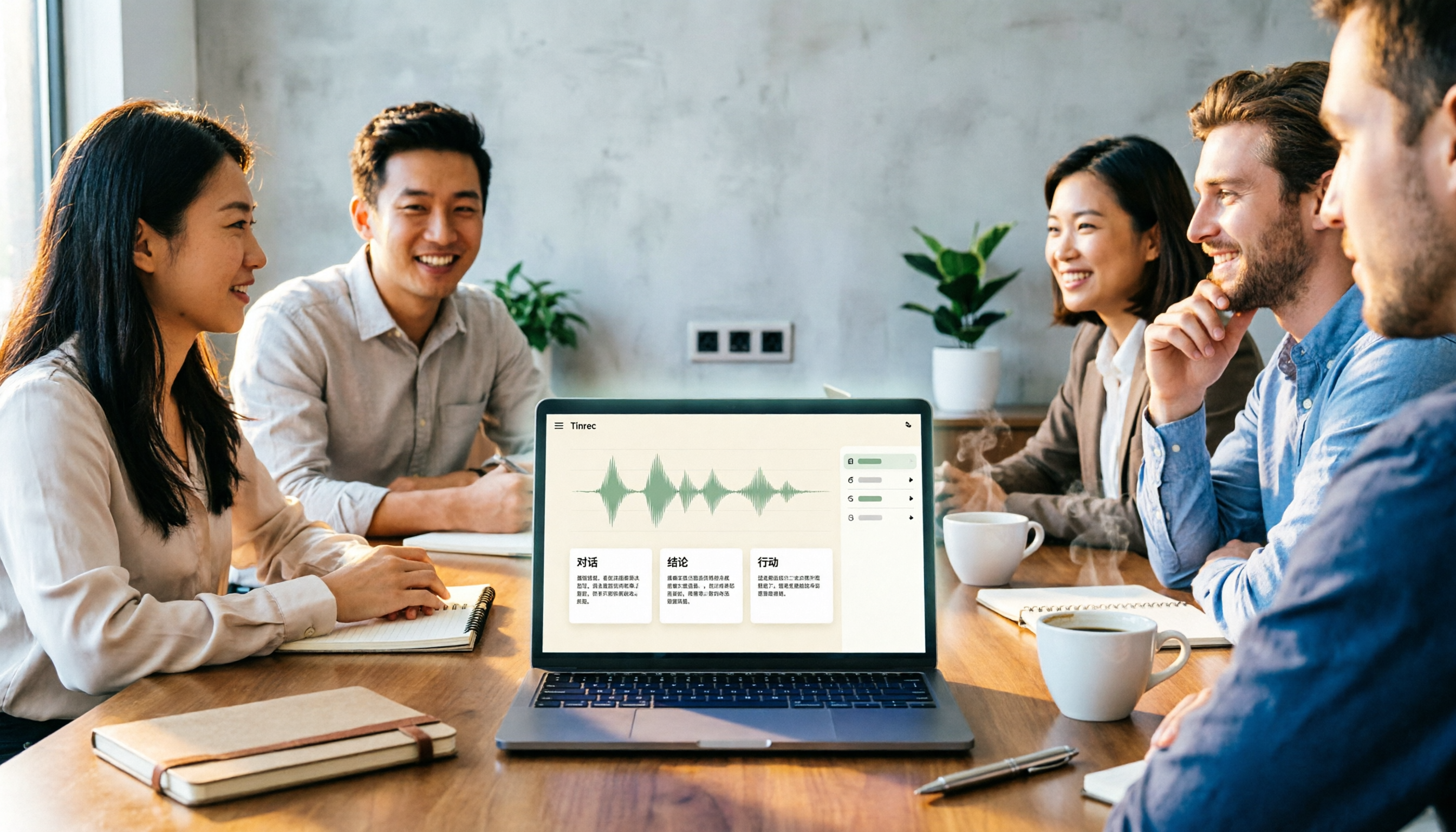
There are countless meeting notes tools, but what really matters is whether they can turn recordings into trackable conclusions and action items. This article breaks down the selection criteria using 4 common tool approaches and demonstrates Tinrec's practical use for real-time transcription, AI summaries, action item extraction, AI Q&A, and team knowledge retention, along with buying tips and FAQs.

Teams Meeting Creation: 3 Methods Tested in 2026, Tinrec Makes Post-Meeting Cleanup Easier
A comparison of three common ways to create Teams meetings: Teams calendar, Outlook calendar, and channel meetings. Covers attendee invitations, external participants, recording storage, and post-meeting data management, plus how Tinrec fits into transcription, summaries, action items, and team knowledge retention.
4 LINE Call Recording Methods Compared for 2026: How to Choose Between iPhone, Android, and Desktop
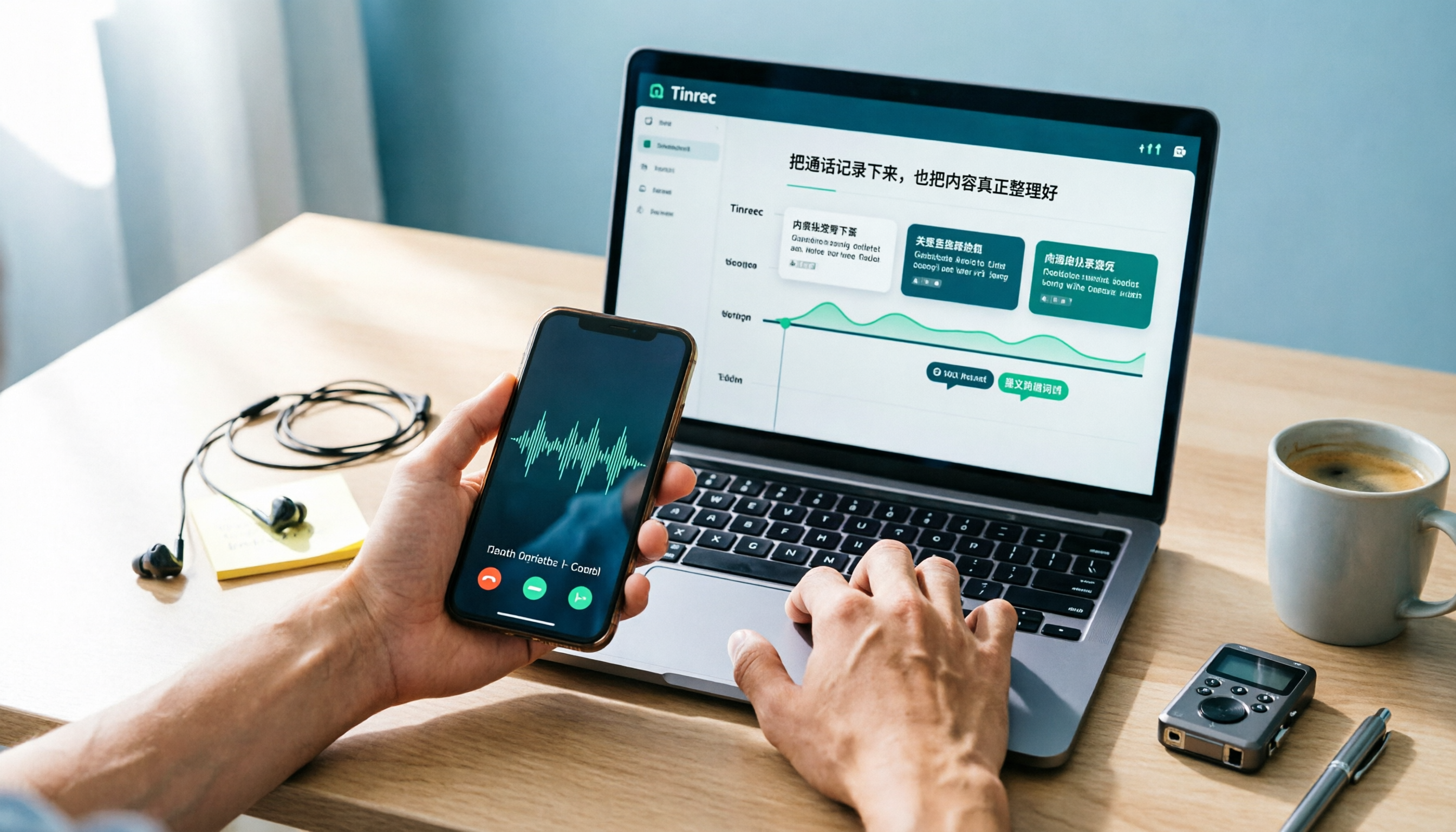
LINE doesn't have built-in call recording, but the methods fall into two layers: capturing the audio and then using it. This guide starts with the system limitations on iPhone and Android, compares screen recording, third-party call recording apps, external recording devices, and Tinrec's post-recording workflow, helping you choose the method that truly saves time.

4 Ways to Start a New Meeting in Microsoft Teams: Instant Meeting, Calendar, Channel, or Outlook — Which Is Fastest?
A comparison of four ways to start a new meeting in Microsoft Teams: Calendar Instant Meeting, Calendar New Meeting, Team Channel Instant Meeting, and the Outlook add-in. It also covers how to use Tinrec to transcribe, summarize, and capture action items after the meeting.