

Turn recordings into transcripts and summaries in minutes
Upload audio or video for multilingual transcription, AI notes, and action items
The Pain Points of Multilingual Meeting Minutes: Mixed Chinese-English, Multiple Speakers, and Time-Consuming Manual Organization
Two hours in a meeting, another two hours organizing the minutes—especially when half the meeting is in Chinese and half in English, manual typing just can't keep up. You understand what's said, but you can't write it all down; you write the English, miss the Chinese; key points are lost, and action items get attributed to the wrong people. Worse, after the meeting, you have to reorganize scattered notes into a format your boss can read.
Choosing the right tool can solve this problem. The following content will teach you how to select a multilingual meeting minutes tool and demonstrate a 5-step process from recording to bilingual (Chinese-English) meeting minutes using Tinrec.
Before Choosing a Multilingual Meeting Minutes Tool, Understand These 4 Key Points
1. Language Support and Automatic Detection
Can the tool handle Chinese, English, and even more languages simultaneously? Can it automatically switch between languages during multi-speaker, mixed Chinese-English conversations, rather than requiring manual language selection? Many tools excel at only one language and fail in mixed meetings. Tinrec supports 14 languages, and in real-world tests, it switches smoothly in mixed Chinese-English recordings without requiring you to change settings mid-meeting.
2. Post-Transcription Organization Capabilities
A verbatim transcript isn't enough. You need summaries, action items, key point extraction, and ideally the ability to ask AI questions like "What was the meeting conclusion?" If the tool only outputs text files, you've only solved half the problem. Tinrec's AI summaries, chapter organization, and AI Q&A features turn your recordings into searchable, citable data.
3. Cross-Platform and Input Sources
Meeting recordings may come from phones, computers, online meetings, or even web videos. Can the tool cover all these? Tinrec supports live recording, audio/video files, web video links, and online meeting recordings—all with one account, so you don't need to switch between multiple apps.
4. Free Tier and Pricing
Try before you buy; don't be fooled by "free." Check how many minutes the free version actually transcribes and whether there are feature limitations. Tinrec's free version offers basic transcription credits, enough to experience the full workflow; paid plans are tiered by usage frequency, suitable for occasional and heavy users.
Tinrec (Seconds Recording)—Top Choice for Multilingual Audio/Video Organization
Tinrec is an AI recording and audio/video organization tool that supports 14 languages, covering iOS, Android, and web. It doesn't just convert speech to text; it helps you organize content into searchable, summarizable, and exportable data.
Multilingual Meeting Minutes in Practice: 5 Steps to Generate Bilingual (Chinese-English) Minutes
Suppose you've just finished a 30-minute mixed Chinese-English product meeting, with some participants speaking Chinese and others English. Here's the process using Tinrec:
- Start Recording: Open the Tinrec app or web version and tap record. It automatically detects the language, so you don't need to select Chinese or English.
- Real-Time Transcription: During the meeting, the verbatim transcript displays in real time, capturing both Chinese and English. No worries if someone switches languages mid-sentence.
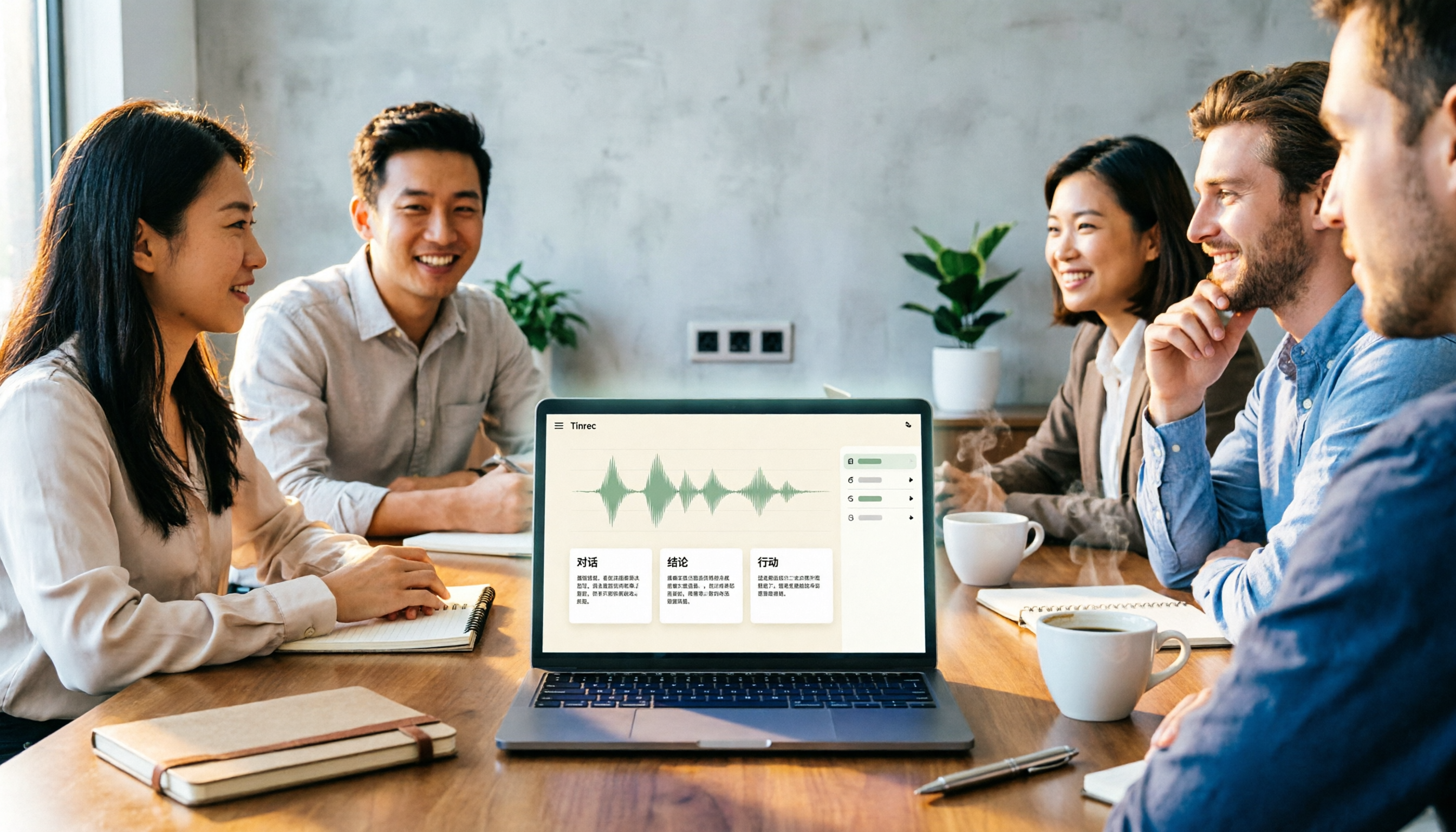
- AI-Generated Summary: After the meeting, Tinrec automatically generates a summary, chapters, and key points. You'll see structured content like "Discussion Topics," "Decisions," and "Action Items."
- AI Q&A for Details: If you want to confirm a decision, just ask Tinrec: "Who mentioned the budget earlier?" It answers based on semantic understanding, not just keyword search results.
- Export and Apply Templates: Export the meeting minutes as Word, Markdown, or sync to Notion, then apply your company's template to produce formal minutes in minutes.
Sample Bilingual (Chinese-English) Meeting Minutes Output (simulated content)
Stop organizing recordings by hand
Upload audio or video and automatically get a transcript, summary, and action items
Meeting Topic: Q3 Product Planning
Summary: The team confirmed the launch of a multilingual interface in Q3, prioritizing Chinese and English. Marketing budget increases by 20%, primarily targeting the Asian market.
Decisions: Complete multilingual UI development by end of September; marketing materials must be bilingual.
Action Items:
- Product Manager: Coordinate development resources and complete multilingual requirements document (Owner: Alice, Due: 7/15)
- Designer: Update UI design mockups, including Chinese and English layouts (Owner: Ben, Due: 7/20)
- Marketing: Plan bilingual ad creatives (Owner: Carol, Due: 7/25)
These minutes are not a verbatim transcript but an actionable summary refined by Tinrec based on the discussion. You only need to quickly verify important numbers and proper nouns before sending it to your team.
Pros:
- Comprehensive Multilingual Support: 14 languages, tested smoothly in mixed Chinese-English meetings, with no issues of switching between Chinese and English.
- AI Q&A is Extremely Useful: After recording, you can ask follow-up questions without replaying the entire recording. Competitors at the same price point rarely have this feature.
- Wide Range of Input Sources: Not just meeting recordings—course audio, interviews, and YouTube videos can all be organized using the same workflow.
- Free Tier to Experience: Monthly basic transcription credits are enough to test the full features before deciding to upgrade.
Cons:
- The free tier has limited credits; heavy users will need to pay. However, for those who meet 2-3 times a week, the free tier is sufficient for evaluation purposes.
- AI summaries may miss details or misinterpret proper nouns; it's recommended to cross-check important decisions against the original transcript.
Who It's For: People who frequently handle mixed Chinese-English meetings, courses, or interviews; teams that need to turn recordings into a searchable database; users who don't want to be locked into a single meeting platform.
Beyond Tinrec: What Other Options Are There?
Otter.ai: The ace for English meetings, with 300 minutes of transcription in the free version, great for all-English teams. However, its Chinese support is weak, and mixed Chinese-English meetings are prone to errors. If you only need to record English meetings, Otter is a decent alternative; but if you need multilingual organization, Tinrec is more comprehensive.
Notta: Strong in transcription and translation, suitable for users who need large-scale file-to-text and subtitles. But its strength is "transcription," not "organization"; AI Q&A and meeting minutes generation are less flexible than Tinrec. Plus, the free version only offers 120 minutes, so you'll need to pay for a full experience.
Pitfall Guide: 3 Common Mistakes in Multilingual Meeting Minutes
Pitfall 1: Only Looking at the Number of Supported Languages, Ignoring Automatic Mixed Transcription
Many tools claim to support 100+ languages, but they choke on mixed Chinese-English sentences, even requiring manual language switching. In practice, you'll find yourself spending more than half the time adjusting settings. Before choosing a tool, test it with a mixed Chinese-English recording.
Pitfall 2: Only Pursuing Verbatim Transcripts, Not Valuing Summaries and Action Items
Verbatim transcripts are thorough, but your boss won't read a 30-page text file. You need structured minutes: what was discussed, what was decided, and who is responsible for what. If the tool only outputs transcripts, you'll still have to spend time organizing them yourself.
Pitfall 3: Ignoring Cross-Platform and Export Capabilities
You record on your iPhone today and organize on your computer tomorrow. If the tool doesn't support cross-platform sync or export to common formats, you'll be trapped in a single ecosystem. Choose a tool that can export to Word, Markdown, or sync to Notion to truly integrate into your workflow.
Summary: Which One Should You Choose?
If you need to handle multilingual meetings, courses, or interviews, and want to generate summaries, action items, and even use AI Q&A to find key points after recording, Tinrec is currently the most complete choice.
- Mixed Chinese-English meetings, multilingual courses → Tinrec (14 languages, automatic detection and switching)
- Want to use AI to find key points after recording → Tinrec (AI Q&A feature, rare among competitors)
- Need to organize YouTube videos, interview recordings in addition to meetings → Tinrec (widest range of input sources)
- Zero budget, only recording English meetings → Otter.ai (free 300 minutes, but weak Chinese support)
We recommend downloading Tinrec's free version and testing the full workflow with a real mixed Chinese-English meeting. Upgrade only if you find it useful—no need to pay upfront.
References
- 2026 Latest 9 AI Automatic Meeting Minutes Software Recommendations: Solving Summary and Transcript Pain Points - Seconds Recording Blog
- Meeting Minutes Examples | Meeting Minutes Format Templates (Chinese-English) | Subanana | Subanana
- Free Meeting Minutes Templates (Word, Google Docs, PDF) | HiNoter Blog
- With Meeting Minutes Templates! Common English Meeting Minutes / International Meeting Minutes! | NativeCamp. Blog
- 評比-詞目 - Ministry of Education Taiwan Taiwanese Hokkien Commonly Used Dictionary
Turn every recording into actionable outcomes
Get 60 free transcription minutes when you sign in. No credit card required.
Related Reading
You might also like
2026 Comparison of 4 Meeting Notes Tools: Which Free Version Is Good Enough?
There are countless meeting notes tools, but what really matters is whether they can turn recordings into trackable conclusions and action items. This article breaks down the selection criteria using 4 common tool approaches and demonstrates Tinrec's practical use for real-time transcription, AI summaries, action item extraction, AI Q&A, and team knowledge retention, along with buying tips and FAQs.

Teams Meeting Creation: 3 Methods Tested in 2026, Tinrec Makes Post-Meeting Cleanup Easier
A comparison of three common ways to create Teams meetings: Teams calendar, Outlook calendar, and channel meetings. Covers attendee invitations, external participants, recording storage, and post-meeting data management, plus how Tinrec fits into transcription, summaries, action items, and team knowledge retention.

4 LINE Call Recording Methods Compared for 2026: How to Choose Between iPhone, Android, and Desktop
LINE doesn't have built-in call recording, but the methods fall into two layers: capturing the audio and then using it. This guide starts with the system limitations on iPhone and Android, compares screen recording, third-party call recording apps, external recording devices, and Tinrec's post-recording workflow, helping you choose the method that truly saves time.

4 Ways to Start a New Meeting in Microsoft Teams: Instant Meeting, Calendar, Channel, or Outlook — Which Is Fastest?
A comparison of four ways to start a new meeting in Microsoft Teams: Calendar Instant Meeting, Calendar New Meeting, Team Channel Instant Meeting, and the Outlook add-in. It also covers how to use Tinrec to transcribe, summarize, and capture action items after the meeting.

5 LINE Call Recording Methods Tested for 2026: Which One Turns Calls into Meeting Notes?
LINE doesn't have built-in call recording, but many important workplace conversations happen over LINE calls. Based on my real needs leading a team, this article covers 5 ways to record LINE calls on iPhone, Android, and desktop, comparing audio quality, whether both sides are captured, and whether recordings can become transcripts and action items. It concludes with which method best suits professionals juggling a dozen meetings a week.

4 Recommended LINE Call Recording Solutions for 2026: iPhone, Android, and Computer Explained
LINE does not have built-in call recording, but there are solutions for iPhone, Android, and computer. Based on real needs from student projects and interviews, this article covers 4 recording methods, 4 key considerations before recording, 5 common pitfalls, and a hands-on test of using Tinrec to turn call audio into transcripts, summaries, and action items.

3 LINE Voice Message Download Methods Tested: Phone, Computer, and Tinrec Workflow (2026)
How do you download LINE voice messages? This guide covers saving voice messages on phone and computer, plus how to use Tinrec to transcribe, summarize, and extract action items so your recordings don't just sit in a folder.

2026 Outlook Add Teams Meeting Tools Comparison: Which Saves More Time from Scheduling to Minutes?
Adding a Teams meeting in Outlook looks like just a button click, but what really trips people up is version differences, drafts without links, and that hour of post-meeting cleanup. This article tackles three common misconceptions, walks you through the complete process from scheduling to minutes, and tests how Tinrec turns Teams meeting content into searchable, queryable data.

4 LINE Voice Message Download & Organization Tools Tested in 2026: After You Save Them, Which One Actually Helps You Find the Key Points?
How do you download LINE voice messages? This guide first explains the steps for saving them on desktop via "Save As" and on mobile by transferring through Keep to the Files app, then tests and compares 4 ways to organize them after download, including Tinrec, Otter.ai, Notta, and TurboScribe, to help you decide which one truly turns voice into searchable, quotable data.