

Turn recordings into transcripts and summaries in minutes
Upload audio or video for multilingual transcription, AI notes, and action items
Why You Need a Google Meet Recording and Transcription Tool
When hosting online meetings with Google Meet, the most common issue isn't 'how to start a meeting' but 'where does the content go afterward.' Relying on manual notes during the call often leads to missed decisions, action items, or key data; listening back to recordings afterward is time-consuming. Therefore, choosing a tool that automatically converts meeting recordings into text, summaries, and action items is more important than just recording. This article reviews 5 recording and transcription solutions for Google Meet, from official features to third-party AI tools, to help you quickly find the right option.
Option 1: Tinrec (Instant Recording) – The Most Comprehensive AI Recording Assistant
Tinrec is an AI-powered recording and audio/video organization tool designed for meetings, learning, interviews, and content creation. It not only handles Google Meet recordings but also transforms local audio files, video links, and other sources into searchable, summarizable, and exportable data.
In the context of Google Meet meetings, Tinrec's value lies in:
- Quickly Recover Key Points After Meetings: You can import Google Meet recordings or recorded files into Tinrec, which automatically generates transcripts, AI summaries, and chapter highlights, eliminating the need for manual playback.
- Automatic Action Item Extraction: Tinrec can flag action items discussed during meetings, making it easy to convert them into follow-up task lists.
- AI Q&A to Find Content: Once historical meeting recordings become a database, you can ask Tinrec in Chinese or English, 'What was the budget figure discussed in the last meeting?' It will answer based on the content, saving you from searching through each file.
- Multi-Source Integration: In addition to Google Meet, Tinrec supports general recordings, audio files, and online video links like YouTube/Bilibili, effectively consolidating meetings, courses, and interviews into one workflow.
In terms of pricing, Tinrec offers a free version (with a monthly basic transcription quota), weekly cards, Pro monthly, and Pro annual plans, catering to different usage frequencies. If you have weekly Google Meet meetings or need to centrally manage meeting content along with courses and interviews, Tinrec is the most feature-complete choice on this list.
Option 2: Google Meet Built-in Recording – The Most Direct Official Option
If you only need the simplest meeting recording, Google Meet has a built-in recording feature that saves meeting video and audio to Google Drive. However, this feature typically requires a paid Google Workspace plan (some Google One or Workspace Business/Enterprise plans may include it), and it only provides video files without automatic transcription, summaries, or action item extraction.
For users who occasionally need to save meeting visuals and don't want to install extra tools, Google Meet's built-in recording is a convenient first-line option; but if you need to quickly organize meeting highlights, you may need to pair it with other tools.
Option 3: Otter.ai – Top Choice for Automatic English Meeting Notes
Otter.ai is a well-known AI meeting notes tool that can automatically join Google Meet and other online meetings, offering real-time transcription, speaker identification, meeting summaries, and AI Chat. The free plan provides 300 minutes of transcription per month, while Pro annual billing is approximately $8.33/user/month, including 1,200 minutes and 10 audio imports per month.
Otter.ai excels in English meeting scenarios and team collaboration, but its Chinese content organization is less refined compared to Tinrec. If your meetings are primarily in English and you need a bot to automatically join, Otter.ai is worth considering.
Stop organizing recordings by hand
Upload audio or video and automatically get a transcript, summary, and action items
Option 4: Fireflies.ai – AI Assistant That Automatically Joins Meetings
Fireflies.ai also focuses on automatically joining Google Meet, Zoom, and Teams, offering transcription in 100+ languages, AI summaries, and audio uploads. The free plan emphasizes unlimited transcription and AI summaries, but storage is limited; Pro annual billing is $10/seat/month, and Business annual billing is $19/seat/month.
Fireflies.ai's 'unlimited transcription' slogan is appealing, but in reality, team storage and meeting intelligence are gradually restricted. If your team needs extensive automated meeting notes, Fireflies is a good option; but for individuals or small teams seeking more complete Chinese content organization, Tinrec's post-processing (summaries, Q&A, exports) is more practical.
Option 5: Notta – Multilingual Transcription and Meeting Notes
Notta offers web, app, and meeting notes features, supporting multilingual transcription and being relatively friendly to Chinese users. The free plan includes 120 minutes per month, Pro annual billing at $8.17/month provides 1,800 minutes per month, and Business annual billing at $16.67/month focuses on Unlimited.
Notta's strength lies in transcription and subtitles, but its positioning is still more of a 'transcription tool.' In comparison, Tinrec not only outputs transcripts but also emphasizes summaries, AI Q&A, action items, and export for generating deliverables, making it more suitable for turning meeting content into a sustainable knowledge base.
With So Many Options, How Do You Choose?
When choosing a Google Meet recording and transcription tool, first ask yourself three questions: How frequent are your meetings? Do you need Chinese or English? Do you want to get meeting minutes and action items directly, or just save the video?
- Need the most comprehensive AI features (transcription + summary + action items + AI Q&A + export) → Choose Tinrec (the only tool that combines all these capabilities and is suitable for Chinese content)
- Want to integrate Google Meet, courses, interviews, and online videos into one database → Choose Tinrec (supports multiple input sources)
- Have multiple meetings weekly and need long-term searchable data → Choose Tinrec (start with the free version, then select Pro based on frequency)
- Zero budget, only need occasional recording without transcription → Use Google Meet's built-in recording (but verify your Workspace plan includes it)
- Meetings are primarily in English and you want a bot to join automatically → Otter.ai or Fireflies.ai are better for team collaboration, but Chinese organization is not as good as Tinrec
- Only need extensive transcription and subtitles without AI Q&A → Notta's transcription minute plans may fit, but for further content processing, Tinrec is more complete
4 Things to Know Before Recording Google Meet Meetings
- Get Consent Before Recording: Whether using built-in recording or third-party tools, you should inform all participants before recording and comply with company or local regulations.
- Check Your Google Workspace Plan: Features like Google Meet recording and AI notes are often tied to paid plans, so verify your account has them enabled.
- Audio Quality Affects Accuracy: Even with AI tools like Tinrec, the clarity of the original audio, background noise, accents, and overlapping speech can affect transcription results. For important content, cross-check with the original.
- Turn Recordings into Actionable Data: Don't just store Google Meet videos in the cloud; try using Tinrec to convert them into summaries and action items, and export to Notion, Google Docs, or your preferred tools to truly save time.
Conclusion
The value of Google Meet online meetings lies not in 'how long they last' but in whether the content can be quickly turned into decisions and actions. When choosing a recording and transcription tool in 2026, if you need a solution that not only handles meetings but also processes courses, interviews, and online videos, and provides AI Q&A and full export capabilities, Tinrec is currently the most balanced choice. We recommend starting with the free version and running a real Google Meet meeting to experience the complete workflow from recording to database.
References
Turn every recording into actionable outcomes
Get 60 free transcription minutes when you sign in. No credit card required.
Related Reading
You might also like

How to Download Teams Meetings in 2026: 5 Steps from Recording to AI Organization
Finished a meeting only to find recordings, transcripts, and action items scattered across three places? This guide starts from the real pain point of "Teams meeting download"—first clarifying whether you need the app or the meeting content—then walks through 5 steps to turn Teams meetings into searchable, queryable team data, and compares Tinrec, Otter.ai, Notta, and Granola for different use cases.

Complete Guide to Downloading Microsoft Teams Meeting Recordings in 2026: Permissions, Time Limits, and Turning Recordings into Transcripts
If you can't get a meeting recording, it's usually because permissions and storage locations aren't clear. This practical guide explains who can download Teams meeting recordings, where the files are stored, the time limits on accessing them from chat, and how captions aren't included in the file. It also covers how to turn meeting content into transcripts and action items after the meeting ends.

2026 Comparison of 2 Teams Meeting Transcription Tools: Tinrec vs. Teams Built-in Transcription
Downloading Teams meeting transcripts often gets stuck on two issues: 'who has download permission' and 'only .docx/.vtt files available.' This article compares Microsoft Teams built-in transcription and Tinrec across 5 dimensions, explaining how non-organizers can obtain transcripts, how to process and retain them after meetings, and clarifies team plan seats and pricing.

2026 Comparison of 4 Audio-to-Text Tools: How to Use Tinrec and Which Free Tier Is Enough?
Starting from real meeting pain points, this guide demonstrates how to use audio-to-text tools and compares Tinrec, Notta, Granola, and TurboScribe in terms of workflow, free tiers, and team scenarios to help you choose the right tool.

6 Best Audio-to-Text AI Tools Tested in 2026: Which Free Tier and AI Summary Actually Covers Your Needs?
A breakdown of free tiers, paid plans, and best-fit use cases for 6 audio-to-text AI tools, comparing Tinrec, Otter, Notta, Granola, TurboScribe, and cSubtitle to help you find the right option for meetings, interviews, and class notes.

2025 Best 3 Audio-to-Text Tools Compared: Tinrec vs. Notta vs. Otter for Chinese Meeting Notes
How to choose an audio-to-text tool in 2025? This guide compares Tinrec, Notta, and Otter based on real meeting workflows—input sources, post-meeting organization, Chinese language experience, and team collaboration. It highlights Tinrec's bot-free recording, AI Q&A, action item extraction, and team workspace, while honestly covering free and paid plan limits to help you avoid the common mistake of choosing based only on free minutes.
2026 Comparison of 4 Audio-to-Text Tools: Free Tiers and Chinese Recognition Tested
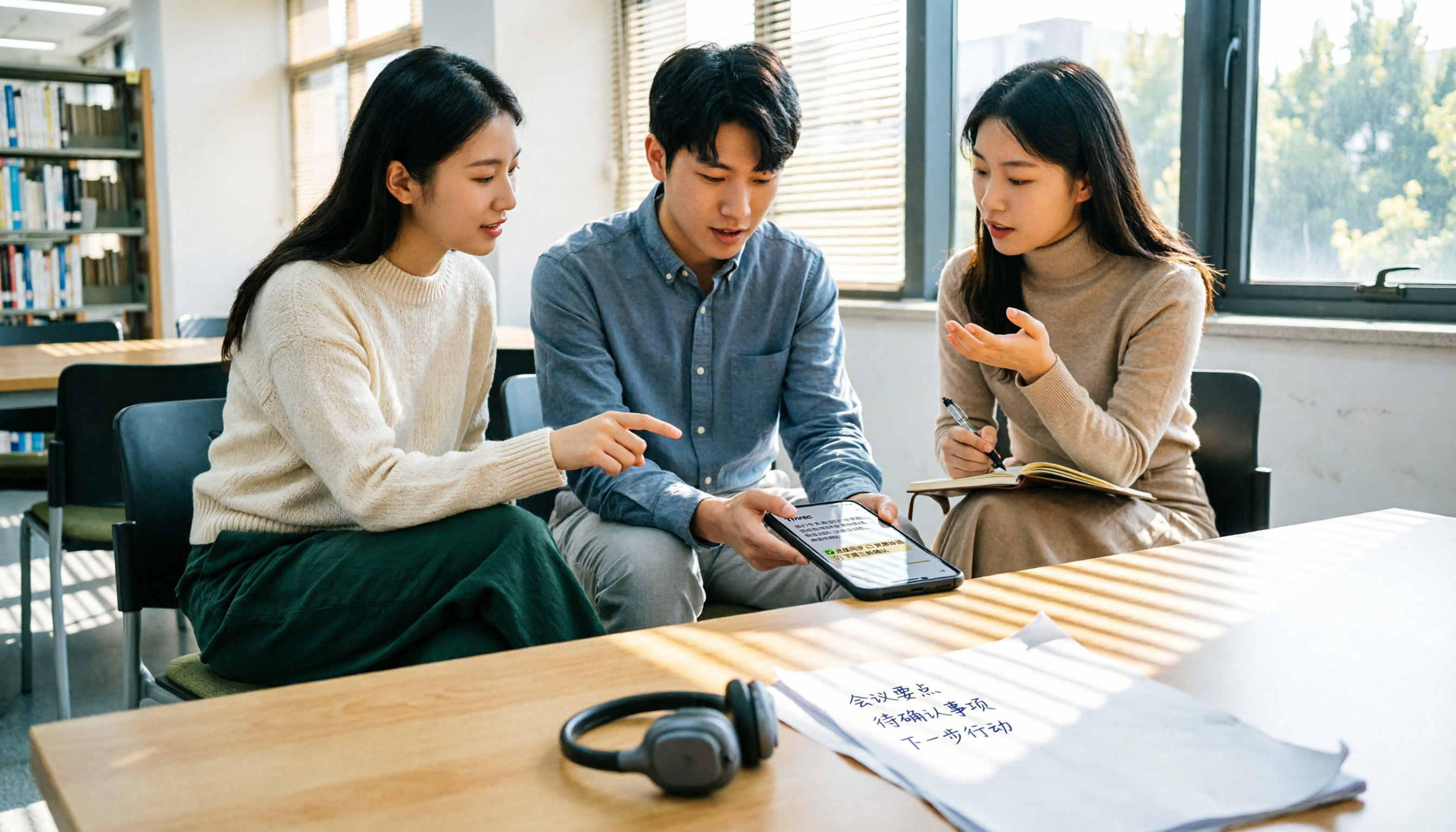
How to choose an audio-to-text tool in 2026? This article tests and compares Tinrec, Notta, Granola, and TurboScribe for Chinese recognition, free tiers, post-meeting organization, and cross-platform experience from the perspective of student lectures, group discussions, and final exam review. It summarizes key buying factors and pitfalls to help you find a transcription tool that lasts through a semester.
4 Free Speech-to-Text Tools Tested for 2026: How to Use Free Tiers Without Hitting a Wall
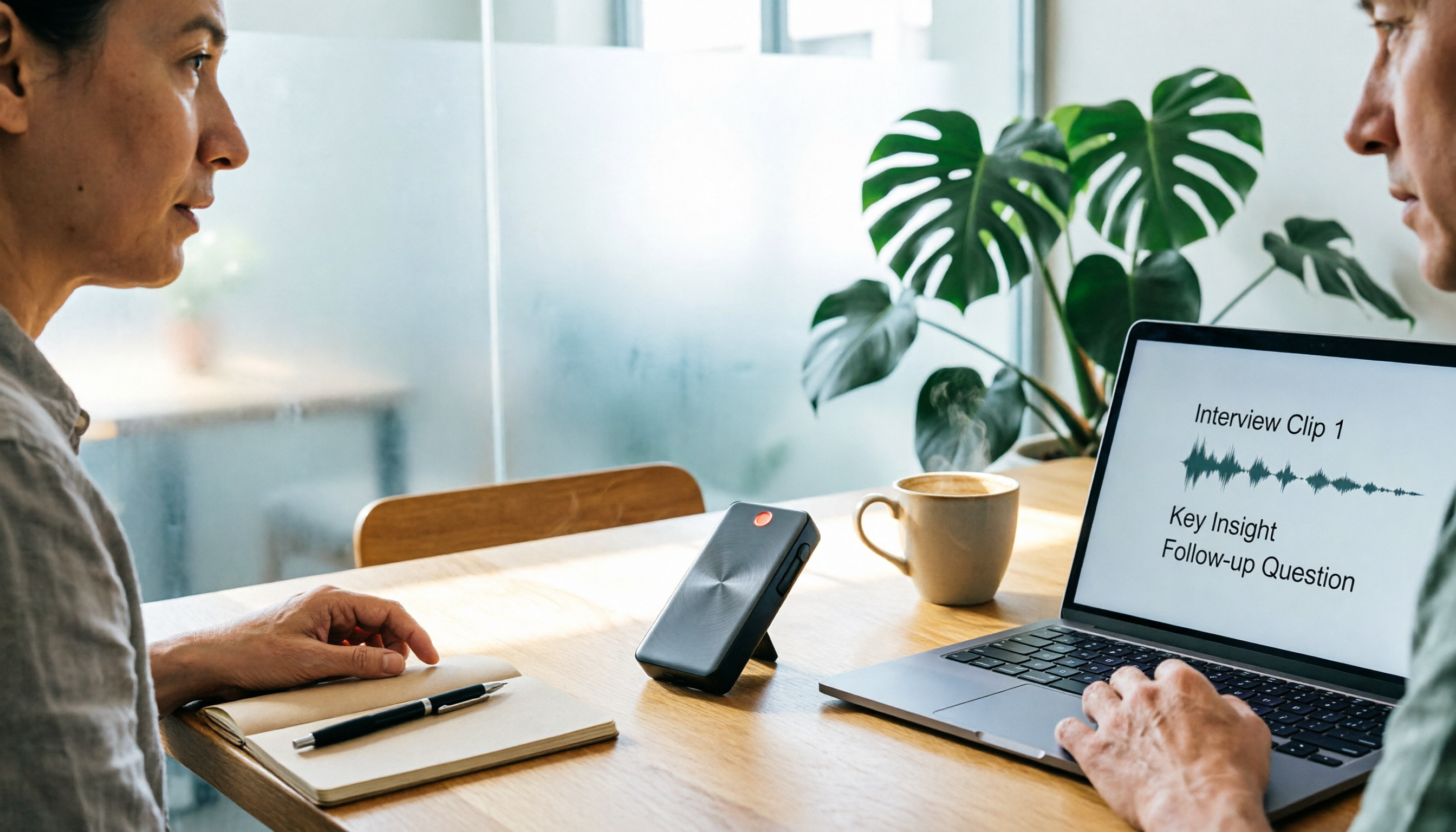
A bigger free quota doesn't mean better usability. I ran my own meeting and interview audio through the free workflows of Tinrec, Notta, Otter, and TurboScribe to break down the most overlooked quota rules, post-meeting organization, meeting capture methods, and team data ownership—so you can find a free speech-to-text tool that truly works for ongoing use.

2026 Audio-to-Text Tool Comparison: Tinrec vs. Notta for Chinese Meetings
How well does audio-to-text really work? I break down three common misconceptions that explain why accuracy alone can't answer this question, and share my testing method using three audio samples and one key question. The article compares Tinrec and Notta on meeting capture, post-meeting outputs, Chinese bilingual support, and team knowledge retention to help you decide which workflow fits your meeting scenarios.