

Turn recordings into transcripts and summaries in minutes
Upload audio or video for multilingual transcription, AI notes, and action items
What is Tinrec?
Tinrec is an AI recording and audio/video organization tool that integrates real-time recording-to-text, uploading audio files for transcription, and parsing online video links. We tested 5 popular AI meeting note tools, comparing free plans, feature richness, Chinese speech recognition, and export options. Honestly, not every tool is suitable for users in Taiwan, but Tinrec is one of the few that can handle meetings, lectures, interviews, and online videos simultaneously.
It supports iOS, Android, and web versions, with a basic monthly transcription quota on the free plan, allowing you to experience core features. It is suitable for office workers, students, researchers, and content creators.
What Can Tinrec Do for You?
Scenario 1: Get meeting minutes 5 minutes after the meeting ends Previously, after a two-hour meeting, you might spend another hour organizing the minutes. With Tinrec, for example, by the time the meeting ends, the AI has already generated a summary, conclusions, and action items, showing who is responsible for what and deadlines at a glance.
Scenario 2: Turn lecture recordings into review notes Students record the teacher's lecture, upload it to Tinrec, and it automatically transcribes it and organizes it into chapters and key points. When reviewing, you don't have to listen from start to finish; just look at the organized notes.
Scenario 3: Quickly turn interview recordings into quotable material After an interview, researchers can use Tinrec's AI Q&A feature to ask, "What did the interviewee think about the product pricing?" Tinrec answers based on the transcript, so you don't have to search through it manually.
Scenario 4: Turn YouTube videos into text summaries Paste the video link, and Tinrec can transcribe it and generate a summary. For those who need to absorb a lot of video content, this really saves time.
What Are Tinrec's Core Capabilities?
Real-time transcription: Generates text while recording, not after. Tinrec's real-time transcription has low latency, so you can follow along with the text during meetings to confirm key points.
AI semantic summarization: Instead of condensing the transcript into a single paragraph, it organizes it structurally—meeting topic, discussion conclusions, action items, and responsible persons are listed separately. This is much more practical than a simple transcript.
Chapter organization: Divides long audio into structured sections for easy navigation and browsing. For a 2-hour lecture, you can jump directly to chapter 3 to review key points.
AI Q&A: After transcription, you can ask Tinrec questions directly—"Who mentioned the budget in the meeting?" "What was the client's feedback on the new proposal?" It answers based on semantic understanding.
Multi-format export: You can export the organized results to tools like Notion, Google Docs, and OneNote for further use.
Practical Use Cases
Meeting minutes: Open Tinrec during a meeting for real-time recording, and it automatically generates a summary and action items afterward, which you can send directly to team members.
Class notes: Record the entire class, upload it, and it organizes it into chapters and key points, making exam review easier.
Interview research: After transcribing interview recordings, use AI Q&A to quickly find key insights, saving a lot of manual annotation time.
Stop organizing recordings by hand
Upload audio or video and automatically get a transcript, summary, and action items
Content creation: Drop YouTube videos or podcast audio files into Tinrec, get text material, and then develop articles or scripts based on the summary.
5 Things to Consider When Choosing an AI Meeting Note Tool
Accuracy: Don't just look at official claims. Try it with your own recordings. Tinrec performs well with clear audio, but accuracy decreases when multiple people speak simultaneously or there is background noise.
AI features: Transcription is just the first step; whether it can help you organize afterward is key. Tinrec's AI summary and Q&A features can save you time on follow-up organization.
Language support: If you need Chinese meeting minutes, note that not every tool is familiar with Taiwanese usage. Tinrec's product content and use cases clearly cover Chinese and Traditional Chinese, making it suitable for Chinese content organization.
Cross-platform: Make sure the tool supports the devices you use. Tinrec has iOS, Android, and web versions, so you can use it on both phone and computer.
Pricing and limitations: The free plan has limited quotas, so you can try it first. If you have meetings or classes every week, the Pro plan is more cost-effective.
Frequently Asked Questions
Q: Is the Tinrec free plan sufficient? A: The free plan includes a basic monthly transcription quota, suitable for occasional use. If you're just trying it out, the free plan is more than enough; but for heavy users, a paid plan is recommended.
Q: What languages does Tinrec support? A: Tinrec supports multiple languages, including Chinese and Traditional Chinese. Actual transcription quality may be affected by audio quality, accents, and terminology, so it's advisable to check important content against the original.
Q: Can I upload YouTube links for transcription? A: Yes, Tinrec supports pasting public video links for transcription. Please note that you should comply with platform rules and copyright requirements.
Q: How do I share meeting minutes with my team? A: Tinrec can export to various formats and sync to tools like Notion and Google Docs for team collaboration.
Q: How is it different from tools that only do meeting minutes? A: Tinrec handles not only meetings but also lectures, interviews, podcasts, and online videos. It emphasizes post-transcription organization and usage, such as summaries, Q&A, and export.
Conclusion
AI meeting note tools are not new, but choosing the right one can really save a lot of time. Tinrec's strengths lie in its broad coverage of scenarios, Chinese support, and comprehensive AI organization features, with a low barrier to entry for the free plan, making it ideal for those trying AI meeting notes for the first time. If you have more than 3 meetings a week or need to organize a lot of audio/video material, we recommend trying Tinrec, starting with the free plan.
References
- AI Meeting Minutes Software Recommendations: 5 Apps Tested and Compared, Auto-Transcribe to Make Meetings Easy!
- Meeting Ink - 2026 AI Meeting Notes Tools Tested: 7 Speech-to-Text and Summarization Speed Showdown | Meeting Ink - AI Meeting Notes Assistant Auto-Transcribe and Summarize Meeting Minutes
- Recently, many people have asked me if there's an AI tool for meeting notes. They still type manually, often unable to multitask, and it's quite time-consuming. My answer is always — SeaMeet. Why do I recommend it? Let me summarize the key points: - Integrates with Google Meet, transcribes online meetings in real-time with instant summaries, super convenient. - No need to reorganize; after the meeting, it sends an email directly to all participants. - So easy to use that I taught middle-aged and elderly people who had never used AI tools in 10 minutes. - For in-person meetings...
- The Most Recommended AI Meeting Minutes Tool in 2026: The Essential Tool for Saving Time and Effort in Meetings!
- How to Choose AI Meeting Notes? Notion AI, Claude, ChatGPT Three-Way Test Comparison 2026
Turn every recording into actionable outcomes
Get 60 free transcription minutes when you sign in. No credit card required.
Related Reading
You might also like
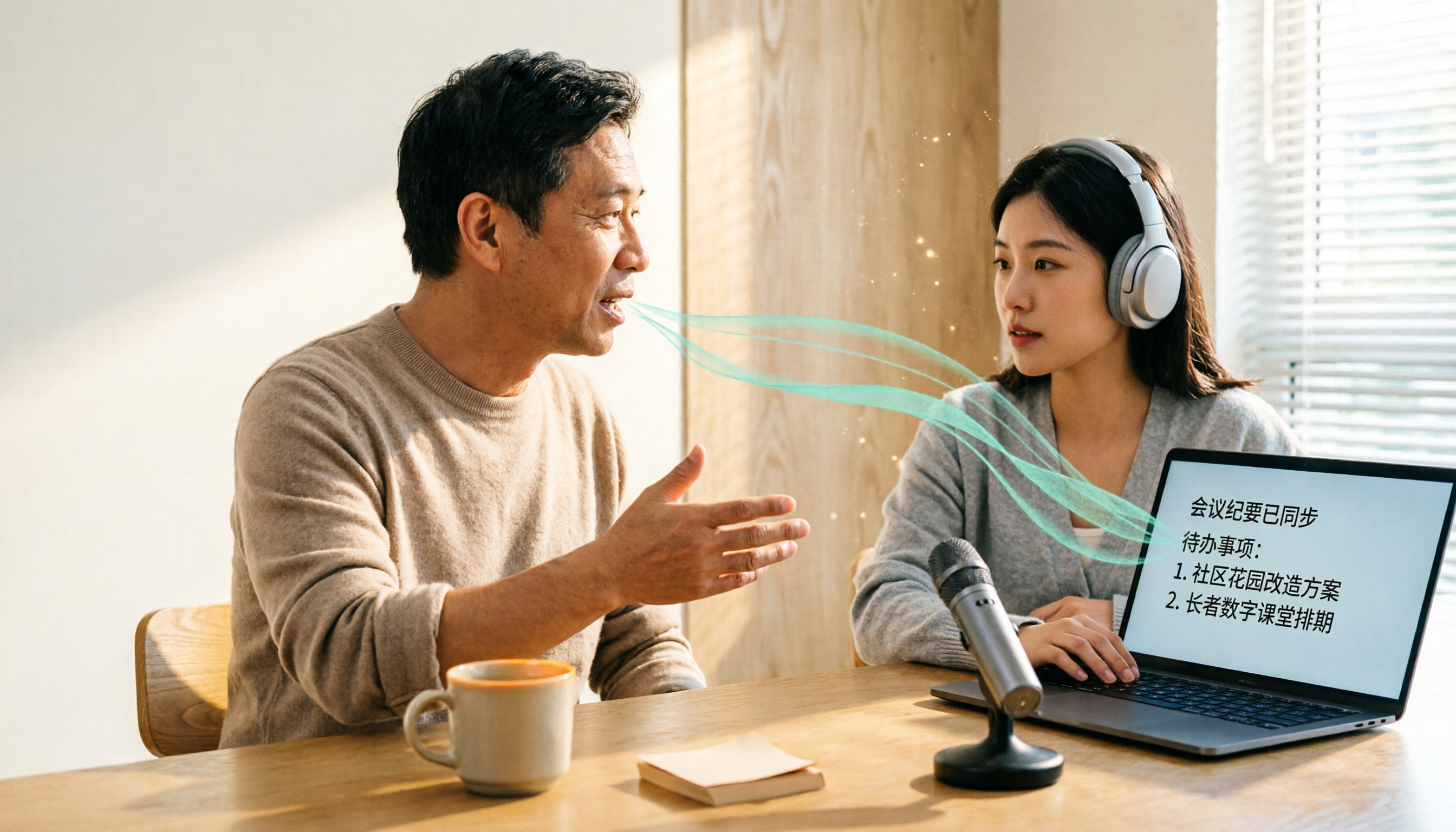
How to Do Dialect Speech Recognition in 2026: A 5-Step Practical Guide
Dialect speech recognition isn't solved by buying a tool with a 'supports dialects' label. This article starts with common misconceptions, breaks down 4 key purchasing criteria, tests Tinrec's Chinese meeting workflow, compares Otter.ai, Notta, and Granola in positioning and pricing, and concludes with scenario-based recommendations.
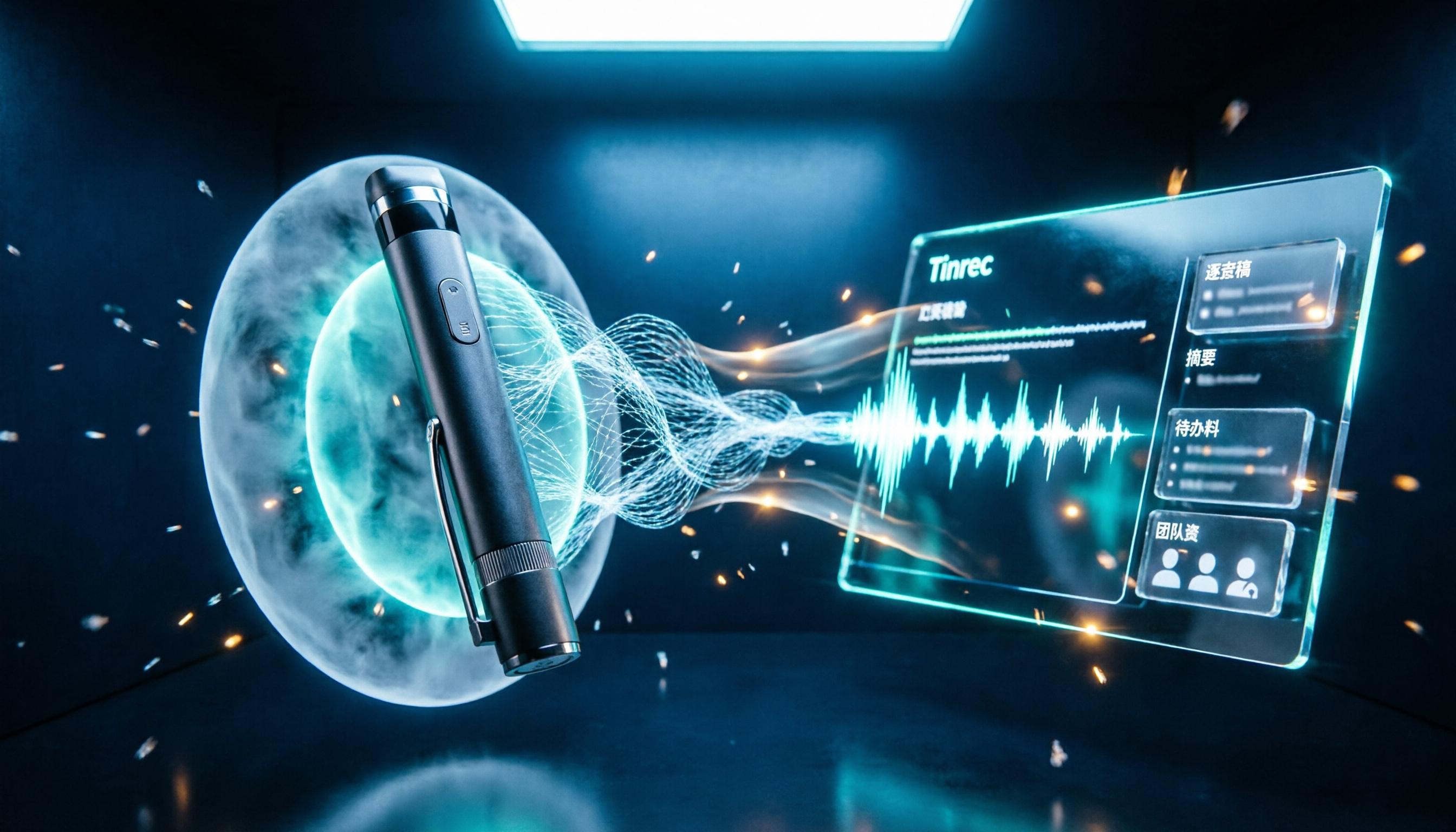
2026 Voice Recorder Noise Cancellation Guide: 3-Layer Tech + AI Post-Recording Organization
Noise cancellation for voice recorders isn't just about levels. This article breaks down the three layers of noise reduction—physical isolation, hardware DSP, and AI algorithms—and explains what to look for when buying: microphones, formats, battery life, and post-recording organization. It also shows how Tinrec turns recordings into transcripts, summaries, action items, and team data.

2026 Comparison of 4 Taiwanese Speech-to-Text Tools: Accuracy Isn't Everything—Look at Post-Meeting Workflow First
Starting from a real interview recording mixed with Mandarin and Taiwanese, this article compares the actual workflows of Tinrec, Otter.ai, Yating Transcription, and TurboScribe for Taiwanese speech-to-text. It goes beyond transcription to examine automatic summarization, action item extraction, follow-up questions, and suitability for team knowledge retention.

Tinrec vs Notta 2026: 5-Dimension Comparison — Which Is Better for Dialect and Multilingual Meeting Notes?
The real challenge with dialect translation isn't just getting a translation — it's keeping it, searching it, and handing it off. This article compares Tinrec and Notta across five practical dimensions, explains how to choose a tool for mixed-language meetings, how to avoid common transcription mistakes, and includes a step-by-step starter checklist you can follow.

2026 Comparison of 3 Taiwanese Hokkien Speech Recognition and Pronunciation Tools: How to Choose for Word Lookup, Pronunciation Practice, and Post-Meeting Organization
Taiwanese Hokkien speech recognition is not just about converting sound to text; it also involves handling tone sandhi, nasalized vowels, and accent variations. This article compares the practical uses of Tinrec, iTaigi, and Moedict to help you distinguish between word lookup and pronunciation practice, meeting transcripts, and team post-meeting organization, and summarizes key points for purchasing and avoiding pitfalls.

How to Choose a Voice Recorder Capacity in 2026: 5 Steps from Large-Capacity Recording to AI Meeting Notes
Bought a voice recorder advertised with large capacity, only to find you can store the files but can't organize them? This article examines whether large-capacity voice recorders are truly sufficient from four angles: capacity, battery life, file management, and post-meeting organization. It walks through 5 steps to turn recordings into searchable, queryable meeting notes. It also compares Tinrec with PLAUD, Otter, Notta, and other tools.

2026 Comparison of 3 Hakka Speech Recognition and Post-Meeting Tools: How to Match Six-Accent Support with Meeting Follow-Up?
How to choose Hakka speech recognition? This article examines four key criteria: accent support, audio file upload, post-meeting processing, and team data. It compares Gohakka, a Taiwan Hakka-specific tool; the Council of Hakka Affairs' Taiwan Hakka Speech Database online real-time translation; and Tinrec, which handles post-meeting organization and team follow-up. It also summarizes three common pitfalls and offers scenario-based selection advice.

2026 Comparison of 3 Taiwanese Speech-to-Text Tools: Which Is Easier from Transcript to Meeting Minutes?
How to choose a Taiwanese speech-to-text tool? This article compares Tinrec, Yating Transcript, and AI Taiwanese Voice Notes from two scenarios: pure Taiwanese interviews and Mandarin-Taiwanese mixed meetings. It examines language processing, recording sources, post-meeting organization, team collaboration, and pricing to help you decide which tool suits your recordings, with free tier details and testing advice.

2026 Real-World Test of 5 Chinese-Korean Live Translation Tools: Beyond Travel—Which One Can Capture Your Meetings?
Live translation solves the problem of understanding in the moment, but often leaves you with nothing after the meeting. Based on real cross-language meeting and business communication scenarios, this article outlines 4 key factors for choosing a Chinese-Korean live translation tool, tests Tinrec's bilingual transcript, summary, and action item workflow, and compares the suitable scenarios for Papago, GenieTalk, and Google Translate.