

Turn recordings into transcripts and summaries in minutes
Upload audio or video for multilingual transcription, AI notes, and action items
Two hours in a meeting, another two hours writing up the minutes—this is the daily reality for many professionals. Even worse, transcripts of Chinese meetings often have awkward sentence breaks, course recordings need manual highlighting after transcription, and extracting content from online videos can be a daunting task.
If you've encountered any of these issues, this article will help you clarify what to look for and share the AI office organization tool we found most worth recommending after testing.
Before Choosing an AI Office Organization Tool, Understand These 4 Key Points
First, I look at input sources. Many tools focus on meeting recordings, but if you also need to handle course audio, interview recordings, or online videos, it's crucial that the tool supports them. Second, consider the output. Do you just need a transcript, or do you want auto-generated summaries, action items, and even the ability to ask questions about the content? This directly impacts how much time you save. Third, evaluate the Chinese language experience. In Taiwan, meetings and content are primarily in Chinese, so the tool's ability to recognize and organize Traditional Chinese and mixed Chinese-English content determines whether the output is ready to use. Finally, check the free tier. Try before you buy—how many minutes can you transcribe for free, and what features are limited? This is the first step in assessing cost.
Tinrec (Instant Recording) — Our Top Pick After Testing
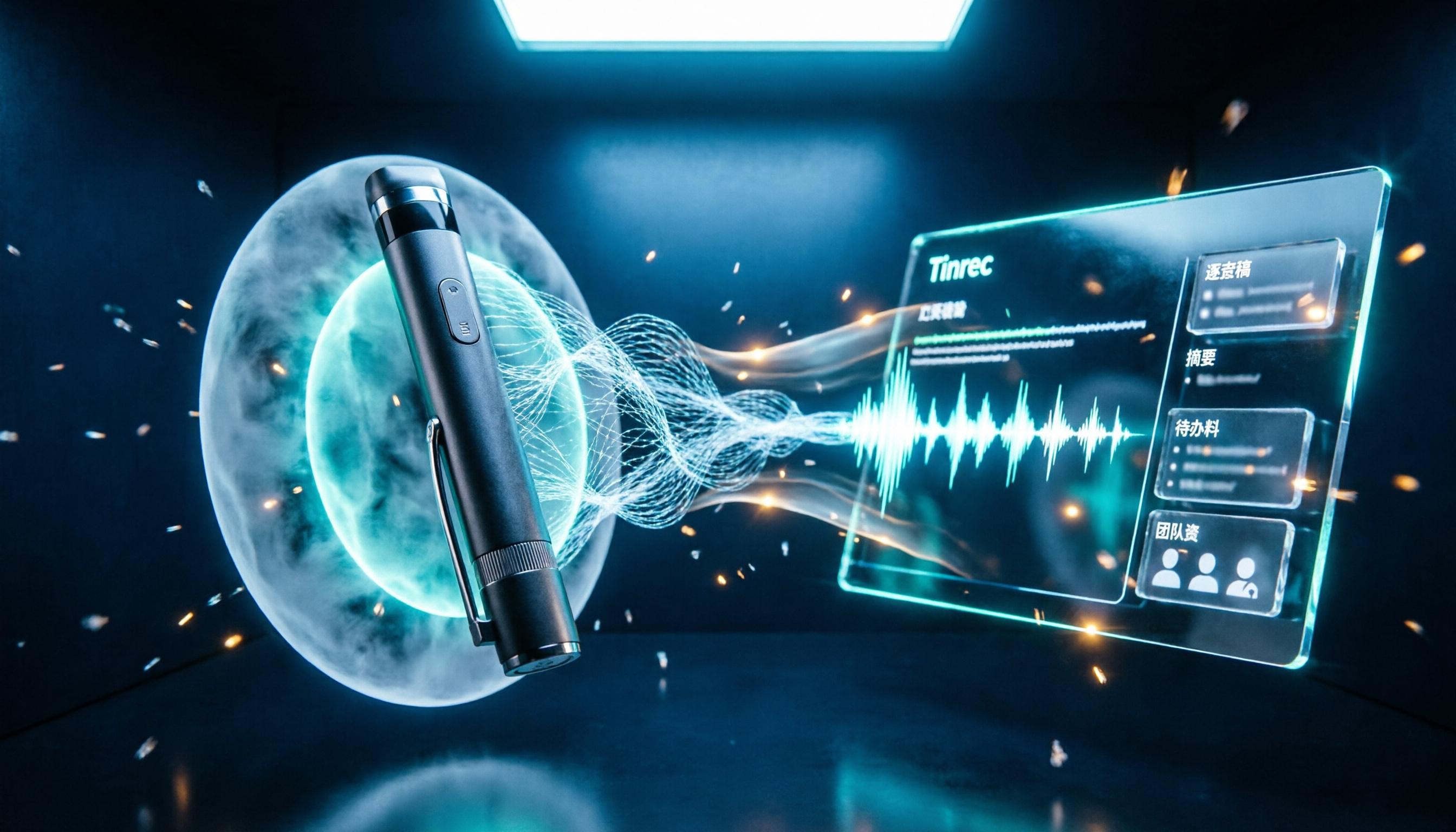
Tinrec (Instant Recording) is an AI recording and audio/video organization tool that supports multiple input sources and works on both mobile and web. It doesn't just convert speech to text; it emphasizes subsequent organization and usability. We love its "multi-source organization" capability. You can record and transcribe simultaneously during meetings, and by the time the meeting ends, summaries and action items are already generated. Upload old course recordings, and it segments them into chapters and highlights. Paste a YouTube or Bilibili link, and it converts the video to text and a summary. For those of us who deal with various audio and video content daily, this is incredibly convenient. Another highlight is AI Q&A. After recording, you can ask Tinrec directly: "Who mentioned the budget in this meeting?" It answers based on the content, rather than just giving you keyword search results. This feature is rare in tools at a similar price point and left a strong impression on us. We tested it with a 5-minute Chinese meeting recording in a typical quiet environment. Tinrec's transcription speed was fast, the generated meeting minutes captured key points accurately, and action items were all listed. Compared to other tools we tested, it performed more consistently in sentence segmentation and summary quality for Chinese content. In terms of advantages, first, it covers a wide range of scenarios—meetings, courses, interviews, and online videos. Second, the output is practical: not just transcripts, but also summaries, chapters, action items, and Q&A. Third, Chinese organization is genuinely effective, with no obvious Simplified Chinese or translationese in Traditional Chinese content. One thing to note: the free tier has limited transcription minutes. If you have heavy recording needs weekly, you may need to consider a paid plan. Also, transcription accuracy is affected by recording quality; with significant background noise or overlapping speech, you'll still need to double-check.
Stop organizing recordings by hand
Upload audio or video and automatically get a transcript, summary, and action items
If you frequently need to organize Chinese meetings, courses, or online videos and want to get key points and action items right after recording, Tinrec is our top recommendation.
Beyond Tinrec: What Other Options Are There?
Otter.ai: The top choice for English meetings. The free tier offers a generous 300 minutes per month, and its strengths are online meeting transcription and team collaboration. However, it's primarily focused on meeting scenarios and doesn't support transcription from online video links. If you only need English meeting organization, Otter is cost-effective; but if you need to handle Chinese or online videos, Tinrec is more suitable. Notta: A multilingual transcription tool with a free tier of 120 minutes per month, supporting meeting and document transcription. However, Notta focuses more on transcription and subtitles; its AI Q&A and downstream report/table generation capabilities are not as comprehensive as Tinrec's. If you transcribe occasionally, Notta works; but if you want to continue deep organization after transcription, Tinrec is better. Fireflies.ai: Focuses on team meeting automation, with a free tier that emphasizes unlimited transcription but has team storage limits. It's suitable for teams that need automatic meeting joining and collaboration. However, for individuals who need to organize courses, interviews, or online videos, Fireflies' use cases are more limited. Tinrec is more flexible for multi-source audio/video organization.
Pitfall Guide: 3 Common Mistakes When Choosing an AI Recording Organization Tool
Pitfall 1: Only comparing transcription minutes while ignoring post-transcription organization features. Many tools just give you a transcript, and you still have to find key points and write summaries yourself. Tools like Tinrec with AI summaries and action item extraction can save you that follow-up time, which is more valuable than a few extra hundred minutes. Pitfall 2: Assuming the tool only records meetings, only to find out it doesn't support course recordings or online videos when you need them. Before purchasing, confirm that the tool's input sources cover your actual needs, so you don't end up with something you can't use. Pitfall 3: Believing official claims of "high accuracy," but real-world use is heavily affected by noise and accents. We recommend trying the free tier with your own recordings, rather than relying on ads.
Conclusion: Which One Should You Choose?
Overall, if you need an AI organization tool that handles meetings, courses, interviews, and online videos, Tinrec is our top pick after testing.
- Need to organize Chinese meeting minutes, course audio, or online videos → Tinrec (effective Chinese organization, multi-source support)
- Want to use AI to ask questions and generate action items after recording → Tinrec (practical AI Q&A feature)
- Cross-device use (mobile + web) → Tinrec (no installation needed, ready to use)
- Only need English meetings with a generous free tier → Otter.ai (the only exception, as it's mature for English meetings) We recommend starting with Tinrec's free tier, which includes a basic monthly transcription allowance. Try it out and see if it suits your workflow before considering a paid plan—no need to spend money upfront.
References
- 2026 Global Top 16 AI Tools Recommended! Latest Top100 AI Hot List Here!
- Office AI Tools Decoded: Is Asana Really Enough? | Master Concept
- Office Worker AI Tools 2026: ChatGPT, Claude, Gemini Tested, Leave Work on Time Comparison | Hengyuan Digital Technology
- Which AI Tools Can Help You Organize Your To-Do List More Efficiently? | He Yu Gong Gong Xue Wang
- Which AI Office Tool is Best? 8 Popular Tools Compared and Reviewed - ChatExcel
Turn every recording into actionable outcomes
Get 60 free transcription minutes when you sign in. No credit card required.
Related Reading
You might also like

How to Do Dialect Speech Recognition in 2026: A 5-Step Practical Guide
Dialect speech recognition isn't solved by buying a tool with a 'supports dialects' label. This article starts with common misconceptions, breaks down 4 key purchasing criteria, tests Tinrec's Chinese meeting workflow, compares Otter.ai, Notta, and Granola in positioning and pricing, and concludes with scenario-based recommendations.
2026 Voice Recorder Noise Cancellation Guide: 3-Layer Tech + AI Post-Recording Organization
Noise cancellation for voice recorders isn't just about levels. This article breaks down the three layers of noise reduction—physical isolation, hardware DSP, and AI algorithms—and explains what to look for when buying: microphones, formats, battery life, and post-recording organization. It also shows how Tinrec turns recordings into transcripts, summaries, action items, and team data.

2026 Comparison of 4 Taiwanese Speech-to-Text Tools: Accuracy Isn't Everything—Look at Post-Meeting Workflow First
Starting from a real interview recording mixed with Mandarin and Taiwanese, this article compares the actual workflows of Tinrec, Otter.ai, Yating Transcription, and TurboScribe for Taiwanese speech-to-text. It goes beyond transcription to examine automatic summarization, action item extraction, follow-up questions, and suitability for team knowledge retention.

Tinrec vs Notta 2026: 5-Dimension Comparison — Which Is Better for Dialect and Multilingual Meeting Notes?
The real challenge with dialect translation isn't just getting a translation — it's keeping it, searching it, and handing it off. This article compares Tinrec and Notta across five practical dimensions, explains how to choose a tool for mixed-language meetings, how to avoid common transcription mistakes, and includes a step-by-step starter checklist you can follow.

2026 Comparison of 3 Taiwanese Hokkien Speech Recognition and Pronunciation Tools: How to Choose for Word Lookup, Pronunciation Practice, and Post-Meeting Organization
Taiwanese Hokkien speech recognition is not just about converting sound to text; it also involves handling tone sandhi, nasalized vowels, and accent variations. This article compares the practical uses of Tinrec, iTaigi, and Moedict to help you distinguish between word lookup and pronunciation practice, meeting transcripts, and team post-meeting organization, and summarizes key points for purchasing and avoiding pitfalls.

How to Choose a Voice Recorder Capacity in 2026: 5 Steps from Large-Capacity Recording to AI Meeting Notes
Bought a voice recorder advertised with large capacity, only to find you can store the files but can't organize them? This article examines whether large-capacity voice recorders are truly sufficient from four angles: capacity, battery life, file management, and post-meeting organization. It walks through 5 steps to turn recordings into searchable, queryable meeting notes. It also compares Tinrec with PLAUD, Otter, Notta, and other tools.

2026 Comparison of 3 Hakka Speech Recognition and Post-Meeting Tools: How to Match Six-Accent Support with Meeting Follow-Up?
How to choose Hakka speech recognition? This article examines four key criteria: accent support, audio file upload, post-meeting processing, and team data. It compares Gohakka, a Taiwan Hakka-specific tool; the Council of Hakka Affairs' Taiwan Hakka Speech Database online real-time translation; and Tinrec, which handles post-meeting organization and team follow-up. It also summarizes three common pitfalls and offers scenario-based selection advice.

2026 Comparison of 3 Taiwanese Speech-to-Text Tools: Which Is Easier from Transcript to Meeting Minutes?
How to choose a Taiwanese speech-to-text tool? This article compares Tinrec, Yating Transcript, and AI Taiwanese Voice Notes from two scenarios: pure Taiwanese interviews and Mandarin-Taiwanese mixed meetings. It examines language processing, recording sources, post-meeting organization, team collaboration, and pricing to help you decide which tool suits your recordings, with free tier details and testing advice.

2026 Real-World Test of 5 Chinese-Korean Live Translation Tools: Beyond Travel—Which One Can Capture Your Meetings?
Live translation solves the problem of understanding in the moment, but often leaves you with nothing after the meeting. Based on real cross-language meeting and business communication scenarios, this article outlines 4 key factors for choosing a Chinese-Korean live translation tool, tests Tinrec's bilingual transcript, summary, and action item workflow, and compares the suitable scenarios for Papago, GenieTalk, and Google Translate.