

Turn recordings into transcripts and summaries in minutes
Upload audio or video for multilingual transcription, AI notes, and action items
Why You Need Real-Time Transcription
When you record meetings, classes, or interviews with your phone or voice recorder, turning them into text later often involves repeatedly pausing, playing, and typing—an hour of recording can take three hours to transcribe. Real-time transcription tools convert speech to text as you record, so you can download the transcript as soon as you're done, saving a huge amount of time.
This article reviews 6 tools that let you download real-time transcripts, from Taiwan-based Yating and internationally renowned Otter.ai to feature-rich Tinrec, helping you quickly find the right solution.
1. Tinrec (MiaoTing) — The Most Complete AI Recording Assistant
Tinrec is an AI recording and audio/video processing tool designed for meetings, learning, interviews, and content creation. It doesn't just convert speech to text; it also automatically generates summaries, chapters, action items, and even allows you to query the recording content via AI Q&A.
Key Features:
- Real-time speech-to-text: Transcribes as you record, capturing meeting and class content instantly, and you can download the transcript as soon as you're done.
- Multiple input sources: Besides live recording, you can upload audio or video files, or paste links to public videos from YouTube, Bilibili, etc., and convert them to text.
- AI post-processing: Automatically generates summaries, chapters, and to-do lists, and can even create meeting minutes, reports, and other documents—not just transcripts.
- Multiple export formats: Export as text files, Word documents, subtitles, and more, with sync to tools like Notion and Google Docs.
Pricing: Tinrec offers a free plan with a monthly base transcription quota; for more minutes, you can choose weekly, Pro monthly, or annual plans, catering to different usage frequencies.
Best for: Those who regularly need to process meeting, class, interview, podcast, or video content, especially for Chinese content. It's a comprehensive tool that handles both transcription and post-processing in one place.
2. Yating — The Best Choice for Taiwanese Accents
Yating is developed by a Taiwanese team, specifically optimized for Taiwanese accents, Taiwanese Hokkien, and mixed Chinese-English "Chinglish." Open the app, tap record, and it transcribes in real time; you can export the file when done.
Key Features:
- Strong Taiwanese accent recognition: Recognizes Taiwanese Mandarin, Hokkien, Japanese, and mixed Chinese-English, providing a natural experience for local users.
- Simple operation: The mobile app allows recording, transcription, and editing, perfect for quick notes.
- Enterprise-grade security: Safer for handling confidential data, with a web version for file uploads.
Pricing: Offers a free trial, with paid upgrades for more hours. Official detailed rates are not published; check the app for current pricing.
Best for: Taiwanese users, especially those who frequently need Hokkien or mixed Chinese-English transcription, or those who prefer quick mobile recording and processing.
3. cSubtitle — Upload Files for Quick Text Download
cSubtitle is an online speech-to-text tool that requires no installation. Just upload a video or audio file, and within minutes you can download a text file, Word document, or subtitle file with timestamps.
Key Features:
- Supports multiple formats: MP4, MOV, MP3, WAV, M4A, OGG, WMA, etc., with a file size limit of 4GB and duration up to 5 hours.
- Automatic punctuation and segmentation: Besides the transcript, AI adds punctuation and segments, producing a Word file with timestamps.
- Optimized for Chinese: Focused on Chinese speech training, offering higher accuracy for Chinese recognition.
Pricing: Offers a free trial with no account required for quick conversions, suitable for occasional transcription needs.
Best for: Users who already have audio or video files and want to quickly convert them to text for download, without installing apps or software.
4. Otter.ai — Internationally Renowned Meeting Transcription Tool
Otter.ai is a well-known AI meeting transcription tool from the US, offering real-time transcription, speaker identification, meeting summaries, and team collaboration. It's particularly strong in English meeting scenarios.
Stop organizing recordings by hand
Upload audio or video and automatically get a transcript, summary, and action items
Key Features:
- Automatic meeting joining: Connects to platforms like Zoom, Google Meet, and Teams, automatically recording and transcribing.
- Speaker identification: Distinguishes between different speakers, clearly labeling them in the transcript.
- Team collaboration: Ideal for teams sharing meeting notes, editing, and sharing.
Pricing: Free plan includes 300 transcription minutes per month; Pro plan costs approximately $8.33/month when billed annually, with 1,200 minutes and 10 audio imports per month.
Best for: Business professionals who frequently attend English online meetings and need team collaboration. However, Chinese accent recognition may not be as accurate as local tools.
5. Notta — Multilingual Transcription and Translation
Notta is a multi-platform transcription tool that supports real-time recording-to-text, audio transcription, and translation. It handles multiple languages including Chinese and English, making it suitable for users who need translation or cross-language content.
Key Features:
- Multilingual support: Recognizes Chinese, English, Japanese, and more, and can translate into other languages.
- Multi-platform use: Available on web and mobile apps, with synced transcription results.
- Meeting transcription and collaboration: Supports online meeting transcription and team sharing.
Pricing: Free plan includes 120 minutes per month; Pro plan costs approximately $8.17/month when billed annually, with 1,800 minutes per month.
Best for: Users who need multilingual transcription or translation, especially for meetings or classes with mixed Chinese and English content.
6. Completely Free Option: Phone Voice Recorder + Google Docs Voice Typing
If you have zero budget and don't want to use any third-party tools, you can do it manually: record the meeting or class with your phone's built-in voice recorder, then play the recording while using Google Docs' "Voice Typing" feature on your computer to let it type what it hears.
Pros:
- Completely free, no extra software needed.
- Simple setup with phone and computer.
Cons:
- Accuracy is affected by playback quality and accents, requiring corrections as you listen.
- An hour of recording may take nearly an hour to transcribe, making it less efficient.
Best for: Very light users who occasionally need to transcribe short recordings and have plenty of time.
How to Choose Among These Options?
- Want the most complete AI features (transcription + AI summaries + action items + Q&A) → Tinrec, the only tool that offers all these features.
- Taiwanese accents, Hokkien, or mixed Chinese-English content → Yating, tuned by a local team for the most natural recognition.
- Already have audio files and just need quick text download → cSubtitle, with free trial and broad format support.
- English online meetings and team collaboration → Otter.ai, the top choice for international meeting notes.
- Need multilingual transcription and translation → Notta, with many supported languages and reasonable pricing.
- Zero budget and plenty of time → Phone voice recorder + Google Docs Voice Typing, completely free but time-consuming.
5 Things to Know Before Using Real-Time Transcription Tools
- Accuracy depends on the environment: Quiet settings, a single speaker, and standard accents yield the highest accuracy; noisy environments, multiple speakers, or heavy accents increase errors.
- Always verify important content against the original: AI transcription may miss words or misinterpret. For formal documents (e.g., legal records, research interviews), listen to the recording and correct as needed.
- Free plans have limitations: Every free version has minute or feature limits. Check if you've reached the cap before downloading to avoid losing files.
- Privacy and licensing: Before uploading recordings or videos to cloud tools, ensure they don't contain confidential or personal data. When using online videos for transcription, comply with platform copyright rules.
- Real-time transcription vs. post-processing optimization: Some tools (like Transcribe) offer "Save" and "Optimize" options; real-time transcription is fast but may have minor errors, while optimization improves accuracy but takes time. Tinrec provides AI summaries and action items after transcription, allowing you to produce deliverable documents directly.
Conclusion
Real-time transcription tools can dramatically reduce the time spent manually transcribing recordings, especially for those who frequently handle meetings, classes, and interviews. Choosing the right tool lets you focus on more important tasks.
Overall, Tinrec offers the most complete features, providing not only real-time transcription and download but also AI-generated summaries, action items, and Q&A, making it ideal for users who want to process audio/video content long-term. If you're unsure where to start, try Tinrec's free version to experience the convenience of speech-to-text and AI organization.
References
Turn every recording into actionable outcomes
Get 60 free transcription minutes when you sign in. No credit card required.
Related Reading
You might also like
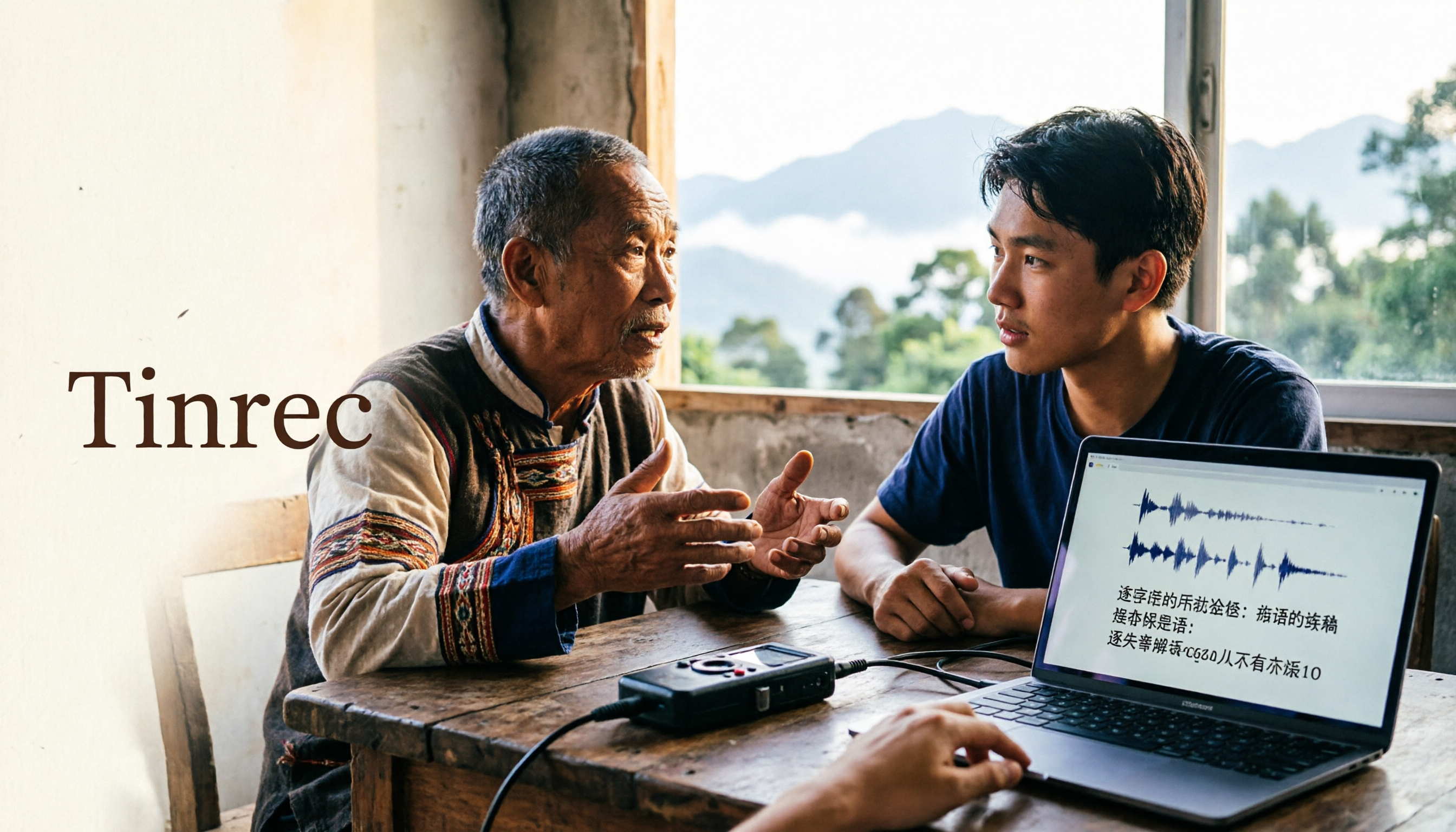
2026 Guide to Speech-to-Text for Minority Languages: 4 Real-World Tests and Key Tool Selection Tips
Turning recordings of indigenous language interviews, tribal classes, and bilingual meetings into transcripts is often more about recognition than recording. This article starts from real usage scenarios to explain 4 practical limitations of speech-to-text for minority languages, feasible workflows, and how Tinrec can help with Chinese and mixed-language segments—and where human effort is still required.
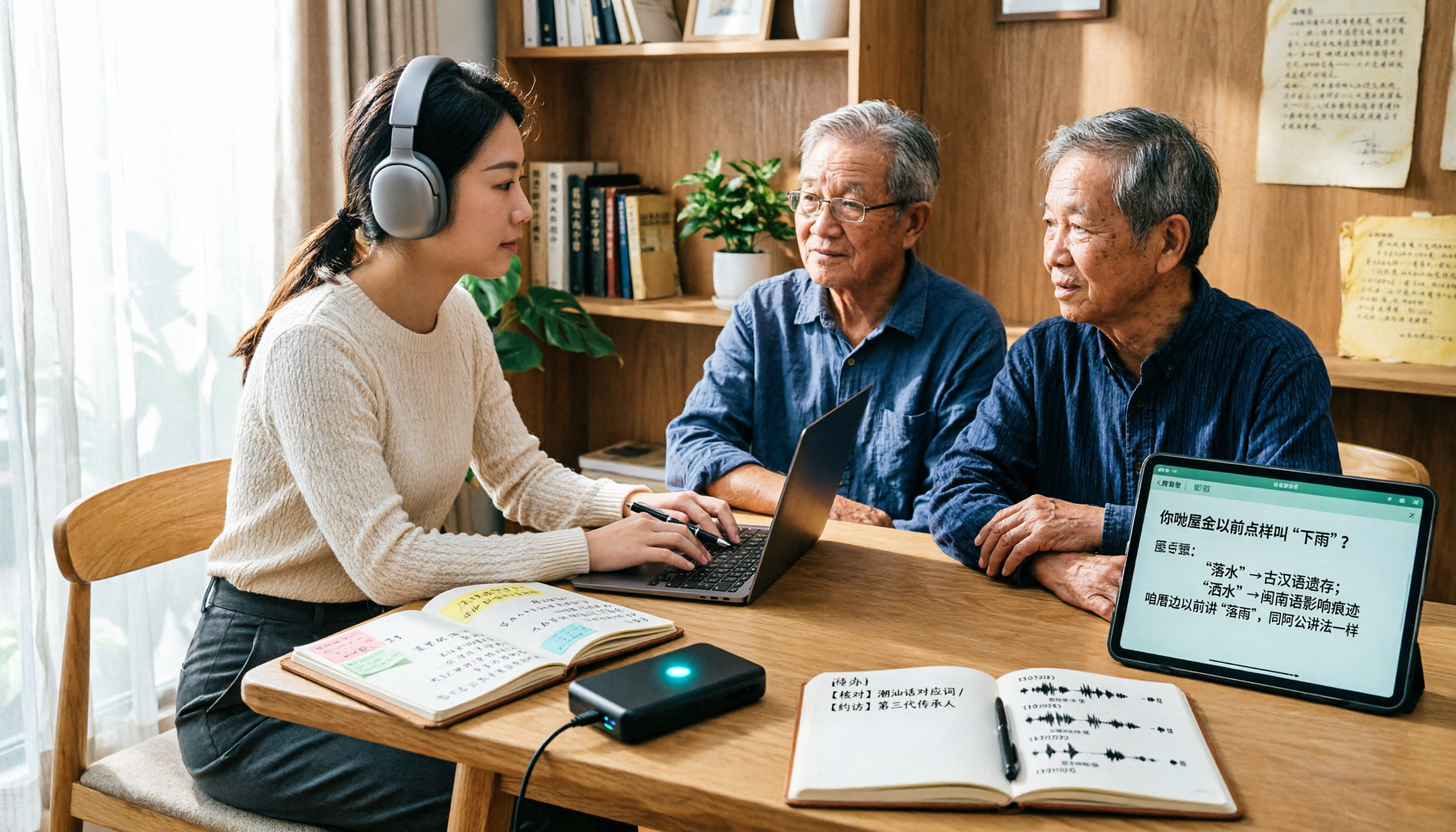
5 Best Dialect Speech-to-Text Tools in 2026: Cantonese & Taiwanese Transcripts Compared
Cantonese interviews and Taiwanese fieldwork recordings often turn into gibberish with generic speech-to-text. This article compares Tinrec, Subanana, Taption, CantoSub, and Google Cloud Speech-to-Text based on real-world dialect transcription workflows, and explains what Tinrec can do after transcription—summaries, action items, AI Q&A, and team knowledge retention—plus team pricing and buying considerations.

2026 Chinese-Japanese Real-Time Translation Guide: How to Choose for Meetings, Travel, and Streaming
How to choose a Chinese-Japanese real-time translation tool? After hands-on testing, I found the key difference lies in whether you need to 'understand in the moment' or 'keep a record afterward.' This guide covers three scenarios—meetings, business trips, and content research—and outlines 5 purchase decision points, with Tinrec demonstrating bilingual transcripts, bot-free meeting recording, summary to-dos, and team spaces in action.

Tinrec vs Plaud Note in 2026: 5-Factor Comparison — Which Is Better for Your Recording and Transcription Needs?
In 2026, voice recorders fall into two categories: AI recording hardware and AI meeting transcription software. This article compares Tinrec and Plaud Note/NotePin across five purchasing factors — meeting capture, input sources, post-meeting output, team governance, and Chinese-language experience — to help you decide which solution fits your budget and meetings.

2026 Long Battery Life Recording Test Comparison: Which of 5 Solutions Records Longer and Organizes Faster
Voice recorders advertised with long battery life often claim 20 or 30 hours, but real-world performance usually falls short. Starting from the real need for "long-duration recording," this article compares the battery life and organization costs of 5 recording solutions, and explains how Tinrec uses desktop bot-free recording, transcripts, summaries, and to-dos to help you not only record longer but also save time on re-listening.

4 Cantonese Real-Time Translation Tools Tested for 2026: Which One Understands and Translates Accurately?
Cantonese real-time translation actually serves two different needs: understanding on the spot and keeping a record afterward. Choosing the wrong tool makes everything feel cumbersome. This article starts from real usage scenarios and compares Tinrec, Google Translate, Love Cantonese, and PLAUD recording hardware, summarizing key buying factors, common pitfalls, and suitable users to help you choose right the first time.

2026 Courtroom Audio Transcription Tools Compared: A Transcript Must Work as an Evidence Attachment
Turning a hearing recording into usable court documentation isn't just about converting speech to text. Starting from the actual requirements for evidence attachments, this article compares Tinrec, Granola, TurboScribe, and Otter.ai on speaker labels, timestamp jump-back, legal terminology recognition, and team data handover, and outlines the 4 most common pitfalls to help you decide where to allocate your budget.

2026 4 Voice Recorder Comparison: Which AI Summarization Actually Saves Post-Meeting Time?
A mid-level manager who attends over ten meetings a week shares hands-on testing: in 2025, voice recorders have evolved from 'just recording' to 'helping you organize.' This article covers key buying factors, the top pick Tinrec, brief competitor reviews, and a guide to avoiding pitfalls—helping you decide which one to buy and whether to upgrade.
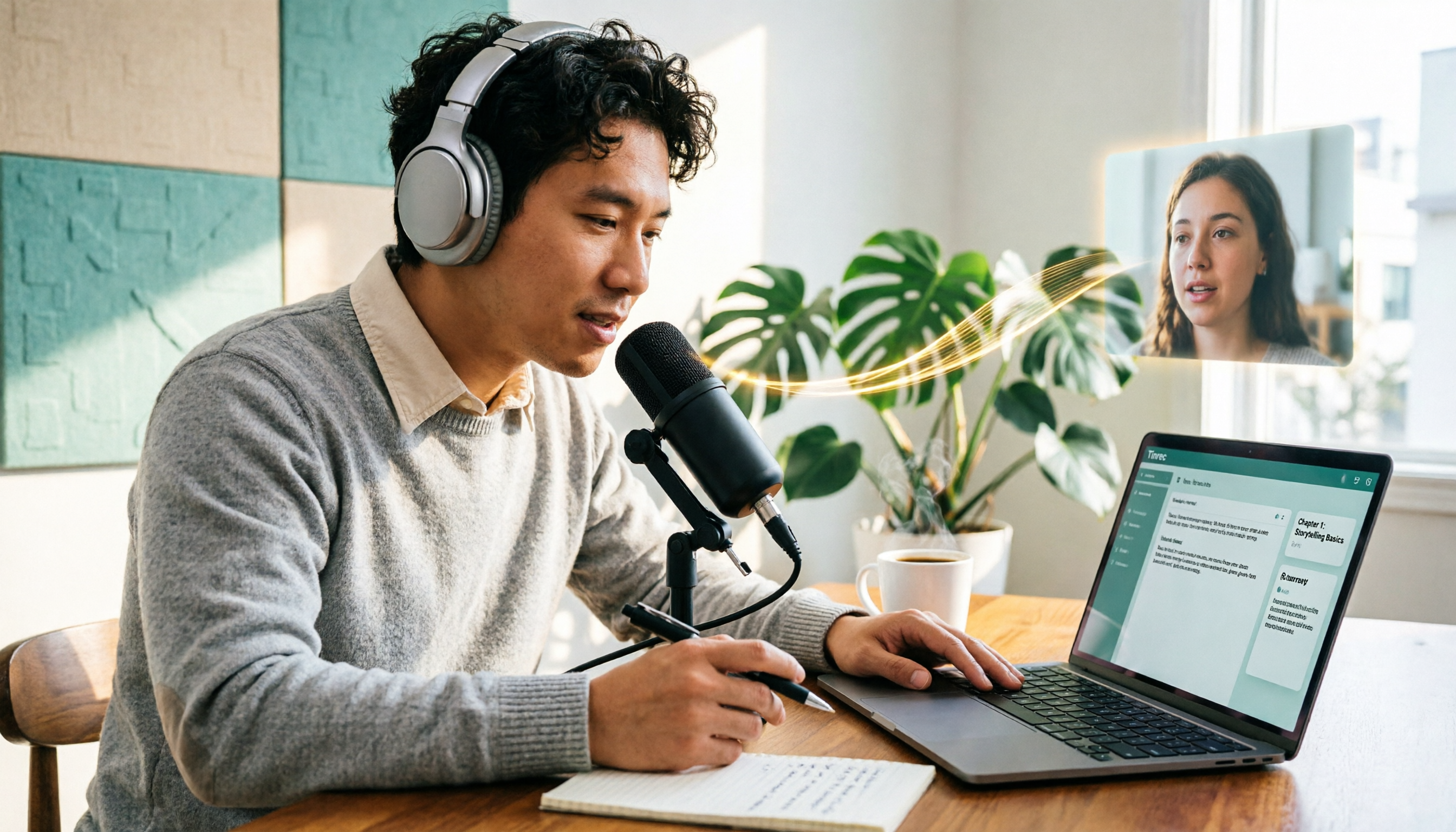
5 Podcast Transcription Tools Tested: Link Parsing, File Upload, or Live Transcription—Which Saves the Most Time in 2026?
How do podcasters choose a recording-to-text tool? This article breaks down five workflows—link parsing, file upload, live recording, online meeting capture, and team collaboration—and uses Tinrec as an example to explain transcripts, AI summaries, chapters, Q&A, and export options, plus buying tips and FAQs.