

Turn recordings into transcripts and summaries in minutes
Upload audio or video for multilingual transcription, AI notes, and action items
When you're in a meeting, class, or interview, what if you could see the transcript in real time and need it translated into another language? Many people think they need to buy expensive equipment or software, but with the right tools, your phone is all you need. Tinrec is an AI recording and audio/video organization tool that supports real-time speech-to-text, and the free version is enough to try it out. Next, I'll show you how to use Tinrec to create real-time transcripts and then translate them in 3 steps.
What Can Real-Time Transcript Translation Do for You?
Scenario 1: Cross-border meeting minutes Attending an English meeting, use Tinrec for real-time transcription, and by the end of the meeting, the English transcript is done. Then export the transcript and feed it into a translation service, and the Chinese meeting minutes are ready in no time—no need to listen to the recording and type it out slowly.
Scenario 2: Language learning In a foreign language class, use Tinrec to transcribe the teacher's lecture in real time, then translate it into Chinese after class. When reviewing, compare the original and translated text side by side for more efficient learning.
Scenario 3: Interview organization When conducting an interview in a foreign language, first use Tinrec to record and transcribe in real time, then translate into Chinese for quick browsing of key points or direct quoting.
Scenario 4: Content creation When recording a podcast or video, use Tinrec to transcribe in real time, then translate into other languages as a basis for multilingual subtitles.
What Are the Core Capabilities of Real-Time Transcript Translation?
Real-time transcript translation isn't a single feature but a combination of several capabilities. Tinrec handles the first half—real-time transcription—while the second half, translation, requires additional tools. Here are the key roles Tinrec plays in this workflow.
- Real-time transcription: Tinrec supports transcribing while recording with low latency, so you can simultaneously check if any text is missed.
- Multilingual transcription: Tinrec supports speech-to-text in multiple languages, including Chinese, English, Japanese, etc., suitable for handling foreign language content.
- AI summaries and key points: After transcription, Tinrec can automatically generate summaries and to-dos, letting you quickly grasp the key points. Reviewing the summary before translation saves time.
- Multi-format export: Tinrec can export text files like TXT and DOCX, making it easy to hand off the transcript to translation services.
- Cross-platform use: Tinrec is available on iOS, Android, and web, so you can use it on your phone or computer and start recording and transcribing anytime, anywhere.
Practical Use Cases
Scenario 1: Cross-border meeting You attend an English online meeting, turn on Tinrec for real-time transcription, and English text appears on the screen as the meeting progresses. After the meeting, open the transcript in Tinrec, click export, and save it as a DOCX file. Then upload that file to a translation service, select Chinese, and within minutes your Chinese meeting minutes are done. You can share them directly with your team.
Stop organizing recordings by hand
Upload audio or video and automatically get a transcript, summary, and action items
Scenario 2: Foreign language class The teacher lectures in Japanese, you open Tinrec on your phone to record and transcribe in real time into a Japanese transcript. After class, export the transcript and translate it into Chinese. Review by comparing the two, and replay the recording for parts you don't understand. This review method is much more efficient than handwritten notes.
Scenario 3: Interview organization You interview an English-speaking subject, using Tinrec to record and transcribe in real time. By the end of the interview, you have a complete English transcript. Export it, translate into Chinese, quickly scan the key points, and mark quotable sentences. The entire organization process takes less than half an hour.
4 Things to Watch When Choosing a Real-Time Transcript Translation Tool
There are many tools on the market that can do real-time transcription, but if you plan to translate afterward, pay special attention to the following four points. How does Tinrec fare in these areas? Let's look one by one.
- Accuracy: Transcription accuracy directly affects translation quality. Tinrec produces high-quality transcription with clear audio, but background noise or accents can affect results, so it's recommended to double-check important content against the original.
- Language support: Make sure the tool supports the language you need to transcribe. Tinrec supports transcription in multiple languages, including Chinese, English, Japanese, etc., suitable for foreign language content.
- Export features: Since translation requires exporting the transcript, look for tools with rich export formats. Tinrec can export text files like TXT and DOCX for easy downstream processing.
- Cross-platform and convenience: Being able to use it on both phone and computer makes it easy to record anytime. Tinrec is available on iOS, Android, and web, so you can record wherever you go.
Frequently Asked Questions
Q1: Do I need to buy expensive equipment for real-time transcript translation? A: No, you can download Tinrec on your phone for real-time transcription and use online services for translation.
Q2: Can Tinrec directly translate transcripts? A: Tinrec currently doesn't have built-in translation, but you can export the transcript and use other translation services.
Q3: Is real-time transcription accurate? A: Accuracy is high in quiet environments with clear pronunciation, but background noise or accents can affect results. It's recommended to double-check important content against the original.
Q4: Is the free version sufficient? A: If you only use it occasionally, the free version includes a monthly base quota, allowing you to try real-time transcription and export features.
Q5: What can translated transcripts be used for? A: They can be used for meeting minutes, study notes, subtitle creation, content organization, and more.
Conclusion
Real-time transcript translation doesn't require complex tools. Just use Tinrec for transcription and pair it with a translation service. If you have meetings, classes, or interviews to handle every week, start with Tinrec's free version to see how transcription works before deciding to upgrade. Turning recordings into text, and then into a language you understand, is actually simple.
References
- Google Translate Upgraded! Record and Transcribe in Real Time - INSIDE
- Real-Time Transcription Service | Transcribe App & Web Editor
- Transcript Translation Service | Transcribe App & Web Editor
- Online AI Speech, Video, and Audio File to Text - Free Trial - cSubtitle
- Transcription Translation | Harvard Translation
Turn every recording into actionable outcomes
Get 60 free transcription minutes when you sign in. No credit card required.
Related Reading
You might also like
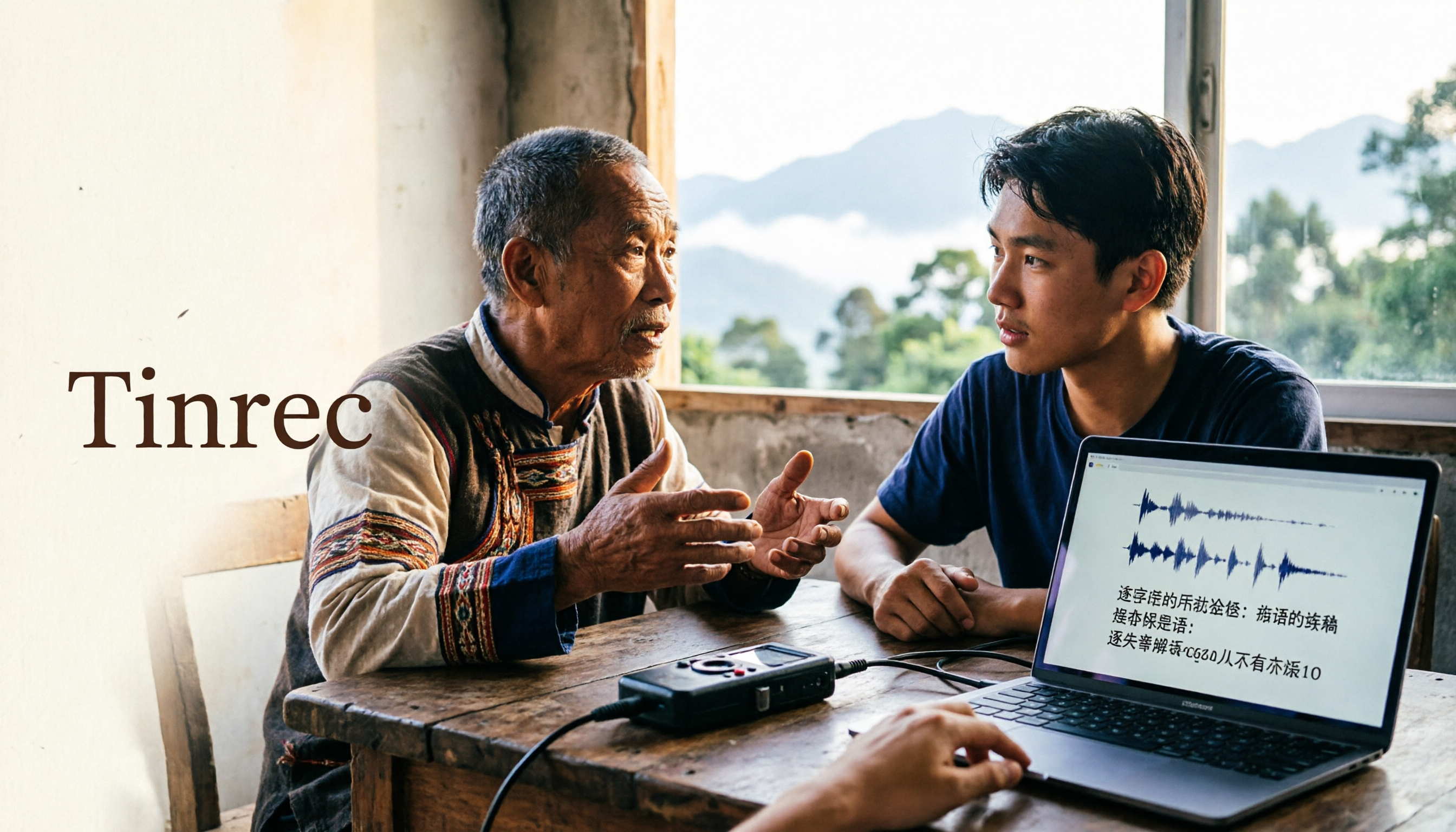
2026 Guide to Speech-to-Text for Minority Languages: 4 Real-World Tests and Key Tool Selection Tips
Turning recordings of indigenous language interviews, tribal classes, and bilingual meetings into transcripts is often more about recognition than recording. This article starts from real usage scenarios to explain 4 practical limitations of speech-to-text for minority languages, feasible workflows, and how Tinrec can help with Chinese and mixed-language segments—and where human effort is still required.

5 Best Dialect Speech-to-Text Tools in 2026: Cantonese & Taiwanese Transcripts Compared
Cantonese interviews and Taiwanese fieldwork recordings often turn into gibberish with generic speech-to-text. This article compares Tinrec, Subanana, Taption, CantoSub, and Google Cloud Speech-to-Text based on real-world dialect transcription workflows, and explains what Tinrec can do after transcription—summaries, action items, AI Q&A, and team knowledge retention—plus team pricing and buying considerations.

2026 Chinese-Japanese Real-Time Translation Guide: How to Choose for Meetings, Travel, and Streaming
How to choose a Chinese-Japanese real-time translation tool? After hands-on testing, I found the key difference lies in whether you need to 'understand in the moment' or 'keep a record afterward.' This guide covers three scenarios—meetings, business trips, and content research—and outlines 5 purchase decision points, with Tinrec demonstrating bilingual transcripts, bot-free meeting recording, summary to-dos, and team spaces in action.

Tinrec vs Plaud Note in 2026: 5-Factor Comparison — Which Is Better for Your Recording and Transcription Needs?
In 2026, voice recorders fall into two categories: AI recording hardware and AI meeting transcription software. This article compares Tinrec and Plaud Note/NotePin across five purchasing factors — meeting capture, input sources, post-meeting output, team governance, and Chinese-language experience — to help you decide which solution fits your budget and meetings.

2026 Long Battery Life Recording Test Comparison: Which of 5 Solutions Records Longer and Organizes Faster
Voice recorders advertised with long battery life often claim 20 or 30 hours, but real-world performance usually falls short. Starting from the real need for "long-duration recording," this article compares the battery life and organization costs of 5 recording solutions, and explains how Tinrec uses desktop bot-free recording, transcripts, summaries, and to-dos to help you not only record longer but also save time on re-listening.

4 Cantonese Real-Time Translation Tools Tested for 2026: Which One Understands and Translates Accurately?
Cantonese real-time translation actually serves two different needs: understanding on the spot and keeping a record afterward. Choosing the wrong tool makes everything feel cumbersome. This article starts from real usage scenarios and compares Tinrec, Google Translate, Love Cantonese, and PLAUD recording hardware, summarizing key buying factors, common pitfalls, and suitable users to help you choose right the first time.

2026 Courtroom Audio Transcription Tools Compared: A Transcript Must Work as an Evidence Attachment
Turning a hearing recording into usable court documentation isn't just about converting speech to text. Starting from the actual requirements for evidence attachments, this article compares Tinrec, Granola, TurboScribe, and Otter.ai on speaker labels, timestamp jump-back, legal terminology recognition, and team data handover, and outlines the 4 most common pitfalls to help you decide where to allocate your budget.

2026 4 Voice Recorder Comparison: Which AI Summarization Actually Saves Post-Meeting Time?
A mid-level manager who attends over ten meetings a week shares hands-on testing: in 2025, voice recorders have evolved from 'just recording' to 'helping you organize.' This article covers key buying factors, the top pick Tinrec, brief competitor reviews, and a guide to avoiding pitfalls—helping you decide which one to buy and whether to upgrade.
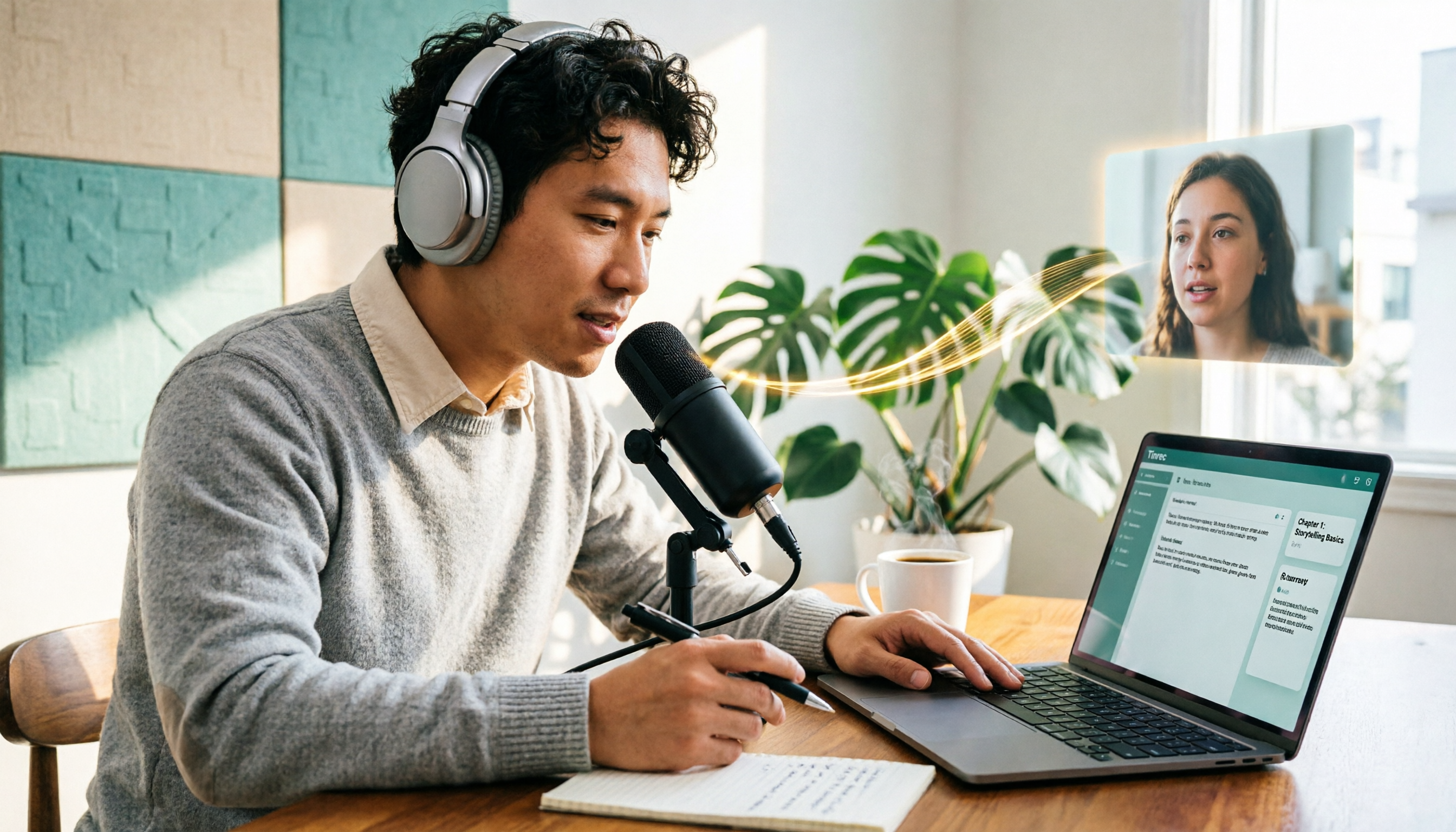
5 Podcast Transcription Tools Tested: Link Parsing, File Upload, or Live Transcription—Which Saves the Most Time in 2026?
How do podcasters choose a recording-to-text tool? This article breaks down five workflows—link parsing, file upload, live recording, online meeting capture, and team collaboration—and uses Tinrec as an example to explain transcripts, AI summaries, chapters, Q&A, and export options, plus buying tips and FAQs.