

Turn recordings into transcripts and summaries in minutes
Upload audio or video for multilingual transcription, AI notes, and action items
2026 Real-Time Transcription Tools Compared: How to Write Chinese Transcripts Fast and Accurately?
What Can Real-Time Transcription Do for You?
Scenario 1: Get text as you record during meetings During a meeting, open Tinrec's live recording feature, and it will transcribe in real time with less than 1 second delay. No more frantic note-taking; you'll have a complete transcript right after the meeting.
Scenario 2: Turn interview recordings into quotable material For user interviews or press interviews, record with Tinrec, and it will automatically segment and timestamp the audio. After the interview, you can search for key phrases and copy highlights directly into your report.
Scenario 3: Organize online courses and lectures When taking online classes or attending lectures, use Tinrec to record the audio. It will convert the entire content into text and generate chapters and summaries. For review, just look at the organized key points instead of re-listening to hours of audio.
Scenario 4: Convert old recordings to text If you have old meeting or course recordings on your computer, upload them to Tinrec, and it will convert them into transcripts, even extracting action items.
What Are the Core Capabilities of Real-Time Transcription?
Real-time transcription: Get text as you record Tinrec's real-time transcription has less than 1 second delay, so you can visually confirm if any key points are missed during meetings. It supports multiple languages, including mixed Chinese and English.
AI summarization: Quickly grasp key points from long recordings Instead of simply condensing the transcript into a paragraph, Tinrec's AI summarization structurally organizes meeting topics, conclusions, action items, and responsible persons. You can understand the key points of a two-hour meeting within 1 minute after it ends.
Chapter organization: Break long content into browsable structure Tinrec automatically detects topic changes and divides a one-hour recording into multiple chapters. Each chapter has a title and timestamp, so you can click to jump to the section you want to hear.
AI Q&A: Query the recording like a database After transcription, you can directly ask Tinrec: "Who mentioned the budget in the meeting?" "What are the client's specific requirements?" It will answer based on semantic understanding, saving you from reading through everything.
Multi-format export: Bring results into your workflow Tinrec supports exporting to TXT, DOCX, SRT, and other formats, and can sync to tools like Notion and Google Docs. Your organized transcripts and summaries can immediately enter your report or note system.
Practical Use Cases
Meeting minutes: From transcript to to-do list After a client meeting, Tinrec not only provides the transcript but also automatically extracts action items. Open the AI summary to see who is responsible for what and the deadlines. Then export the to-do list to Trello or Google Tasks—no manual organization needed.
Class notes: Turn lecture recordings into review outlines In class, record the professor's lecture with Tinrec, and it will convert it into a transcript and generate chapters. Use the AI Q&A feature to ask: "What are the key points of this chapter?" Tinrec will reply directly, helping you quickly build a review outline.
Interview organization: Quickly locate quotable gems For profile interviews or user interviews, Tinrec's transcript includes timestamps and speaker labels. You can search for keywords to find the interviewee's exact words and copy them directly into your article or research report, saving time from re-listening to the recording.
Stop organizing recordings by hand
Upload audio or video and automatically get a transcript, summary, and action items
Content creation: Turn videos into text assets If you run a YouTube channel or podcast, paste a video link into Tinrec, and it will convert it into a transcript and generate a summary. You can rewrite the summary into a post or find inspiration for the next episode from the transcript—very convenient.
4 Things to Consider When Choosing a Real-Time Transcription Tool
Accuracy: Don't just trust official numbers; record a test yourself for the most reliable results. Tinrec delivers high-quality transcription under clear audio conditions, but errors may occur in noisy environments or with multiple speakers. It's advisable to double-check important content against the original.
AI organization features: The transcript is just the first step; what matters is whether the tool can help you organize afterward. Tinrec's AI summaries, chapters, and action item extraction can save you more than half of your manual organization time.
Input sources: Pay attention to the input methods supported. Some tools only allow live recording, not file uploads or parsing online videos. Tinrec supports live recording, audio/video files, and links from YouTube, Bilibili, and more, covering a wider range of use cases.
Chinese support: If you primarily handle Chinese content, ensure the tool can accurately recognize Traditional Chinese and mixed Chinese-English. Tinrec is particularly suited for Chinese meetings, courses, and interviews, with a Traditional Chinese interface that's intuitive to use.
Pricing and free tier: Try the free version first to confirm the tool meets your needs before paying. Tinrec's free version includes a monthly base transcription allowance, so you can test it with a meeting or a class; if you only need it occasionally, the weekly card is also a good option.
Frequently Asked Questions
Q1: What's the difference between real-time transcription and regular recording-to-text? Real-time transcription converts speech to text as you record, without waiting for the recording to finish. Tinrec's real-time transcription lets you see the text during the meeting, making it easy to confirm key points on the spot.
Q2: How long can I use Tinrec's free version? Tinrec's free version includes a monthly base transcription allowance, enough for testing two or three meetings. If you use it occasionally, the free version is sufficient; if you have meetings every week, consider a paid plan.
Q3: What formats are supported for uploading recordings to transcribe? Tinrec supports common audio formats like MP3, WAV, M4A, as well as video files like MP4. After upload, it automatically converts to text and generates summaries and chapters.
Q4: Can online videos be converted to transcripts? Yes, Tinrec supports pasting links to public videos from YouTube, Bilibili, Xiaohongshu, and more, and will convert them into transcripts and summaries. Remember to comply with platform copyright regulations and use them only for personal organization.
Q5: Can transcripts of multi-person meetings distinguish different speakers? Yes, Tinrec automatically labels different speakers and adds timestamps. However, accuracy may be affected when multiple people speak simultaneously, so it's recommended to have one person speak at a time during meetings.
Conclusion
Real-time transcription is not new technology, but the truly useful tools stand out in their post-transcription organization capabilities. Tinrec not only provides transcripts but also generates summaries, chapters, action items, and even allows you to ask AI about key points. If you have meetings or courses to organize every week, we recommend trying the free version first. Take out your phone, record a meeting, and experience the effect of AI automatic organization.
References
- Yating Transcription
- Unlimited Time! 3 Free AI Transcription Tools Recommended! AI Voice Notes for Meeting Minutes, Slides, Mind Maps | 104 Career Force
- Google AI Studio Transcription Tutorial: Free AI Audio-to-Text Tips - Mr. Mad
- Real-Time Transcription Service | Transcribe App & Web Editor
- 5 Tips for Using ChatGPT to Quickly Turn Meeting Voice Transcripts into Perfect Articles and Tables
Turn every recording into actionable outcomes
Get 60 free transcription minutes when you sign in. No credit card required.
Related Reading
You might also like
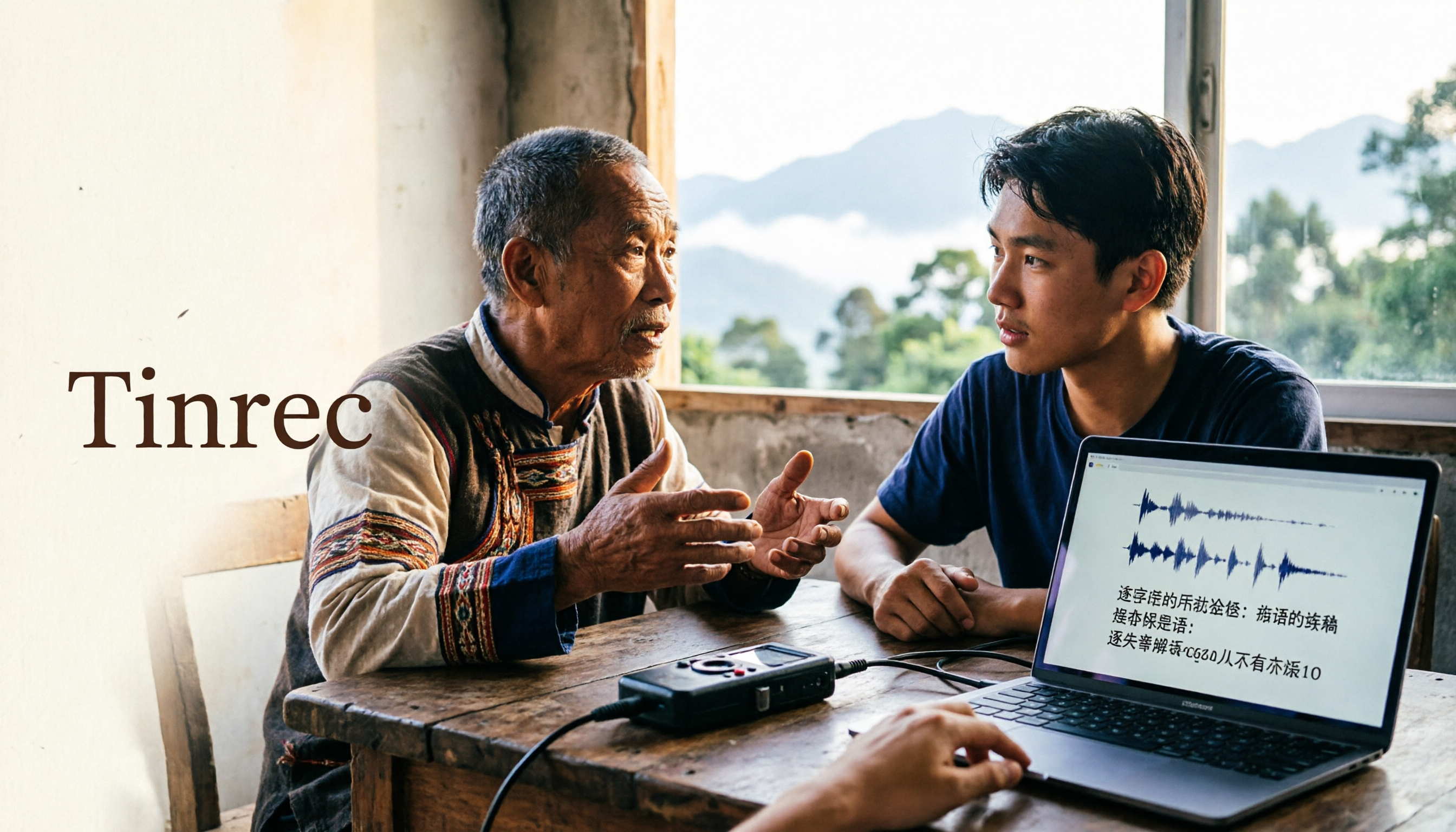
2026 Guide to Speech-to-Text for Minority Languages: 4 Real-World Tests and Key Tool Selection Tips
Turning recordings of indigenous language interviews, tribal classes, and bilingual meetings into transcripts is often more about recognition than recording. This article starts from real usage scenarios to explain 4 practical limitations of speech-to-text for minority languages, feasible workflows, and how Tinrec can help with Chinese and mixed-language segments—and where human effort is still required.

5 Best Dialect Speech-to-Text Tools in 2026: Cantonese & Taiwanese Transcripts Compared
Cantonese interviews and Taiwanese fieldwork recordings often turn into gibberish with generic speech-to-text. This article compares Tinrec, Subanana, Taption, CantoSub, and Google Cloud Speech-to-Text based on real-world dialect transcription workflows, and explains what Tinrec can do after transcription—summaries, action items, AI Q&A, and team knowledge retention—plus team pricing and buying considerations.

2026 Chinese-Japanese Real-Time Translation Guide: How to Choose for Meetings, Travel, and Streaming
How to choose a Chinese-Japanese real-time translation tool? After hands-on testing, I found the key difference lies in whether you need to 'understand in the moment' or 'keep a record afterward.' This guide covers three scenarios—meetings, business trips, and content research—and outlines 5 purchase decision points, with Tinrec demonstrating bilingual transcripts, bot-free meeting recording, summary to-dos, and team spaces in action.

Tinrec vs Plaud Note in 2026: 5-Factor Comparison — Which Is Better for Your Recording and Transcription Needs?
In 2026, voice recorders fall into two categories: AI recording hardware and AI meeting transcription software. This article compares Tinrec and Plaud Note/NotePin across five purchasing factors — meeting capture, input sources, post-meeting output, team governance, and Chinese-language experience — to help you decide which solution fits your budget and meetings.

2026 Long Battery Life Recording Test Comparison: Which of 5 Solutions Records Longer and Organizes Faster
Voice recorders advertised with long battery life often claim 20 or 30 hours, but real-world performance usually falls short. Starting from the real need for "long-duration recording," this article compares the battery life and organization costs of 5 recording solutions, and explains how Tinrec uses desktop bot-free recording, transcripts, summaries, and to-dos to help you not only record longer but also save time on re-listening.

4 Cantonese Real-Time Translation Tools Tested for 2026: Which One Understands and Translates Accurately?
Cantonese real-time translation actually serves two different needs: understanding on the spot and keeping a record afterward. Choosing the wrong tool makes everything feel cumbersome. This article starts from real usage scenarios and compares Tinrec, Google Translate, Love Cantonese, and PLAUD recording hardware, summarizing key buying factors, common pitfalls, and suitable users to help you choose right the first time.

2026 Courtroom Audio Transcription Tools Compared: A Transcript Must Work as an Evidence Attachment
Turning a hearing recording into usable court documentation isn't just about converting speech to text. Starting from the actual requirements for evidence attachments, this article compares Tinrec, Granola, TurboScribe, and Otter.ai on speaker labels, timestamp jump-back, legal terminology recognition, and team data handover, and outlines the 4 most common pitfalls to help you decide where to allocate your budget.

2026 4 Voice Recorder Comparison: Which AI Summarization Actually Saves Post-Meeting Time?
A mid-level manager who attends over ten meetings a week shares hands-on testing: in 2025, voice recorders have evolved from 'just recording' to 'helping you organize.' This article covers key buying factors, the top pick Tinrec, brief competitor reviews, and a guide to avoiding pitfalls—helping you decide which one to buy and whether to upgrade.

5 Podcast Transcription Tools Tested: Link Parsing, File Upload, or Live Transcription—Which Saves the Most Time in 2026?
How do podcasters choose a recording-to-text tool? This article breaks down five workflows—link parsing, file upload, live recording, online meeting capture, and team collaboration—and uses Tinrec as an example to explain transcripts, AI summaries, chapters, Q&A, and export options, plus buying tips and FAQs.