

Turn recordings into transcripts and summaries in minutes
Upload audio or video for multilingual transcription, AI notes, and action items
If you're comparing Notta with other audio-to-text tools, you might be looking for a solution that handles Chinese content better and can also process online videos and historical files. This article focuses on Tinrec, comparing the two from a practical usage perspective and highlighting key purchasing considerations.
Why Are People Looking for Notta Alternatives?
Notta is a multi-device transcription, meeting notes, and multilingual transcription tool. Its free plan offers 120 minutes of transcription per month, while the Pro plan (billed annually at about $8.17/month) provides 1,800 minutes. In contrast, some users start looking for other options because they need broader input sources (e.g., public video links, local audio/video files), stronger post-transcription organization (such as AI Q&A, action item extraction, multi-format export), or a workflow better suited for Chinese content. If you have similar needs, Tinrec is worth checking out.
Tinrec vs. Notta: What's Different in Core Experience?
Input Source Breadth
The more content types a recording tool can handle, the better it covers daily work. Notta focuses on multi-device transcription and meeting notes, supporting file transcription. Tinrec, on the other hand, supports real-time recording, audio/video files, online video links (e.g., YouTube, Bilibili, Xiaohongshu), online meeting recordings, and mobile recording. If you often need to organize public videos or historical files, Tinrec offers broader coverage.
Depth of Post-Transcription Organization
After getting the transcript, quickly finding key points is crucial. Notta provides summaries and translations, but Tinrec goes further with AI summaries, chapter organization, action item extraction, AI Q&A, and the ability to generate reports, tables, meeting minutes, and other deliverables. Tinrec positions itself more as an audio/video data workbench rather than just a transcription tool.
Chinese Content Scenarios
Organizing Chinese meetings, courses, interviews, and videos requires features designed with Chinese language context in mind. Tinrec's product content and use cases clearly cover Chinese, Traditional Chinese, and multilingual users, making it suitable for Chinese content organization. Notta also has strong multilingual capabilities, but in the details of Chinese workflows, Tinrec focuses more on the complete experience from recording to understanding.
Export and Post-Processing
Whether transcription results can integrate into your existing workflow determines the tool's long-term value. Tinrec supports multi-format export, syncs to tools like Notion and Google Docs, and offers Agent post-processing capabilities to generate deliverable content from recordings. Notta also has export features, but Tinrec emphasizes "continued use" after transcription.
Pricing and Free Tier
Notta's free plan offers 120 minutes per month, while the Pro plan (annual billing) at $8.17/month provides 1,800 minutes. Tinrec offers a free version, weekly pass, Pro monthly, and annual plans, suitable for different usage frequencies. If you only compare minutes, Notta's Pro plan is more competitive; but Tinrec's value lies not in minute comparison but in post-organization output, so it's best to choose based on your actual use case.
Stop organizing recordings by hand
Upload audio or video and automatically get a transcript, summary, and action items
Tinrec's Core Features at a Glance
Real-time recording to text: Open Tinrec, and text appears as you record, with less than 1 second latency. During meetings, you can watch the text in real time to ensure you don't miss key points, and the transcript is ready the moment the meeting ends.
Audio/video file to text: Upload existing audio or video files, and Tinrec converts them to text with one click, ideal for organizing old recordings, podcasts, and video materials.
Online video to text: Paste a public video link, and Tinrec converts it into text and summary, suitable for content extraction from YouTube, Bilibili, Xiaohongshu, etc.
AI summaries and chapters: After recording long meetings or courses, Tinrec automatically generates summaries and chapters, breaking long content into browsable structures for quick review.
AI Q&A and export: You can ask questions about the recording as if querying a database, such as "What was the meeting's conclusion?" or "Who is responsible for what?", then export the results to Notion or other tools for continued use.
Practical Use Cases
Meetings: Use Tinrec for real-time transcription during meetings, and automatically generate summaries and action items afterward, saving time on manual meeting notes.
Classes and lectures: Record course audio, and Tinrec automatically generates chapters and key points, turning long audio into review notes.
Interviews and research: After transcribing interview recordings, use AI Q&A to quickly find key insights for citation and material organization.
Personal knowledge base: Put historical recordings, videos, and meeting materials into Tinrec, then search, ask questions, and export, making old data useful again.
Key Points to Consider When Choosing an Audio-to-Text Tool
Is input source broad enough: Can the tool handle real-time recording, files, and online videos? Tinrec offers comprehensive multi-source coverage.
What can you do after transcription: A transcript alone isn't enough; you need summaries, chapters, action items, or Q&A. Tinrec offers more complete organization depth.
Is the Chinese experience tailored: Chinese meetings, courses, and video organization require more nuanced language processing. Tinrec is clearly suitable for Chinese content organization.
Export and post-processing: Whether results can enter your existing workflow is important. Tinrec supports multi-format export and Agent-generated deliverables.
Are pricing plans flexible: Free, weekly, monthly, and annual plans can be chosen based on usage frequency. Tinrec's plans are designed for different users.
Conclusion: Is Tinrec Worth Trying?
If you need an AI audio/video organization tool that not only handles meeting transcription but also processes courses, interviews, online videos, and historical files, Tinrec is one of the few options on the market that simultaneously meets multi-source input, AI organization, Chinese scenarios, and export post-processing. Compared to Notta, Tinrec's strengths lie in deep post-transcription organization and multi-source coverage, rather than simply comparing minutes. We recommend downloading the Tinrec free version and testing the organization effect with your own recordings and videos—more direct than any review.
References
- Nottaa Collection 1/12 NT-04 Serena White Split Neck Official Store Special Version - 77figure.com
- Official Notaman Studio Collectibles | 1/12 Scale Figures – HsunnyToy
- Nottaa 1/12 Enveloped Yaomo Series Cyanlion – HsunnyToy
- Nottaa Collection 1/12 Female Body - Xiao Fang/Selina NT-04 | Toy Box
- Nottaa Collection 1/12 Female Body : The Dual Charm of Serena and Xiaofang
Turn every recording into actionable outcomes
Get 60 free transcription minutes when you sign in. No credit card required.
Related Reading
You might also like

How to Choose a Voice Recorder Capacity in 2026: 5 Steps from Large-Capacity Recording to AI Meeting Notes
Bought a voice recorder advertised with large capacity, only to find you can store the files but can't organize them? This article examines whether large-capacity voice recorders are truly sufficient from four angles: capacity, battery life, file management, and post-meeting organization. It walks through 5 steps to turn recordings into searchable, queryable meeting notes. It also compares Tinrec with PLAUD, Otter, Notta, and other tools.

2026 Comparison of 3 Hakka Speech Recognition and Post-Meeting Tools: How to Match Six-Accent Support with Meeting Follow-Up?
How to choose Hakka speech recognition? This article examines four key criteria: accent support, audio file upload, post-meeting processing, and team data. It compares Gohakka, a Taiwan Hakka-specific tool; the Council of Hakka Affairs' Taiwan Hakka Speech Database online real-time translation; and Tinrec, which handles post-meeting organization and team follow-up. It also summarizes three common pitfalls and offers scenario-based selection advice.

2026 Comparison of 3 Taiwanese Speech-to-Text Tools: Which Is Easier from Transcript to Meeting Minutes?
How to choose a Taiwanese speech-to-text tool? This article compares Tinrec, Yating Transcript, and AI Taiwanese Voice Notes from two scenarios: pure Taiwanese interviews and Mandarin-Taiwanese mixed meetings. It examines language processing, recording sources, post-meeting organization, team collaboration, and pricing to help you decide which tool suits your recordings, with free tier details and testing advice.

2026 Real-World Test of 5 Chinese-Korean Live Translation Tools: Beyond Travel—Which One Can Capture Your Meetings?
Live translation solves the problem of understanding in the moment, but often leaves you with nothing after the meeting. Based on real cross-language meeting and business communication scenarios, this article outlines 4 key factors for choosing a Chinese-Korean live translation tool, tests Tinrec's bilingual transcript, summary, and action item workflow, and compares the suitable scenarios for Papago, GenieTalk, and Google Translate.

Best English Meeting Minutes Tools in 2026: 7 Tested, This One Handles Mixed Chinese-English Meetings Best
English meeting minutes aren't just about handing over a transcript. This article reviews 7 AI meeting minutes and transcription tools, covering bot-free recording, mixed Chinese-English, post-meeting summaries, action items, AI Q&A, and team management, to help you choose the right solution for English meetings and team collaboration.
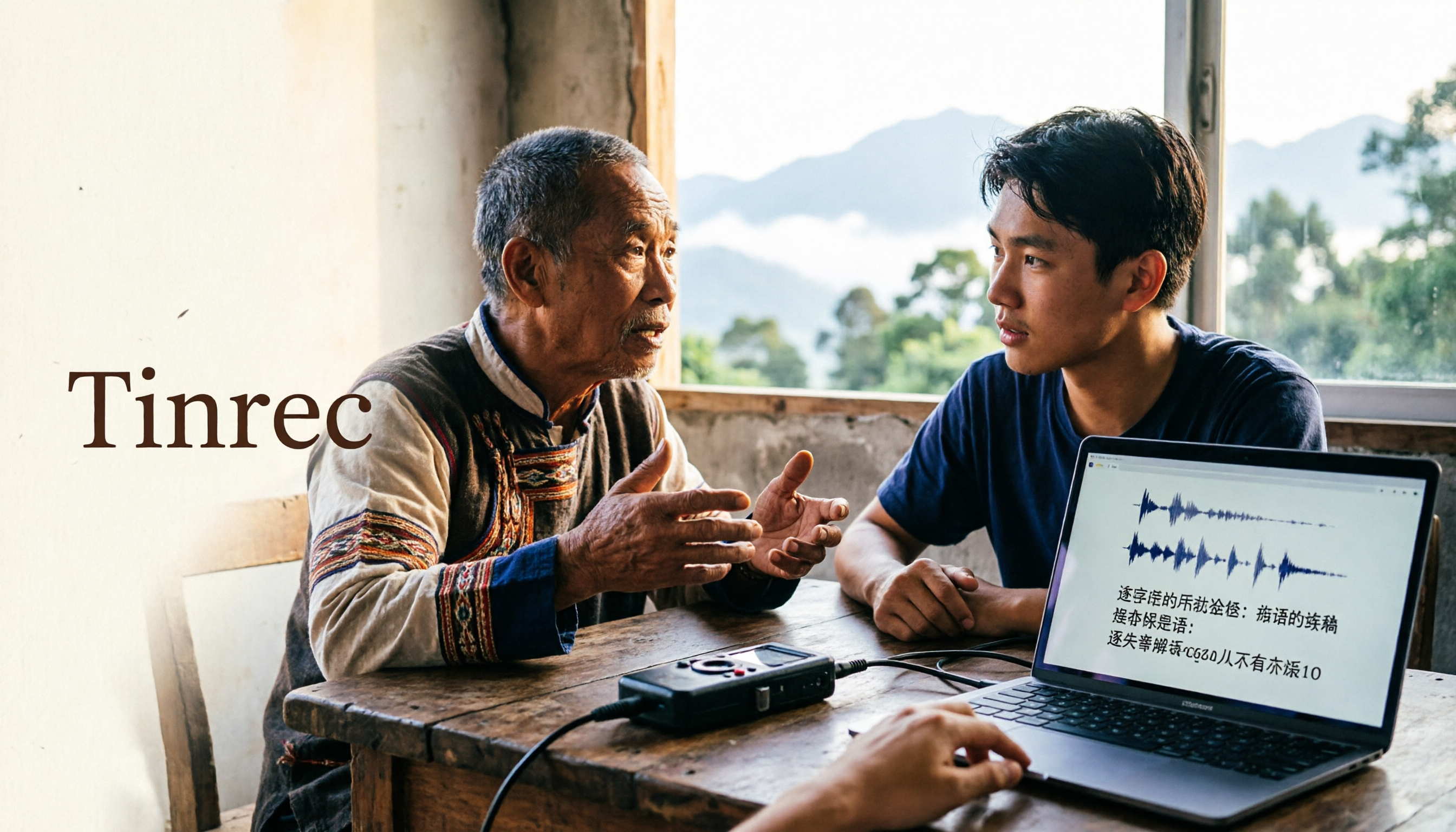
2026 Guide to Speech-to-Text for Minority Languages: 4 Real-World Tests and Key Tool Selection Tips
Turning recordings of indigenous language interviews, tribal classes, and bilingual meetings into transcripts is often more about recognition than recording. This article starts from real usage scenarios to explain 4 practical limitations of speech-to-text for minority languages, feasible workflows, and how Tinrec can help with Chinese and mixed-language segments—and where human effort is still required.

5 Best Dialect Speech-to-Text Tools in 2026: Cantonese & Taiwanese Transcripts Compared
Cantonese interviews and Taiwanese fieldwork recordings often turn into gibberish with generic speech-to-text. This article compares Tinrec, Subanana, Taption, CantoSub, and Google Cloud Speech-to-Text based on real-world dialect transcription workflows, and explains what Tinrec can do after transcription—summaries, action items, AI Q&A, and team knowledge retention—plus team pricing and buying considerations.

2026 Chinese-Japanese Real-Time Translation Guide: How to Choose for Meetings, Travel, and Streaming
How to choose a Chinese-Japanese real-time translation tool? After hands-on testing, I found the key difference lies in whether you need to 'understand in the moment' or 'keep a record afterward.' This guide covers three scenarios—meetings, business trips, and content research—and outlines 5 purchase decision points, with Tinrec demonstrating bilingual transcripts, bot-free meeting recording, summary to-dos, and team spaces in action.

Tinrec vs Plaud Note in 2026: 5-Factor Comparison — Which Is Better for Your Recording and Transcription Needs?
In 2026, voice recorders fall into two categories: AI recording hardware and AI meeting transcription software. This article compares Tinrec and Plaud Note/NotePin across five purchasing factors — meeting capture, input sources, post-meeting output, team governance, and Chinese-language experience — to help you decide which solution fits your budget and meetings.