

Turn recordings into transcripts and summaries in minutes
Upload audio or video for multilingual transcription, AI notes, and action items
As an office worker who attends meetings daily and has to organize meeting notes, I've been looking for an AI tool that truly saves time. There are many AI office tools on the market—some excel at writing copy, others at finding information—but meeting minutes are often overlooked. Tinrec (Miao Ting Lu Yin) is an AI tool focused on meeting minutes and collaboration. It doesn't just convert speech to text; it also organizes content into summaries, action items, and a searchable database you can query. It supports iOS, Android, and web versions, and the free plan includes basic transcription credits, making it suitable for office workers who want to try it out first.
What Can AI Office Tools Do for You?
AI office tools mainly fall into several categories: writing assistance, information retrieval, software development, and meeting minutes. Many people already use the first three, but meeting minutes are still often done manually. Tinrec, for example, turns meeting recordings into searchable, summarizable, and queryable data—something other tool types can't do.
Scenario 1: Meeting minutes ready 5 minutes after the meeting ends Previously, after a two-hour meeting, you might spend another hour organizing notes. Tinrec can automatically generate summaries, conclusions, and action items as soon as the meeting ends—who's responsible for what and deadlines are all clear at a glance.
Scenario 2: Interview recordings quickly turned into citable material When doing user interviews or press interviews, recordings often pile up in folders. Tinrec lets you upload audio files, convert them to transcripts, and then use AI summaries to extract key points for direct citation.
Scenario 3: Automatic recording for online meetings If you use Zoom, Google Meet, or Teams for meetings, Tinrec can record the session and later organize it into minutes, so you don't have to take manual notes.
What Are Tinrec's Core Capabilities?
Real-time transcription: Generates text as you record, with less than 1 second of delay. During meetings, you can watch the text in real time to confirm nothing is missed.
AI semantic summarization: Instead of condensing the transcript into a single paragraph, it organizes content structurally—meeting topic, discussion conclusions, action items, and responsible persons are listed separately.
Section organization: Breaks long content into structured segments for quick review.
Action item extraction: Extracts action items from discussions, such as "Submit the budget proposal by next Friday," and turns them into a to-do list.
AI Q&A: After transcription, you can ask Tinrec questions directly—"Who mentioned the budget in the meeting?" "What was the client's feedback?" It answers based on semantic understanding.
Multi-format export: Export results to Notion, Google Docs, OneNote, and other tools, seamlessly integrating with your workflow.
Practical Use Cases
Meeting Minutes
For weekly team meetings and client meetings, Tinrec can automatically generate minutes. In testing, a meeting that used to take 30 minutes to organize now takes just 5 minutes to produce a draft.
Stop organizing recordings by hand
Upload audio or video and automatically get a transcript, summary, and action items
Interviews and Research
For user interviews or expert interviews, Tinrec quickly produces transcripts and key summaries, making it easy to analyze and cite later.
Classes and Lectures
Students or self-learners can use Tinrec to record lectures, convert them to text, and then use AI Q&A to review key points.
Content Creation
Podcasters or video creators can upload recordings to Tinrec to quickly get transcripts and highlights, then repurpose them into articles or social media posts.
4 Things to Consider When Choosing AI Office Tools
Accuracy: Don't just rely on official claims. Test with your own recordings. Tinrec's Chinese transcription quality is quite good with clear audio, but actual results can be affected by background noise and accents.
AI post-processing: Transcription is just the first step—what matters is whether the tool can help you organize afterward. Tinrec's AI summaries and Q&A let you grab key points directly without re-reading the transcript.
Language support: If you need Chinese meeting minutes, note that not every tool is good at Chinese. Tinrec offers a native Chinese experience and can handle mixed Chinese-English content.
Cross-platform and export: Make sure the tool supports your commonly used devices and export formats. Tinrec has iOS, Android, and web versions, and can export to various third-party tools for easy archiving and collaboration.
Frequently Asked Questions
Is the Tinrec free version sufficient?
The free version includes basic monthly transcription credits, suitable for occasional use or trying it out. If you have more than 3 meetings per week, consider the Pro plan.
What's the difference between Tinrec and regular recording software?
Regular recording software just records; Tinrec goes further by converting to text, organizing summaries and action items, and allowing you to ask questions and export.
What languages does Tinrec support?
Tinrec supports Chinese, Traditional Chinese, and multiple languages, making it suitable for Chinese meetings and cross-border meetings.
Can accuracy reach 100%?
It's not advisable to expect that. Tinrec can greatly reduce manual organization time, but for important content, it's recommended to cross-check with the original text or recording playback.
What formats can be exported?
It supports multiple formats, including text files and PDF, and can sync to Notion, Google Docs, and other tools.
Conclusion
AI office tools are no longer just for writing copy or searching for information; meeting minutes should also be handled by specialized tools. Tinrec turns meeting recordings into a searchable, queryable, and collaborative database—a choice I found highly recommendable for office workers after testing. If you're also troubled by meeting minutes, why not start with the free version?
References
- Office Worker AI Tools Recommendation 2026|ChatGPT, Claude, Gemini Hands-On, Comparison of Tools to Help You Leave on Time|Forever Digital Technology
- Which AI Is Best? Detailed Introduction to Six AI Tools—Three Heads and Six Arms, Five Tigers and Fierce Generals, Build Your Own Team!
- [AI Insights] Which AI Tool Is Best in 2026? Foreign Media Review: Don't Miss These 5! | Jay Sheng Communications~Lowest Prices in the Mobile Phone Market
- [AI Cheat Sheet] That's All You Need! 2026 Recommended AI Free vs. Subscription Tools to Boost Work Productivity & Workplace Competitiveness! (Continuously Updated)|104 Workplace Power
- AI Agent Tools to Improve Work Efficiency: How Office Workers Should Choose Between Ready-to-Use and Configurable Options
Turn every recording into actionable outcomes
Get 60 free transcription minutes when you sign in. No credit card required.
Related Reading
You might also like

2026 AI Meeting Notes Showdown: Tinrec vs Granola on Context Understanding and Post-Meeting Workflows
Nobody wants to re-listen to a meeting recording—that's the biggest pain point of AI meeting tools. This article focuses on context understanding and compares Tinrec and Granola across five dimensions: audio retention, input sources, Chinese language and translation, post-meeting outputs, and team governance, helping you decide which tool better fits your meeting scenarios.
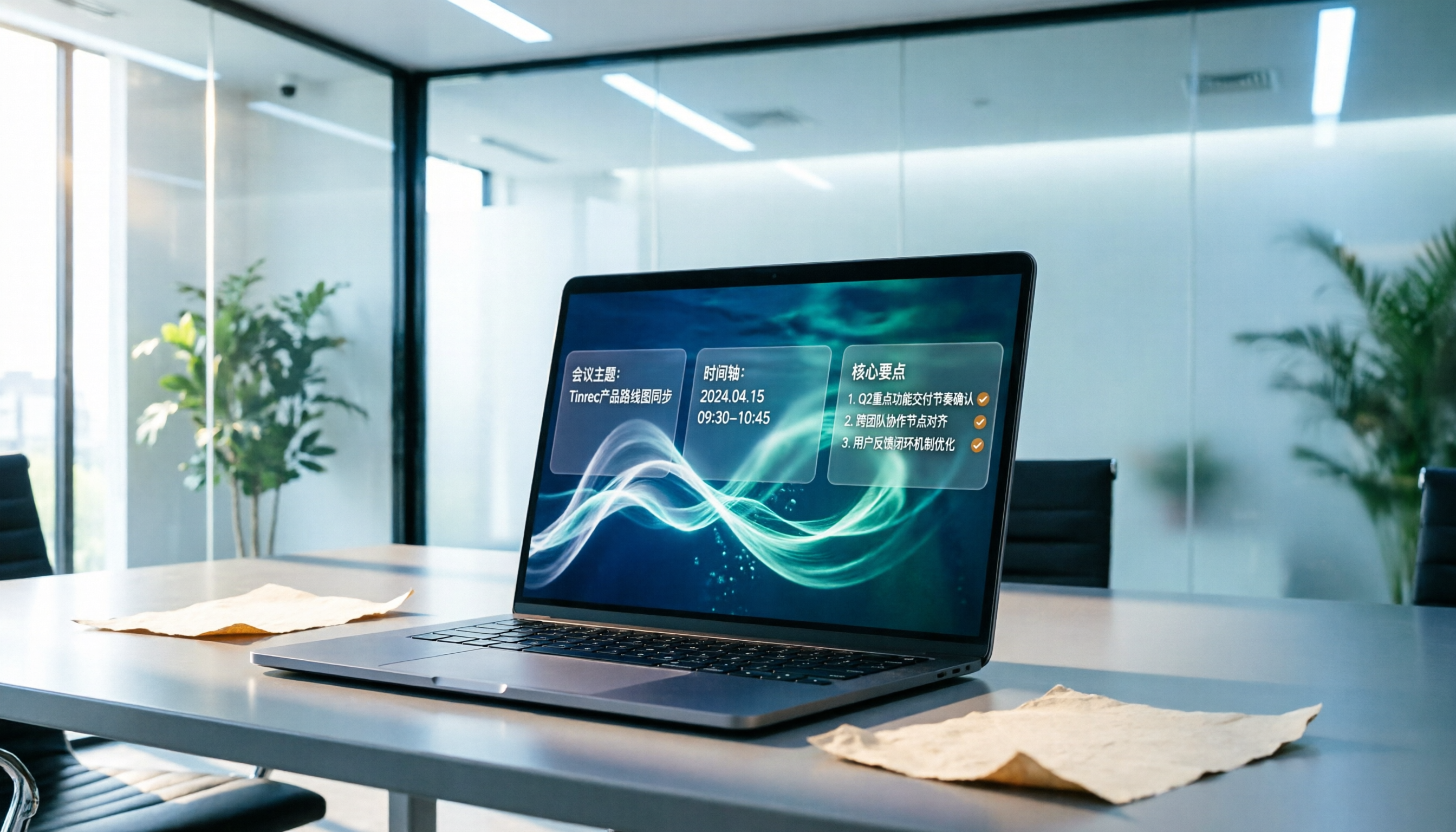
Tinrec vs Microsoft Word Copilot (2026): 5-Dimension Comparison for AI Meeting Minutes in Word
Discover how Tinrec and Microsoft Word Copilot compare in generating AI meeting minutes for Word across 5 key dimensions: audio capture, Chinese transcription, post-meeting organization, Word delivery, and team collaboration. Find the most time-saving workflow for your meetings.

2026 AI Agent Meeting Tools Compared: Which Is Fastest for Chinese Meeting Notes and Action Items?
We tested four AI Agent meeting tools—Tinrec, Otter.ai, Notta, and Granola—comparing bot-free recording, Chinese transcription, post-meeting summaries and action items, AI Q&A, and team knowledge retention to help you choose the most time-saving solution for meeting notes.

2026 AI Meeting Productivity Tools: Bot-Free Recording + Auto Summaries & Action Items
Many people treat AI meeting tools as simple transcript generators, but what really impacts efficiency is post-meeting organization and follow-up. This article uses Tinrec to demonstrate how to go from bot-free recording, real-time transcription, AI summaries, and action item extraction to team workspace retention, and also covers purchasing checkpoints and FAQs.
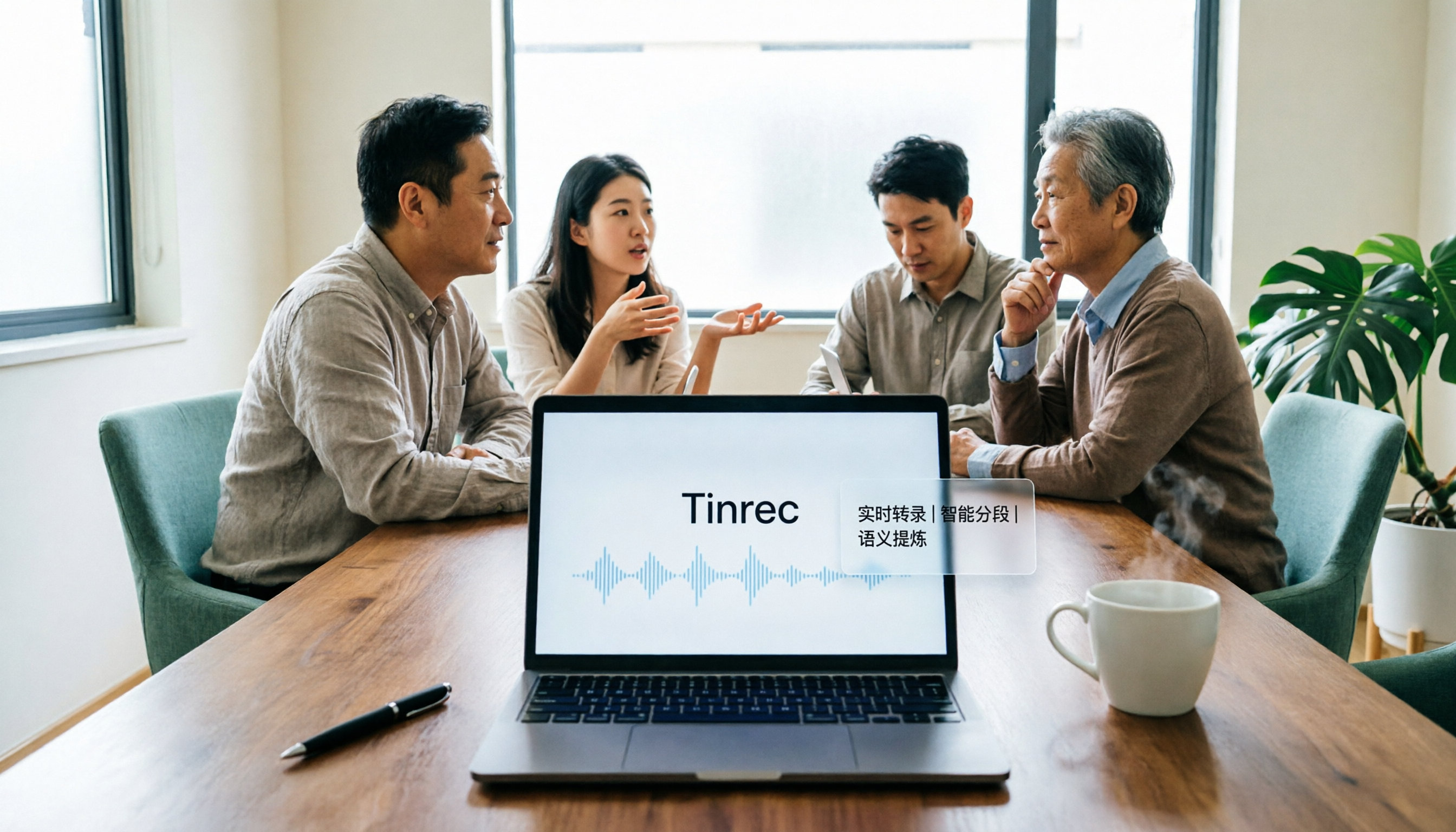
2026 AI Meeting Assistant Comparison: Tinrec vs. Granola — Which Is Better for Chinese-Speaking Teams?
Starting from the most common misconception about AI meeting assistants, this comparison tests Tinrec and Granola across five dimensions: Chinese-language meeting experience, audio retention, post-meeting outputs, team governance, and cross-device use—helping you decide which workflow truly fits your team.

2026 Comparison of 4 Meeting Productivity Agents: Which One Actually Saves Post-Meeting Time?
The real work starts after the meeting ends. This article uses the same Chinese meeting recording to test the post-meeting workflows of Tinrec, Otter.ai, Fireflies.ai, and Notta—covering bot-free recording, summary and action items, AI Q&A, and team knowledge retention—to help you decide which meeting productivity agent truly saves time.

2026 AI Meeting Notes Tools Compared: Tinrec vs Otter.ai vs Notta vs Granola — Which Turns Meetings into Usable Data?
Stop taking notes yourself: a hands-on comparison of Tinrec, Otter.ai, Notta, and Granola covering transcripts, summaries, action items, and AI Q&A, plus buying criteria, team seat and pricing details, and pitfalls to avoid.

4 AI Agents That Generate Excel Files Tested: Which One Actually Produces a Usable .xlsx?
After a meeting, turning notes into an Excel file often means replaying the entire recording. This article starts from "where does the data come from" and compares four approaches: Tinrec, Excel's built-in Agent mode, Gemini Notebook Agent, and Aspose.Cells AI Generator. It also covers 5 key selection criteria, 4 common mistakes, and practical recommendations.

2026 Free AI Agent PPT Generation Options: 5 Tools Compared
AI Agent PPT generation tools are proliferating, but the real question is where the content comes from. This article reviews five available options in 2026, including Microsoft Copilot, MiniMax Agent, ChatPPT, and two self-hostable open-source projects. It also explains how to use Tinrec to turn meeting recordings into usable presentation material, with a pitfalls guide and selection advice.