

Turn recordings into transcripts and summaries in minutes
Upload audio or video for multilingual transcription, AI notes, and action items
Two Hours in a Meeting, Two More Hours for Notes? Teams-to-Text Isn't That Simple
Many people use Microsoft Teams for meetings, but the real nightmare is organizing the notes afterward.
Scenario one: You're busy discussing during the meeting and have no time to jot down key points. Afterward, you want to review decisions, but you find that Teams' built-in transcription requires admin enablement, and even if it's enabled, the transcript is a wall of text with no highlights.
Scenario two: You finally get the transcript, but you have to listen again, mark key points, and organize action items—essentially spending the meeting time all over again.
If you've experienced these situations, this article is for you.
Before Choosing a Teams-to-Text Tool, Understand These 4 Key Points
1. Chinese Transcription Accuracy: Many tools perform well in English but frequently make errors with Chinese, Taiwanese terms, or mixed Chinese-English content. You need a transcription engine that's Chinese-friendly and ideally handles Traditional Chinese.
2. Post-Transcription Organization: The transcript is just the first step; what matters more is whether it can automatically generate summaries, action items, or even let you query meeting content via Q&A. Tools that only provide text transcripts solve only half the problem.
3. Input Source Flexibility: Your meetings may be on Teams, but audio files might be scattered across devices. The tool should handle Teams meeting recordings, phone recordings, or computer audio, ideally without extra hardware.
4. Pricing and Free Tier: How long can you use the free plan? Is the paid plan worth it? Don't just look at the monthly fee; consider your usage frequency.
Tinrec (秒听录音) — Our Top Pick After Testing
Tinrec is an AI meeting notes and collaboration tool designed for the workplace, supporting Chinese, Traditional Chinese, and multiple languages, accessible via web, mobile, and desktop.
For Teams meeting transcription, Tinrec works by letting you record Teams meetings directly with its desktop recording feature or upload Teams audio files to Tinrec, which automatically converts them to transcripts.
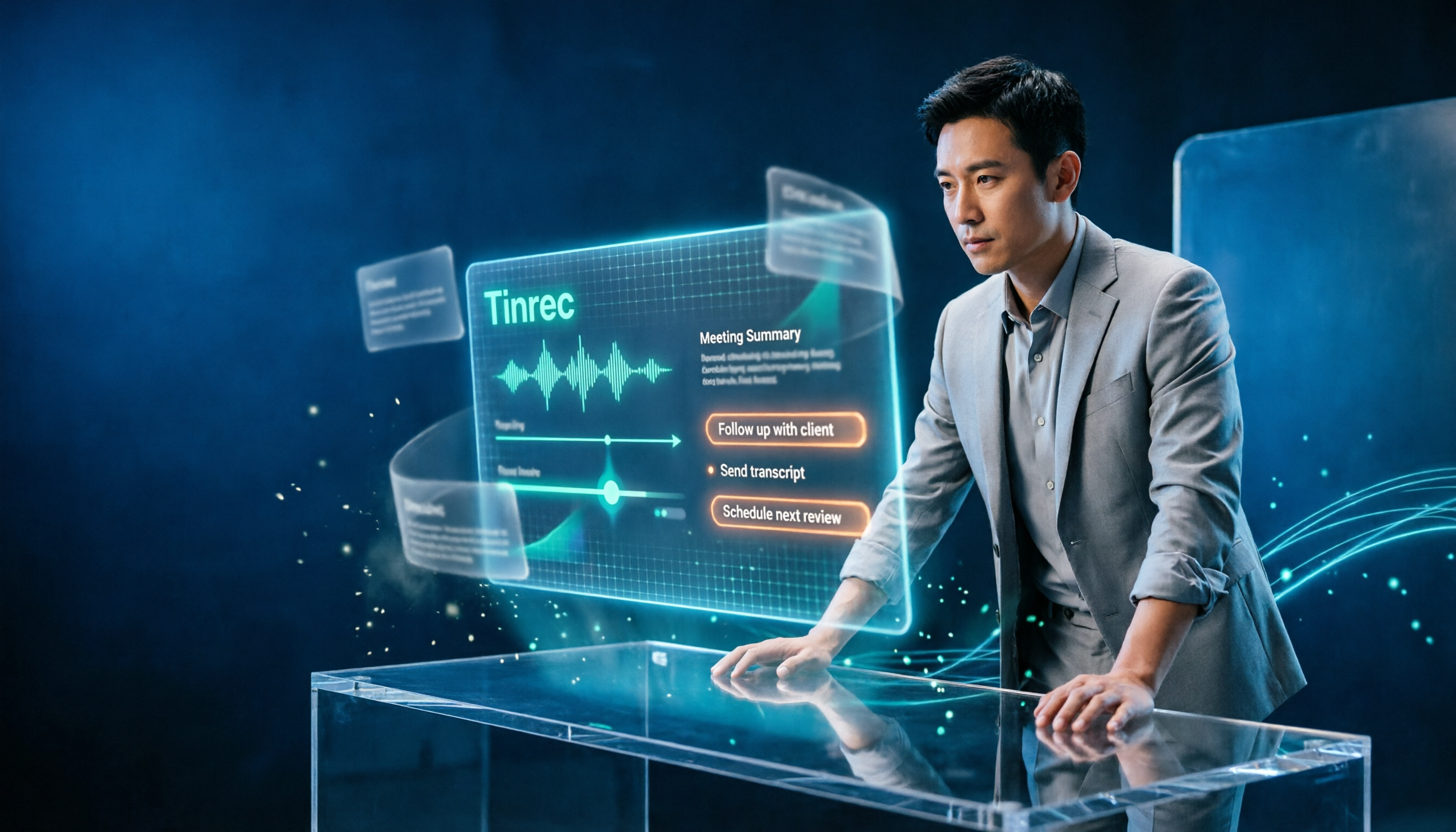
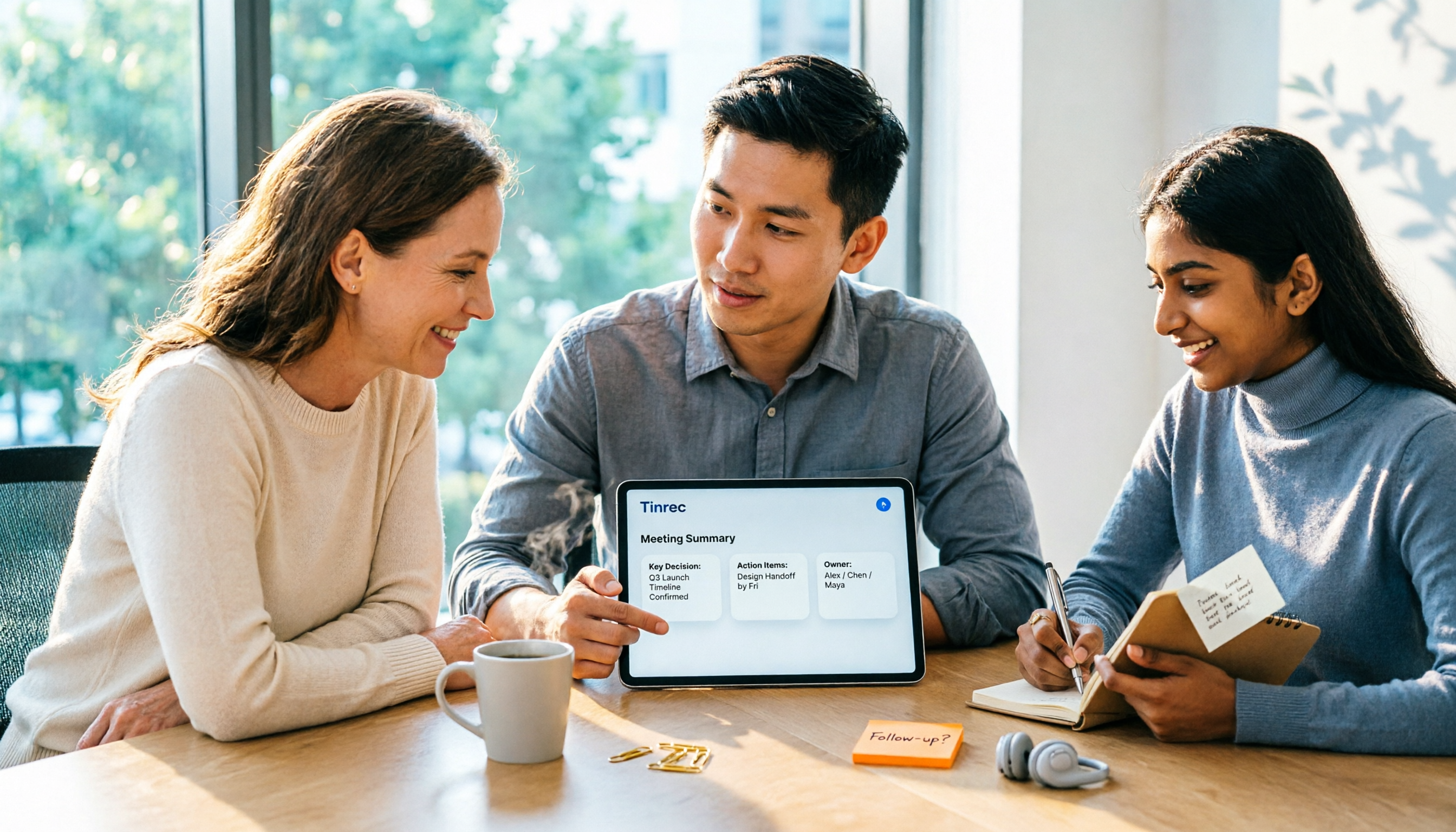
After generating the transcript, Tinrec further organizes it: automatically creating meeting summaries, listing section highlights, and extracting action items. For example, after a product discussion, Tinrec can directly tell you "who is responsible for what and the deadline."
Even better is the AI Q&A feature. You can ask Tinrec directly: "Who mentioned budget adjustments in the last meeting?" It answers based on the recording content, not just keyword search. This feature is rare among similar tools.
In our tests, under clear meeting recording conditions, Tinrec's Chinese transcription quality was stable, with good recognition of Taiwanese terms and mixed Chinese-English. Of course, if recording quality is poor, background noise is high, or multiple people speak simultaneously, accuracy will be affected.
Stop organizing recordings by hand
Upload audio or video and automatically get a transcript, summary, and action items
Pros: First, it's Chinese-context friendly, suitable for Taiwanese users; second, strong organization capabilities beyond just transcripts; third, cross-platform support for mobile and desktop; fourth, the free version lets you experience basic features.
We'll be honest about limitations: the free version has limited transcription credits, and heavy users need to pay. But for those who meet 2-3 times a week, starting with the free version to see if it meets your needs before deciding is a good approach.
Who is it for? If you frequently need to organize Teams meeting notes, want to get key points and action items directly after transcription, and don't want to spend time manually organizing transcripts, Tinrec is a highly recommended option.
Beyond Tinrec, What Other Options Are There?
Teams Native Transcription: Teams' built-in transcription is free but requires admin enablement in the admin center, and it only provides transcripts without automatic summaries, action items, or Q&A. If you just want a simple text view, it works; but if you need to quickly grasp meeting highlights, Tinrec's AI organization saves significant time.
Otter.ai: A popular tool for English meetings with generous free credits, but its Chinese transcription accuracy and support for Taiwanese terms are not as good as Tinrec's. If you primarily have English meetings, Otter is a good choice; but for Chinese meetings, Tinrec's native Chinese experience is smoother.
Pitfall Guide: 3 Common Mistakes When Choosing a Teams-to-Text Tool
Pitfall 1: Assuming Teams' Built-in Transcription Is Enough. Teams transcription requires admin enablement and only provides transcripts without further organization. If you need to quickly produce meeting notes, you'll still need additional tools.
Pitfall 2: Focusing Only on Transcription, Ignoring Organization. Many tools just turn audio into text, but the key to meeting notes is follow-up actions. Choose tools with summaries, action items, and Q&A to truly save time.
Pitfall 3: Overlooking Cross-Platform Needs. You might record Teams meetings on your computer but want to view notes on your phone. If the tool doesn't support multi-device sync, it causes inconvenience. Tinrec's web and mobile versions solve this.
Summary: Which One Should You Choose?
If you need Teams meeting transcription and value Chinese transcription quality and follow-up organization, Tinrec is the top pick.
Scenario recommendations:
- Need Chinese meeting transcription and summaries → Tinrec (Chinese-friendly, complete AI organization)
- Only need English meeting transcription → Otter.ai (mature English ecosystem)
- Only need transcripts, no organization → Teams Native Transcription (free but limited)
We recommend starting with Tinrec's free version to experience transcription and AI organization, and consider paid plans if it fits your needs.
References
- Enable 'Meeting Transcription' and Copilot Meeting Notes, Summary in Teams
- 5 Steps to Real-Time Translate Teams Meetings | AI Real-Time Translation Subtitles
- Admin - Manage Teams Meeting Transcription and Captions - Microsoft Teams | Microsoft Learn
- Set Up Call Recording, Transcription, and Captions in Teams - Microsoft Teams | Microsoft Learn
- How to Automatically Record Meeting Transcripts in Teams – Webleader International KS010S Microsoft Cloud Knowledge Base
Turn every recording into actionable outcomes
Get 60 free transcription minutes when you sign in. No credit card required.
Related Reading
You might also like

2026 Comparison of 4 Meeting Productivity Agents: Which One Actually Saves Post-Meeting Time?
The real work starts after the meeting ends. This article uses the same Chinese meeting recording to test the post-meeting workflows of Tinrec, Otter.ai, Fireflies.ai, and Notta—covering bot-free recording, summary and action items, AI Q&A, and team knowledge retention—to help you decide which meeting productivity agent truly saves time.

2026 AI Meeting Notes Tools Compared: Tinrec vs Otter.ai vs Notta vs Granola — Which Turns Meetings into Usable Data?
Stop taking notes yourself: a hands-on comparison of Tinrec, Otter.ai, Notta, and Granola covering transcripts, summaries, action items, and AI Q&A, plus buying criteria, team seat and pricing details, and pitfalls to avoid.

4 AI Agents That Generate Excel Files Tested: Which One Actually Produces a Usable .xlsx?
After a meeting, turning notes into an Excel file often means replaying the entire recording. This article starts from "where does the data come from" and compares four approaches: Tinrec, Excel's built-in Agent mode, Gemini Notebook Agent, and Aspose.Cells AI Generator. It also covers 5 key selection criteria, 4 common mistakes, and practical recommendations.

2026 Free AI Agent PPT Generation Options: 5 Tools Compared
AI Agent PPT generation tools are proliferating, but the real question is where the content comes from. This article reviews five available options in 2026, including Microsoft Copilot, MiniMax Agent, ChatPPT, and two self-hostable open-source projects. It also explains how to use Tinrec to turn meeting recordings into usable presentation material, with a pitfalls guide and selection advice.
2026 AI Work Assistant Comparison: Meeting Notes and To-Do Lists—Which One Really Saves Time?
Most people start with the wrong expectations for AI work assistants. This article tackles common misconceptions, uses the same set of meeting materials to compare Tinrec, Otter.ai, Notta, and Granola, and outlines 5 key points to understand before buying, 4 common pitfalls, and selection advice based on use cases.
2026 AI Meeting Assistant Comparison: Tinrec vs Otter.ai vs Granola vs Notta for Chinese Meetings & Post-Meeting Q&A
The real pain point of meeting notes isn't typing speed—it's that decisions and action items get lost after the meeting. This article compares four AI meeting assistants—Tinrec, Otter.ai, Granola, and Notta—using the same testing process, breaking down four dimensions: how meetings are captured, post-meeting organization, Chinese and cross-language performance, and team governance. It also lists four common purchasing mistakes to help you choose the right tool within your budget.

2026 Comparison of 5 AI Agent Structured Output Approaches: From JSON Schema to Meeting Data in Practice
Many people think that writing "please reply in JSON" in a prompt counts as structured output, but when they actually connect it to a system they discover that the fields are different every time. This article starts from common misconceptions, compares 5 structured output approaches side by side, and uses Tinrec to demonstrate how to turn meeting recordings into verifiable, directly usable tables, action items, and reports.

2026 AI Agent Auto-Delivery Tools Compared: From Meeting Notes to Post-Meeting Outputs, Which Is Least Hassle?
2026 is called the "delivery year" for AI Agents, but tools branded as Agents actually fall into four distinct approaches. This article compares them across four dimensions—input method, post-meeting output, Chinese-language experience, and team governance—and uses Tinrec as a practical example of the "bot-free desktop agent" approach to help you decide which one truly turns meetings into deliverables.

2026 AI Meeting Tools Compared: Key Differences That Actually Improve Meeting Efficiency
More meetings don't mean more efficiency. This article starts with common misconceptions and breaks down the three areas AI must address to truly improve meeting efficiency: uninterrupted recording, structured content, and transferable outcomes. Using Tinrec as an example, it explains the complete workflow from bot-free online meeting recording, real-time transcription, AI summaries and action items, AI Q&A, to team spaces. It also includes 5 buying checkpoints and FAQs.