
Turn recordings into transcripts and summaries in minutes
Upload audio or video for multilingual transcription, AI notes, and action items
2026 Test: 4 Speech-to-Text Tools Compared – Which Is Best for Chinese Meetings and Team Knowledge?
Common Misconception: You Don't Need 'Transcription' – You Need 'Post-Meeting Efficiency' – Solve the Real Pain Point First
When people think of meeting notes, their first reaction is to find a 'speech-to-text' tool. But the real time sink isn't the transcription itself – it's what happens after you get the transcript: finding key points, organizing action items, and confirming who's responsible for what. If you only use the tool as 'upload audio → get text,' you're solving only the first 10% of the problem.
An even more common inefficiency is manually taking notes during the meeting, then re-listening to the recording afterward to fill in gaps – a two-hour meeting often takes four hours to process. Choosing the right tool isn't about transcription speed; it's about whether it can turn meeting content into actionable information.
Before Choosing a Speech-to-Text Tool, Understand These 3 Key Points
First, don't just look at transcription accuracy. What really affects efficiency is what happens after transcription: Can the tool automatically generate summaries and action items? Can you ask questions about the meeting content? If you just get a wall of text, you'll still spend time organizing it yourself.
Second, how the tool records online meetings matters. If the tool requires adding a bot to the meeting, many people find it awkward or non-compliant. Tools like Tinrec use no-bot desktop recording, capturing system audio directly without needing an extra participant.
Third, don't overlook team collaboration. If meeting data is stored only in a personal account, it's a hassle when a team member leaves or switches devices. It's better to have it stored in a team space for unified storage, search, and management.
Tinrec (Miao Ting) – Our Top Pick After Testing
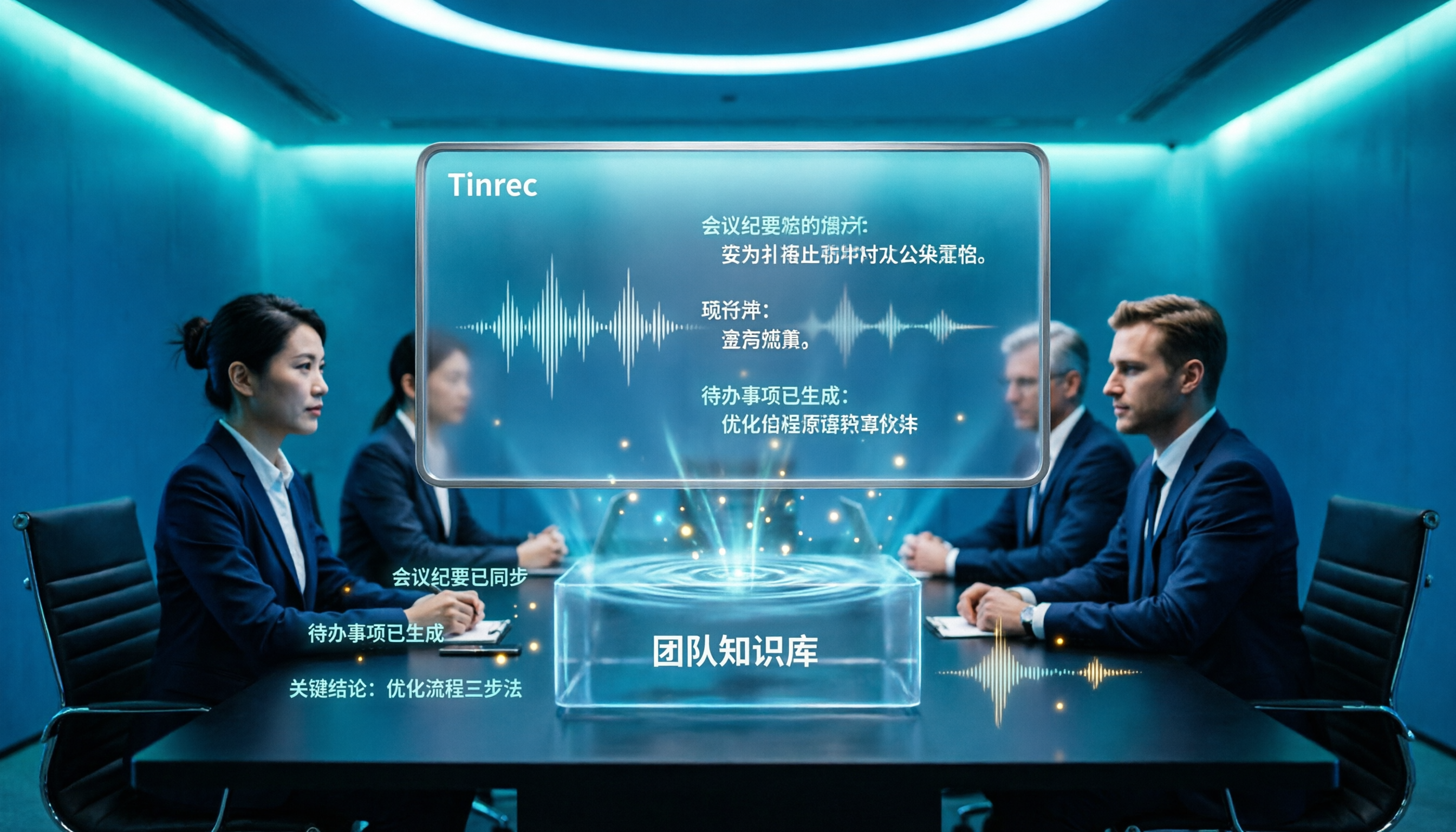
Tinrec (Miao Ting) is an AI meeting notes and collaboration tool for individuals and teams. It doesn't just convert speech to text; it also generates summaries, action items, Q&A, and stores everything in a team space.
When you open Tinrec during a meeting, it transcribes in real time. When the meeting ends, AI has already generated a summary and action items – who's responsible for what, and deadlines, at a glance. For online meetings, no bot is needed: the desktop app captures system audio directly, recording Zoom, Google Meet, Teams, etc., so employees don't worry about 'being monitored by a bot.'
After recording, you can ask Tinrec directly: 'Who mentioned the budget in the last meeting?' It won't just give keyword search results; it uses semantic understanding to answer directly. Among competitors in the same price range, this kind of conversational query is not common.
We tested with a 5-minute Chinese meeting recording (with slight background noise and two people taking turns speaking). Tinrec's transcript performed steadily in common conversations, and professional terms can be further improved using the team glossary feature. However, accuracy isn't fixed at 98%; if the recording is unclear, people talk over each other, or accents are strong, you'll still need to verify against the audio. For important information, we recommend checking the timestamped playback.
Stop organizing recordings by hand
Upload audio or video and automatically get a transcript, summary, and action items
Three things stand out: First, no-bot recording for online meetings – you don't have to explain 'who is this bot?' to participants, making the experience more natural. Second, it's more than just a transcript: summaries, chapters, action items, mind maps, AI Q&A, and export to Notion/Google Docs make post-meeting organization much faster. Third, the team plan centralizes meeting data: members, seats, usage, audit logs, and even an audio recycle bin – ideal for departments or project groups over the long term.
The free plan has limited credits; heavy users need to pay. But if you have 2-3 meetings a week, try the free version first to see if it fits, then decide whether to upgrade – no need to spend money upfront.
If you often have Chinese meetings, dislike meeting bots, want to use AI to find key points after recording, or need your team to build a meeting knowledge base – Tinrec is a very practical choice right now.
What Are the Alternatives to Tinrec?
Otter.ai: Very mature for English business meetings, and the free tier offers a generous 300 minutes per month. But its strength is in English; the Chinese meeting experience isn't as natural as Tinrec's. Also, Tinrec's team glossary and mixed-language content organization are better suited for Chinese-speaking teams. If you mainly have English meetings, Otter is worth considering; if your meetings are mostly Chinese or mixed, Tinrec is smoother.
Notta: Offers comprehensive transcription, translation, and file processing features, with high overlap with Tinrec. However, Notta doesn't emphasize no-bot desktop recording or AI Q&A about meeting content as much as Tinrec; its focus is more on 'transcription' itself. If you just need quick file transcription, Notta works; if you want to ask follow-up questions about meeting content and generate reports, Tinrec's agent-based post-processing is more complete.
TurboScribe: Great for long files and batch transcription, with good value. But it's positioned as a file transcription tool – no real-time online meeting recording, no team space, and no member management. If you occasionally transcribe a few long audio files, TurboScribe is enough; but if you need to record online meetings and build a team knowledge base, Tinrec is the right choice.
Pitfall Guide: 3 Common Mistakes When Choosing a Speech-to-Text Tool
Pitfall 1: Only looking at the advertised accuracy. Many tools claim 98% or 99%, but those numbers are usually measured in a quiet recording studio. Real meetings have air conditioning, keyboards, and people talking over each other, so accuracy will drop. The right approach: test with your own recordings using the free trial – don't just trust the ads.
Pitfall 2: Ignoring how online meetings are recorded. If the tool requires adding a bot to the meeting, it's not just awkward – some companies have compliance concerns. Choosing a no-bot desktop recording tool (like Tinrec) is safer.
Pitfall 3: Buying a tool but only using it as a transcriber. If you don't use the summaries, action items, and AI Q&A after recording, you're only using a third of the features. With Tinrec, you can ask 'What was the conclusion of the meeting?' – much faster than manually scanning a 30-minute transcript.
Summary: Which One Should You Choose?
Simply put, if you just need 'speech-to-text,' many tools can do that. But if you want to avoid spending hours organizing after meetings, don't want to add bots to online meetings, and want your team's data to be searchable and storable – Tinrec is the choice that best fits these needs.
Scenario recommendations: Need Chinese meeting notes with AI to find key points → Tinrec; Hate meeting bots → Tinrec; Team needs centralized meeting data management → Tinrec; Zero budget, only English meetings, and no team features needed → Otter.ai (the only exception); Only need to transcribe long files occasionally → TurboScribe.
We recommend starting with Tinrec's free version to test transcription and summary quality, then upgrade if it suits you. No need to rush into spending money.
References
- Outperforming Yating, journalists in tears – What makes Good Tape so great? | CommonWealth Magazine
- - Good Tape
- Good Tape: Recommended transcription software for audio files! The tool that best understands journalists' needs | Future Commerce
- Good Tape – Automated transcription tool supporting multiple languages including Chinese
- Good Tape Taiwan – AI fully automated transcription online cloud service, simple and fast, saving you hours of manual typing | Purchase inquiry
Turn every recording into actionable outcomes
Get 60 free transcription minutes when you sign in. No credit card required.
Related Reading
You might also like

2024 AI Meeting Assistant Comparison: Which One Actually Saves Time on Chinese Meeting Notes?
A practical comparison of six popular AI meeting assistants in 2024, covering differences in no-bot recording, Chinese transcription, post-meeting summaries, action item extraction, and team knowledge retention. We also list each tool's free tier and paid pricing to help you decide which one truly saves time on meeting notes.

6 AI Meeting Assistants Tested for 2026: Which Handles Chinese Meetings and Post-Meeting Notes Best?
Meeting just ended, but no one remembers who owns the action items? This article reviews 6 AI meeting assistants in 2026, comparing Chinese transcription, bot-free recording, post-meeting summaries, and team collaboration to help you pick the one that truly saves time.

How to Use an AI Meeting Assistant in 2026: Tinrec in 4 Steps + Automatic Post-Meeting Organization
Many people install an AI meeting assistant but only use the recording feature. The key is whether you complete the four steps: record, transcribe, organize, and reuse. This article uses Tinrec as an example to break down the actual operation steps for three meeting scenarios, and compares the differences between the personal and team versions, including seats, quotas, and pricing, to help you assess your needs before purchasing and choose the right version.

2026 Comparison of 4 Online Sales Meeting Notes Tools: Which One Turns Customer Promises into Action Items?
Starting from the customer promises and action items most often missed in sales meetings, this comparison covers four types of online creation methods. Using Tinrec as an example, it demonstrates pre-meeting preparation, bot-free recording during meetings, post-meeting summaries and action item export, plus team edition governance and a buying FAQ.

Tinrec vs Notta 2026: 5-Dimension Comparison — Which Sales Meeting Notes App Is More Worth Recommending?
How to choose a sales meeting notes app? Using Tinrec as an example, this article breaks down real-world usage from customer interviews and online quote meetings to weekly sales meetings and team handovers — covering bot-free recording, transcripts, AI summaries, action item extraction, AI Q&A, and team spaces — and outlines 5 key purchase considerations plus FAQs.

Best Sales Meeting Transcription Tools in 2026: 4 Tested, Tinrec Wins for Online Review
Sales meeting notes aren't just about uploading audio to the cloud. This article compares Tinrec, Otter.ai, Granola, and PLAUD across four dimensions—review experience, Chinese recognition, recording methods, and team governance—to identify the best selection criteria and pitfalls to avoid for sales teams in 2026.

6 Free Sales Meeting Notes Templates Tested for 2026: Fill These Fields to Track Deal Signals
Even a detailed sales meeting note won't help you close if the fields are wrong. This article compiles free, copy-ready sales meeting note templates, breaks down 5 key selection criteria, and tests Tinrec, Notta, Otter.ai, Granola, and two free templates to show how to turn customer quotes, concerns, and action items into follow-up leverage.

5 Best Speech-to-Text Apps of 2026 Tested: Which Handles Chinese Meetings Best?
We tested the latest speech-to-text apps of 2026, comparing free tiers, Chinese recognition, meeting summaries, AI Q&A, and team collaboration to help you decide which app best fits your daily meetings and transcript needs. Using Tinrec as an example, we illustrate a real-world workflow and plan selection.

4 Best Free Speech-to-Text Tools in 2026: Free Tiers and Chinese Support Compared
We tested 4 free speech-to-text tools in 2026—Tinrec, cSubtitle, Monica, and MyEdit—comparing free tiers, Chinese language support, post-meeting organization, and team collaboration to help you pick the right free plan for your needs.