
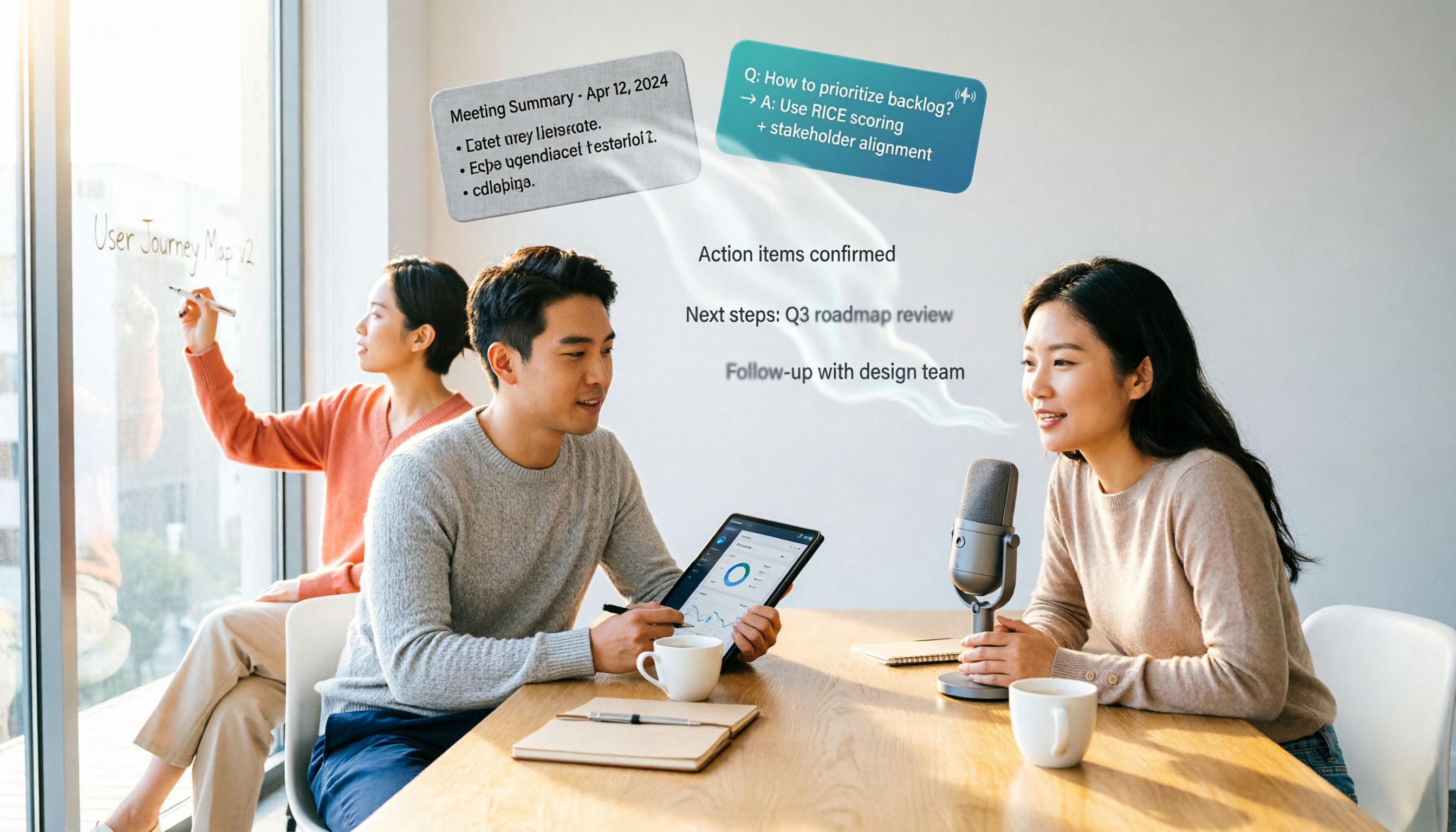
Turn recordings into transcripts and summaries in minutes
Upload audio or video for multilingual transcription, AI notes, and action items
Why You Need an Audio-to-Text Tool?
Meetings that run until quitting time—the worst part is having to listen back to recordings to write meeting minutes. I've tried several apps, and got burned more often than not: Cantonese transcription is inaccurate, multi-speaker recognition is poor, and uploads take forever. When choosing an audio-to-text tool, the key is knowing what you need: just a verbatim transcript, or also AI summaries, action items, and team sharing? Below are 6 tools worth considering in 2026 to help you avoid detours.
Tinrec (Miao Ting Lu Yin) | The Most Complete AI Meeting Minutes Assistant
Tinrec is an AI meeting minutes collaboration tool for individuals and teams. It doesn't just convert speech to text; it also organizes it into searchable, collaborative data. The standout feature is robot-free online meeting recording: use the desktop app to capture system audio directly, without inviting a bot to join Zoom, Google Meet, Teams, or Webex meetings. After recording, it automatically generates summaries, chapters, and action items, and you can ask AI questions about the meeting content, such as "What concerns did the client have?" For output, it supports multiple formats (Notion, Google Docs, etc.), and the team plan includes a dedicated space to store all meeting data, manage members, seats, usage, and audit logs. The personal plan has a free tier with basic quotas; Pro monthly/annual plans suit long-term use; the team plan costs US$29.80 per seat per month, or US$199 per seat per year. It's best for professionals and teams who need Chinese meeting minutes, don't want meeting bots, and want to turn meetings into team knowledge.
Good Tape | AI Transcription Tool for Journalists
Good Tape, developed by Denmark's Zetland, uses OpenAI Whisper technology and supports over 40 languages, including fairly accurate Cantonese transcription. It can output text files with timestamps or subtitle files (.srt), and transfers are encrypted with data protected by GDPR. Unregistered files are only kept for 3 days. Journalists and researchers especially like it because the free version is sufficient, and paid Pro plans are priced as per official rates. It suits users who need fast transcription of multilingual interview recordings without team collaboration features.
Otter.ai | Mature English Meeting Assistant
Otter is a veteran AI meeting assistant that supports platforms like Zoom and Teams, offering automatic meeting bot joining, speaker identification, and AI Chat. English transcription quality is high, but Chinese experience is average. The basic plan is free with 300 minutes per month; Pro costs US$8.49/month billed annually. It's best for users with primarily English meetings who need mature meeting automation features.
Stop organizing recordings by hand
Upload audio or video and automatically get a transcript, summary, and action items
Notta | Multi-Platform Transcription and Translation
Notta overlaps significantly with Tinrec in features, supporting web, mobile apps, and desktop. You can import audio and video files, and it offers multilingual transcription and translation. The free plan includes 120 minutes per month (max 3 minutes per upload), and Pro costs US$8.17/month billed annually. It suits users who need extensive file transcription and translation but don't need AI Q&A or team knowledge management.
TurboScribe | High-Value File Transcription
TurboScribe focuses on long-file processing: the paid plan handles single files up to 10 hours or 5GB, allows up to 50 files per upload, and supports batch transcription and subtitle generation. The free plan offers 3 files per day (each up to 30 minutes), and Unlimited costs US$120/year. It's ideal for those who mainly process long audio files and don't need real-time meeting minutes.
PLAUD Note | Portable AI Recording Hardware
PLAUD Note is a standalone recording device that's compact and portable, supporting phone call recording and long battery life, suitable for field interviews or meetings. Hardware prices: NotePin US$159, Note Pro US$189, plus a subscription membership (Pro US$99.99/year). It's for users who need hardware recording and prefer not to use their phones.
With So Many Options, How Should You Choose?
• For the most complete AI features (transcription + AI Q&A + automatic minutes) → Tinrec (the only one with all these features) • For Cantonese + Mandarin bilingual transcription → Tinrec (supports multiple languages, good Chinese experience) • For switching between phone and computer → Tinrec (iOS + Android + web) • For zero budget and occasional transcription → Good Tape free version (basic features suffice) • For English-only meetings → Otter.ai (mature English support) • For heavy file transcription without meeting features → TurboScribe (high value) • For portable recording hardware → PLAUD Note (convenient hardware form)
4 Things to Know Before Using Audio-to-Text Tools
- Recording quality directly affects accuracy; record in a quiet environment to reduce background noise.
- Overlapping speech, accents, and technical jargon may affect recognition; verify important content against the original recording.
- Recording meetings must comply with local laws; obtain consent from participants when necessary.
- Free plans usually have usage limits (minutes or files); for long-term use, consider a paid plan.
Conclusion
When choosing an audio-to-text tool in 2026, don't just look at price; consider whether you need simple transcription or complete meeting management. Tinrec excels in robot-free meeting minutes, AI Q&A, and team collaboration, especially for Hong Kong professionals—no more overtime writing meeting minutes, and you can turn every meeting into team assets. If you're still using pure transcription tools, give Tinrec a try; it could save you a lot of time.
References
- Good Tape AI Automatic Transcription Software - Pro 30 Days
- Good Tape - Google Play App
- Good Tape: Recording-to-Transcript Software Recommendation! The Tool Journalists Need Most | Future Commerce AI Tool Guide
- Surpassing Yating, Journalists Cry with Joy: What Makes Good Tape So Amazing? | CommonWealth Magazine
- Good Tape: Automated Recording-to-Transcript Tool, Supports Chinese and Many Other Languages
Turn every recording into actionable outcomes
Get 60 free transcription minutes when you sign in. No credit card required.
Related Reading
You might also like

How to Download an AI Meeting Assistant in 2026: 5 Steps from Installation to Meeting Minutes
Looking for an AI meeting assistant in 2026 but stuck on download, installation, and setup? This guide tackles real pain points and walks you through 5 steps to complete Tinrec download, permission settings, recording transcription, and post-meeting export, plus 5 things to consider when choosing and FAQs.

2025 AI Meeting Assistant Comparison: Tinrec, Otter.ai, Notta, and Granola Reviewed
Many people download AI meeting assistants only to find transcripts hard to use, Chinese recognition unreliable, and team data scattered. This article compares Tinrec, Otter.ai, Notta, and Granola across selection criteria, real workflows, and pitfalls to help you choose a tool that actually produces usable meeting notes.

2026 Smart Meeting Notes Tools Compared: How to Tell If Meeting Minutes Are Actually Useful
Most people evaluate smart meeting notes tools only by transcription accuracy, but the real cost is in how you use the notes after the meeting. This article starts with common misconceptions, breaks down 4 key points for reviewing meeting notes, compares Tinrec, Otter.ai, Notta, and Granola, and highlights 3 pitfalls to help you choose a tool that fits your workflow.

4 Smart Meeting Notes Tools Tested for 2026: From Transcripts to Action Items, Which One Really Saves Time?
Meeting notes aren't just about keeping a transcript. This article starts with the most common pitfalls, breaks down the correct workflow for smart meeting notes and 4 key selection criteria, and compares Tinrec, Otter.ai, Notta, and Granola in terms of recording capture methods, post-meeting organization capabilities, and team collaboration differences, with a guide to avoiding pitfalls and selection advice.

2026 AI Meeting Assistant Guide: Bot-Free Recording + Auto Summaries & Action Items
Many people think recording a meeting is enough and they can just listen again later—but that's actually the most time-consuming and inefficient approach. This article starts with the key factors for choosing an AI meeting assistant, introduces Tinrec's bot-free recording, automatic summaries and action items, AI Q&A, and team collaboration capabilities, and briefly reviews alternatives like Otter.ai, Granola, and PLAUD to help you find the right meeting notes workflow.

2026 AI Meeting Assistant App Comparison: Chinese Transcription, Bot-Free Recording, and Team Knowledge Retention
A 2026 hands-on comparison of AI meeting assistant apps, examining Tinrec and Notta across Chinese meeting transcription, bot-free recording, post-meeting AI Q&A, team knowledge retention, and pricing to help professionals and teams choose the right meeting notes tool.

2024 Comparison of 5 AI Meeting Assistant Platforms: Why Tinrec Is a Better Fit for Chinese-Speaking Teams Than Notta
A procurement-focused comparison of 5 AI meeting assistant platforms, highlighting Chinese-language meetings, bot-free recording, post-meeting AI Q&A, and team knowledge retention, and explaining why Tinrec is a Notta alternative worth evaluating first.

5 AI Meeting Assistants Compared in 2024: Free vs. Paid, How to Choose for Chinese Meetings and Post-Meeting Organization
How to choose an AI meeting assistant in 2024? This article compares Tinrec, Fireflies.ai, Granola, TurboScribe, and PLAUD Note across five dimensions: meeting capture method, Chinese recognition, post-meeting summaries and Q&A, team seats and pricing. It also outlines selection criteria and common pitfalls to help you find the right tool for Chinese meetings and team collaboration.

2024 AI Meeting Assistant Comparison: Chinese Meetings, Bot-Free Recording, and Post-Meeting Organization—Which Saves the Most Time?
2024 AI meeting assistant review comparing Tinrec, Otter.ai, Notta, and PLAUD on Chinese transcription, bot-free recording, post-meeting summaries, and team collaboration—covering use cases, pricing, and limitations to help you choose the right meeting tool.