
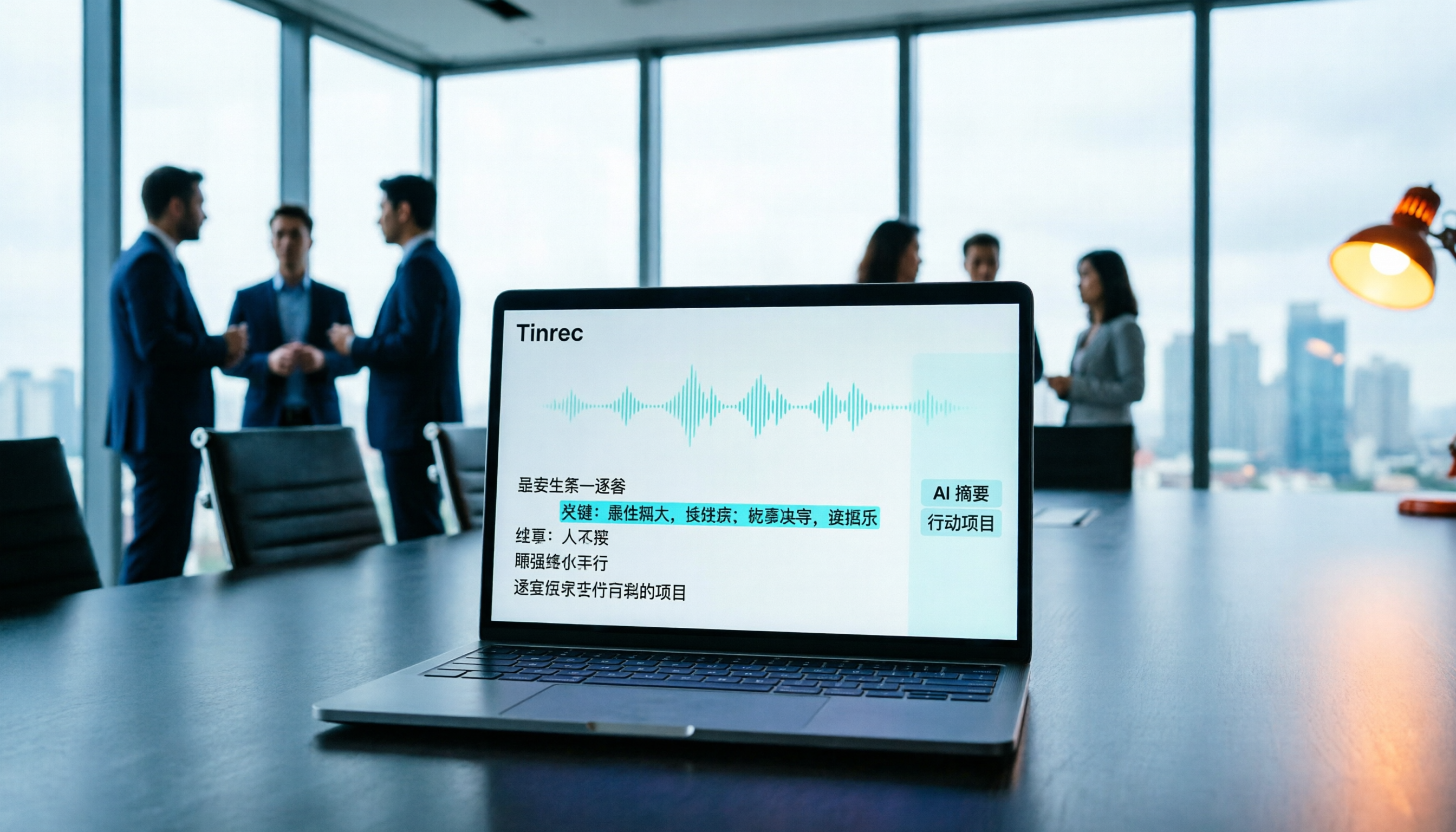
Turn recordings into transcripts and summaries in minutes
Upload audio or video for multilingual transcription, AI notes, and action items
Tinrec vs Otter.ai 2026 Hands-On Comparison: Which Is Better for Traditional Chinese Meeting Notes for Taiwan Users?
When Taiwan users search for an Otter Chinese version, they often assume Otter fully supports Traditional Chinese, but officially it only lists Simplified Chinese. If you need to handle Taiwan meetings, Traditional Chinese transcripts, or mixed Chinese-English content, my hands-on testing shows that Tinrec is worth trying first.
Tinrec vs Otter.ai Quick Overview
Otter.ai is a mature AI meeting assistant focused on online meeting notes and summaries, but its Chinese support is limited to Simplified Chinese. Tinrec is an AI meeting notes and collaboration tool designed for individuals and teams, emphasizing bot-free recording, a Chinese-friendly experience, and team knowledge management.
| Feature | Otter.ai | Tinrec |
|---|---|---|
| Pricing | Basic free (300 minutes/month); Pro USD 8.49/month billed annually | Free tier available; Pro monthly/annual plans; Team plan USD 199/seat/year |
| Chinese Support | Simplified Chinese only (official) | Supports Traditional Chinese, Simplified Chinese, and mixed Chinese-English |
| Meeting Recording | Bot joins or desktop app | Desktop app captures system audio without a bot |
| Core Features | Live transcription, speaker identification, AI Chat, summaries | Live transcription, summaries, action items, AI Q&A, multiple export formats, team spaces |
| Team Capabilities | Business plan offers team management | Roles, seats, usage analytics, audit logs, recycle bin |
This article compares the two tools across four dimensions: Traditional Chinese support, online meeting recording, post-meeting organization, and team collaboration.
Dimension 1 | Traditional Chinese Support and Recognition Accuracy
Otter.ai currently officially supports only Simplified Chinese, not Traditional Chinese. Taiwan users testing with Chinese meetings should not assume that Traditional Chinese terms, Taiwan accents, English abbreviations, and names will be transcribed correctly. If transcripts must be delivered directly to clients or serve as official records, it's not advisable to subscribe without prior testing.
Tinrec explicitly supports Traditional Chinese, Chinese meeting transcription, and mixed Chinese-English content organization, and also offers real-time translation and team-specific vocabulary. In Chinese meeting scenarios, Tinrec's recognition and organization are more aligned with Taiwan usage habits.
→ This dimension: Tinrec clearly wins.
Dimension 2 | Online Meeting Recording Methods
Otter.ai can join meetings via a bot on Zoom, Google Meet, Microsoft Teams, and other platforms, or use its desktop app. However, the bot appears as an additional participant, which some users or clients may find intrusive.
Tinrec's desktop app directly captures your computer's system audio, so no extra bot is needed in the meeting. You simply start recording in Tinrec to capture online meetings and generate transcripts in real time. This is more user-friendly for those who don't want to see an unfamiliar bot in their meetings.
→ This dimension: Tinrec wins (bot-free, more privacy).
Dimension 3 | Post-Meeting Organization and AI Features
Otter.ai provides summaries, action items, and outlines after meetings, and you can ask questions via Otter Chat. However, it's more English-centric, and its post-processing depth for Chinese meetings is limited.
Stop organizing recordings by hand
Upload audio or video and automatically get a transcript, summary, and action items
Tinrec goes beyond transcripts, automatically generating summaries, chapters, highlights, and action items. It also supports AI Q&A, mind maps, real-time translation, and even Agent-based post-processing to generate reports, tables, and documents. You can export to Notion, Google Docs, OneNote, and other tools.
→ This dimension: Tinrec is better suited for Chinese workflows.
Dimension 4 | Team Collaboration and Data Management
Otter.ai's Business plan offers team management, but role and permission controls are primarily in English, which increases the learning curve for Chinese-speaking teams.
Tinrec's Team plan provides a dedicated team space with role differentiation (owner, admin, member) and seats; members without a seat can still view data. It also includes usage analytics, audit logs, an audio recycle bin, and team-specific vocabulary. Meeting data belongs to the team, and resources can be transferred when a member leaves.
→ This dimension: Tinrec offers more granular governance for Chinese teams.
What Are the Unique Advantages of Each?
Tinrec's Unique Advantages
- Native support for Traditional Chinese and mixed Chinese-English, with real-time translation to reduce cross-language meeting barriers.
- Bot-free desktop recording, no extra participant needed in meetings.
- Post-meeting generation of reports, tables, and documents, with export to third-party tools.
- Team spaces with roles, seats, vocabulary, and audit logs, suitable for Chinese team management.
Otter.ai's Unique Advantages
- Mature English business meeting ecosystem with extensive integrations and a large user base.
- Speaker identification and AI Chat are stable in English contexts.
Conclusion: Which Should You Choose?
• If you need Traditional Chinese transcripts and meeting minutes → Tinrec (Otter only has Simplified Chinese) • If you don't want to add a bot to your meetings → Tinrec (bot-free desktop recording) • If you need to generate reports, tables, and export after meetings → Tinrec (Agent post-processing) • If you need to manage Chinese team meeting data and permissions → Tinrec (roles, seats, audit logs) • If you primarily handle English business meetings and need mature English integrations → Otter.ai is still a solid choice
In short: For Taiwan users, Tinrec offers more complete Chinese meeting notes and team collaboration. We recommend trying Tinrec for free and testing it with your own recordings to see the results.
FAQ
Q1: Does Otter.ai have a Traditional Chinese version? A1: No. Otter.ai officially supports Simplified Chinese only; Traditional Chinese is not in the supported languages list.
Q2: How long can I use Tinrec's free version? A2: Tinrec's free version provides a basic quota for recording, importing, summarizing, and transcription. Specific minute limits are subject to official documentation.
Q3: Can Tinrec record Zoom or Google Meet meetings? A3: Yes. Tinrec's desktop app captures your computer's system audio, so no bot is needed to record online meetings on Zoom, Google Meet, Microsoft Teams, and others.
Q4: What languages does Tinrec support? A4: Tinrec supports Traditional Chinese, Simplified Chinese, English, and other languages, and also offers real-time translation and bilingual viewing.
Q5: What team sizes is Tinrec's Team plan suitable for? A5: The Team plan is suitable for departments or project groups of 2 or more people, offering seat management, usage analytics, and audit logs. First-time eligible users can try 7 days free with 1 free seat and 300 minutes of shared import quota.
Q6: What is Tinrec's transcription accuracy? A6: Actual accuracy depends on audio quality, accents, noise, and overlapping speech. Tinrec does not guarantee a fixed percentage. We recommend testing with your own recordings and cross-checking important content against the original audio.
References
Turn every recording into actionable outcomes
Get 60 free transcription minutes when you sign in. No credit card required.
Related Reading
You might also like

How to Use Smart Meeting Notes in 2026: Bot-Free Recording, Transcription, and AI Summaries with Action Items
Many people think smart meeting notes just means hitting record and waiting for AI to spit out a summary—but the resulting transcript is often something no one wants to read. This article starts with the most common misconceptions, breaks down the four key judgment points that truly matter for meeting notes, and then walks through a complete before-during-after workflow using Tinrec, including copy-paste prompt templates and a pitfalls checklist.

Best AI Meeting Notes Apps 2026: Auto Transcripts + AI Summaries & Action Items
Tired of spending two hours writing up meeting notes? This guide starts with the key question—do you need a recording or usable meeting data?—then breaks down 4 essential factors for choosing an AI meeting notes app, compares Tinrec, Otter.ai, Notta, and Granola, and covers the 3 most common pitfalls so you can pick the right tool the first time.

2026 AI Meeting Assistant Cost Comparison: Free Tiers and Paid Thresholds Dcard Users Ask About Most
Starting from the common Dcard question about free minutes, this article explains how to evaluate AI meeting assistant costs. Using Tinrec as the main test subject, it covers the quotas and pricing for the free, personal, and team plans, and compares bot-free recording, Chinese transcripts, AI summaries, action items, and team collaboration, with 6 cost FAQs.

Tinrec vs Notta 2026: 5-Dimension Comparison for Chinese Meeting Notes
How to choose the latest AI meeting assistant in 2026? This article compares Tinrec and Notta across 5 dimensions: Chinese transcription, meeting capture methods, post-meeting output, team data governance, and pricing quotas. It honestly lists free quotas and paid prices for both, and includes 4 common pitfalls when choosing an AI meeting assistant to help you decide which one fits your meeting scenarios.

2026 AI Meeting Assistant Comparison: No Bots, Best Chinese Transcription?
How to choose the latest AI meeting assistants in 2026? This article examines four key aspects: recording method, audio retention, Chinese recognition, and post-meeting output. It compares Tinrec, Otter.ai, Notta, and PLAUD, and includes pricing, seats, and quotas for personal and team plans to help you avoid the trap of only looking at free minutes.

How to Download an AI Meeting Assistant in 2026: 5 Steps from Installation to Meeting Minutes
Looking for an AI meeting assistant in 2026 but stuck on download, installation, and setup? This guide tackles real pain points and walks you through 5 steps to complete Tinrec download, permission settings, recording transcription, and post-meeting export, plus 5 things to consider when choosing and FAQs.

2025 AI Meeting Assistant Comparison: Tinrec, Otter.ai, Notta, and Granola Reviewed
Many people download AI meeting assistants only to find transcripts hard to use, Chinese recognition unreliable, and team data scattered. This article compares Tinrec, Otter.ai, Notta, and Granola across selection criteria, real workflows, and pitfalls to help you choose a tool that actually produces usable meeting notes.

2026 Smart Meeting Notes Tools Compared: How to Tell If Meeting Minutes Are Actually Useful
Most people evaluate smart meeting notes tools only by transcription accuracy, but the real cost is in how you use the notes after the meeting. This article starts with common misconceptions, breaks down 4 key points for reviewing meeting notes, compares Tinrec, Otter.ai, Notta, and Granola, and highlights 3 pitfalls to help you choose a tool that fits your workflow.

4 Smart Meeting Notes Tools Tested for 2026: From Transcripts to Action Items, Which One Really Saves Time?
Meeting notes aren't just about keeping a transcript. This article starts with the most common pitfalls, breaks down the correct workflow for smart meeting notes and 4 key selection criteria, and compares Tinrec, Otter.ai, Notta, and Granola in terms of recording capture methods, post-meeting organization capabilities, and team collaboration differences, with a guide to avoiding pitfalls and selection advice.