
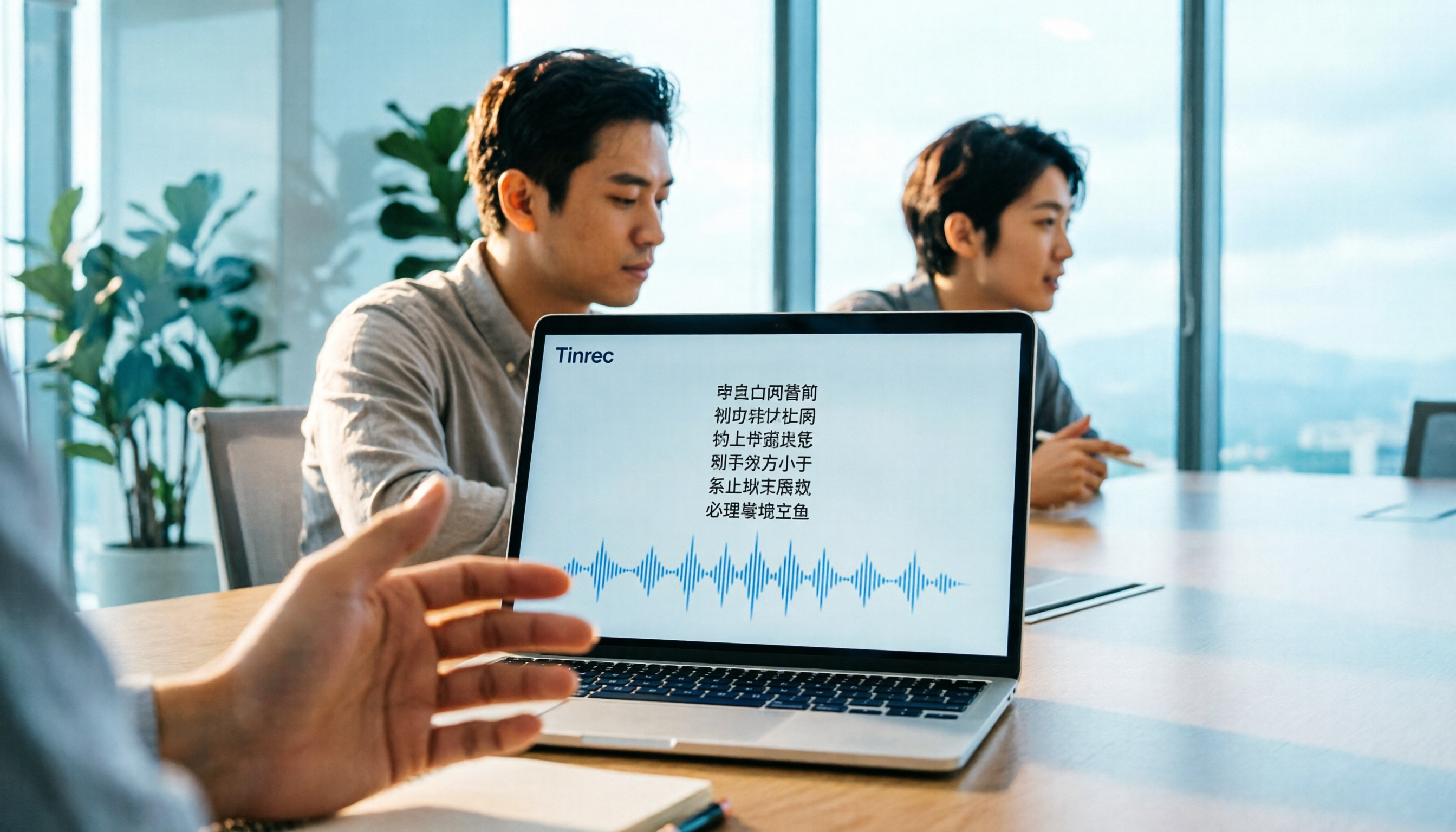
Turn recordings into transcripts and summaries in minutes
Upload audio or video for multilingual transcription, AI notes, and action items
Have you ever counted: with 5 online meetings a week, you spend 2 hours manually organizing meeting notes, and the next day when a colleague asks about the key points, you still have to re-listen to the recording? If you could save that time, you could finish another report or leave work earlier.
Otter.ai and Tinrec are both AI meeting note tools, but for Chinese meetings, the differences are significant. In this hands-on comparison, I've broken down 5 key dimensions to help you decide which one to choose.
Otter.ai vs Tinrec | Quick Overview
Otter.ai is a US-based AI meeting assistant, originally built for English meetings, supporting platforms like Zoom and Teams, with a large global user base. Tinrec (Miao Ting Lu Yin) focuses more on the Chinese meeting experience, emphasizing bot-free recording and post-meeting data organization.
| Category | Otter.ai | Tinrec |
|---|---|---|
| Core Positioning | English business meeting assistant | Chinese meeting notes and team collaboration |
| Recording Method | Mainly meeting bots, also desktop app | Desktop app captures system audio without bots |
| Free Plan | 300 minutes per month | Free version offers basic experience |
| Paid Plans | Pro annual ~USD 8.49/month | Personal weekly card, Pro monthly/annual; team plans separately priced |
| Chinese Support | Yes, but English is stronger | Optimized for Chinese and mixed Chinese-English |
This article compares five aspects: Chinese transcription, bot-free recording, post-meeting organization, team collaboration, and pricing.
Dimension 1 | Chinese Meeting Transcription and Translation
Otter.ai is very mature in English meeting transcription, but in Chinese or mixed Chinese-English scenarios, accuracy and semantic understanding can suffer. If someone says "Let's sync on this feature next week," Otter might miss or misinterpret it.
Tinrec is deeply optimized for Chinese meetings, supporting Traditional Chinese and mixed Chinese-English content, and offers real-time translation, allowing you to view the original text, translation, or bilingual comparison during recording. Teams can also set custom vocabulary (hot words) for product names, project codes, and other technical terms to further improve recognition.
→ This dimension: Tinrec clearly wins.
Dimension 2 | Bot-Free Online Meeting Recording
Otter.ai primarily uses meeting bots to join and record meetings. Although it recently added desktop capabilities, most users still associate it with "inviting a bot." This can be problematic in certain meetings, such as client meetings where unfamiliar participants are unwelcome.
Tinrec's desktop version directly captures the computer's system audio, so no extra bot needs to join the meeting. Users just open Tinrec to record online meetings on Zoom, Google Meet, Microsoft Teams, Webex, etc. This is very friendly for users who care about meeting privacy and don't want to alert clients.
→ This dimension: Tinrec is better for users who don't want bots in meetings.
Dimension 3 | Post-Meeting Organization and AI Features
Otter.ai automatically generates summaries and action items, and offers AI Chat, but its understanding and further processing of Chinese content is limited; in most cases, you'll get English-style summaries.
Tinrec not only provides transcripts and summaries, but also automatically generates chapters, key points, action items, and even mind maps. You can continue with AI Q&A around the meeting content, generate reports, tables, and meeting notes, and export with one click to tools like Notion, Google Docs, OneNote, and Dropbox. This complete workflow from recording to action better fits Chinese office habits.
→ This dimension: Tinrec's post-meeting organization and reprocessing capabilities are more complete.
Dimension 4 | Team Collaboration and Data Management
Otter.ai's team plan is mature, but the interface and documents are primarily in English, which can be a higher learning curve for Chinese teams; also, historical meeting data management and permission controls are relatively basic.
Stop organizing recordings by hand
Upload audio or video and automatically get a transcript, summary, and action items
Tinrec's team version provides a dedicated team space where meeting data belongs to the team, and new members can view historical data. Admins can set roles (owner, admin, member) and seats (determining who can record, upload, edit), and view usage trends, member rankings, audit logs, and an audio recycle bin to restore accidentally deleted files. These governance capabilities truly turn meeting data into a team asset.
→ This dimension: Tinrec better meets the needs of Chinese team collaboration and data management.
Dimension 5 | Pricing and Free Allowance
Otter.ai's free plan offers 300 minutes per month, and Pro annual billing is about USD 8.49/month, which is reasonable for heavy English meeting users. But if you primarily have Chinese meetings with high frequency, the free allowance runs out quickly, and Pro features may not be practical for Chinese users.
Tinrec's free version offers a basic experience; the weekly card suits short-term intensive meetings or interviews, and Pro monthly/annual cards suit regular users. The team version is billed per paid seat, with each seat including 2,000 minutes of shared import quota per month, and live recording doesn't deduct minutes. For actual Chinese meeting usage, Tinrec offers better value.
→ This dimension: For most Chinese users, Tinrec's price and feature combination is more cost-effective.
What Unique Advantages Does Each Have?
Tinrec's Unique Advantages
- Bot-free recording: No need to invite extra participants; the desktop version directly records system audio, suitable for all online meeting platforms.
- Optimized Chinese experience: Deep adjustments for Traditional Chinese, mixed Chinese-English, real-time translation, and team hot words, making transcription more aligned with Chinese context.
- Rich post-meeting outputs: Not just transcripts, but also mind maps, action items, AI Q&A, multi-format export, and agent post-processing, enabling direct generation of reports and tables.
- Comprehensive team governance: Dedicated team space, role and seat separation, usage analytics, audit logs, and audio recycle bin make meeting data manageable and traceable.
Otter.ai's Unique Advantages
- Mature English business meetings: Deeply established in Western markets, with high integration with Google Calendar, Slack, etc., and top-tier English transcription accuracy.
- High brand recognition: When people think of AI meeting notes, Otter is often the first name; for multinational teams primarily using English, it's a safe choice.
Summary: Which Should You Choose?
- If you need accurate Chinese transcription and bilingual translation → Tinrec
- If you don't want bots in meetings and prefer discreet recording → Tinrec
- If you value post-meeting organization, AI Q&A, export, and report generation → Tinrec
- If you need team space, seat management, and usage analytics → Tinrec
- If you primarily have English meetings and your team is spread across the US/Europe, needing deep Slack and calendar integration → Otter.ai is sufficient
In one sentence: For most Chinese users, Tinrec is the more complete choice. We recommend downloading Tinrec's free version and testing it with your own meeting recordings before deciding to upgrade.
FAQ
Q1: Which has better Chinese transcription, Tinrec or Otter.ai?
In actual testing, Tinrec provides more stable transcription quality in Chinese and mixed Chinese-English scenarios, especially with better recognition of Taiwanese terms and technical jargon. Otter.ai remains the strongest option for pure English meetings, but for Chinese meetings, Tinrec is recommended.
Q2: Can Tinrec record Google Meet and Zoom?
Yes. Tinrec's desktop version directly captures system audio, so whether it's Google Meet, Zoom, Microsoft Teams, or Webex, as long as meeting audio plays on your computer, you can record and get real-time transcription without inviting a bot.
Q3: Is the free version sufficient?
If you only occasionally transcribe a recording, the free version lets you try basic features. But if you have meetings every week, consider the Pro plan or team version to avoid running out of quota.
Q4: How is the team version priced?
The team version is billed per paid seat, with each seat including 2,000 minutes of shared import quota per month; live recording doesn't deduct minutes. For specific pricing, please refer to the official purchase page.
Q5: Are meeting recordings saved? How is privacy handled?
Tinrec supports audio saving, and the team version has an audio recycle bin for recovering accidentally deleted files. Recordings and transcripts are personal or team data; we recommend obtaining consent from participants before use and complying with local regulations.
Q6: Can I replace Otter.ai with Tinrec?
If you primarily have Chinese meetings, don't want bots, and need more complete post-meeting organization and team collaboration, Tinrec can fully replace Otter.ai and better fits Chinese workflows. If you're in an all-English environment, Otter.ai remains a good choice.
References
Turn every recording into actionable outcomes
Get 60 free transcription minutes when you sign in. No credit card required.
Related Reading
You might also like

How to Use Smart Meeting Notes in 2026: Bot-Free Recording, Transcription, and AI Summaries with Action Items
Many people think smart meeting notes just means hitting record and waiting for AI to spit out a summary—but the resulting transcript is often something no one wants to read. This article starts with the most common misconceptions, breaks down the four key judgment points that truly matter for meeting notes, and then walks through a complete before-during-after workflow using Tinrec, including copy-paste prompt templates and a pitfalls checklist.

Best AI Meeting Notes Apps 2026: Auto Transcripts + AI Summaries & Action Items
Tired of spending two hours writing up meeting notes? This guide starts with the key question—do you need a recording or usable meeting data?—then breaks down 4 essential factors for choosing an AI meeting notes app, compares Tinrec, Otter.ai, Notta, and Granola, and covers the 3 most common pitfalls so you can pick the right tool the first time.

2026 AI Meeting Assistant Cost Comparison: Free Tiers and Paid Thresholds Dcard Users Ask About Most
Starting from the common Dcard question about free minutes, this article explains how to evaluate AI meeting assistant costs. Using Tinrec as the main test subject, it covers the quotas and pricing for the free, personal, and team plans, and compares bot-free recording, Chinese transcripts, AI summaries, action items, and team collaboration, with 6 cost FAQs.

Tinrec vs Notta 2026: 5-Dimension Comparison for Chinese Meeting Notes
How to choose the latest AI meeting assistant in 2026? This article compares Tinrec and Notta across 5 dimensions: Chinese transcription, meeting capture methods, post-meeting output, team data governance, and pricing quotas. It honestly lists free quotas and paid prices for both, and includes 4 common pitfalls when choosing an AI meeting assistant to help you decide which one fits your meeting scenarios.

2026 AI Meeting Assistant Comparison: No Bots, Best Chinese Transcription?
How to choose the latest AI meeting assistants in 2026? This article examines four key aspects: recording method, audio retention, Chinese recognition, and post-meeting output. It compares Tinrec, Otter.ai, Notta, and PLAUD, and includes pricing, seats, and quotas for personal and team plans to help you avoid the trap of only looking at free minutes.

How to Download an AI Meeting Assistant in 2026: 5 Steps from Installation to Meeting Minutes
Looking for an AI meeting assistant in 2026 but stuck on download, installation, and setup? This guide tackles real pain points and walks you through 5 steps to complete Tinrec download, permission settings, recording transcription, and post-meeting export, plus 5 things to consider when choosing and FAQs.

2025 AI Meeting Assistant Comparison: Tinrec, Otter.ai, Notta, and Granola Reviewed
Many people download AI meeting assistants only to find transcripts hard to use, Chinese recognition unreliable, and team data scattered. This article compares Tinrec, Otter.ai, Notta, and Granola across selection criteria, real workflows, and pitfalls to help you choose a tool that actually produces usable meeting notes.

2026 Smart Meeting Notes Tools Compared: How to Tell If Meeting Minutes Are Actually Useful
Most people evaluate smart meeting notes tools only by transcription accuracy, but the real cost is in how you use the notes after the meeting. This article starts with common misconceptions, breaks down 4 key points for reviewing meeting notes, compares Tinrec, Otter.ai, Notta, and Granola, and highlights 3 pitfalls to help you choose a tool that fits your workflow.

4 Smart Meeting Notes Tools Tested for 2026: From Transcripts to Action Items, Which One Really Saves Time?
Meeting notes aren't just about keeping a transcript. This article starts with the most common pitfalls, breaks down the correct workflow for smart meeting notes and 4 key selection criteria, and compares Tinrec, Otter.ai, Notta, and Granola in terms of recording capture methods, post-meeting organization capabilities, and team collaboration differences, with a guide to avoiding pitfalls and selection advice.