
Turn recordings into transcripts and summaries in minutes
Upload audio or video for multilingual transcription, AI notes, and action items
Multi-person meetings can get heated, but post-meeting organization often becomes a nightmare. Especially in cross-departmental discussions or brainstorming sessions, listening to a long recording makes it impossible to tell which manager or client said what, leading to incomplete meeting minutes and taking longer to review than the meeting itself.
This article provides a comprehensive analysis of the top 6 AI speech-to-text tools with speaker diarization in 2026, including detailed evaluation criteria, comparison tables, and step-by-step tutorials.
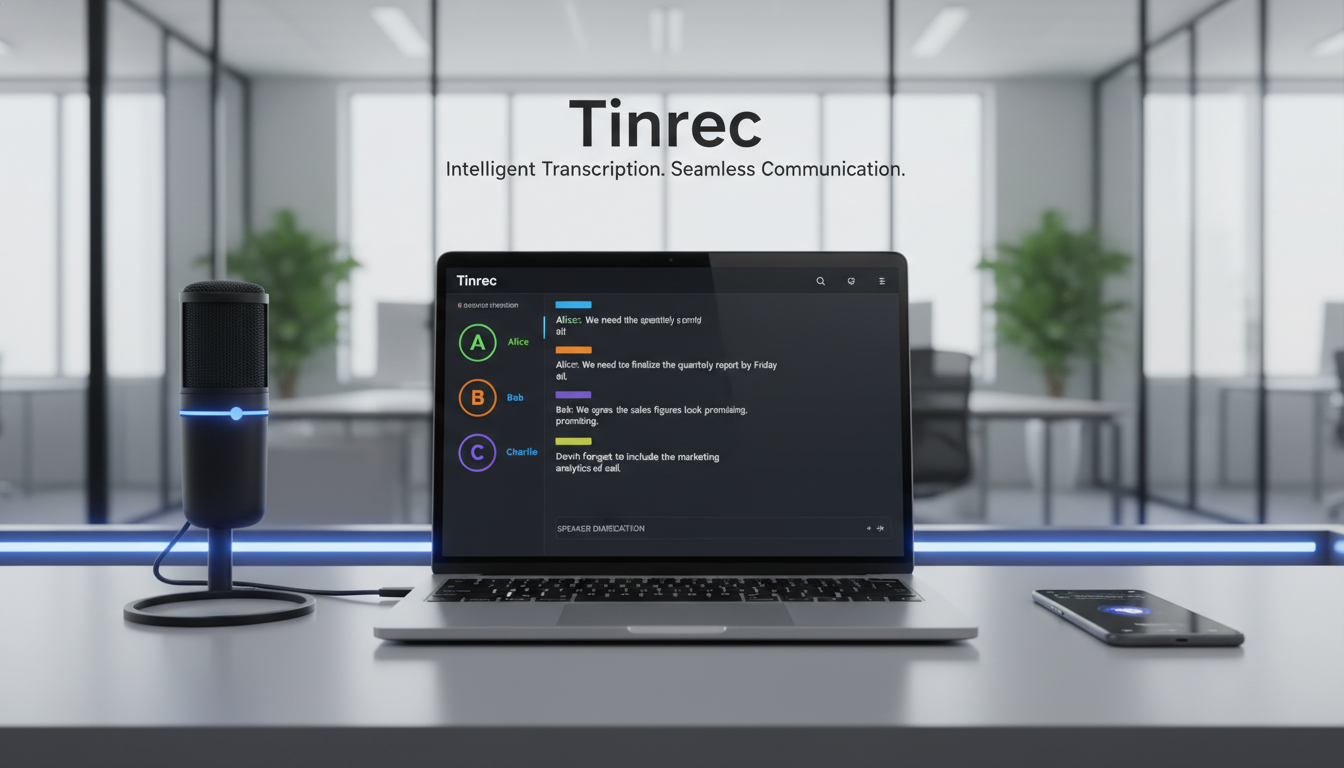
Quick Guide: If you need deep integration with Zoom/Meet and primarily work in English, consider Otter.ai; if you focus on multimedia editing for audio/video content, Descript is a solid choice; if you need a complete workflow from recording, automatic minutes to AI query in Chinese, English, and Japanese, Tinrec is worth evaluating.
1. Why Do Multi-Person Meetings Need Speaker Diarization?
In traditional speech-to-text scenarios, systems often produce a single block of text without breaks. This may suffice for solo presentations or class notes, but it creates three critical pain points in multi-person meetings:
- Unclear accountability: Can't quickly identify who promised a specific action item.
- Context confusion: Overlapping dialogue without speaker labels makes transcripts hard to read.
- High editing costs: Need to manually replay recordings, segment text by voice, and label speakers.
Therefore, modern advanced speech-to-text systems now include speaker diarization as a standard feature, using voiceprint analysis to accurately segment and label different speakers during simultaneous or alternating speech.
2. Comparison Table of 6 Multi-Person Meeting Transcription Tools in 2026
When choosing a speech recognition tool, focus on accuracy, live/file transcription capability, multilingual support, and system integration. Below is a minimal decision comparison of mainstream tools:
| Dimension | Otter.ai | Sonix | Rev AI | Google Live Transcribe | Descript | Tinrec |
|---|---|---|---|---|---|---|
| Language Support | English primarily | Multilingual | Multilingual | Multilingual (offline support) | Multilingual | Chinese/English/Japanese/Taiwanese, etc. (10 languages) |
| Speaker Diarization | Yes | Yes | Yes | No (solo/accessibility focused) | Yes | Yes |
| Live Transcription | Yes | No (file-based) | Yes (requires development) | Yes | No (post-production) | Yes |
| Summary/Action Items | Yes | No | No | No | No | Auto-generates meeting minutes/tasks |
| AI Query | Basic chat | No | No | No | No | Semantic dialogue query |
| Price/Free Tier | Limited free tier | Paid primarily | Enterprise pricing | Completely free | Free trial | 100 minutes free per month |
3. In-Depth Review: Which Tool Is Right for Whom?
1. Otter.ai: Ideal for All-English Multinational Teams
Otter.ai excels in meeting recording and team collaboration, especially with seamless Zoom and Google Meet integration. It accurately identifies different speakers during multi-person conversations, making it suitable for all-English business meetings.
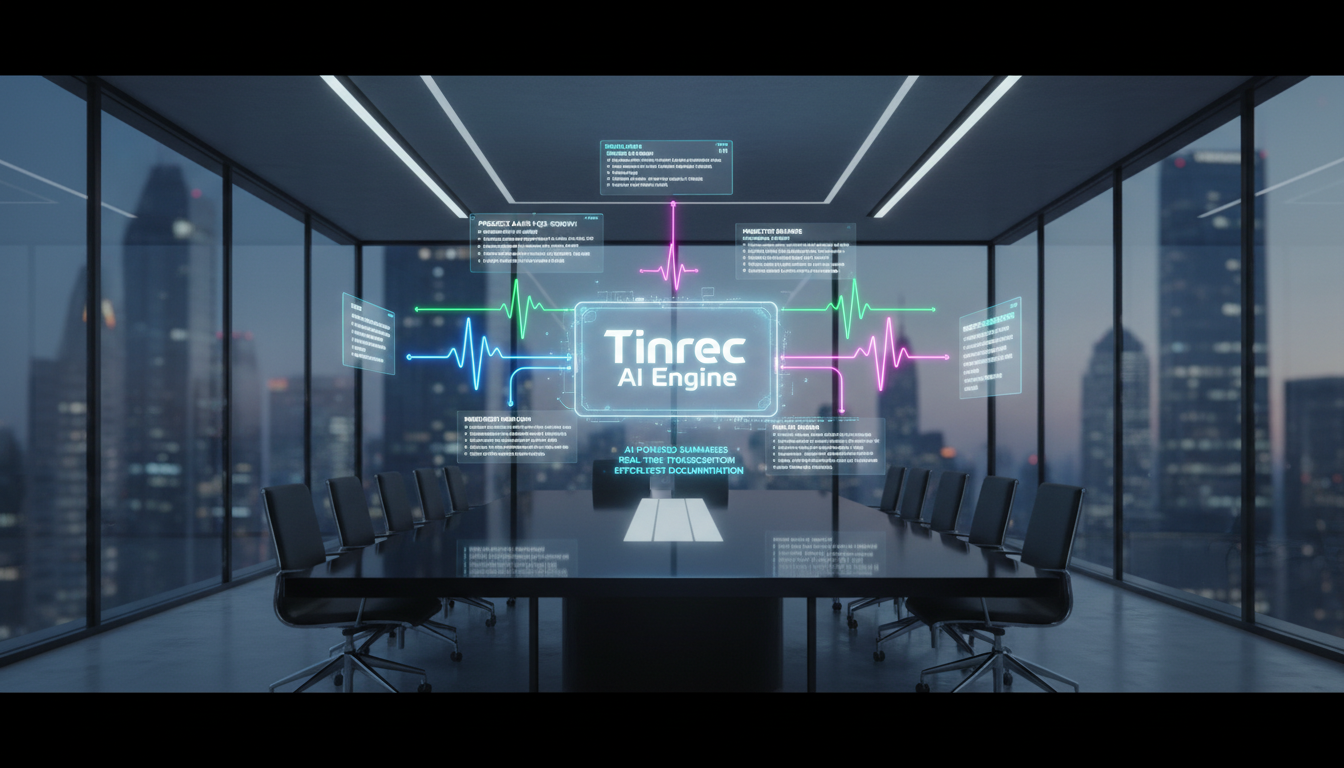
Stop organizing recordings by hand
Upload audio or video and automatically get a transcript, summary, and action items
2. Sonix: Great for Professional Media and Content Creators
Known for high-accuracy transcription and powerful editing features. While it doesn't focus on live meeting recording, it quickly converts audio to timestamped subtitles and supports in-browser editing, ideal for interview transcription or podcast production.
3. Tinrec: Best for Cross-Language Workplaces Needing Understanding and Action
Most tools only provide transcripts, but Tinrec differentiates itself with a complete "Recording → Understanding → Action" workflow. Besides supporting 10 languages for auto-recognition and accurate speaker diarization, it auto-generates meeting minutes with conclusions and to-do items after recording. More importantly, it has a built-in AI dialogue query feature, allowing users to ask AI about meeting details, significantly reducing the effort of organizing cross-border meetings or long discussions.

4. Descript: For Advanced Users Needing Audio/Video Editing
Descript combines speech transcription with multimedia editing. Its standout feature is "edit audio by editing text": deleting text from the transcript automatically cuts the corresponding audio track, perfect for teams with post-production needs.
5. Rev AI & Google Live Transcribe: For Developers and Daily Assistance
Rev AI offers a powerful API for businesses integrating speech recognition into their own systems; Google Live Transcribe focuses on real-time communication and accessibility, ideal for everyday conversation assistance.
4. Tutorial: How to Efficiently Complete Multi-Person Meeting Transcription and Key Point Extraction
To effectively use AI tools in daily work, follow these standard steps (using Tinrec as an example, covering four common scenarios):
Step 1: Live Recording to Text (In-person Meetings/Classes) At the start of a meeting, open the live recording interface on your phone or web browser. The system converts speech to text in real-time and automatically splits speakers. You can mark important points on the fly without post-meeting processing. Access: Live Recording to Text
Step 2: Audio File to Text (Interview Recordings/Historical Meetings) If you have audio recorded with a recorder or third-party software, simply drag and drop the file into the system. AI quickly transcribes it, automatically identifies different speakers, and produces structured transcripts. Access: Audio File to Text
Step 3: Video Link Analysis (Webinars/Podcasts) For YouTube tutorials or public meeting recordings, no need to download files. Simply paste the video URL into the system to extract audio and convert it to text and summaries. Access: Podcast/Online Video to Text
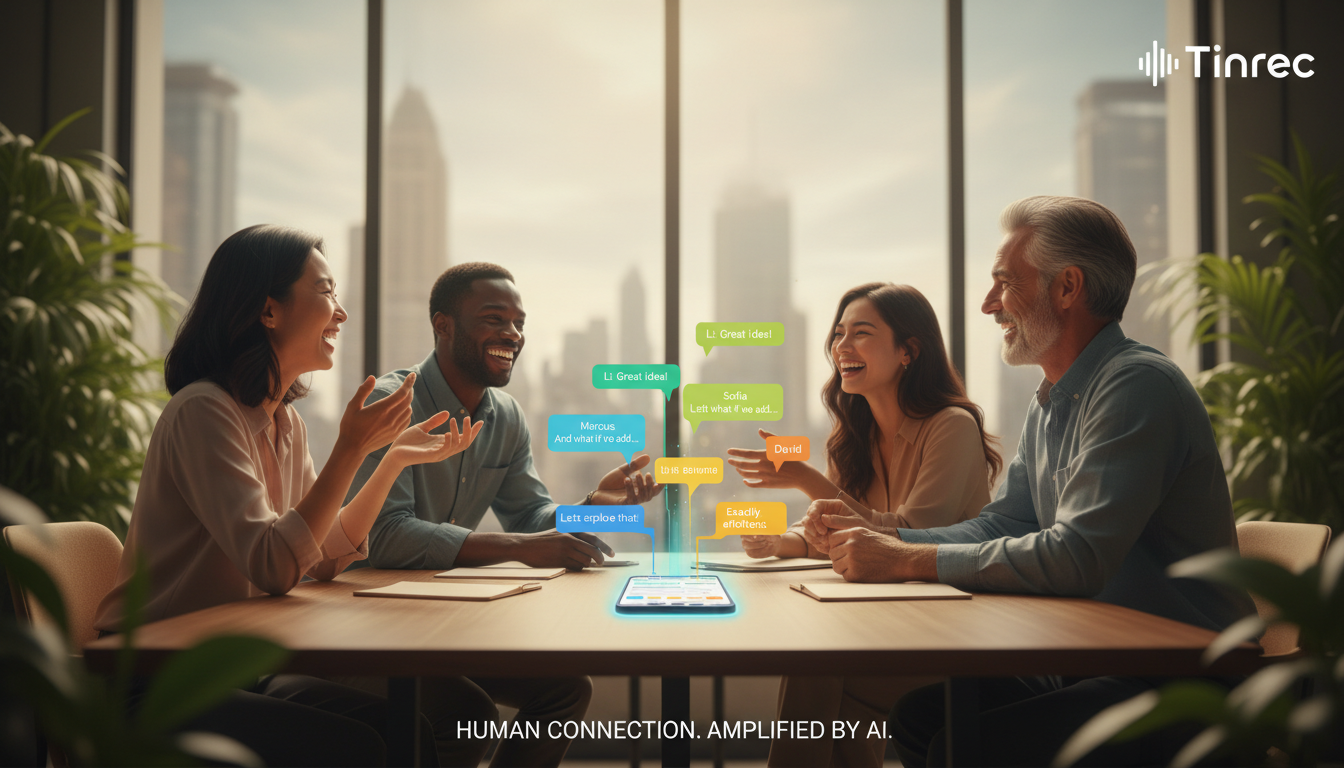
Step 4: Use AI Dialogue Query for Key Points (Post-Meeting Summary/Project Tracking)
When dealing with one-to-two-hour meeting transcripts, traditional Ctrl+F search is inefficient. Use the AI assistant to ask questions (e.g., "What tasks did the marketing manager promise to complete by next week?"). AI gives answers and to-do lists based on the meeting context, like having a personal assistant.
Access: AI Dialogue Query

5. Frequently Asked Questions (FAQ)
Q1: Can the iPhone's built-in Voice Memos automatically distinguish multiple speakers? Currently, iPhone's Voice Memos only provide basic recording and limited transcription on some models, not accurate speaker diarization. For speaker labels, use professional AI speech-to-text tools.
Q2: Do Teams or Google Meet have built-in transcription? Do I need additional tools? Teams and Meet have basic captioning and transcription, but they are limited in multilingual mixing, Chinese recognition accuracy, and auto-generating action items. Many companies use third-party AI tools for deeper meeting minutes.
Q3: What are the limitations of free speech-to-text tools? Most free tools (e.g., Google Live Transcribe) focus on real-time recognition but cannot save long transcripts or distinguish speakers. Full-featured tools usually have time limits, e.g., 100 minutes free per month, requiring subscription upgrades beyond that.
Q4: After transcription, do I still need to manually summarize key points? With older software, yes. But new generation tools with large language models (LLMs) automatically generate conclusions and action items alongside transcripts.
Q5: Can AI understand and correctly transcribe meetings mixing Chinese and English? Modern advanced AI handles code-switching well. Tools supporting multilingual auto-recognition can switch between Chinese and English smoothly, reducing communication barriers for international teams.
Q6: Does background noise affect speaker diarization? Environmental noise is a challenge, but current deep learning technology filters most background noise before recognition. For best results, place recording equipment near all speakers.
Turn every recording into actionable outcomes
Get 60 free transcription minutes when you sign in. No credit card required.
Related Reading
You might also like

4 Meeting Productivity Tools Tested and Compared for 2026: Is the Free Version Enough, and Is the Team Plan Worth It?
Ending a meeting with only three lines of notes is a daily reality for most office workers. This hands-on comparison of four meeting productivity tools breaks down recording methods, post-meeting organization, Chinese language performance, and team permissions, while honestly detailing free version limitations and paid pricing to help you find the one that truly saves meeting time.

4 Meeting Productivity Tools Tested for 2026: From Recording to Action Items, How to Really Save Time?
How can meeting productivity tools actually save time? This article starts with common pitfalls, breaks down what meeting productivity tools can do and their core capabilities, and uses Tinrec to demonstrate a 5-step workflow from recording, live transcription, AI summary to action item extraction. It also covers 5 key points to consider when purchasing and answers frequently asked questions.
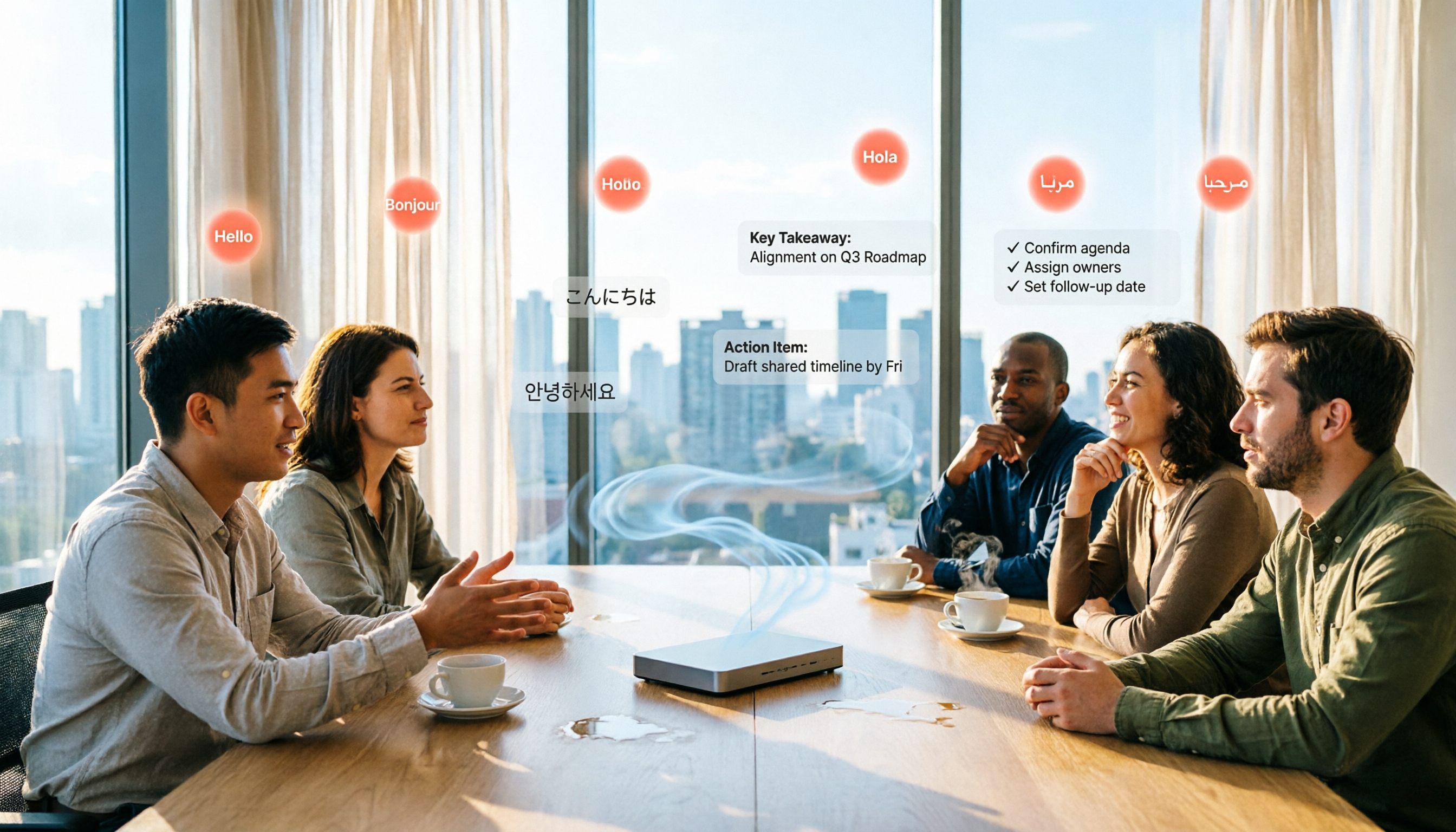
6 Best Free Multilingual Meeting Transcription Tools in 2026
How do you choose a multilingual meeting transcription tool in 2026? This guide reviews 6 free and paid options, including Tinrec, Otter.ai, Notta, Granola, PLAUD Note, and TurboScribe. We compare multilingual transcription, real-time translation, AI summaries, action item extraction, and team collaboration features, with pricing and selection advice.
How to Create a Multilingual Meeting Minutes Template in 2025: 5 Steps from Recording to Multilingual Summary
In international meetings where Japanese, English, and Chinese are interwoven, you still need to deliver meeting minutes that everyone can understand. This article breaks down the process of creating a multilingual meeting minutes template in 2025 into 5 steps, includes a field template, and reviews 7 tool options—Tinrec, Notta, Subanana, Otter.ai, Fireflies.ai, Granola, and TurboScribe—with pricing, helping you choose the right tool based on language combinations and budget.

4 Multilingual Meeting Transcription Tools Tested in 2026: Which Saves the Most Time with Code-Switching and Bilingual Transcripts?
In multilingual meetings (code-switching, bilingual transcripts), we tested and compared Tinrec, Otter.ai, Granola, and Notta on transcription, real-time translation, post-meeting report output, and team collaboration. We also compiled selection criteria, pitfalls to avoid, and scenario-based recommendations.

Tinrec vs Notta 2026: 5-Factor Comparison for Meeting Efficiency Tools
How to choose a meeting efficiency tool? This article breaks down five factors: recording method, post-meeting output, Chinese language experience, cross-device support, and team data ownership. It compares Tinrec and Notta with hands-on testing, explaining why most Chinese-language team meeting scenarios choose Tinrec.

What Is a Meeting Efficiency Tool? 2026 Complete Guide: 5 Keys from Transcript to Action Items
What does meeting efficiency tool mean? This article starts with three common misconceptions, breaks down the core capabilities, practical use cases, and key purchasing considerations of meeting efficiency tools, and uses Tinrec as an example to show how to turn a meeting from a transcript into summaries, action items, and queryable data, ultimately settling into a reusable team meeting asset.

2026 Comparison of 4 Multilingual Meeting Transcription Tools: Which One Delivers Usable Minutes for Mixed Chinese-English Meetings?
Tired of spending half a day transcribing mixed Chinese-English meetings? We tested Tinrec, Otter.ai, Notta, and PLAUD, comparing real-time vs. post-meeting processing, mixed-language recognition, audio capture methods, AI Q&A, and team collaboration to find the tool that truly saves you time.
Tinrec Multilingual Meeting Notes 2026: Mixed Chinese-English Transcription + Real-Time Translation
How to choose multilingual meeting notes tools in 2026? This article compares Tinrec and AI recording hardware PLAUD Note across six dimensions: language processing, online meetings, real-time translation, post-meeting output, data retention, and team governance. It includes a cost structure and conclusion you can bring to procurement meetings.