
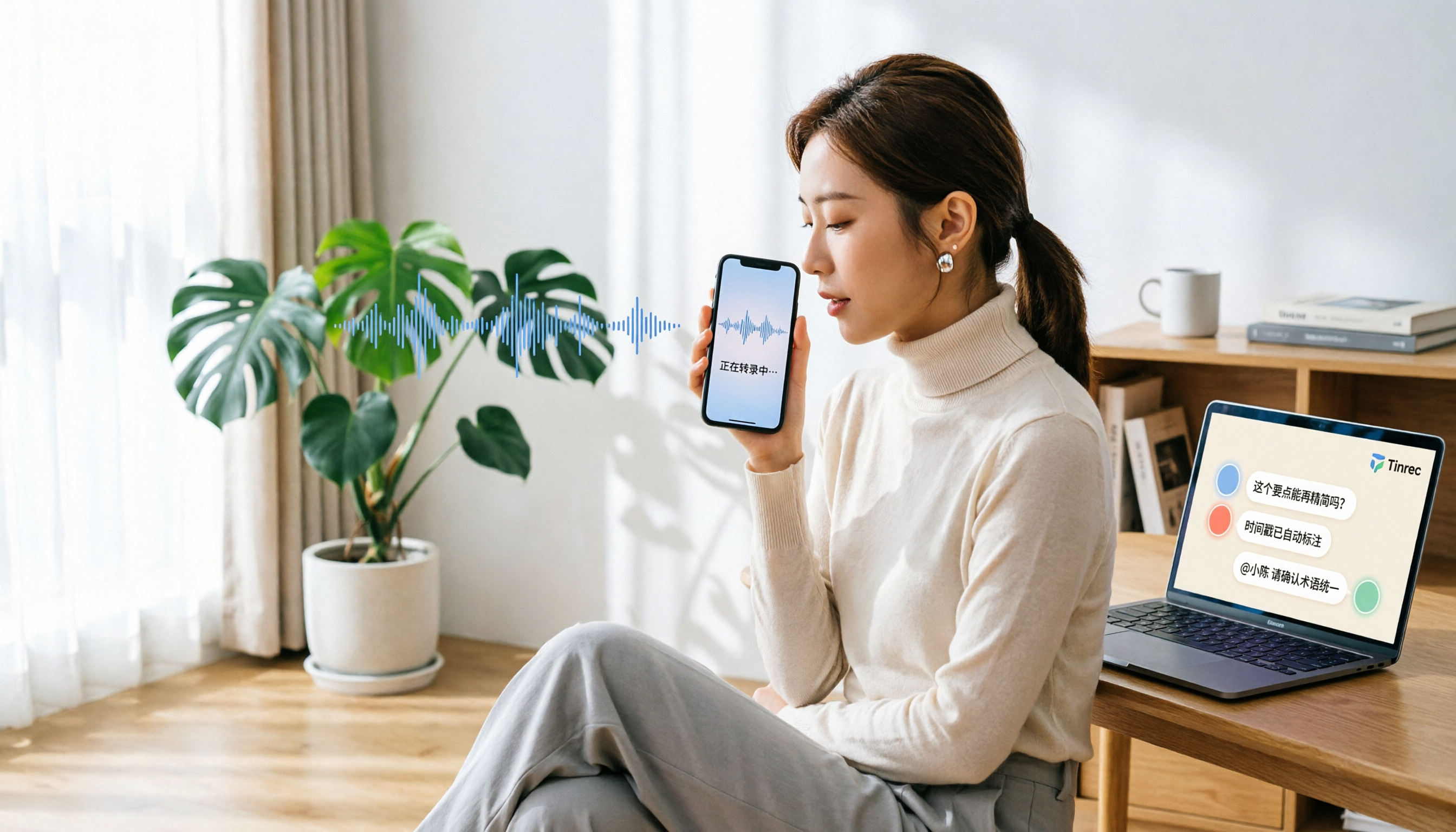
Turn recordings into transcripts and summaries in minutes
Upload audio or video for multilingual transcription, AI notes, and action items
Why You Need a Recording-to-Text Tool?
Whether it's work meetings, lectures, or interviews, the worst part is having to listen back to recordings and type out transcripts. One hour of recording can easily take three hours to transcribe, with constant pausing and rewinding—what a waste of time. According to hands-on tests, AI speech-to-text technology can significantly reduce this burden. This article rounds up 5 free or affordable recording-to-text solutions to help you get off work sooner.
Tinrec (Instant Recording) — The Most Complete AI Recording Assistant
Tinrec is not just a recording-to-text tool; it's an AI meeting notes and team collaboration platform. It turns meeting content into searchable, queryable, exportable, and collaborative data—perfect for office workers who have meetings every day.
Core highlights:
- Bot-free recording for online meetings: The Tinrec desktop app captures system audio directly, handling Zoom, Google Meet, Teams, and Webex meetings without inviting extra bots, keeping your meetings clean.
- Automatic meeting highlights: Besides transcripts, it auto-generates summaries, chapters, key points, and action items, so you don't have to go through everything from start to finish.
- AI Q&A feature: You can ask follow-up questions about the meeting content, such as "What did the client ask for?" or "What are the action items?" Get answers instantly, saving you from re-listening.
- Team space for knowledge sharing: Meeting data can be stored in a team space where members can view, search, and collaborate; admins can manage roles, seats, usage, and audits—ideal for departments or project teams.
Pricing: The personal plan includes a free tier, weekly pass, Pro monthly, and Pro annual; the team plan starts at USD 29.80/seat/month, or USD 199/seat/year, including 2,000 minutes of shared import quota. Suitable for users who need full AI features, bot-free recording, and team collaboration.
Otter.ai — Mature English Meeting Assistant
Otter.ai is a veteran AI meeting assistant that supports real-time transcription, speaker identification, and AI Chat for Zoom, Teams, and Google Meet, with a mature English business meeting experience. The free plan offers 300 minutes per month; Pro costs about USD 8.49/user/month billed annually, including 1,200 minutes of in-app recording per month. The biggest difference from Tinrec is that Otter.ai is English-centric, while Tinrec is better suited for local users needing Chinese meetings and team knowledge management.
Notta — Multi-Platform Transcription and Translation Tool
Notta covers mobile, desktop, and web, supporting file transcription, real-time translation, and subtitles, with decent Chinese and multilingual capabilities. The free plan offers 120 minutes per month, with a max of 3 minutes per session; Pro costs about USD 8.17/month billed annually. Compared to Tinrec, Notta focuses more on transcription and translation, while Tinrec emphasizes post-meeting organization, AI Q&A, and team spaces.
Stop organizing recordings by hand
Upload audio or video and automatically get a transcript, summary, and action items
cSubtitle — Chinese-Focused File Transcription Website
cSubtitle specializes in uploading video or audio files for transcription, supporting Mandarin Chinese, and can generate Word documents with timestamps and subtitle files. No account needed; upload and get results in minutes. It's suitable for users who want to quickly convert long recordings into transcripts; however, it's more of a one-off transcription service without AI Q&A or team collaboration.
MyEdit — Free 3-Minute Speech-to-Text
MyEdit is an audio editing website by CyberLink that offers speech-to-text in 9 languages including Chinese, English, and Japanese. The free version allows up to 3 minutes per session, with the ability to edit content and add timestamps before export. It's suitable for users who occasionally need short recordings transcribed; if you're making video subtitles, you can pair it with PowerDirector. However, the free version's time limit is too short for long meetings.
Easemate AI — Completely Free AI Transcription Solution
Easemate AI's "AI Meeting Recorder" can transcribe audio in real time online for free, offering timestamps, speaker identification, key summaries, and AI chat, with no time limits. It's perfect for users with zero budget who only need occasional transcription; however, its feature depth and team collaboration capabilities are weaker than Tinrec, making it suitable for personal light use.
With So Many Options, How Do You Choose?
• Want the most complete AI features (transcription + AI Q&A + auto summaries + team space) → Tinrec, the only one with all these features. • Need to record Zoom/Meet/Teams without adding bots → Tinrec Desktop, captures system audio directly. • Want to turn meeting content into team assets → Tinrec Team Plan, with roles, seats, usage, and audits. • Zero budget, only occasional transcription → Easemate AI or MyEdit Free. • Need long file transcription, especially in Chinese → cSubtitle, upload and transcribe, but no AI post-processing.
5 Things to Know Before Using Recording-to-Text Tools
- Recording quality determines accuracy: Background noise, multiple people talking at once, and accents can affect transcription. Use an external mic or choose a quiet environment.
- AI isn't 100% accurate: For important content, cross-check the transcript against the recording. Tinrec users can leverage AI Q&A to quickly locate key points, then manually verify.
- Get consent before recording: In the US, laws vary by state; it's best to inform participants and obtain consent before recording conversations.
- Read the fine print on free plans: Many free versions have time, feature, or quantity limits, e.g., MyEdit's 3-minute cap or Notta's 120 minutes per month. Calculate your usage before choosing.
- Clarify roles and seats for team use: In Tinrec's team plan, members can view data, but only seats can record and edit; admins should know how to assign them.
Conclusion
To save time and avoid overtime, choose a recording-to-text tool based on your needs: for occasional transcription, free options suffice; but if you have meetings daily and want to turn meeting content into team assets, Tinrec is the most comprehensive choice. It doesn't just transcribe—it helps you organize, query, and collaborate. Worth a try.
References
- Tested: 4 Best Online Speech-to-Text Tools, Free to Convert Recordings to Transcripts
- No Time Limit! 3 Free AI Transcription Tools Recommended! AI Voice Notes for Meeting Minutes, Slides, Mind Maps | 104 Career
- "Speech to Text: AI Transcription, Recording to Text, Voice Memo Instant Translator" App - App Store
- Online AI Speech, Video, Audio File to Text - Free Trial - cSubtitle
- Want to Convert Recordings to Transcripts for Free? 5 Must-Recommend Transcription Tools
Turn every recording into actionable outcomes
Get 60 free transcription minutes when you sign in. No credit card required.
Related Reading
You might also like
iPhone Recording No Sound in 2026? 5-Step Troubleshooting & Alternatives
Playing back an iPhone recording but only hearing background noise or nothing at all? This guide first walks through 5 steps to check volume output, microphone openings, permissions, and call recording settings. Then it explains how Tinrec fills the gap when the built-in Voice Memos isn't enough—with bot-free recording, real-time transcription, AI summaries, and team spaces for post-meeting organization—and compares PLAUD recording hardware with iPhone's built-in recording.

2026 Comparison of 4 AI Meeting Note Tools: From Transcript to Action Items for Online Meetings
The real work begins after the online meeting ends. Based on the pain points of a mid-level manager juggling over a dozen meetings a week, this article breaks down 6 key factors for choosing an AI meeting note tool. It focuses on Tinrec as the main example and compares it with Notta, Otter.ai, and Granola, covering their differences and best-use scenarios, plus a guide to common pitfalls and selection advice.

5 AI Meeting Note Software Tested and Compared in 2026: How to Choose Based on Free Quotas and Chinese Accuracy
Meeting notes pile up mostly because you chose the wrong type of tool. This article starts with the three most common misconceptions, breaks down the differences among 5 AI meeting note software approaches on the market, and uses Tinrec as an example to explain the complete workflow from bot-free recording, transcription, summaries, action items, AI Q&A to team spaces, while honestly listing plans and pricing.

4 iPhone Recording Apps Tested in 2026: When You Can't Hear Your Recording, Which One Can Save Your Audio?
If you can't hear your iPhone recording, it's usually not a broken microphone. This guide first walks you through checking playback volume, Bluetooth connections, microphone permissions, storage space, and recording interruptions, then tests and compares four recording tools—Tinrec, Notta, TurboScribe, and PLAUD—to find the best one for long meetings and post-meeting organization.

2026 AI Meeting Notes Comparison: Google Ecosystem vs. Tinrec for Chinese Meetings
Most online meeting platforms now include AI note-taking, but they often fall short for Chinese-language meetings. This article compares four approaches—Google Meet's built-in Gemini, uploading audio to Gemini/NotebookLM, EchoScript AI, and Tinrec—across language support, meeting capture methods, post-meeting output, and team data governance. It also covers key buying criteria and three common mistakes to help you choose the right AI meeting notes solution for your team.

2026 AI Meeting Notes Comparison: Which Tool Delivers Google Meet Minutes Fastest?
Many assume Google Meet automatically provides AI meeting notes, but built-in notes have account and language restrictions, and live captions can't be copied directly. This article addresses common misconceptions, walks through Tinrec desktop's bot-free recording workflow for automatically generating transcripts, summaries, and action items after Google Meet, and lists 5 buying checkpoints and FAQs.

2026 Comparison of 3 iPhone Recording Organization Tools: Can't Find Recordings? Which Saves the Most Time Transcribing?
When you can't find an iPhone recording, it's usually not because the file disappeared, but because the recording never had a fixed home. This article first helps you check three locations: Voice Memos, iCloud, and the Files app, then compares Tinrec, Otter.ai, Notta, and TurboScribe on transcription, AI Q&A, and team organization, including free tier limits and 3 common pitfalls to avoid.

How to Transfer Apple Watch Voice Memos to iPhone in 2026: iCloud Sync + Transcript Guide
There's no 'transfer' step for Apple Watch recordings—it's all about whether iCloud Voice Memos sync is on. This guide walks you through 3 steps to set it up, find the 'Watch Recordings' folder, and troubleshoot 5 common sync failures. Plus, from a manager's post-meeting perspective, we compare Voice Memos vs. Tinrec on transcripts, summaries, action items, AI Q&A, and team collaboration.

2026 AI Meeting Notes Guide: Tinrec vs Plaud Features and Buying Advice
Searching for 'AI meeting notes recommendations' often brings up hardware reviews like Plaud, but for most students the real challenge is organizing recordings afterward. Based on my own experience, this guide explains the differences between Tinrec and Plaud in cost, online meeting handling, post-meeting outputs, and team collaboration, and covers free tier limits, plan structures, and key buying considerations.