

Turn recordings into transcripts and summaries in minutes
Upload audio or video for multilingual transcription, AI notes, and action items
What you need right now might not be another speech-to-text app, but a solution that won't make you work even more overtime. Choosing the wrong tool can result in error-filled transcripts, forcing you to spend twice as long proofreading. Below, we compare Tinrec and Otter.ai across four practical dimensions—Cantonese recognition, bot-free recording, AI summarization, and team collaboration—to see which is better suited for Hong Kong professionals.
Two Hours in Meetings, Two More Hours on Notes—You Need a Solution
Spending two hours in a meeting and then another two hours listening to the recording to type up the transcript is a common reality for many Hong Kong workers. Even more frustrating are meetings that mix Cantonese and English: few transcription tools support Cantonese, and accuracy varies widely, leaving you with a mess of errors that are worse to correct than typing from scratch. Want to find a specific decision from last week's meeting? You might have to listen through every segment, wasting precious time. When a colleague leaves, meeting records disappear with them, and team knowledge is lost. Choosing the right tool is the first step to solving these problems.
Before Choosing a Speech-to-Text Tool, Understand These 4 Key Points
1. Cantonese recognition can't rely on guesswork: Don't just look at official claims of "multi-language support." Evaluate how the tool performs in real Cantonese meetings with mixed Chinese-English speech and some background noise. Many English-focused tools struggle with Chinese, and even more so with Cantonese.
2. Bot-free recording is more convenient: If you use Zoom or Teams for meetings, a tool that requires adding a bot to the meeting is inconvenient and may trigger platform restrictions. The best option is a desktop app that directly captures system audio, without needing to invite extra participants.
3. AI summarization is not just a bonus: Simply converting audio to text is no longer enough. You need automatic summaries, action item extraction, and the ability to ask questions about the meeting content, such as "Who proposed the budget cap?" Only then can you truly save time.
4. Team collaboration and knowledge retention: If you're using the tool with your whole team, check for team spaces, member management, and usage analytics. When a colleague leaves, meeting data shouldn't disappear with them—this is a key point many overlook.
Tinrec (秒听录音)—Our Top Pick After Testing
Tinrec (秒听录音) is an AI meeting notes collaboration tool for individuals and teams, going beyond simple speech-to-text. It supports real-time recording, bot-free desktop recording of online meetings, audio/video file import, and automatically generates summaries, chapters, action items, and mind maps.
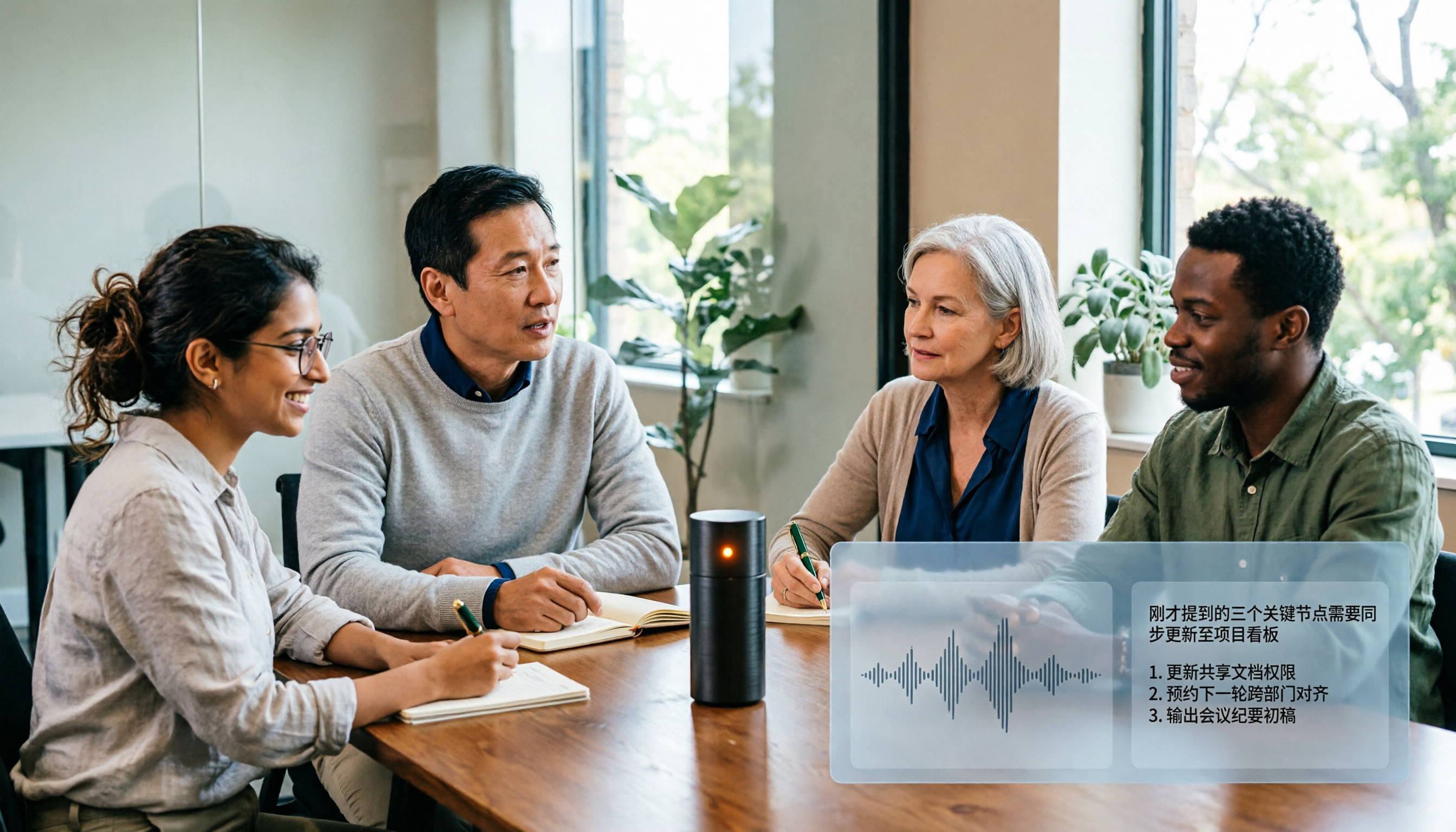
Bot-free recording, no hassle during meetings: When using Zoom or Teams, open the Tinrec desktop app, and it will directly capture your computer's system audio—no need to invite a bot. Transcripts are generated in real time. This design is perfect for Hong Kong professionals who dislike extra steps and won't disrupt the meeting flow.
Ask AI after recording, no need to search segment by segment: Tinrec's standout feature is its AI Q&A. After recording, you can ask directly, "Who was responsible for following up with the client in last week's meeting?" It uses semantic understanding to answer, not just keyword search. Few competitors in this price range offer this level of functionality, and it can genuinely save you a lot of time.
Solid Chinese and Cantonese support, plus real-time translation: Tinrec covers Chinese, Traditional Chinese, and multilingual meeting scenarios, handling mixed Chinese-English content. It also supports real-time translation, allowing you to switch between original text, translation, or bilingual view—useful for those who regularly meet with international clients.
Stop organizing recordings by hand
Upload audio or video and automatically get a transcript, summary, and action items
Team spaces give meeting data a home: If you use Tinrec with your team, its team spaces can centrally store all meeting recordings, transcripts, summaries, and action items. It also manages members, roles, seats, usage, and audit logs. When a colleague leaves, data doesn't disappear, and new members can review past meetings.
Of course, Tinrec isn't perfect. The free plan has limited credits, and heavy users may need to upgrade to Pro. Additionally, it doesn't automatically join all meetings—you need to manually open the desktop app to start recording. But if you have two or three meetings a week, the free plan or a low-tier plan should suffice.
If you frequently record Cantonese content, want to use AI to find key points after recording, or switch between iPhone, Android, and computer, Tinrec is currently the best choice.
Beyond Tinrec: What Other Options Are There?
Otter.ai: A veteran in English meetings, offering a generous free plan with 300 minutes per month, and Pro at around HK$67/month. However, it focuses on the English market, and its Chinese and Cantonese performance doesn't match Tinrec. Moreover, Tinrec's team spaces, seat management, and audit logs provide more comprehensive team governance than Otter. If you only record English content, Otter is a good choice; but for Chinese meeting notes and team knowledge retention, Tinrec is more complete.
Notta: Strong in multilingual transcription, with a free plan of 120 minutes per month and Pro at around HK$64/month. However, it leans toward file transcription and subtitles, and its desktop bot-free recording experience for online meetings lags behind Tinrec. In terms of AI Q&A and agent-based post-processing, Tinrec is more mature. If you mainly process pre-recorded files, Notta is sufficient; but for real-time meeting organization, Tinrec is more convenient.
Pitfall Guide: 3 Common Mistakes When Choosing Speech-to-Text Tools
Pitfall 1: Only trusting official accuracy claims. Many tools claim "98% accuracy," but that's usually measured in a quiet recording studio. Real meetings have air conditioning noise, keyboard sounds, and people talking over each other, which significantly reduces accuracy. It's best to test with your own recordings using free trials, rather than relying solely on ads.
Pitfall 2: Ignoring cross-platform needs. If you record on your iPhone today and need to edit on your computer tomorrow, a tool without cross-platform support will be a nightmare. Before choosing, confirm it has mobile apps, a desktop version, and a web version.
Pitfall 3: Buying a tool but only using it for transcription. If you only use it as a "speech-to-text" tool, you're only using a third of its capabilities. For example, Tinrec's AI Q&A—after recording, ask it "What was the meeting conclusion?" and it's much faster than manually scanning a 30-minute transcript. Not using AI features is a waste.
Conclusion: Which One Should You Choose?
In short: If you're a Hong Kong professional who frequently handles Cantonese meetings, wants to use AI to find key points after recording, and needs team collaboration, Tinrec is the top choice.
Scenario-based recommendations:
- Need bilingual transcription in Cantonese and Mandarin → Tinrec (most comprehensive Chinese experience, supports real-time translation)
- Want to use AI to find key points and action items after recording → Tinrec (AI Q&A is excellent, rarely found in competitors)
- Need cross-platform use (mobile + desktop + web) → Tinrec (iOS, Android, and web versions fully covered)
- Team collaboration and knowledge retention → Tinrec (team spaces, seats, audit logs all available)
- Zero budget and only English recordings → Otter.ai (the only exception, generous free English quota)
We recommend trying Tinrec's free plan first—the basic credits are enough for two or three meetings to experience the effect. If it suits you, then consider upgrading; no need to pay upfront.
References
- Expert-Monitored Top 10 Audio-to-Text Transcription Recommendations | mybest
- 【AI Voice Notes】Top 5 AI Transcription Tools! Generate Transcripts and Meeting Notes, Free vs. Subscription, Pros and Cons | 104 Career Force
- Tested: 4 Best Online Speech-to-Text Tools, Free Instant Transcription of Audio Files
- Must-See 2026! 4 AI Audio-to-Text Tools: Meeting Notes and Podcast Transcript Comparison - Mobile01
- SoundType AI - Ultra-Accurate Transcripts, Speech-to-Text, AI Dictation - Google Play
Turn every recording into actionable outcomes
Get 60 free transcription minutes when you sign in. No credit card required.
Related Reading
You might also like

2026 AI Meeting Recorder Comparison: 5 Tools Tested — Don't Just Look at Transcription Minutes
Most people choose an AI meeting recorder based on free minutes, only to find unstable Chinese recognition or transcripts that still require manual reading. This article breaks down five key factors—capture method, Chinese-language experience, post-meeting outputs, team governance, and quota calculation—and compares Tinrec, Otter.ai, Notta, and Granola to help you choose the right tool.
2026 AI Meeting Notes Tool Review: 3 Common Dcard Questions and How Tinrec Solves Them
On Dcard, the most common questions about AI meeting notes are free quota, Chinese accuracy, and post-meeting organization. This article uses Tinrec to test a full meeting workflow—from recording and transcription to summaries and action items—and outlines 5 buying considerations and FAQs to help you decide which tool truly fits professionals and teams.

2024 AI Meeting Notes Tools Compared: Free to Team Plans Explained
How to choose an AI meeting notes tool in 2024? This article starts from real meeting pain points and compares Tinrec, Otter.ai, Notta, and Granola on transcription, summarization, AI Q&A, and team collaboration. It also covers selection criteria and pitfalls to help you find the right solution for Chinese-language meetings and team knowledge retention.

2026 AI Meeting Notes Comparison: 5 Key Buying Factors Beyond Transcription Minutes
In 2026, AI meeting notes are shifting focus from transcription speed to bot-free recording, post-meeting outputs, and team data governance. This article breaks down the decision with 5 key buying factors and demonstrates the workflow from recording to summary, action items, AI Q&A, and team seat management using Tinrec.

AI Meeting Notes Cost in 2026: Free Tiers and Team Plan Pricing Explained
Starting from common Dcard questions about free tiers, this guide breaks down how AI meeting notes costs are calculated and compares the free and paid plans of Tinrec, Granola, Otter.ai, and TurboScribe.

2026 AI Meeting Notes Table Tools Compared: Which One Actually Produces a Ready-to-Use Table?
A meeting notes table isn't just about downloading a template—the real question is whether you can produce something you can hand off right after the meeting ends. This article starts with three ways to get a meeting notes table, provides a copy-ready table structure, and walks through the full workflow with Tinrec from recording to transcript, summary, action items, and team knowledge retention. It wraps up with 5 key buying criteria and FAQs.

2026 AI Meeting Notes Showdown: Tinrec vs Otter.ai — Which Is Better for Chinese Meetings?
In 2026, Dcard discussions about AI meeting notes focus on free transcription and summary tools. This article narrows the scope to Tinrec and Otter.ai, comparing them across meeting capture methods, Chinese transcription, post-meeting outputs, team governance, and pricing to help you decide which fits your meeting scenarios.

How to Create AI Meeting Minutes Tables in 2026: 5 Steps from Recording to Table
Still manually pasting transcripts into tables after meetings? This guide starts with how to decide between a transcript and a table, then covers 4 key factors for choosing an AI meeting minutes table tool in 2025, Tinrec's actual workflow, 3 alternative solutions, and the 3 most common pitfalls, plus a 5-step process.

Best AI Meeting Notes Tools in 2026: 4 Tested, This One Excels for Chinese Meetings
We tested 4 AI meeting notes tools in 2026, comparing recording methods, post-meeting output, Chinese recognition, and team data management. Here's why Tinrec suits Chinese and mixed Chinese-English meetings, and which tools fit other needs or budgets better.