

Turn recordings into transcripts and summaries in minutes
Upload audio or video for multilingual transcription, AI notes, and action items
Before midterms, I opened a semester's worth of lecture recordings and realized I had no time to relisten. That's when I started wondering: which speech-to-text tool offers enough free quota for students? Are AI summarization features worth paying for? In this article, I'll share my semester-long testing experience to help you decide.
What Can Speech-to-Text Do for You?
In the past, two-hour lectures left me with incomplete notes, and borrowing classmates' notes didn't help. Now I use Tinrec to transcribe recordings directly, and within 5 minutes after class, I have a complete transcript.
Scenario 1: Real-time transcription in class Professors talk fast, and slides flip even faster. I just open Tinrec's live recording, and the text appears as it records. After class, I don't need to borrow notes—I review the transcript directly.
Scenario 2: Summarizing group discussions Group discussions get chaotic, and no one remembers the conclusions afterward. With Tinrec, I record the whole discussion, and the AI summary automatically organizes topics, conclusions, and assigned action items—so everyone knows what to do.
Scenario 3: Interview transcripts For my senior project, I needed to conduct interviews. Previously, I had to listen to recordings repeatedly to type transcripts. Now I upload the audio to Tinrec, and it transcribes in minutes. I can also use AI Q&A to quickly extract key points from interviewees.
Scenario 4: Online meeting notes When having online meetings with professors or internship supervisors, I use Tinrec's desktop version to capture computer system audio. No need to invite a bot to the meeting—I still get full transcripts and meeting minutes.
What Are Tinrec's Core Features?
After using it for a semester, I found it's not just about transcription—the post-processing features save even more time.
Real-time transcript: Text appears as you record, not after. In class, I watch the text sync in real time to ensure I don't miss key points.
AI summaries and chapters: For recordings up to two hours, Tinrec automatically splits them into chapters and highlights key points. For exam review, I don't have to listen from start to finish—just read the summaries.
Action item extraction: After group discussions, Tinrec automatically lists "who is responsible for what and deadlines." When working on group reports, this feature is a lifesaver.
AI Q&A: After transcription, I can ask Tinrec questions like "Did the professor mention the midterm scope?" or "What was the client's feedback?" It answers based on the recording content, so I don't have to manually search the transcript.
Multiple export formats: I can export the organized text to Word, PDF, or directly to Notion or Google Docs. That's how I created my final exam study notes.
Real-World Use Cases
Lecture recording and organization A 2-hour class, 18 sessions per semester, totaling 36 hours of recordings—impossible to relisten. I record the entire class with Tinrec, and the AI summary tells me the key points and likely exam topics. I can review quickly in just 1 hour before the exam.
Group project discussions After each discussion, Tinrec automatically generates a summary and action items. I share the action items in the group chat, and no one can say "I didn't know what I was supposed to do."
Stop organizing recordings by hand
Upload audio or video and automatically get a transcript, summary, and action items
Interviews and research For my senior project interviews, I upload audio files to Tinrec, which transcribes them. I can also use AI Q&A to quickly find all relevant sections, speeding up qualitative analysis.
Personal ideas and memos Sometimes I get ideas while walking, so I use the Tinrec app to record, then transcribe and organize them later. It's like my second brain.
4 Things to Consider When Choosing a Speech-to-Text Tool
Free quota sufficiency: Students care most about this. Tinrec's free plan offers basic quota for trial. I used it for several lecture recordings and file uploads, and it's enough for light use. If you record every class, consider the Pro monthly or annual plan—it's cheaper than buying a daily bubble tea.
Accuracy and Chinese support: Don't just trust official claims; test with your own recordings. Tinrec has excellent recognition for Chinese and mixed Chinese-English, and it supports Traditional Chinese. The team vocabulary feature lets you add technical terms, which is super helpful for information management majors with lots of jargon.
AI organization features: Transcription is just the first step; what matters is whether the tool helps you organize afterward. Tinrec's summaries, action items, and AI Q&A save you from reading the entire transcript.
Cross-platform and recording methods: Make sure the tool supports your devices. Tinrec has web, desktop, and mobile apps, and it can record online meetings without needing a separate recorder or meeting bot.
Frequently Asked Questions
Is Tinrec's free plan enough for me? If you only record a class or an interview occasionally, the free quota is sufficient. If you record every class and frequently organize recordings, consider upgrading to Pro—it's just a few skipped late-night snacks.
Is speech-to-text accuracy high? In clear environments like classrooms or meeting rooms with minimal background noise, Tinrec's recognition quality is excellent. However, if multiple people talk at once or there's too much noise, you may need to proofread.
Can I record online meetings? Yes. Tinrec's desktop version captures system audio directly, so you don't need to invite a bot. It works with Zoom, Google Meet, and Microsoft Teams.
Compared to other speech-to-text tools, what makes Tinrec stand out? I've tried several tools—some only transcribe without AI organization, and others have very limited free quotas. Tinrec is one of the few that offers real-time recording, AI summaries, action items, and team spaces, all with excellent Chinese support.
Can I share with my team for group reports? Yes. Tinrec has a team space feature where you can share recordings and transcripts with group members, so everyone sees the same material without sending files back and forth.
Conclusion
Speech-to-text isn't new, but finding a tool with sufficient free quota and reliable AI organization can make college life much easier. From midterms to finals, Tinrec saved me at least 20 hours of listening and organizing. If you're tired of listening to recordings until you question your sanity, start with the free plan—it might become the most practical study tool in your backpack.
References
- Tested: 4 Best Online Speech-to-Text Tools Recommended, Free Transcription of Audio Files
- Want Free Transcription? 5 Must-Recommend Transcription Tools to Get It Done Quickly
- Unlimited Time! 3 Free AI Transcription Tools, Highly Recommended! AI Voice Notes for Meeting Minutes, Slides, and Mind Maps | 104 Career
- 2026 Must-See! 4 AI Audio-to-Text Tools Recommended: Meeting Minutes and Podcast Transcription Comparison - Mobile01
- Expert-Monitored Top 10 Audio-to-Text Recommendations | mybest
Turn every recording into actionable outcomes
Get 60 free transcription minutes when you sign in. No credit card required.
Related Reading
You might also like
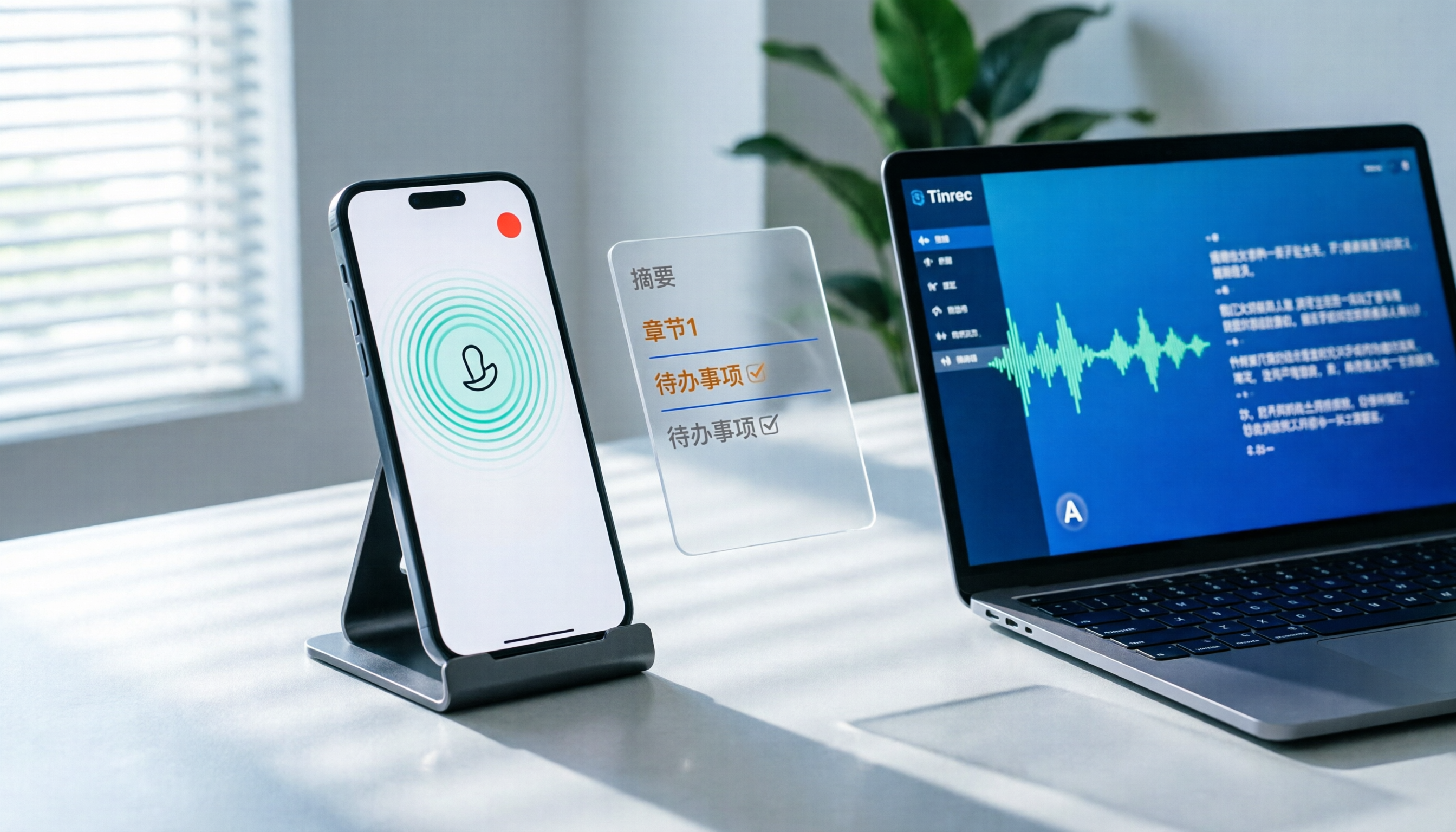
How to Record LINE Calls on iPhone in 2026: 3 Steps + Tinrec Auto Transcription
LINE doesn't have built-in call recording, but iPhone users can record LINE calls using the system's 'Local Capture' feature in iOS 26 or later. This guide shows you how to record in 3 steps, avoid the common mistake of not enabling speakerphone, and use Tinrec to turn recordings into transcripts, summaries, chapters, and action items. You can also ask AI questions to quickly find key points, plus 5 tips for choosing a call recording tool and FAQs.

6 Best iPhone Recording Apps in 2026: Free vs Paid Comparison
2026 update: A side-by-side comparison of 6 iPhone recording apps, from built-in Voice Memos and Recorder Pro to Tinrec, Notta, Otter.ai, and TurboScribe. See free tiers, pricing, and best use cases at a glance, plus practical recommendations for mid-level managers.

4 Noise-Canceling Recording Tools Tested for 2026: How Much Can AI Rescue Unusable Audio?
The low hum of an office air conditioner, background chatter in a café, or static during an online meeting often marks the beginning of a transcription disaster. This guide covers 5 key buying factors—from mic techniques to post-production noise reduction and AI transcription—and compares Tinrec, PLAUD, Otter.ai, and Notta to help you find the most time-saving setup.

5 iPhone Recording Methods Compared in 2026: Voice Memos, Action Button, and AI Meeting Notes — Which Should You Choose?
iPhone's built-in recording is more useful than you think: Voice Memos, one-tap recording with the Action Button, Back Tap quick launch, and iOS 18.1 call recording — learn how to set up all four methods. This article also covers audio quality, stereo, and spatial audio settings, and compares post-recording organization solutions, explaining how Tinrec differs in Chinese meeting transcription, AI Q&A, and team collaboration to help you choose the smoothest recording workflow.

Recording Meetings in 2026: 5 Scenarios Compared — What Protects You and What Could Be a Crime
Is recording a meeting illegal? This article compares five common scenarios against Taiwan's Criminal Code Article 315-1, the Communication Security and Surveillance Act, and the Labor Standards Act to identify recordings that protect you, common pitfalls, and how to turn recordings into usable transcripts, summaries, and action items with Tinrec.

2026 iPhone Call Recording Showdown: Tinrec vs PLAUD Note — Which One Fits Your Workflow?
iPhone has built-in call recording starting with iOS 18.1, but the real time sink is turning those recordings into transcripts, summaries, and action items. This article first answers whether you can record calls on iPhone using official sources, then compares Tinrec and PLAUD Note across five dimensions: hardware requirements, meeting scenarios, post-call organization, Chinese-language experience, and team collaboration, so you can decide which approach better fits your workflow.
3 iPhone 17 Screen Recording and Post-Meeting Solutions Compared: From Control Center Setup to Tinrec
Screen recording on iPhone 17 isn't hard—it's what comes after that's tricky. This guide walks you through adding Screen Recording to Control Center, enabling the microphone, and stopping and saving your recording. Then we compare built-in screen recording, Dual Capture, and Tinrec for post-meeting organization, so you can see which fits your workflow.

4 Windows 11 Recording Tools Compared in 2026: Do Built-in Features Cut It for Meeting Transcripts and Summaries?
How do you record audio on Windows 11? This article compares four approaches: the built-in Sound Recorder, Xbox Game Bar, Stereo Mix with free software, and Tinrec. It explains the key settings for capturing system audio, the differences between transcripts and meeting summaries, and gives clear recommendations based on your use case.
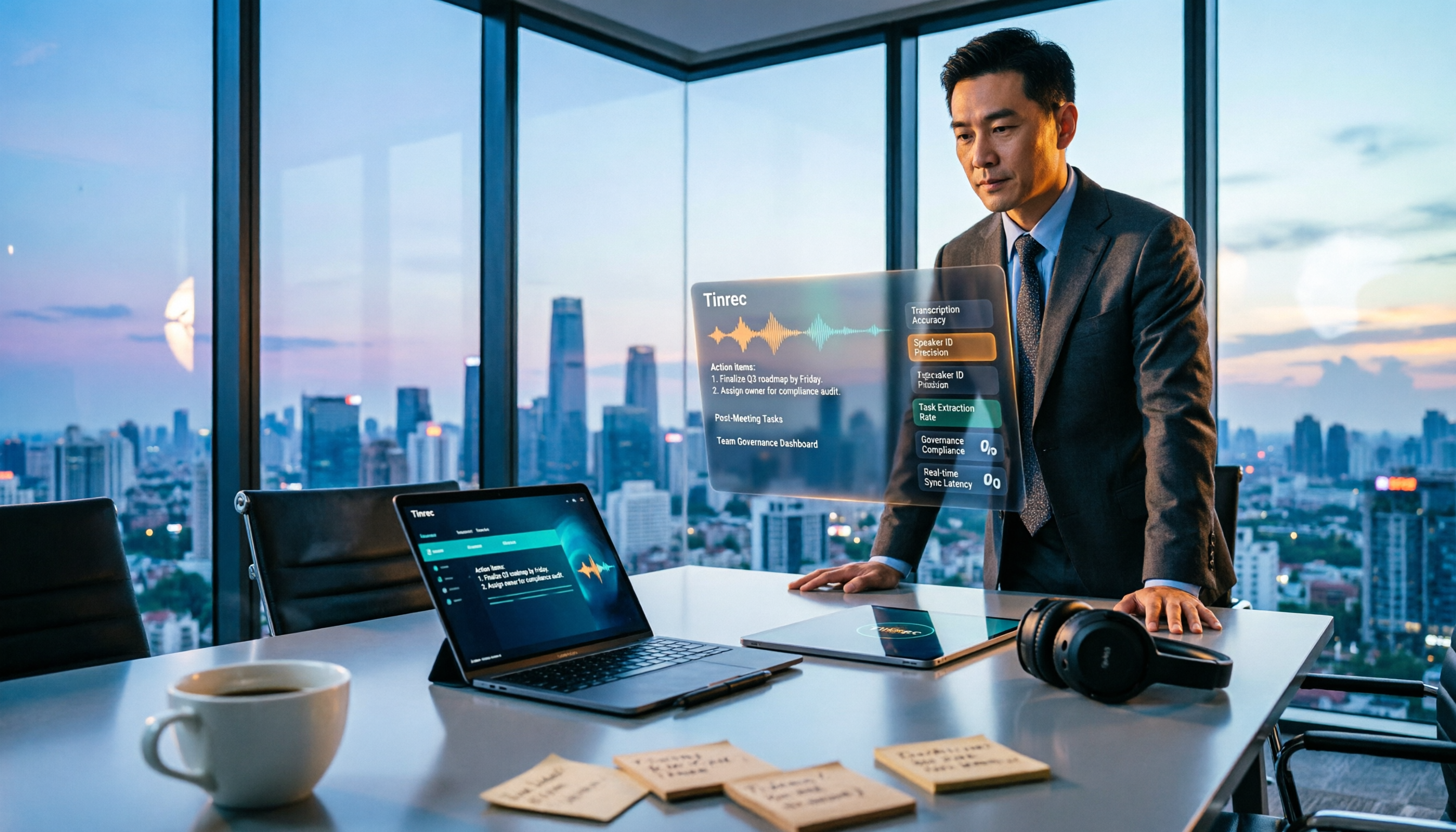
Tinrec vs Notta 2026: 5-Dimension Comparison of AI Meeting Assistants
A mid-level manager overseeing a 10-person team and 15 weekly meetings puts Tinrec and Notta head-to-head across 5 dimensions: recording methods, Chinese and mixed-language experience, post-meeting workflow, team governance, and plan quotas, with honest limitations and use cases.