
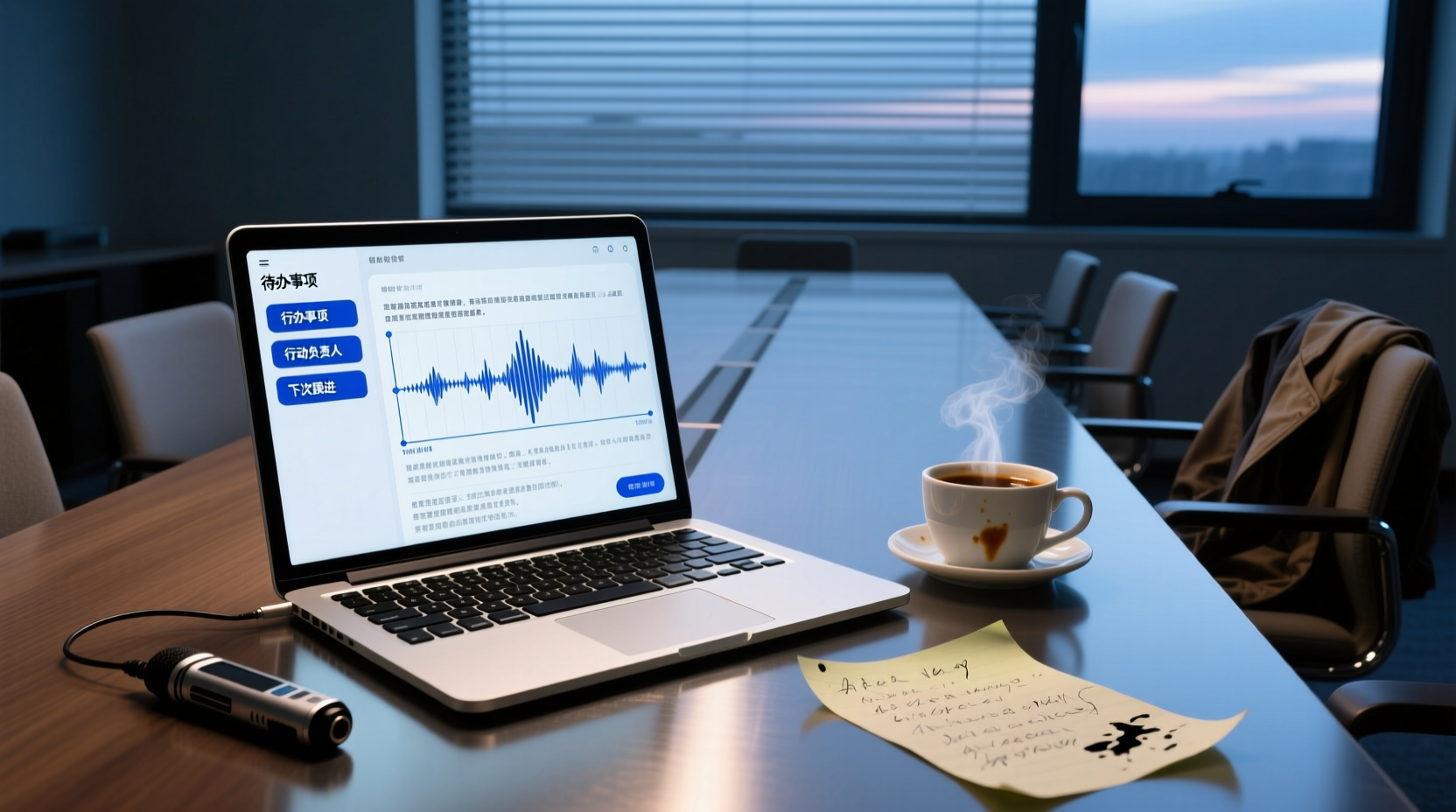
Turn recordings into transcripts and summaries in minutes
Upload audio or video for multilingual transcription, AI notes, and action items
After a meeting, the biggest fear isn't missing the recording, but missing action items.
You may have had this experience: a 1-hour meeting with lively discussion and clear decisions, but when you organize afterwards, you realize that the delivery date promised by the client, the person responsible for project tasks, and the time for the next review are all scattered in your memory and fragmented notes. When it's time to follow up, you find that key items were missed, and you have to re-listen to the recording or send another email to confirm.
This is the purpose of speech-to-text tools—not just to "turn voice into text" as an action itself, but to turn meeting content into searchable, trackable, and actionable data. But with so many tools on the market, from free to paid, from online meetings to hardware recorders, how do you choose?
This article doesn't use the guise of "hands-on testing" or "comparison reviews," but instead starts from your actual tasks, breaks down the dimensions you should really consider when choosing a tool, and then gives specific recommendations for different work styles such as sales, product development, and government/institutional roles.
Why Recommend Speech-to-Text Tools: From Meeting Pain Points to Actionable Data
The pain point of meeting notes is usually not the "recording" itself, but the "post-meeting organization."
The traditional approach is: record → re-listen → manually type the transcript → extract key points → list action items. This process is very time-consuming and error-prone. A 1-hour meeting often requires another 1–2 hours to organize. If the meeting involves client commitments, project assignments, or decision rationale, the organization time is even longer and details are easily missed.
New-generation speech-to-text tools extend the workflow beyond transcription: they automatically generate summaries, chapters, key points, and action items, and can even support AI Q&A about the meeting content, and further process action items into action plans, follow-up materials, reports, and tables. In other words, you no longer get a static transcript, but a piece of data you can continue to work with.
Core Decision Dimensions: Meeting Type, Chinese Language Needs, Post-Meeting Deliverables, and Team Collaboration
When choosing a speech-to-text tool, it's recommended to first confirm four aspects:
| Dimension | Questions to Ask | Why It Matters |
|---|---|---|
| Meeting Type | Are your meetings online or offline? Do you need to capture system audio? | Determines whether the tool can handle your daily scenarios |
| Chinese Language Needs | Are your meetings primarily in Chinese? Do you need Traditional Chinese, mixed Chinese-English, or real-time translation? | Affects transcription quality and overall user experience |
| Post-Meeting Deliverables | Do you only need a transcript, or do you need summaries, action items, reports, and other deliverables? | Determines whether the tool can save you post-meeting organization time |
| Team Collaboration | Do meeting materials need to be shared, followed up on, and archived long-term? | Affects team efficiency and knowledge accumulation |
These four dimensions are not independent. For example, salespeople's meetings are mainly client interviews, and their post-meeting deliverables are client analyses and follow-up plans; product and R&D personnel's meetings are mainly requirement reviews, and their deliverables are PRDs and action items; government/institutional staff's meetings are mainly internal deployments, and their deliverables are meeting minutes and responsibility assignments. Different tasks naturally require different tools.
Comparison of Mainstream Tools: Tinrec, Otter, Fireflies, Notta, TurboScribe, Granola, PLAUD
Below, we compare several mainstream tools based on core positioning, meeting capture method, input sources, Chinese experience, and post-meeting deliverables. Data is based on official pages; actual features may change, so please verify before use.
| Tool | Core Positioning | Meeting Capture Method | Input Sources | Chinese Experience | Post-Meeting Deliverables |
|---|---|---|---|---|---|
| Tinrec | AI meeting notes and team collaboration | Desktop app captures system audio without a bot | Live recording, online meetings, audio/video files, mobile | Chinese, Traditional Chinese, multilingual, real-time translation | Transcript, summary, chapters, action items, Q&A, export, Agent post-processing |
| Otter.ai | AI meeting assistant | Meeting bot and desktop app | Online meetings, files | English-focused, weaker Chinese support | Summary, action items, Q&A, team analytics |
| Fireflies.ai | Meeting automation and sales analytics | Meeting bot | Online meetings, files | English-focused | Summary, action items, AskFred, team analytics |
| Notta | Transcription, translation, and document processing | Meeting bot, desktop app, upload | Files, online meetings | Strong multilingual support | Subtitles, translation, summary |
| TurboScribe | High-value document transcription | File upload | Audio/video files | Multilingual | Transcript, subtitles, translation |
| Granola | Bot-free AI meeting notes | Desktop app captures without a bot | Live meetings, no pre-recorded file support | English-focused | Note enhancement, Q&A, integrations |
| PLAUD | AI recording hardware | Hardware recording | Hardware recording primarily | Depends on device and app | Summary, templates, Q&A |
Stop organizing recordings by hand
Upload audio or video and automatically get a transcript, summary, and action items
Key Notes
- Tinrec: Emphasizes Chinese meetings, bot-free desktop recording, and post-meeting workflow. Suitable for users who need Chinese transcription, real-time translation, and team knowledge management.
- Otter.ai: A mature choice for English business meetings, offering meeting bot and desktop capabilities, but with weaker Chinese support.
- Fireflies.ai: Strong in meeting automation and sales analytics, but "unlimited transcription" is still subject to storage, upload speed, and AI credit rules, not truly unlimited.
- Notta: A balance of multilingual and document processing. Free plan offers 120 minutes per month, with a max of 3 minutes per upload; paid plans offer more minutes and features.
- TurboScribe: Advantage in long files and batch transcription. Paid plan supports up to 10 hours or 5 GB per file, and can upload up to 50 files at once.
- Granola: Bot-free AI meeting notes, supports live transcription, but does not support uploading pre-recorded audio and does not retain meeting audio.
- PLAUD: A hardware option for portable recording, suitable for users who value on-the-go recording, but requires purchasing additional equipment.
Bot-Free Recording vs. Meeting Bots: Which Method Suits Your Online Meetings?
There are two main methods for recording online meetings:
Meeting Bots
Meeting bots (such as Otter and Fireflies bots) join meetings as participants and automatically record and transcribe. The advantage is a high level of automation; the downside is that you need to invite the bot, and it may be subject to meeting platform restrictions.
Bot-Free Desktop Recording
Bot-free desktop recording (such as Tinrec and Granola) captures system audio via a desktop app, without needing an additional bot to join the meeting. The advantage is that it's more discreet and flexible; the downside is that you need to actively start the recording.
Which Is Better for You?
- If you want full automation and don't mind a bot joining your meetings, choose a meeting bot tool.
- If you don't want an extra participant, or if the meeting platform restricts bots, bot-free desktop recording is more suitable.
For example, Tinrec's desktop app directly captures your computer's system audio, so you don't need to invite a bot to join the meeting to record online meetings on Zoom, Google Meet, Microsoft Teams, and others, and it generates transcripts in real time.
From Transcript to Actionable Data: How Post-Meeting Deliverables Impact Your Work Efficiency
Tools that only provide transcripts versus those that offer a complete post-meeting workflow have a significant impact on work efficiency.
Tools That Only Provide Transcripts
These tools (such as TurboScribe) can quickly convert recordings to text, but subsequent summaries, action items, reports, etc., still require manual processing. They are suitable for scenarios where only a transcript is needed, such as interview records or subtitle creation.
Tools That Provide a Complete Post-Meeting Workflow
These tools (such as Tinrec) not only provide transcripts but also automatically generate summaries, chapters, key points, and action items, and support AI Q&A, translation, export, and even have an AI assistant (Agent) that can further process action items into action plans, follow-up materials, reports, tables, and documents based on meeting minutes and context.
For example, after a client meeting, Tinrec can automatically organize the client's needs, objections, commitments, and next steps, and the AI assistant can help generate a client follow-up plan or email draft. For important commitments, external communications, and key decisions, manual review is still recommended.
Recommendations for Different Roles: Sales, Product/R&D, and Government/Institutional Staff
Sales, Business Development, and Account Managers
- Core Tasks: Review client communications, extract commitments and action items, analyze clients, and determine next follow-up timing and talking points.
- Recommended Tools: Tinrec, Fireflies.
- Rationale: Tinrec emphasizes Chinese meetings and post-meeting workflow, quickly organizing client needs and commitments, with AI assistance for follow-up materials; Fireflies is more mature in sales analytics and integrations, but has weaker Chinese support.
Product, R&D, and Design Personnel
- Core Tasks: Accurately capture requirements, decisions, and assignments, and produce PRDs, action items, acceptance criteria, or review documents.
- Recommended Tools: Tinrec, Notta.
- Rationale: Tinrec can convert discussions into structured minutes, decision lists, and documents like PRDs, and supports team sharing; Notta has strong multilingual support, suitable for cross-border teams.
Government/Institutional Staff
- Core Tasks: Organize meeting minutes, deployment items, responsibility assignments, archiving, and long-term retrieval.
- Recommended Tools: Tinrec.
- Rationale: Emphasizes structured organization, manual confirmation, privacy, and data boundaries, without making hasty promises about cross-platform automatic distribution.
Team Collaboration: From Personal Tools to Team Spaces
When meeting materials need to be shared, followed up on, and archived long-term, team collaboration capabilities become important.
For example, Tinrec's team edition is not "multiple people sharing one personal account," but an independent team collaboration space. You can create a team, invite members, allocate seats, and store meeting recordings, transcripts, summaries, action items, and post-meeting deliverables in a unified team space.
In practice, suppose you are the lead for a project meeting:
1. Post-Meeting Organization: After the meeting, Tinrec automatically generates transcripts, summaries, and action items, and the AI assistant helps turn action items into an action plan.
2. Team Sharing: Put the meeting materials and action plan into the team space. Members can view, play, and read them; members with seats can also edit and upload.
3. Continuous Follow-Up: Team members can continue tracking progress on the same document, and new members can view historical meetings, turning every communication into a searchable, collaborative, and traceable asset for the team.
The team edition also provides governance capabilities such as usage statistics, team hotwords, and audit logs, making it easy for managers to monitor team usage.
Considerations: Accuracy, Privacy, Human Review, and Legal Boundaries
Accuracy
The accuracy of speech-to-text is affected by factors such as recording quality, noise, accents, overlapping speech, and technical jargon. No fixed accuracy rate can be guaranteed. For important content, it is recommended to cross-check with the timestamped transcript and the original recording.
Privacy
When handling recordings and transcriptions, you should comply with local laws and obtain consent from participants when necessary. For sensitive meeting materials, choose tools that meet your own security requirements.
Human Review
AI-generated summaries, action items, and reports may miss or misinterpret details. Always manually verify important decisions, externally distributed content, and critical data.
Legal Boundaries
Some tools (such as Granola) do not retain meeting audio or restrict uploading pre-recorded files. Before use, confirm the tool's data retention policy and ensure it meets your compliance requirements.
Conclusion
Choosing a speech-to-text tool is not about picking the "most powerful" one, but the "most suitable" one. First clarify your meeting types, Chinese language needs, post-meeting deliverables, and team collaboration style, then filter from the tools above to find one that truly saves you time and prevents missing items.
If you need Chinese meeting minutes, recording online meetings without a bot, and team knowledge accumulation, Tinrec is worth considering. You can start with the free version to see if it meets your daily work needs.
References
- SoundType AI - Ultra-precise transcripts, speech-to-text, AI dictation
- Online AI speech, video, and audio file to text - Free trial - cSubtitle
- Tested 4 best "speech-to-text" online tools recommended, free instant recording to transcript
- Speech-to-Text - Google Play app
- "Speech-to-Text: AI Transcript, Recording to Text, Voice Memo Real-time Translator" App - App Store
Turn every recording into actionable outcomes
Get 60 free transcription minutes when you sign in. No credit card required.
Related Reading
You might also like

2026 AI Meeting Notes Table Tools Compared: Which One Actually Produces a Ready-to-Use Table?
A meeting notes table isn't just about downloading a template—the real question is whether you can produce something you can hand off right after the meeting ends. This article starts with three ways to get a meeting notes table, provides a copy-ready table structure, and walks through the full workflow with Tinrec from recording to transcript, summary, action items, and team knowledge retention. It wraps up with 5 key buying criteria and FAQs.

2026 AI Meeting Notes Showdown: Tinrec vs Otter.ai — Which Is Better for Chinese Meetings?
In 2026, Dcard discussions about AI meeting notes focus on free transcription and summary tools. This article narrows the scope to Tinrec and Otter.ai, comparing them across meeting capture methods, Chinese transcription, post-meeting outputs, team governance, and pricing to help you decide which fits your meeting scenarios.

How to Create AI Meeting Minutes Tables in 2026: 5 Steps from Recording to Table
Still manually pasting transcripts into tables after meetings? This guide starts with how to decide between a transcript and a table, then covers 4 key factors for choosing an AI meeting minutes table tool in 2025, Tinrec's actual workflow, 3 alternative solutions, and the 3 most common pitfalls, plus a 5-step process.

Best AI Meeting Notes Tools in 2026: 4 Tested, This One Excels for Chinese Meetings
We tested 4 AI meeting notes tools in 2026, comparing recording methods, post-meeting output, Chinese recognition, and team data management. Here's why Tinrec suits Chinese and mixed Chinese-English meetings, and which tools fit other needs or budgets better.

Tinrec vs Google Translate 2026: 5-Dimension Comparison — Which Is Better for Real-Time Transcript Translation?
The most time-consuming part of cross-language meetings is often not the meeting itself, but re-listening to recordings and translating them into Chinese afterward. Based on my own trial-and-error experience, this article compares Tinrec and Google Translate on real-time transcript translation across 5 dimensions, and outlines 5 things to consider when choosing a tool, plus FAQs.

6 AI Meeting Transcription Tools Compared for 2026: From Transcripts to Post-Meeting Summaries
A 90-minute interview recording is sitting on your phone, and the transcript is due tomorrow morning. This article breaks down AI meeting notes into two steps—transcription and organization—and compares six practical solutions, including bot-free recording, multilingual transcription, hardware recorders, and free post-meeting organization tools, to help you choose the right one for your scenario.

2026 AI Meeting Notes Comparison: Tinrec vs Granola for Chinese Transcription and Free Tiers
In Dcard's 2024 AI meeting notes discussions, the most common questions are whether free tiers are sufficient, how well Chinese transcription works, and whether post-meeting summaries can be shared directly. This article compares Tinrec and Granola, two bot-free meeting note tools, across recording retention, old file import, Chinese and bilingual support, post-meeting outputs, team data governance, and pricing to help you decide which fits your meeting scenario.

How to Choose AI Meeting Notes Tools in 2026: 5 Steps to Understand Comparison Tables and Key Selection Criteria
2026 AI meeting notes tool comparison and buying guide: use 5 steps to understand meeting capture, post-transcription processing, Chinese language support, team governance, and pricing quotas, and compare use cases for Tinrec, Otter.ai, Notta, Granola, TurboScribe, and PLAUD.

2026 AI Meeting Notes Comparison: Tinrec vs Notta — Which Is Better for Chinese-Speaking Teams?
A meeting notes table isn't just pasting a transcript. This article uses a typical weekly meeting workflow to compare Tinrec and Notta across five dimensions: meeting capture methods, table output, free quota and pricing, Chinese and real-time translation, and team governance. It also includes a ready-to-use meeting notes table template with fields and a manual verification checklist.