

Turn recordings into transcripts and summaries in minutes
Upload audio or video for multilingual transcription, AI notes, and action items
With Free Online Speech-to-Text Tools, the Real Fear Isn't Cost—It's Useless Output
Two hours in a meeting, another two hours transcribing—that's the best-case scenario.
What's worse is spending time uploading your recording, only to get text so riddled with errors that you have to listen and retype everything. Free isn't the point; usable output is.
This time, I tested 4 online tools with the same Chinese recording and will tell you directly which one deserves your time.
Before Choosing a Speech-to-Text Tool, Understand These 4 Key Points
Accuracy: Don't Just Trust the '90%+' Claim on the Website.
Test conditions matter. I used a 5-minute Chinese meeting recording with background noise and occasional overlapping speech. This realistic scenario reveals the real differences.
Free Quota: Daily Access Doesn't Mean It's Enough.
Some tools advertise free use, but each session is limited to 3 minutes, making long recordings impossible. You need to check the per-session duration limit and the monthly total quota.
Post-Processing Features: What Happens After Transcription?
The transcript is just the starting point. Can you correct errors, add timestamps, export to Word or subtitle files, or even ask AI for meeting highlights? These are the real time-savers.
Cross-Platform: You Record on Your Phone Today, Edit on Your Computer Tomorrow.
If a tool is web-only or app-only, your workflow gets interrupted. Multi-device sync is what makes a tool practical.
Tinrec (秒听录音)—My Top Pick After Testing
Tinrec isn't just a speech-to-text tool; it turns meeting content into usable material.
The Testing Process Was Simple.
I uploaded the recording directly on the web version, and the transcript was ready in a few minutes. The output had punctuation and proper paragraph breaks—not one big block of text. This alone puts it ahead of many free tools.
The AI Q&A Was the Biggest Surprise.
After transcription, I asked, 'Who mentioned the budget in the meeting?' It didn't just return keyword search results; it gave me a direct answer based on semantic understanding, complete with the location in the original text. Few free tools in this price range offer this.
Chinese Accuracy Is Impressive.
With the same recording, I noted the obvious errors. Tinrec handled Chinese names and common phrases reliably, with only minor mistakes in areas with heavy background noise. Overall, I didn't need much time for proofreading.
Pros:
- Provides not just transcripts but also auto-generated summaries, chapters, and action items
- AI Q&A lets you find key points without manually scanning a 30-minute transcript
- Supports multiple export formats for easy follow-up
- Works on mobile, desktop, and web
Limitations to Mention.
Stop organizing recordings by hand
Upload audio or video and automatically get a transcript, summary, and action items
The free version has quota limits, and heavy users will need to pay. But if you have a couple of meetings a week and occasionally transcribe recordings, the free quota is enough to experience the full workflow.
Who Is It For?
If you need Chinese transcription, want to use AI to find key points after recording, or frequently switch between phone and computer, Tinrec is the most seamless choice right now.
Beyond Tinrec, These Tools Are Worth Considering
MyEdit: Generous Free Credits, but Limited Post-Processing Depth.
MyEdit offers free daily credits, and Chinese transcription is fast. However, it's more of a pure transcription tool, lacking the comprehensive post-processing and AI Q&A features of Tinrec. If you just need to quickly convert audio to text without further analysis, MyEdit is worth a try.
Yating: A Local Veteran in Taiwan, but the Free Experience Has a Higher Barrier.
Yating has been refining Chinese recognition in the Taiwan market for years, with solid accuracy. But the free version has more restrictions, and a full experience requires payment. Additionally, it lacks AI conversational query features like Tinrec, so you'll have to manually search for key points after transcription.
cSubtitle: Simple Web Upload for Transcription, Ideal for Occasional Use.
cSubtitle's advantage is that you don't need to register; just upload and transcribe. But it's more of a one-off transcription tool, without meeting organization, AI Q&A, or team collaboration features. If you occasionally need to convert a recording to text, it's a good emergency option.
Pitfall Guide: 4 Common Mistakes When Choosing Online Speech-to-Text Tools
Pitfall 1: Uploading Just Because It's 'Free.'
Some free tools limit each session to 3 minutes of audio. You waste time uploading only to find it's unusable. Check the per-session duration limit first.
Pitfall 2: Ignoring Export Formats.
If you can't export to Word or text files, the transcription is useless. Confirm the tool supports the formats you need before starting.
Pitfall 3: Treating a Transcription Tool Only as a Transcription Tool.
If you only use Tinrec for speech-to-text, you're using only a third of its capability. After transcription, ask AI 'What was the meeting conclusion?' or 'What are the action items?'—it's much faster than manually scanning the transcript.
Pitfall 4: Committing Without Verifying Chinese Recognition Ability.
Many tools excel in English but are mediocre in Chinese. Upload your own Chinese recording to test—it's more reliable than any review.
Conclusion: Which One Should You Choose?
Honestly, if you only occasionally transcribe a recording, MyEdit and cSubtitle will do the job.
But if you need 'usable meeting material after transcription,' Tinrec is the most complete among these options.
Recommendations by Use Case:
- Need Chinese transcript + AI key point search → Tinrec (the only one with AI Q&A)
- Just need quick transcription without follow-up → MyEdit
- Taiwan-specific Chinese context, willing to pay → Yating
- Occasional emergency use, no registration wanted → cSubtitle
Start with the free version, test accuracy with your own recording, and consider upgrading only if it feels right. Tools are personal—you'll know if it fits after trying it yourself.
References
- Online AI Speech, Video, and Audio Transcription - Free Trial - cSubtitle
- Online AI Speech-to-Text Tool, Free MP3 or Recording to Transcript - MyEdit
- AI Speech-to-Text | Free and Easy Online Tool
- Yating Transcript
- Tested: 4 Best 'Speech-to-Text' Online Tools Recommended, Free Instant Recording to Transcript
Turn every recording into actionable outcomes
Get 60 free transcription minutes when you sign in. No credit card required.
Related Reading
You might also like

2026 Comparison of 4 Transcription Tools: Is Yating Enough? Which One Saves Post-Meeting Time?
Yating is easy to use for Traditional Chinese and Taiwanese accents, but a transcript is not a meeting summary. This article uses the same meeting recording with mixed Chinese and English to compare Tinrec, Yating, Otter.ai, and Notta on transcription, post-meeting organization, AI follow-up questions, and team collaboration. It also includes buying tips, pitfalls to avoid, and selection advice based on budget and scenario.

How to Record with Plaud in 2026: 3 Methods Tested and Compared — Button, App Trigger, and Computer Recording
Bought a Plaud but stuck on how to start recording? This guide breaks down the three recording methods for Plaud Note and NotePin — standalone device button recording, in-app triggering, and phone/in-person dual modes — into practical steps. It also compares hardware recording with Tinrec's bot-free computer recording, covering transcription quotas, costs, and team collaboration capabilities to help you choose the right recording workflow for your meeting scenarios.
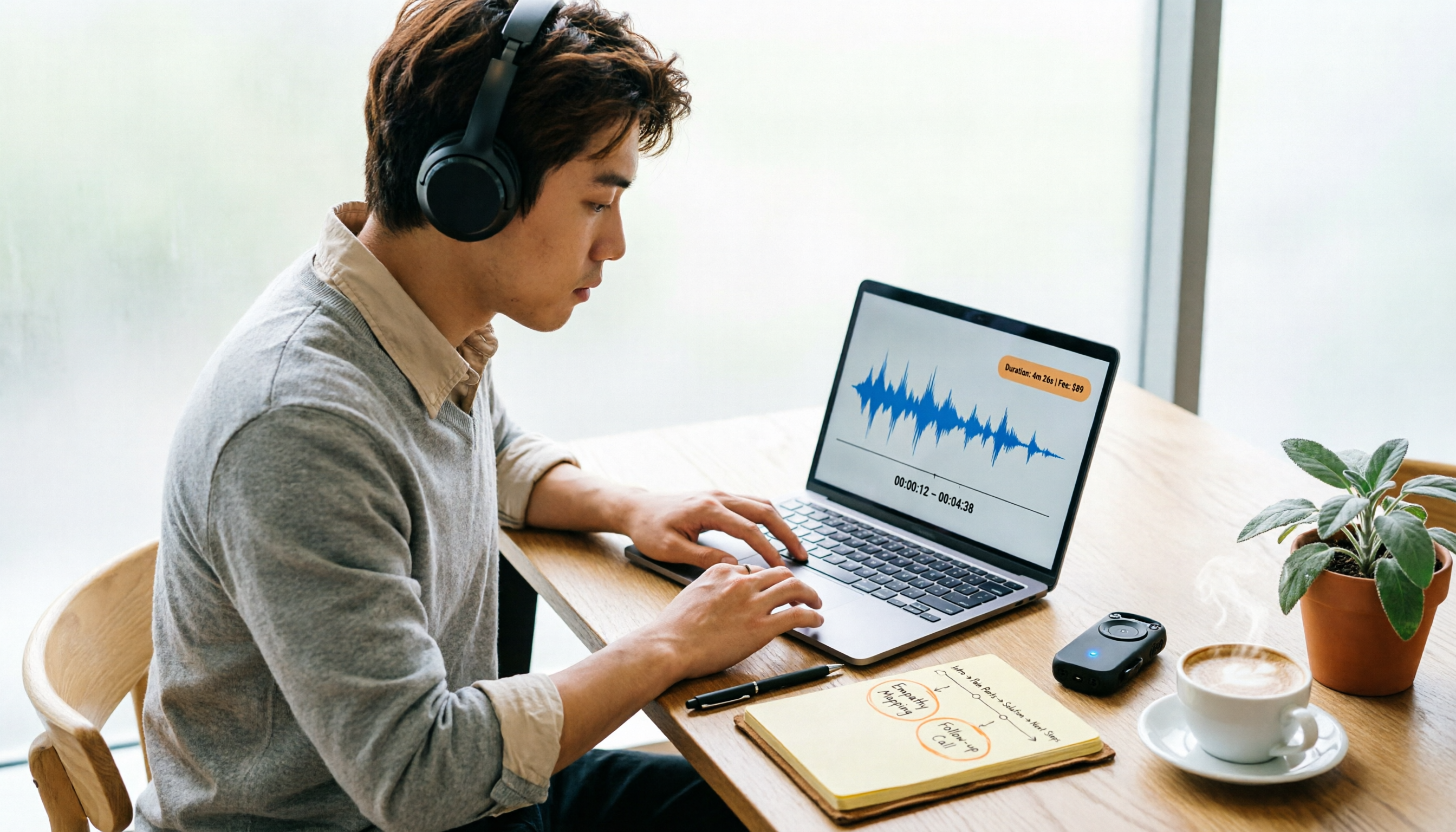
Yating Transcript Pricing in 2026: Per-Hour Rates and Real Cost Breakdown
People on PTT often ask how Yating transcript pricing works and whether buying hours is worth it. This guide breaks down the per-hour rate, free quota, hour discounts, and usage period, and also factors in transcription fees and post-meeting cleanup time. It compares Tinrec, Otter.ai, and TurboScribe for different scenarios.
2026 AI Voice Recorder Comparison: How to Use Plaud and When Tinrec Takes Over
Many people ask how to use Plaud recording, but the real question is what to do after recording. This article starts with the most common misconception, then fully explains Plaud's three recording activation methods and setup. It compares Plaud Note series and Tinrec across six dimensions—online meetings, post-meeting organization, Chinese content, team collaboration, and cost structure—and ends with a step-by-step checklist you can follow today.

6 Transcription Tools Tested for 2026: How to Use Yating and Which Saves the Most Time?
Starting with the actual workflow of Yating transcription, this guide compares the positioning, free quotas, and use cases of 6 transcription tools—Tinrec, Otter.ai, Notta, TurboScribe, Granola, and PLAUD Note—to help you decide which one truly saves time on post-meeting organization.
2026 Comparison of 5 Speech-to-Text Tools: Yating Transcribe Latest News and Free Quotas — Which Is Most Sufficient?
Many people only compare recognition accuracy when choosing a transcription tool, but overlook export, editing, and team sharing. This article compiles the latest updates for Yating Transcribe (including iOS 3.12.0 and an explanation of the Studio progress bar at 99%), and compares the positioning, free quotas, and suitable scenarios of Tinrec, Otter.ai, Notta, and TurboScribe, helping you choose the right tool based on your needs.
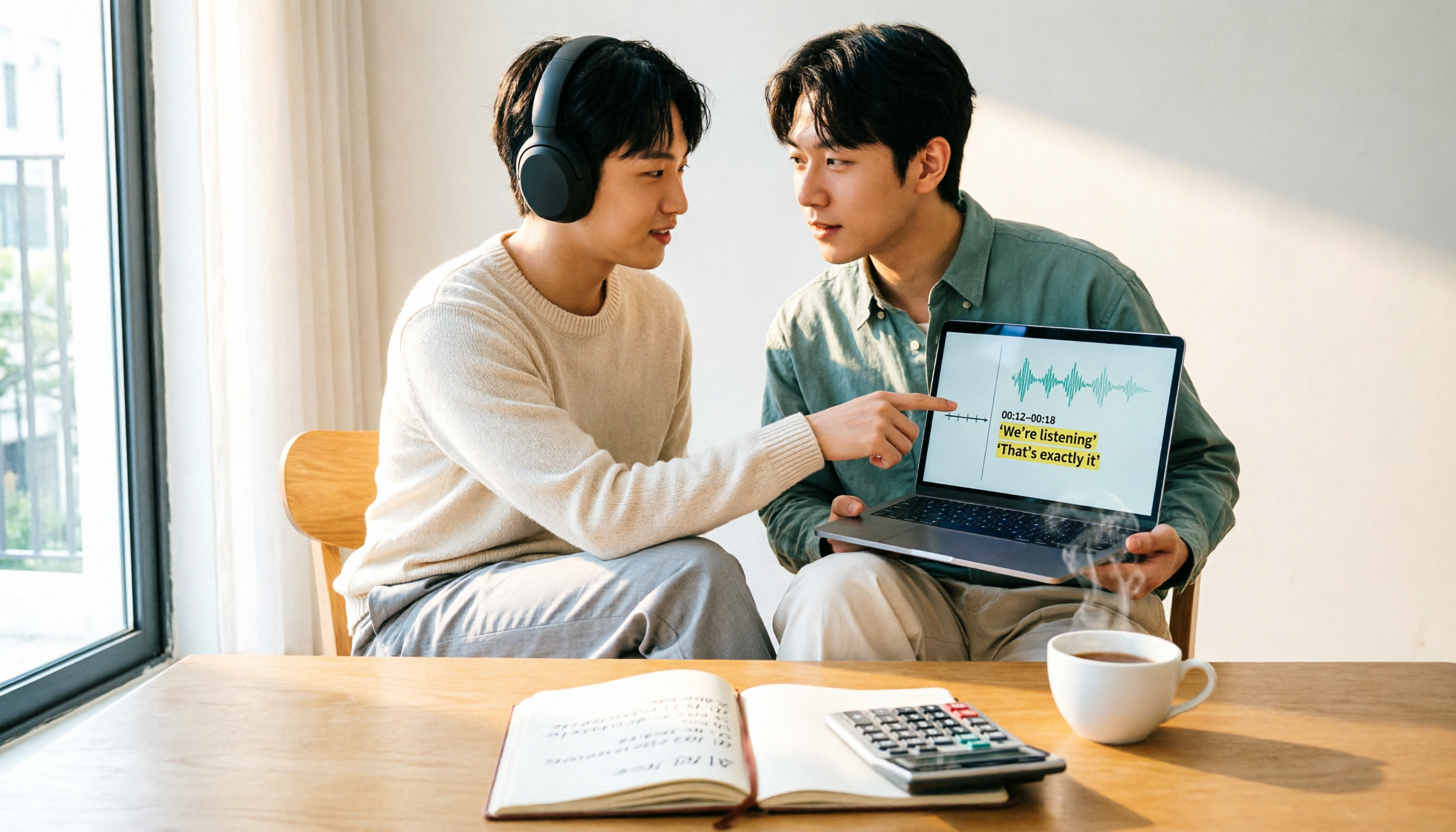
How Much Does Yating Transcription Cost in 2026? 5-Step Test and Pricing Breakdown
Does Yating transcription cost money? This article starts with the actual pricing model and walks you through 5 steps to calculate the real cost of free quotas, queue times, and hour top-ups. It also compares tools like Tinrec, Otter.ai, and TurboScribe to help you decide which plan fits your usage.

Yating Transcript Pricing Explained: 2026 Test of 4 Transcription Tools, How to Get the Best Value at $100 per Hour
Yating Transcript charges by audio length: $100 per hour, 10% off for 3 hours at $270, and hours can be used within 3 years from purchase. This article breaks down Yating Transcript's latest pricing structure, free quota, and billing pitfalls, and compares Tinrec, Otter.ai, and Notta in post-meeting organization and team collaboration, so you can justify your purchase in a procurement meeting.

2025 Comparison of 4 Transcription Tools: Is Yating's Free Quota Enough?
Is Yating Transcription's free quota enough? This article tests Yating, Tinrec, Otter.ai, and Notta using the same 10-minute Mandarin meeting recording and a 25-minute English interview audio file. It compares free rules, pricing, post-meeting summaries, and AI Q&A differences, with buying decision points and pitfalls to help you decide whether to pay.