

Turn recordings into transcripts and summaries in minutes
Upload audio or video for multilingual transcription, AI notes, and action items
What is Notta?
Notta is an AI-powered speech-to-text and meeting notes tool that offers real-time transcription, audio file processing, translation, and AI summaries. Think of it as an assistant that turns what you hear into readable, organized meeting materials.
It supports 58 languages and is available on both web and mobile. For users who need to process bilingual (Chinese/English) meetings, interviews, or lectures, Notta's value proposition is straightforward: it cuts down the time spent on manual transcription.
One thing to note: Notta's free plan has significant limitations—each recording is capped at 3 minutes, making it more suitable for trying out the basic transcription workflow.
What Can Notta Do for You?
Scenario 1: Online Meeting Transcripts
Notta can record online meetings on platforms like Zoom, Google Meet, Microsoft Teams, and Webex. After the meeting, you can view the audio, transcript, and AI summary side by side, so you don't have to rely on memory to fill in the gaps.
Scenario 2: Interview and Lecture Organization
If you need to turn interview recordings or lecture content into text, Notta offers audio upload and transcription. Once done, the system automatically adds highlights, chapters, and action items for quick review.
Scenario 3: Cross-Language Content Understanding
Notta supports real-time translation, letting you view the original text, translation, or bilingual content during recording. This is more practical than getting a single-language transcript for those dealing with foreign-language meetings or multilingual materials.
However, keep in mind that actual transcription accuracy can be affected by audio quality, accents, background noise, and overlapping speech.
What Are Notta's Core Features?
1. Real-Time Recording to Text
Notta transcribes as it records, making it ideal for in-person meetings, interviews, and live note-taking. You don't have to wait until the recording ends—the text appears alongside the audio.
2. AI Summaries and Key Point Extraction
After transcription, Notta generates a summary that condenses long meetings into key points and action items. This is handy for those who don't want to read every word and need to quickly grasp the meeting's conclusions.
3. AI Q&A
You can ask questions about specific parts of a meeting, such as "What were the main action items?" or "What feedback did the client give?" Notta's AI answers based on the transcript, helping you find key information fast.
4. Multilingual Translation
Notta supports 58 languages and offers bilingual transcripts. This is a plus for cross-language collaboration.
5. Multiple Export Formats
After transcription, you can export transcripts, summaries, and more to other tools for further use. This means Notta isn't just about transcription—it integrates into your broader workflow.
4 Things to Consider Before Using Notta
1. Limited Free Plan
Notta's free plan offers 120 minutes per month, but each session is capped at 3 minutes. If you're just testing basic features, this might be enough; but for full meetings, the free plan will quickly hit its limits.
Stop organizing recordings by hand
Upload audio or video and automatically get a transcript, summary, and action items
2. Accuracy Depends on Recording Conditions
Notta claims up to 98% accuracy, but third-party reviews suggest this is an ideal figure. In practice, clear audio, standard accents, and low background noise yield much better results. If the recording quality is poor, you'll need to manually edit.
3. Mixed User Reviews
On Trustpilot, Notta's reviews are mixed. Some users report transcription failures and slow customer support, while others find its multilingual and summary features convenient. We recommend testing the free version with your own recording scenarios before paying.
4. Align Paid Plans with Your Needs
Notta Pro costs approximately USD 8.17/month when billed annually, with 1,800 minutes per month; Business costs approximately USD 16.67/seat/month when billed annually, offering unlimited transcription and team management. If you only occasionally transcribe recordings, starting with the free plan or a short-term subscription is more practical.
Who Is Notta For?
Good for: Those Needing Multilingual Transcription
Notta's 58-language support and real-time translation are useful for anyone dealing with foreign-language meetings, interviews, or lectures.
Good for: Those Wanting Quick Meeting Summaries
If you don't want to read through entire meeting notes, Notta's AI summaries and action item extraction help you grasp the essentials quickly.
Not Ideal for: Those Needing High-Volume Long-Audio Transcription
The free plan's 3-minute limit per session, plus some users' reports of stability issues, make Notta less smooth for handling long audio files.
Frequently Asked Questions
Is Notta's free plan enough?
Not really. The free plan gives you 120 minutes per month, but each session is capped at 3 minutes, which is fine for trying out basic features. If you need to transcribe full meetings or interviews, you'll hit the limits quickly.
Can Notta really achieve 98% accuracy?
98% is the official claim and represents an ideal scenario. Actual accuracy depends on recording quality, accents, background noise, and overlapping speech. We recommend testing with your own audio to see real-world performance.
Can Notta record online meetings?
Yes. Notta supports platforms like Zoom, Google Meet, Microsoft Teams, and Webex, and it can also record in-person meetings.
How is Notta different from regular recording-to-text tools?
Regular transcription tools might just give you a transcript. Notta goes further with AI summaries, action item extraction, AI Q&A, and real-time translation, so you not only get the transcript but also understand the content faster.
How does Notta's pricing work?
Based on the official pricing page: Pro costs approximately USD 8.17/month when billed annually, with 1,800 minutes per month; Business costs approximately USD 16.67/seat/month when billed annually, offering unlimited transcription and team management.
Conclusion
Notta is a feature-rich AI speech-to-text tool, especially suited for users who need multilingual transcription, meeting summaries, and AI Q&A. Its drawbacks are also clear: the free plan is restrictive, transcription stability varies with recording conditions, and user reviews are mixed.
If you're considering Notta, the best approach is to test it with your own meeting recordings using the free version. Checking its performance in your actual use case before paying is more important than just looking at the specs.
References
Turn every recording into actionable outcomes
Get 60 free transcription minutes when you sign in. No credit card required.
Related Reading
You might also like

4 AI Meeting Recorder Tools Tested: Free Tiers and Chinese Meeting Support Compared (2026)
Is more free minutes always better? This hands-on comparison of Tinrec, Otter.ai, Notta, and Granola walks through real meeting workflows—how meetings get captured, what you get after transcription, Chinese-language performance, free tiers, and team permission management—plus four common selection mistakes and scenario-based recommendations.

2026 AI Meeting Notes Comparison: Tinrec vs Notta vs Otter.ai — Which Is Best?
After a two-hour meeting, your notes are just scattered fragments. This article compares Tinrec, Notta, and Otter.ai using the same criteria: how well they handle Chinese meetings, how they record online meetings, what you get after the meeting, whether teams can manage them, and how pricing works—so you can decide which one fits you best.
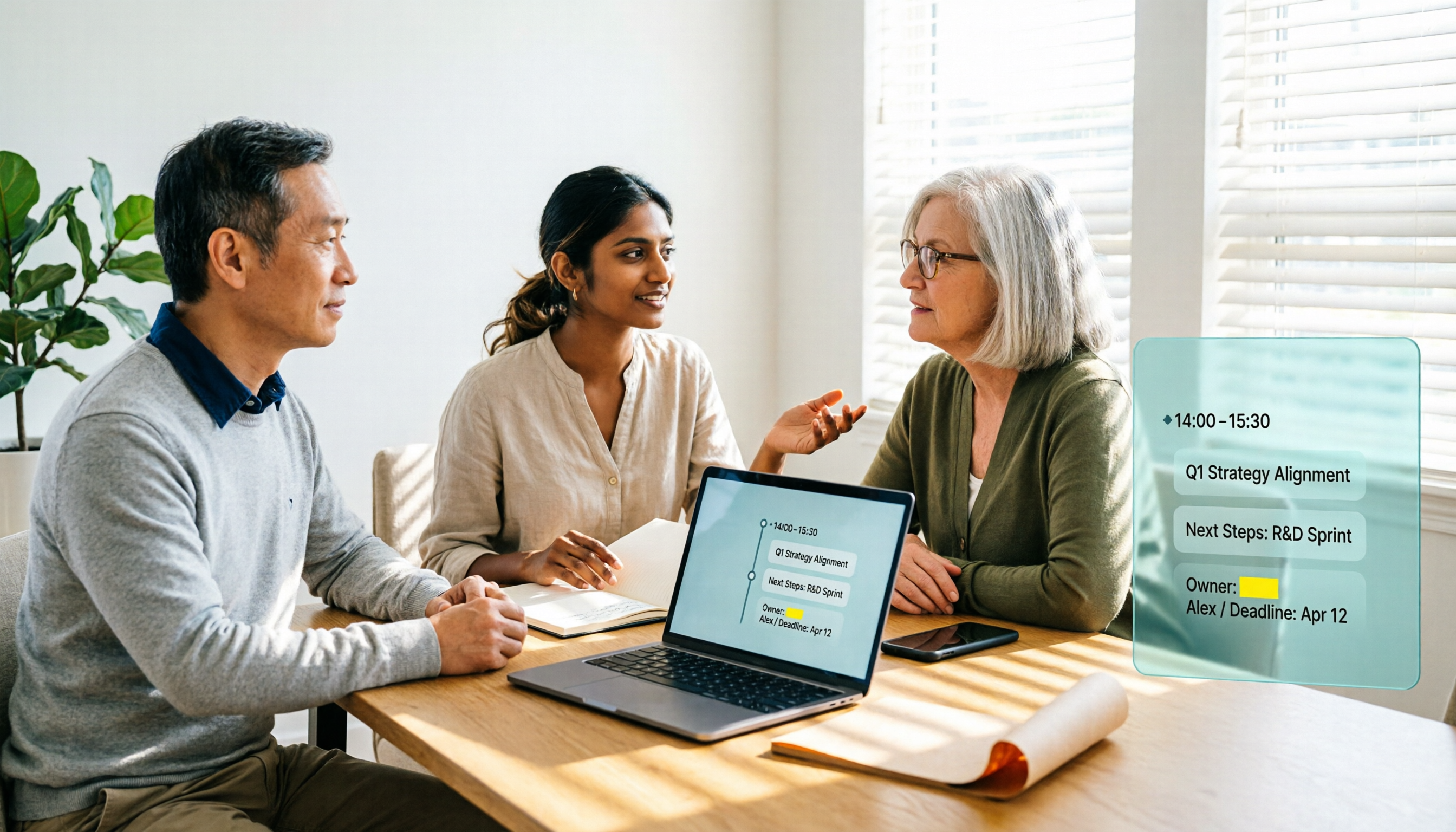
2026 AI Meeting Notes Software Comparison: Transcription Doesn't Equal Deliverable Minutes
Starting from the most common selection pitfalls, this hands-on comparison of Tinrec, Notta, Otter.ai, and PLAUD Note examines differences in meeting recording methods, post-meeting output, Chinese recognition, and team management. It also covers key buying criteria, pitfalls to avoid, and selection advice to help you find AI meeting notes software that truly saves post-meeting organization time.
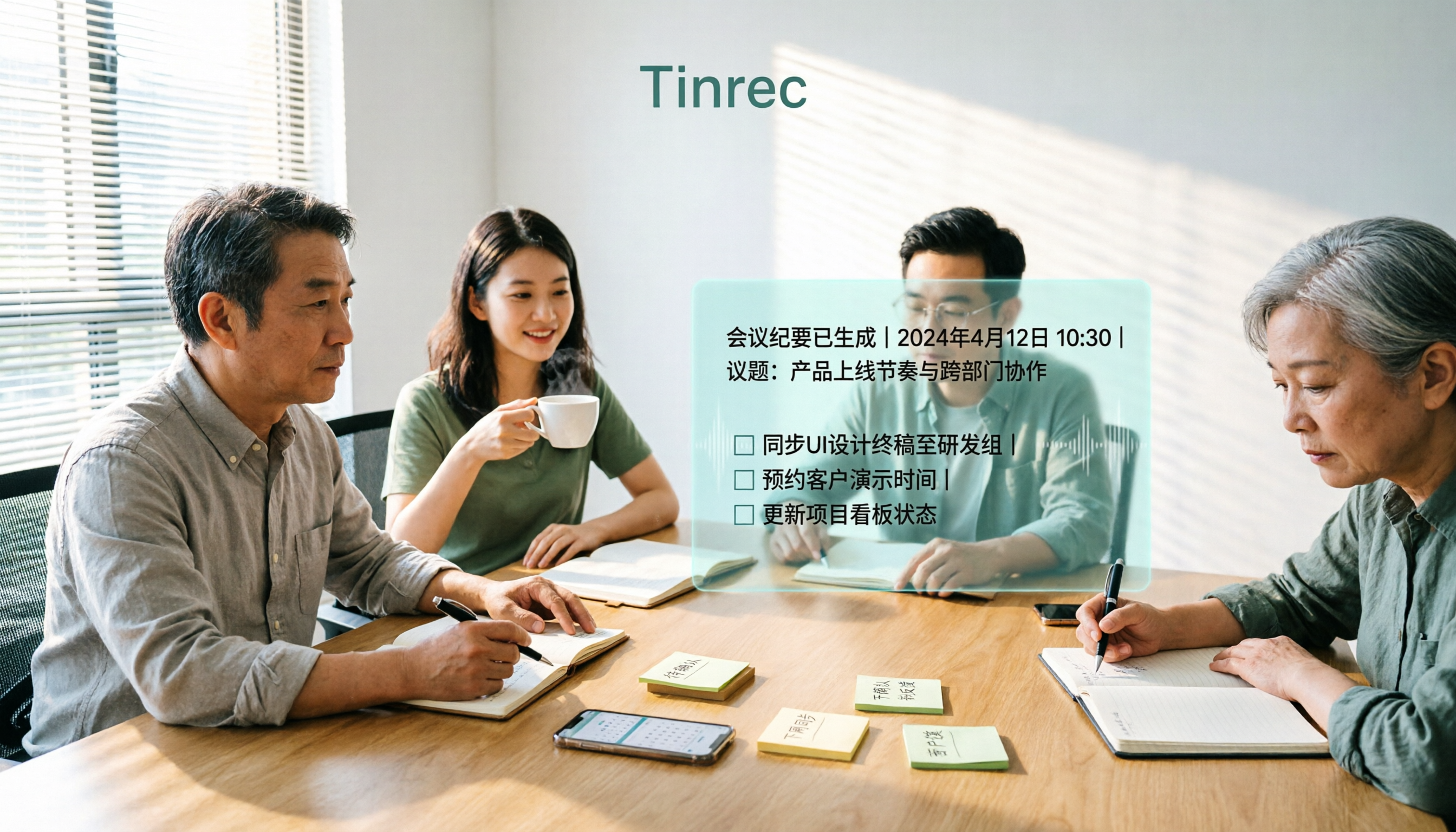
How to Choose an AI Meeting Recorder in 2026: Testing 3 Tools + Tinrec Chinese Transcription and Post-Meeting Action Items
Before searching for 'which AI meeting recorder is best,' clarify your meeting language, recording method, and post-meeting needs. This article covers 4 key buying factors, hands-on comparisons of Tinrec, Otter.ai, Notta, and Granola, and 4 common pitfalls to help you choose the one you'll actually use.

2026 AI Meeting Notes Software Comparison: Free Tiers and Post-Meeting Organization—Which Is Enough?
A hands-on comparison of four AI meeting notes tools in 2026, covering recording methods, post-meeting outputs, AI Q&A, and team data ownership, plus three common buying mistakes to help you decide if a free plan is enough or a team plan is worth it.

Tinrec AI Meeting Recorder Review (2026): Bot-Free Recording & Chinese Transcripts
Most people choosing an AI meeting notes app ask 'which one is free' first, but overlook whether it understands Chinese, keeps audio files, and produces usable post-meeting output. This review compares Tinrec and Granola across 5 dimensions, with a 3-step getting-started guide and FAQs to help you decide which fits your meeting scenarios.

2026 AI Meeting Notes Free Plans Compared: 4 Tools at a Glance
Are free AI meeting notes tools good enough? This article compares Tinrec, Otter.ai, Notta, and TurboScribe on free quota calculation, per-session limits, Chinese recognition, and post-meeting organization, with hands-on testing to help you find the most suitable tool without spending money.

Which AI Meeting Notes Tool Is Best in 2026? 5 Steps to Find Your Perfect Fit
Spending extra time organizing meeting notes after a meeting is a common pain point for many office workers. This article starts from real-world usage scenarios and uses 5 steps to help you decide how to choose an AI meeting notes tool. Using Tinrec as an example, it explains how real-time transcription, AI summaries, action item extraction, AI Q&A, and team knowledge retention work in practice, helping you pick the one that truly works for you.

2026 AI Meeting Notes Tools Compared: Which Is Easiest to Learn and Fastest to Use?
Buying a meeting notes tool you can't use is more wasteful than not taking notes at all. Instead of stacking specs, this hands-on comparison looks at ease of learning across Tinrec, Otter.ai, Notta, Granola, and more. It breaks down four key factors that determine how quickly you can get up to speed, and honestly covers each tool's free tier, Chinese-language performance, and real limitations—so you can pick the one you can open and use right away.