

Turn recordings into transcripts and summaries in minutes
Upload audio or video for multilingual transcription, AI notes, and action items
Two hours in a meeting, another two hours organizing notes—what you need isn't more tools, but a smoother workflow
If you have more than 3 online meetings a week, you're probably familiar with this feeling: the meeting is over, but the work has just begun.
You have to replay the recording, fill in your notes, organize action items, and then send the conclusions to the relevant people. If the meeting mixes Chinese and English, or if a colleague speaks quickly, the organizing time can double.
What's more, these meeting records are scattered across personal phones, computers, and chat apps. The next time you want to find "what exactly did the client say last time," you might spend half an hour searching.
Choosing the right tool isn't just about "recording"—it's about significantly reducing the workload after the meeting. This article compares two AI meeting tools that users in Taiwan often ask about: Tinrec and Notta.
Before choosing an AI meeting tool, understand these 5 key points
1. How are meetings recorded? Do you need a bot to join?
Many AI meeting tools work by having a "bot" join the meeting, adding an extra participant to Zoom, Meet, or Teams.
This can be inconvenient in some company meetings, and some meeting rooms don't allow unknown participants. A bot-free desktop recording method that directly captures the computer's system audio is more natural for users.
2. Chinese and mixed-language performance
Meetings in Taiwan often mix Chinese and English, include technical terms, and feature various accents. How well a tool supports Chinese, Traditional Chinese, and mixed languages directly affects the usability of the transcript and summary.
Don't just look at the officially claimed "high accuracy"—check how it performs under real meeting conditions.
3. What can you do after transcription?
Getting just a transcript only solves one-third of the work. Whether the tool can automatically generate summaries, chapters, and action items, and whether you can ask follow-up questions about the meeting content, is key to reducing organizing time.
4. How does team data get stored?
Personal use and team use are different. Teams need a shared space to store meeting data, allowing new members to review past meetings and managers to track usage—rather than having meeting records tied to individual accounts.
5. Are the free tier and paid plans reasonable?
How many minutes the free version offers, the per-session time limit, and how paid plans are priced all affect the actual cost. The key isn't absolute cheapness, but which plan best matches your actual usage.
Tinrec (秒听录音)—A better choice for Chinese meetings and team collaboration after testing
Tinrec is an AI meeting notes and collaboration tool for individuals and teams. It supports real-time recording, online meeting transcription, audio/video file import, and real-time translation, and can automatically generate summaries, chapters, action items, and mind maps.
What sets it apart: the desktop version can directly capture the computer's system audio, so you don't need to invite a bot to join Zoom, Google Meet, Microsoft Teams, or Webex meetings. Just open Tinrec and start recording, and the meeting content is transcribed in real time.
When the meeting ends, the organizing is mostly done too
During the meeting, Tinrec generates a transcript as it records. After the meeting, it automatically organizes a summary and chapters, breaking the long meeting into an easy-to-browse structure, and extracts action items from the discussion—who's responsible for what and when it's due, all at a glance.
This is especially useful for those who have regular project or client meetings every week. You don't need to replay two hours of audio; just look at the summary and action items to quickly grasp the conclusions.
After recording, you can ask the AI directly
Tinrec's AI Q&A feature lets you ask follow-up questions about the meeting content. For example, ask "Who mentioned the budget adjustment in the last meeting?" or "What were the client's concerns about the delivery date?" and it will give you answers based on semantic understanding, not just keyword search results.
This capability is great for users who frequently need to review past meetings. Instead of manually scanning a 30-minute transcript, just ask a question.
Chinese meetings and real-time translation
Tinrec covers Chinese, Traditional Chinese, and multilingual meeting scenarios, and supports viewing the original text, translation, or bilingual content during recording. Teams can also maintain "hot words" for common terminology to improve recognition of technical terms.
Stop organizing recordings by hand
Upload audio or video and automatically get a transcript, summary, and action items
Actual performance will, of course, be affected by audio quality, accents, overlapping speech, and background noise, but as a Chinese meeting tool, it handles the "post-transcription organizing" part quite comprehensively.
Limitations should also be clear
The free version offers basic usage limits, suitable for trying out recording, import, and summary features. If you're a heavy user who needs to organize a large volume of meetings, you'll need to consider the Pro or Team plans.
Additionally, bot-free recording requires you to actively open the Tinrec desktop app to start; it's not currently in "auto-join all calendar meetings" mode.
Who is it for?
If you often have Chinese meetings, want to use AI to find key points after recording, need to switch between phone and computer, or want to consolidate team meeting data in one space, Tinrec is a choice worth trying first.
Besides Tinrec, what other options are there?
Notta: Similar features, but bot-free recording and team storage are the differentiators
Notta is an AI transcription tool with significant overlap with Tinrec. It also supports multi-device transcription, meeting notes, file import, and translation. Its Free plan offers 120 minutes per month, but each session is limited to 3 minutes, which is quite restrictive for typical meetings.
If you just need to quickly transcribe a short audio clip, Notta's interface and user experience are decent. But if you want to record online meetings without inviting a bot and use AI Q&A to follow up on content afterward, Tinrec's desktop bot-free recording and meeting-data-focused Q&A capabilities are more complete.
Otter.ai: Strong for English meetings, but not the best for Chinese scenarios
Otter is a mature AI meeting assistant with a strong presence in English business meetings, and its free version offers a generous 300 minutes per month. If your meetings are primarily in English, Otter is worth considering.
But if you mainly handle Chinese or mixed Chinese-English content, Tinrec's Chinese experience and post-meeting workflow are more tailored to users in Taiwan.
PLAUD Note: Convenient hardware recording, but requires extra equipment
PLAUD's AI recording hardware is great for on-the-go notes and phone calls, but it requires an upfront hardware cost. In contrast, Tinrec doesn't need extra equipment—it works on phones, desktops, and web—and is better suited for online meetings and historical audio files.
Pitfall Guide: 4 Common Mistakes When Choosing an AI Meeting Tool
Pitfall 1: Only looking at transcription minutes, ignoring post-meeting organizing capabilities
Many people compare only "minutes per month" when pricing, but transcription is just the first step. The real time sink is organizing summaries, action items, and reviewing past meetings. If the tool only gives you a transcript, you'll still have to do the rest yourself.
Pitfall 2: Choosing a plan with too short a per-session limit to save money
Some free plans only allow 3 to 5 minutes per session, which isn't enough for typical meetings. Before choosing, check your usual meeting length and then look at the plan limits—don't be misled by "total monthly minutes."
Pitfall 3: Ignoring the ownership of team data
With personal tools, meeting records get scattered across different members' accounts. When someone leaves or changes departments, the data might disappear. Team plans make meeting data owned by the team, allowing for resource handover when members change—this is important for long-term collaboration.
Pitfall 4: Using AI tools only as a recorder
If you only use the "audio-to-text" feature, you're using only a third of the tool's capabilities. With AI Q&A like Tinrec's, you can ask "What was the conclusion of this meeting?" right after recording, which is much faster than manually scanning the transcript.
Summary: Which one should you choose?
Overall, if you need a complete workflow of "Chinese meeting notes + post-meeting organizing + team collaboration," Tinrec is currently the more comprehensive choice.
Scenario-based recommendations:
- Need bot-free recording for Zoom, Meet, Teams meetings → Tinrec (desktop version directly captures system audio)
- Want to use AI to ask key points and find conclusions after recording → Tinrec (supports follow-up questions about meeting content)
- Want to turn meeting data into a searchable team asset → Tinrec (team space, member and seat management)
- Only need to occasionally transcribe a short audio clip, and each session is under 3 minutes → Notta Free can be a quick fix
- Meetings are almost entirely in English and budget is zero → Otter.ai free version is worth considering
We recommend trying Tinrec's free version first, recording one of your typical meetings, and seeing how transcription, summaries, and AI Q&A perform. If it feels right, consider upgrading; there's no need to pay upfront.
References
- Shahnawaz NOTTA | Resident Physician | Doctor of Osteopathic Medicine | East Tennessee State University, Johnson City | ETSU | Department of Internal Medicine | Research profile
- Digital Commons @ East Tennessee State University - Appalachian Student Research Forum: Healthcare Utilization and Comorbidity Burden of Pancreatic Cancer in U.S Hospitals. Analysis of a National Sample Database
- (PDF) Unveiling the Coronary Mystery: CT vs. MRI - Pioneering Precision in CAD Diagnosis
- Shahnawaz Notta's lab | East Tennessee State University (ETSU)
- Dr. Shahnawaz Nadeem Notta - Johnson City, TN
Turn every recording into actionable outcomes
Get 60 free transcription minutes when you sign in. No credit card required.
Related Reading
You might also like

Best AI Meeting Notes Tools in 2026: Testing 2 Options for Chinese Meetings
AI meeting notes aren't just about feeding recordings to AI. This article covers three common pitfalls, compares Tinrec and Otter.ai across multiple dimensions, and breaks down the pre-meeting, in-meeting, and post-meeting workflow that actually works for Chinese meetings—helping you decide which tool to choose.

2026 AI Meeting Recorder Comparison: Tinrec vs Vocol.ai — Which Should You Choose?
Tinrec and Vocol.ai have similar positioning but different approaches. This article addresses three common misconceptions, explains how meeting audio gets into each tool, what you get after transcription, and who owns team data. It also covers third-party observations of Vocol.ai, Tinrec's bot-free recording and AI Q&A workflow, and provides scenario-based guidance on which tool to choose.

2026 Voice Collaboration Platform Comparison: Why Tinrec Is the Top Vocol.ai Alternative
Vocol.ai has gained traction in Taiwan, but when use cases shift from personal recording to weekly department meetings, bottlenecks often appear in online meeting recording, post-meeting action items, team seats, and data handover. This article compares Tinrec and Vocol.ai across four dimensions, breaking down Tinrec's bot-free recording, AI Q&A, Agent post-processing, and team governance capabilities to help you make a clear case in procurement meetings.

Tinrec vs Vocol 2026: 5-Factor Comparison for Chinese Meeting Notes
People searching for "vocol 2026 annual report" often encounter two completely different results: one is the annual financial report of Veken Technology, and the other is the voice collaboration platform Vocol AI. This article first clarifies this confusion, then compares Tinrec and Vocol across 5 dimensions: transcription output, meeting capture method, audio retention, Chinese language experience, and team governance, so you know what you're choosing.

How to Generate AI Meeting Notes in 2026: Bot-Free Recording + Automatic Summaries & Action Items
How do you generate AI meeting notes in 2026? This guide breaks down the process from scratch: recording online meetings without a bot, real-time transcription, AI summaries, and action item extraction. It includes 5 key buying criteria and FAQs, with Tinrec as a demo to help you wrap up within half an hour after the meeting.
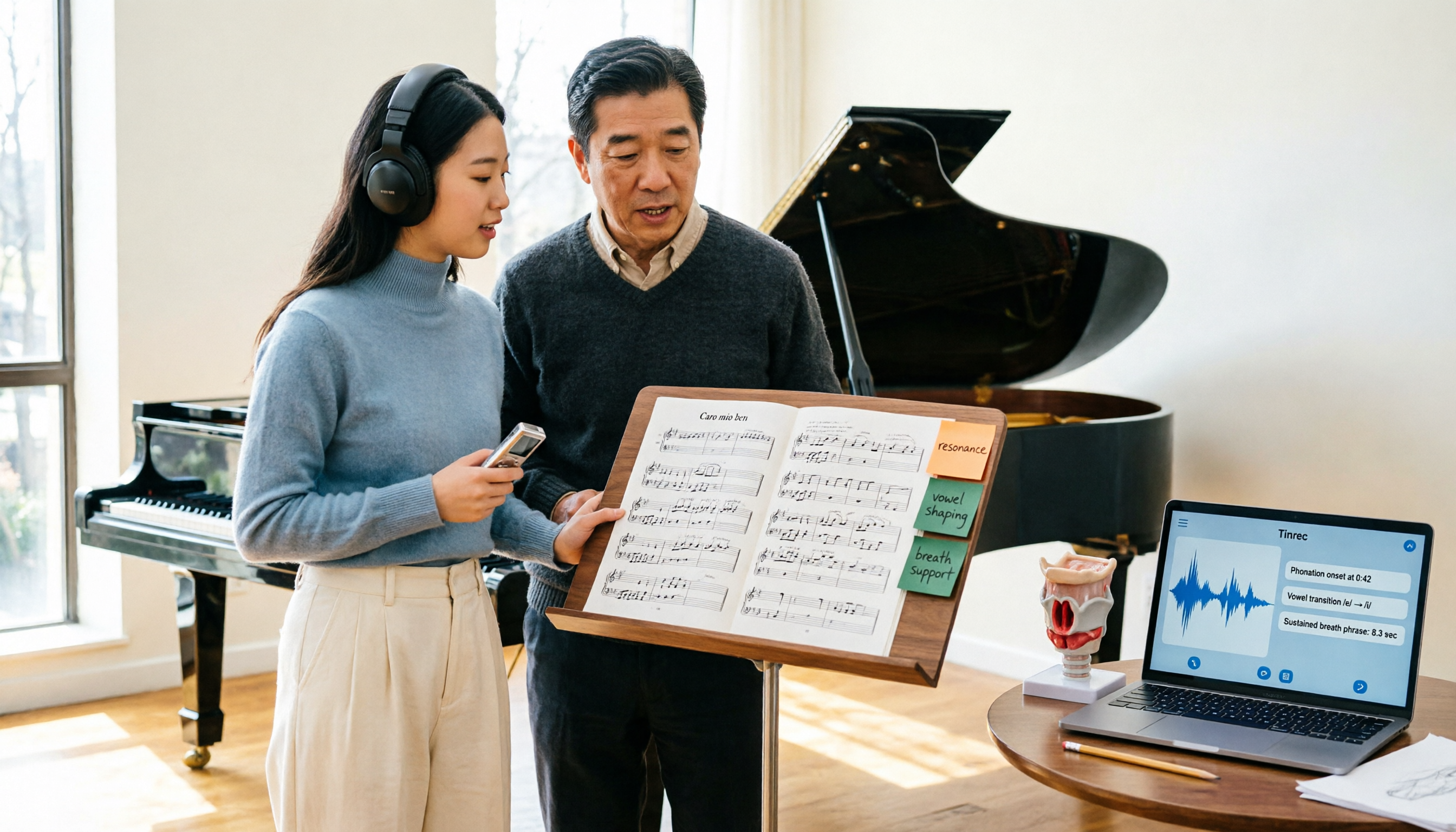
2026 Vocologia Master's Degree Complete Guide: 5 Real-World Learning Scenarios Tested, How to Organize Class Recordings Most Efficiently
Admissions for the 2025-2026 academic year in Vocologia Artistica (vocalogy) master's programs are gradually opening, but the courses are entirely in Italian and span voice medicine and singing pedagogy—handwritten notes alone won't capture it. This article breaks down what the master's covers, who it suits, and tests 5 real learning scenarios, demonstrating how to use Tinrec to turn lectures, clinical discussions, and thesis interviews into searchable, queryable data.

VOCOlinc vs Atuvos: Price Comparison Logic and Why Tinrec Is Better for Meeting Notes
VOCOlinc and Atuvos are Apple Find My-compatible trackers with nearly identical specs, so comparing them is straightforward. But for mid-level managers, the real time drain is post-meeting organization and follow-up. This article explains in 3 minutes how to compare VOCOlinc vs Atuvos, then applies the same 'specs don't equal experience' logic to show how Tinrec turns meetings into searchable, actionable team data.

Vocol vs Tinrec 2026: 5-Dimension Comparison for Chinese Meeting Notes and Team Collaboration
Vocol and Tinrec are both practical tools for Chinese meeting notes, but one focuses on recording organization and the other on team meeting assets. This article compares them across 5 dimensions: capture method, Chinese performance, post-meeting outputs, team governance, and quota billing, to help you decide which suits your team.

2026 AI Voice Collaboration Tools Comparison: Vocol.ai, Tinrec, and Otter.ai Features and Team Collaboration
This article starts with common misconceptions and compares three AI voice collaboration tools: Vocol.ai, Tinrec, and Otter.ai. It explains selection criteria, feature differences, team collaboration, and pricing limitations to help you decide which one suits Chinese meetings and team knowledge retention.