

Turn recordings into transcripts and summaries in minutes
Upload audio or video for multilingual transcription, AI notes, and action items
Two hours in meetings, two more transcribing—can Notta AI help?
Ever had this happen: after a client meeting, you open the recording to pull out key points, only to find a 50-minute audio file, and you spend half an hour just trying to locate "which budget number the client actually cares about."
Notta AI was built for exactly this kind of need. It focuses on turning speech into text, then uses AI summaries to help you quickly grasp the essentials. But the free plan has notable limits, and there have been recent privacy concerns. This article takes a hands-on look at its pros and cons, and whether you should pay for it.
What is Notta AI?
Notta is an AI speech-to-text service that supports 58 languages, suitable for meeting notes, interview transcription, audio-to-text conversion, and real-time translation.
It offers a web version and mobile apps, and claims to record online meetings on Zoom, Google Meet, Microsoft Teams, and Webex, as well as allowing direct upload of audio or video files for transcription.
In short, Notta positions itself as a "multilingual, general-purpose transcription tool": you give it audio, and it gives you a transcript and summary.
Notta AI's core features and highlights
Notta's features center on three areas: transcription, summarization, and meeting notes.
1. Multilingual transcription and real-time translation
Notta supports 58 languages, which is convenient for those dealing with multilingual content. During recording, you can switch between original text, translation, or a bilingual view, making it suitable for cross-language meetings or interviews.
2. Meeting notes and AI summaries
Notta can record online meetings and automatically generate summaries and key points afterward. You don't need to manually replay the entire recording to quickly grasp what was discussed and what action items came out of it.
3. AI Q&A feature
Notta also offers a chatbot-like feature that lets you ask questions about the transcript, such as "What were the main conclusions of this meeting?" or "What budget issues did the client mention?" The system pulls relevant sections from the transcription.
This feature is genuinely useful for people with large volumes of historical recordings, saving considerable time searching through them.
Notta AI's free plan and paid tiers
Notta's free plan offers 120 minutes of transcription per month, but each session is capped at 3 minutes. This limit is very tight for typical meetings; in practice, the free plan is better suited for "trying out the transcription quality" rather than serving as a daily work tool.
Paid plans are divided into Pro and Business:
- Pro: Approximately USD 8.17/month billed annually, with 1,800 minutes of transcription per month.
- Business: Approximately USD 16.67/seat/month billed annually, offering unlimited transcription, role permissions, and usage reports.
Note that these prices may change at any time, so always check Notta's official pricing page before purchasing.
Notta AI's privacy controversy: will your recordings be used to train AI?
A notable recent controversy involves Notta: some users discovered that Japanese transcription content may be used for AI model training.
According to third-party review data, Notta's documentation has included a notice stating that "Japanese transcription content will be used for AI training unless you choose the Enterprise plan." This is a risk that needs special attention for anyone handling sensitive meetings, client interviews, or business secrets.
If the content you're transcribing involves client data, internal decisions, or non-public information, it's advisable to check the plan terms first, or choose a tool that doesn't use data for training.
Limitations after hands-on testing: Notta isn't as versatile as you might think
Honestly, Notta's transcription performs well on generally clear audio, but there are a few areas to watch out for.
Stop organizing recordings by hand
Upload audio or video and automatically get a transcript, summary, and action items
The free plan is too restrictive. The 3-minute per-session cap makes it nearly impossible to handle any normal meeting. If you want to seriously test its transcription quality, you'll need to pay or use a trial.
Features are focused on transcription; post-meeting organization is weak. Notta provides summaries and Q&A, but when it comes to further processing meeting materials—like generating reports, tables, exporting to other tools, and ongoing collaboration—it lacks the depth of tools built around meeting collaboration.
Privacy terms require your own diligence. The AI training controversy mentioned earlier is a significant drawback for business users. If you frequently handle sensitive content, this can't be ignored.
Who is Notta AI best for?
Notta is better suited for the following types of users:
- Those who need to process multilingual audio, especially content mixing Japanese, English, and Chinese.
- Those whose primary need is "turning recordings into text" and don't care much about subsequent team collaboration.
- Those with a limited budget who are comfortable with the Pro plan's 1,800 minutes per month.
Conversely, if you need a complete workflow of "meeting notes + team knowledge base + post-meeting follow-up and export," Notta's team plan does offer role permissions and usage reports, but the overall collaboration depth remains fairly basic.
Beyond Notta: what alternatives are there?
If you're looking for Notta alternatives, here are a few directions to consider.
Tinrec (秒听录音): If you need Chinese meeting notes, don't want to add extra bots to meetings, and want to consolidate meeting materials into a team space, Tinrec aligns more closely with that need. It captures computer system audio directly via a desktop app, so there's no need to add a bot to Zoom or Meet. After meetings, it generates summaries, action items, mind maps, and exports to tools like Notion and Google Docs. Compared to Notta's focus on transcription, Tinrec emphasizes "what you can do after transcription."
Otter.ai: If you primarily handle English meetings, Otter's English transcription and meeting summaries are highly mature, and its free plan offers 300 minutes per month. However, its support for Chinese content isn't as complete as Notta's or Tinrec's.
TurboScribe: If you only occasionally need to transcribe very long audio files, TurboScribe's Unlimited plan costs USD 120 per year, with a maximum of 10 hours per file, making it cost-effective for long files. But it lacks meeting notes and team collaboration features.
Pitfall guide: 3 things people overlook when choosing a speech-to-text tool
Pitfall 1: Only looking at officially claimed accuracy rates. Notta claims transcription accuracy of up to 98%, but that's typically under quiet, clear conditions. Real meetings have background noise, overlapping speech, and accents, so accuracy will inevitably vary. Test it with your own recordings.
Pitfall 2: Ignoring data privacy terms. Many people just click agree during signup without knowing whether their recordings might be used for AI training. If you're dealing with trade secrets or client personal data, be sure to check the plan terms first, or choose a tool with clear data protection commitments.
Pitfall 3: Buying a tool just for transcription. If you only use Notta as a "recording-to-transcript" tool, you're missing out on its AI summaries and Q&A features. Conversely, if you need to follow up on transcripts, generate reports, and export to other platforms, consider whether the tool supports these post-meeting workflows, rather than just looking at transcription minutes.
Conclusion: is Notta AI worth it?
Overall, Notta AI is a solid, middle-of-the-road multilingual transcription tool. Its language support is broad, and transcription quality is decent on clear audio, making it suitable for individual users who need to quickly organize recording content.
However, it has two clear shortcomings: the free plan is too restrictive, and there's the privacy concern that Japanese data may be used for AI training. If you use it occasionally and the content isn't sensitive, Notta is worth considering; if you're handling business meetings or value post-meeting collaboration, you'll need to evaluate more carefully.
Here are our recommendations:
- Need multilingual transcription with non-sensitive content → Notta Pro is worth considering.
- Primarily record English meetings with a limited budget → Start with Otter.ai's free plan.
- Value Chinese meeting notes and post-meeting organization → Tinrec fits better.
- Only need to transcribe very long audio files → TurboScribe offers good value.
Start with a free plan or short trial, transcribe a sample of your own work recording, and confirm accuracy and user experience before deciding whether to pay.
References
Turn every recording into actionable outcomes
Get 60 free transcription minutes when you sign in. No credit card required.
Related Reading
You might also like

Best AI Meeting Notes Tools in 2026: Testing 2 Options for Chinese Meetings
AI meeting notes aren't just about feeding recordings to AI. This article covers three common pitfalls, compares Tinrec and Otter.ai across multiple dimensions, and breaks down the pre-meeting, in-meeting, and post-meeting workflow that actually works for Chinese meetings—helping you decide which tool to choose.

2026 AI Meeting Recorder Comparison: Tinrec vs Vocol.ai — Which Should You Choose?
Tinrec and Vocol.ai have similar positioning but different approaches. This article addresses three common misconceptions, explains how meeting audio gets into each tool, what you get after transcription, and who owns team data. It also covers third-party observations of Vocol.ai, Tinrec's bot-free recording and AI Q&A workflow, and provides scenario-based guidance on which tool to choose.

2026 Voice Collaboration Platform Comparison: Why Tinrec Is the Top Vocol.ai Alternative
Vocol.ai has gained traction in Taiwan, but when use cases shift from personal recording to weekly department meetings, bottlenecks often appear in online meeting recording, post-meeting action items, team seats, and data handover. This article compares Tinrec and Vocol.ai across four dimensions, breaking down Tinrec's bot-free recording, AI Q&A, Agent post-processing, and team governance capabilities to help you make a clear case in procurement meetings.

Tinrec vs Vocol 2026: 5-Factor Comparison for Chinese Meeting Notes
People searching for "vocol 2026 annual report" often encounter two completely different results: one is the annual financial report of Veken Technology, and the other is the voice collaboration platform Vocol AI. This article first clarifies this confusion, then compares Tinrec and Vocol across 5 dimensions: transcription output, meeting capture method, audio retention, Chinese language experience, and team governance, so you know what you're choosing.

How to Generate AI Meeting Notes in 2026: Bot-Free Recording + Automatic Summaries & Action Items
How do you generate AI meeting notes in 2026? This guide breaks down the process from scratch: recording online meetings without a bot, real-time transcription, AI summaries, and action item extraction. It includes 5 key buying criteria and FAQs, with Tinrec as a demo to help you wrap up within half an hour after the meeting.
2026 Vocologia Master's Degree Complete Guide: 5 Real-World Learning Scenarios Tested, How to Organize Class Recordings Most Efficiently
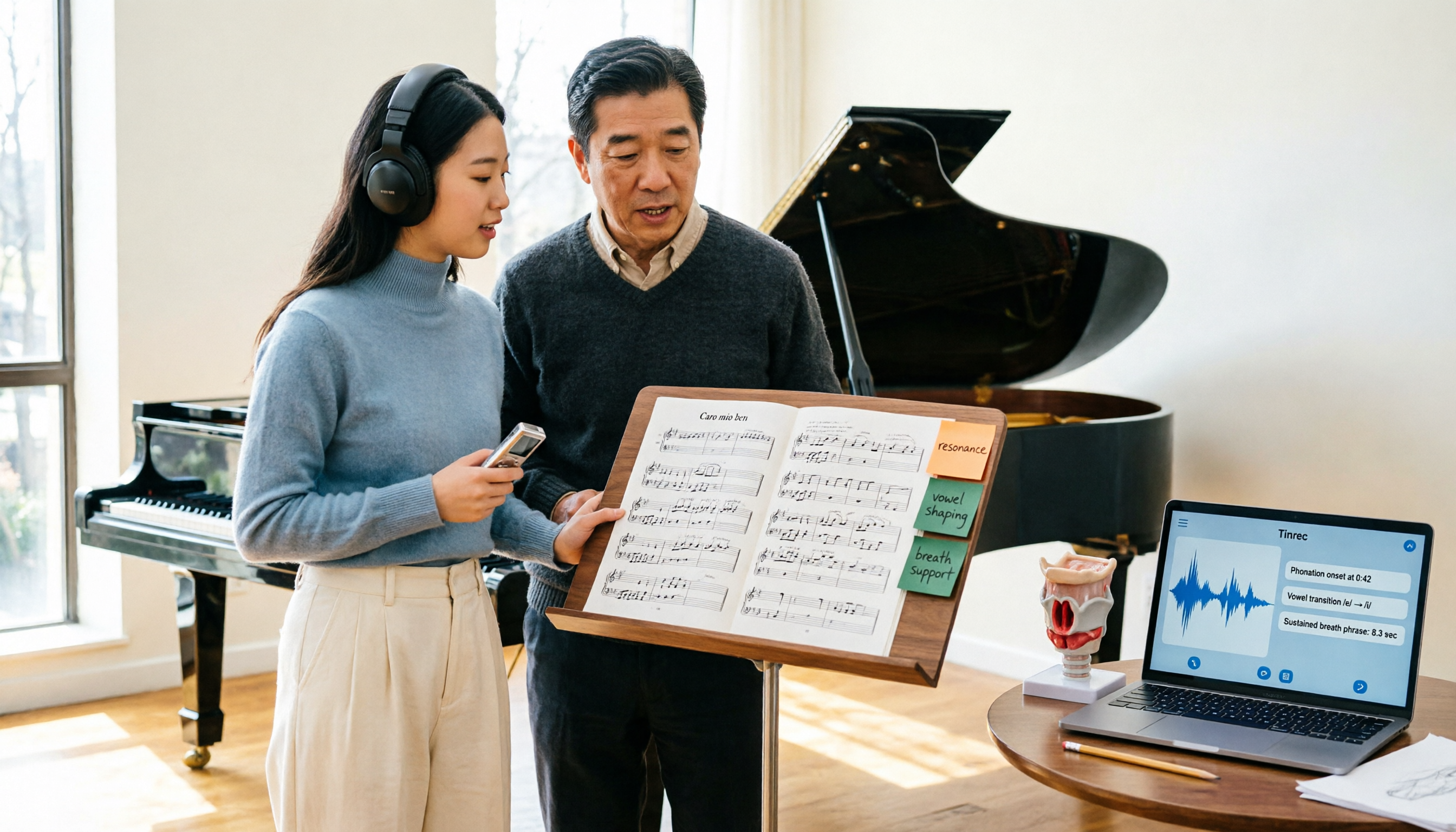
Admissions for the 2025-2026 academic year in Vocologia Artistica (vocalogy) master's programs are gradually opening, but the courses are entirely in Italian and span voice medicine and singing pedagogy—handwritten notes alone won't capture it. This article breaks down what the master's covers, who it suits, and tests 5 real learning scenarios, demonstrating how to use Tinrec to turn lectures, clinical discussions, and thesis interviews into searchable, queryable data.

VOCOlinc vs Atuvos: Price Comparison Logic and Why Tinrec Is Better for Meeting Notes
VOCOlinc and Atuvos are Apple Find My-compatible trackers with nearly identical specs, so comparing them is straightforward. But for mid-level managers, the real time drain is post-meeting organization and follow-up. This article explains in 3 minutes how to compare VOCOlinc vs Atuvos, then applies the same 'specs don't equal experience' logic to show how Tinrec turns meetings into searchable, actionable team data.

Vocol vs Tinrec 2026: 5-Dimension Comparison for Chinese Meeting Notes and Team Collaboration
Vocol and Tinrec are both practical tools for Chinese meeting notes, but one focuses on recording organization and the other on team meeting assets. This article compares them across 5 dimensions: capture method, Chinese performance, post-meeting outputs, team governance, and quota billing, to help you decide which suits your team.

2026 AI Voice Collaboration Tools Comparison: Vocol.ai, Tinrec, and Otter.ai Features and Team Collaboration
This article starts with common misconceptions and compares three AI voice collaboration tools: Vocol.ai, Tinrec, and Otter.ai. It explains selection criteria, feature differences, team collaboration, and pricing limitations to help you decide which one suits Chinese meetings and team knowledge retention.