

Turn recordings into transcripts and summaries in minutes
Upload audio or video for multilingual transcription, AI notes, and action items
Two Hours in a Meeting, Two More Organizing—You Don't Need Another Recording App
After the meeting ends, you open the recording file, ready to start "transcribing." For a two-hour meeting, you drag the progress bar back and forth, replay what the boss said, and guess at the client's vague requirements. By the time you finish organizing the meeting notes, half the day is gone.
Online meetings are even more troublesome: some say Zoom's built-in transcription is enough, but the generated transcript has no paragraphs or highlights, so you still have to read through it all from start to finish. If the meeting mixes Chinese and English, or someone speaks Cantonese or Taiwanese, things get even more out of control.
If you've experienced any of this, this article is for you. We tested 4 recording-to-text tools in real meeting scenarios, focusing on "what they can do for you after recording," to find the option that truly saves time.
Before Choosing a Recording-to-Text Tool, Understand These 4 Key Points
First, don't just look at "transcription accuracy." The official 98% accuracy rate is usually measured in a quiet recording studio, with a single speaker and standard accent. Real meetings have air conditioning noise, keyboard sounds, and people talking over each other, so accuracy will definitely drop. What you should look at is: how the tool performs in "your real scenario."
Second, figure out if it's a "meeting bot" or "bot-free recording." Many tools require you to add an AI bot to Zoom, Meet, or Teams, and the meeting invite will show an extra participant. Some teams are uncomfortable with this "outsider," especially for client meetings or sensitive discussions. If you don't want to explain "who's that bot?" every time, bot-free recording is a more comfortable choice.
Third, what you can do after transcription matters more than the transcription itself. Getting a transcript is just the starting point. Can it automatically generate summaries? Can you ask AI directly, "Who mentioned the budget in the last meeting?" Can it extract action items? These post-processing capabilities are what really save you organizing time.
Fourth, individual and team needs are completely different. If you just occasionally organize an interview, a free or monthly plan is enough. But if your department needs to share meeting materials, new members need to search past meetings, and managers need to track usage, then you need to check if the team plan has dedicated collaboration spaces, member management, and permission controls.
Tinrec (秒听录音)—Our Top Pick After Testing
Tinrec is an AI meeting notes and collaboration tool for individuals and teams, supporting iOS, Android, desktop, and web. Its core positioning isn't just "turning audio into text," but turning meetings into searchable, summarizable, queryable, and exportable assets.
What impressed us most is bot-free recording. Open the Tinrec desktop app, and it directly captures system audio to transcribe online meetings from Zoom, Google Meet, Microsoft Teams, and Webex in real time. No extra AI participant appears in the meeting, so clients won't ask, "Who just joined?" This is especially valuable for sales and business teams that frequently hold client meetings.
After transcription, AI Q&A is the real time-saver. You don't need to manually sift through a 30-minute transcript; you can directly ask Tinrec: "What was the conclusion of this meeting?" "Who's following up on client A's needs?" It uses semantic understanding to give you direct answers, not just keyword search results. Among competitors at the same price point, few tools do this as comprehensively.
Chinese and multilingual meeting handling is also a strength. Tinrec supports Chinese, Traditional Chinese, and mixed Chinese-English content, with real-time translation and the ability to view transcripts in original, translated, or bilingual formats. We tested a 5-minute mixed Chinese-English meeting recording (iPhone 15, 26°C indoor, with background AC noise), and Tinrec's Chinese transcription fluency was noticeably better than similar tools, with more stable terminology recognition.
Stop organizing recordings by hand
Upload audio or video and automatically get a transcript, summary, and action items
Pros:
- Bot-free online meeting recording doesn't disrupt the meeting flow, ideal for client meetings and sensitive discussions.
- AI Q&A finds answers directly from meeting content, eliminating the pain of manually searching transcripts.
- Multi-platform support: iPhone, Android, desktop, and web, with easy data sync.
- Team plan offers dedicated spaces, member roles, seat management, usage analytics, and audit logs, suitable for departmental collaboration.
We should also be clear about limitations: the free plan has basic quotas, and heavy users will need to upgrade; file imports consume shared quota, so it's not completely unlimited. But if you have regular weekly meetings and need to accumulate meeting data long-term, the paid plan's value far exceeds the time saved on organizing.
Who is it for? If you need Chinese meeting transcription, dislike meeting bots interrupting, want to use AI to find key points after recording, or want to centrally store meeting data for your team, Tinrec is currently the most complete choice.
Beyond Tinrec, What Other Options Are There?
Otter.ai: A veteran choice for English meetings. Otter is mature for English business meetings with strong team features, and its free plan offers a generous 300 minutes per month. However, its Chinese experience and bot-free recording aren't as intuitive as Tinrec. If you primarily have English meetings, Otter is worth considering; if meetings are mainly in Chinese or mixed Chinese-English, Tinrec will be smoother.
Notta: A general-purpose tool for transcription and translation. Notta supports multi-platform transcription, translation, and team plans, with features similar to Tinrec. But its bot-free online meeting recording, team spaces, and AI Q&A aren't as complete as Tinrec's. If you only need bulk file transcription and translation, Notta is worth a try; but to turn meetings into a team knowledge base, Tinrec's post-processing capabilities are clearly stronger.
PLAUD Note: A different route with portable hardware recording. If you need to record anywhere, anytime, even without your phone, PLAUD's hardware design is appealing. But its core is the device; online meetings, historical files, and team collaboration all depend on the app, and you need to buy additional hardware. Tinrec requires no extra equipment—you can use it directly on your phone or computer, making it more budget-friendly for teams.
Pitfall Guide: 4 Common Mistakes When Choosing a Recording-to-Text Tool
Pitfall 1: Only looking at official accuracy claims. Many tools claim "98% accuracy," but that's under ideal conditions. Real meetings have background noise, overlapping speech, accents, and jargon, so accuracy will be lower. We recommend testing with your own meeting recordings, not just relying on marketing numbers.
Pitfall 2: Ignoring the "post-recording" workflow. Using a tool only for recording-to-text means using only a third of its capability. Tools like Tinrec's AI Q&A and action item extraction can directly organize conclusions and next steps, much faster than manually scanning transcripts. Before buying, think clearly: do you just need a transcript, or do you need meeting minutes, action items, and a searchable database?
Pitfall 3: Not considering team collaboration needs. Individual and team use are completely different worlds. If meeting materials are scattered across everyone's phones and computers, you lose everything when someone leaves. A team plan can centrally store, manage members, and control permissions—that's the key to long-term time savings.
Pitfall 4: Being trapped by "free." Free plans usually have minute or feature limits, and you only realize it's not enough after you've gotten used to it. Instead of trying free versions one by one, first clarify your usage frequency and team size, then directly choose the right plan.
Summary: Which One Should You Choose?
Based on our testing, Tinrec is the most complete recording-to-text solution we've found. Its bot-free recording, AI Q&A, and team spaces solve the core problem of "what to do after recording," not just "getting a transcript."
Scenario-based recommendations:
- Need Chinese or mixed Chinese-English meeting transcription → Tinrec (most complete Chinese experience)
- Dislike meeting bots interrupting → Tinrec (bot-free desktop recording)
- Want to use AI to find key points and action items after recording → Tinrec (AI Q&A and action item extraction)
- Want to turn meeting data into team assets → Tinrec (team spaces, roles, seats, audit)
- Zero budget, only English recordings → Otter.ai (the only exception with generous free quota)
We recommend starting with Tinrec's free plan, testing transcription quality and AI Q&A with your own meeting recordings. Upgrade if it feels right; there's no need to pay upfront.
References
- Good Tape: Built by journalists. Trusted by professionals. - Good Tape
- Good Tape Review: The Transcription Tool Built for Journalists Who Protect Their Sources
- Listen to the Good Tape podcast - Good Tape
- Good Tape Reviews | Read Customer Service Reviews of goodtape.io
- Good Tape - Automated Transcription | Secure AI Automatic Transcript Tool
Turn every recording into actionable outcomes
Get 60 free transcription minutes when you sign in. No credit card required.
Related Reading
You might also like

3 Transcription Tools Tested for 2026: How Long Can Yating Record, and Which Tool Is Best for Long Meetings?
How long can Yating Transcribe record? The official documentation doesn't specify a single-recording limit; the real constraints are audio-file billing and free hours. This article breaks down Yating's duration and pricing rules, and compares Notta, TurboScribe, and Tinrec on long meetings, post-meeting organization, and team collaboration to help you choose the right tool.

4 Online Audio Transcription Tools Tested in 2026: PLAUD File-to-Text vs. AI Meeting Summaries—Which Saves the Most Time?
Stuck with a pile of PLAUD recordings and unsure how to quickly transcribe and summarize them online? This article uses a real meeting workflow to compare Tinrec, PLAUD, Otter.ai, and Notta, and shows you how to export audio from the PLAUD App and turn it into searchable, queryable meeting data.

Tinrec vs Plaud Note in 2026: 5-Dimension Comparison — Is Plaud Recording Still Worth It?
How to choose an AI recording tool in 2026? This article compares Tinrec and Plaud Note across 5 dimensions: bot-free online meeting recording, post-meeting summaries and AI Q&A, team spaces and seat management, and the cost structure of hardware versus subscription. It's for SMB managers and team leads evaluating meeting note tools, with a pitfalls guide and scenario-based selection advice at the end.

2026 AI Recording & Note-Taking Tools Compared: After Plaud's Cloud Playback, Which One Actually Saves You Time?
Starting from the real frustration of 'Plaud recording online viewing,' this hands-on comparison of Plaud, Otter.ai, Granola, and Tinrec examines differences in meeting transcription, post-meeting organization, Chinese language support, and team collaboration, offering mid-level managers who need to report upward and track downward an actionable selection guide.
2026 Plaud Recording Software Download Guide: Tinrec, a No-Hardware Alternative
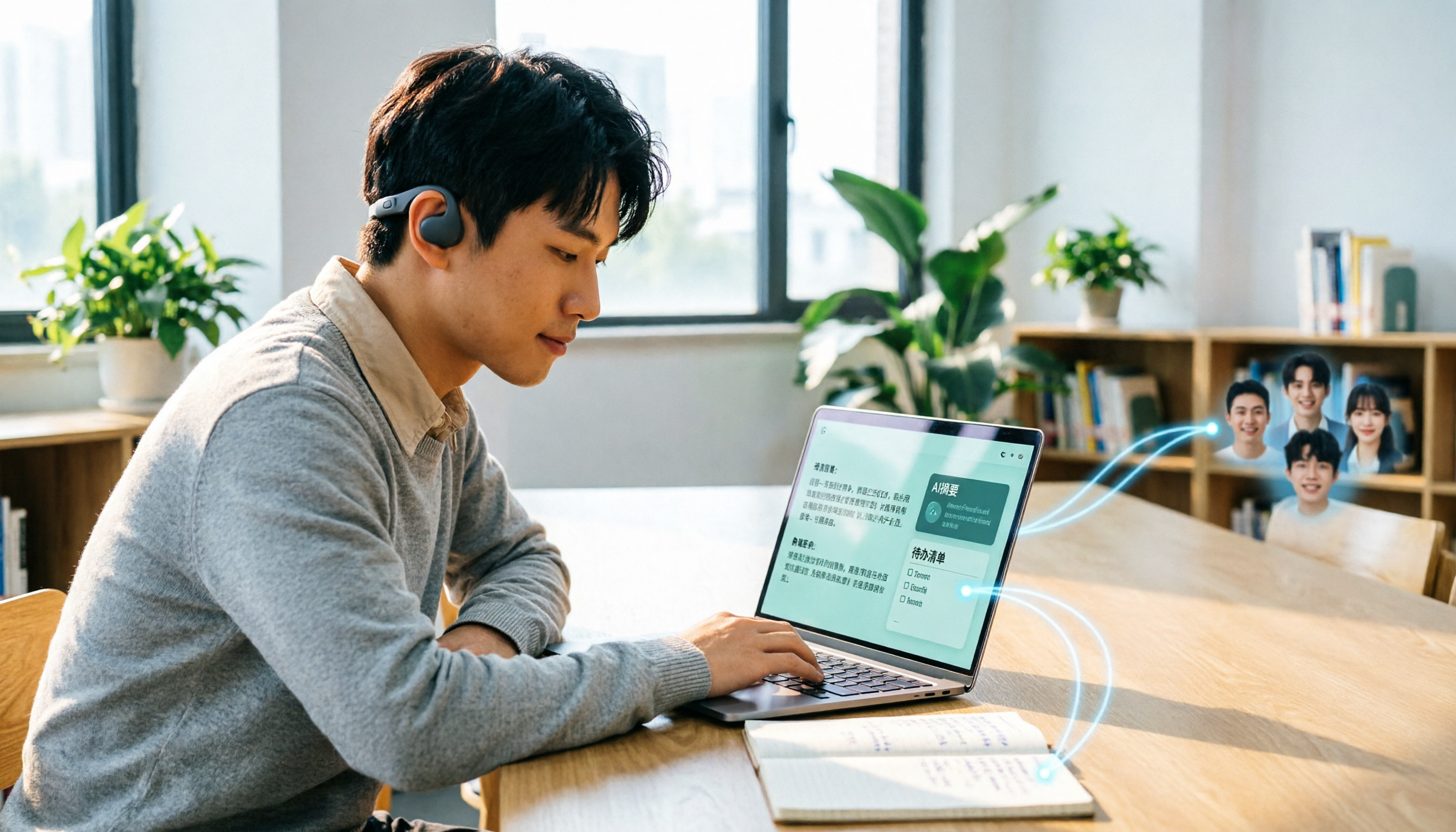
Many people search for "Plaud recording software download" without realizing that Plaud Desktop currently requires hardware binding. Starting from student use cases, this article explains the prerequisites before downloading Plaud and compares Tinrec's practical uses in bot-free online meetings, real-time transcription, AI summaries, to-dos, Q&A, export, and team spaces, helping you decide whether to switch to a more flexible alternative.

2026 Free Plaud Recorder Plans Compared: 4 Options at a Glance
Many people search for a "free Plaud recorder," but PLAUD is a hardware device—what's free is the 300 transcription minutes per month. This article compares free plans from PLAUD, Tinrec, Otter.ai, and Notta, covering hardware costs, Chinese support, post-meeting organization, and team collaboration to help you choose the right tool.

2026 AI Voice Recorder Comparison: Plaud Note, Note Pro, NotePin vs Tinrec — Which Should You Choose?
What's the difference between Plaud Note, Note Pro, and NotePin? This guide compares four AI voice recorders based on real workflows for online meetings and in-person interviews, covering recording methods, post-meeting organization, subscription costs, and team data ownership to help you decide between hardware and software.

2026 AI Recorder Comparison: Plaud Free Tier & Pricing Explained — Which Tool Fits You Best?
People searching for 'Plaud free recording' often mistake the monthly free quota for a long-term free plan, only to discover the real cost is hardware plus subscription. This article breaks down free quotas and pricing, tests Plaud, Notta, Otter.ai, and Tinrec, and shares 4 key buying factors and common pitfalls.

Tinrec vs Plaud Note 2026: 5-Dimension Comparison — Do You Need Meeting Recording Hardware?
People searching for 'which Plaud recorder' often think a new device will solve their meeting notes problems, but the real bottleneck is what happens after recording: organizing, follow-up questions, and team handoff. This article compares AI recording hardware like Plaud Note with a hardware-free meeting notes tool like Tinrec across 5 dimensions—online meeting capture, post-meeting output, team governance, and cost structure—and gives clear scenario-based recommendations.