

Turn recordings into transcripts and summaries in minutes
Upload audio or video for multilingual transcription, AI notes, and action items
2026 AI Recorder Comparison: Plaud Free Tier & Pricing Explained — Which Tool Fits You Best?
Many people search for "Plaud free recording" hoping to find a version they can use without paying.
That's a fair question, but it's easy to fall into a trap: mistaking a "free quota" for a "free plan," only to realize by the third month that the real cost isn't the recording—it's the recurring subscription fee.
Another common misconception is focusing only on transcription minutes. Post-recording organization, finding key points, and sharing with colleagues are where most people actually spend time, and these usually aren't included in the word "free."
In this article, I'll lay out Plaud's free quota and pricing structure, and test several tools using the same workflow so you can see clearly before you pay.
Why do "free" recording tools often end up costing money?
Scenario 1: Free quota runs out. Most tools reset free minutes monthly; if you exceed them, you either wait until next month or buy more on the spot.
Scenario 2: Double-layer cost of hardware plus subscription. Hardware-based products require buying the device, and then paying for AI transcription minutes.
Scenario 3: Free versions aren't for teams. No matter how cheap the individual plan is, it can't let an entire team share a database and manage permissions centrally.
Simply put, free quotas solve "occasional recording," not "daily meetings." Figure out which type you are first, then talk about cost—it'll save you a lot of wasted money.
4 key points to understand before choosing an AI recording tool
1. The "unit" and "rules" of the free quota
Is it 300 minutes per month or 3 files per day? Is there a limit per recording? After exceeding, does it auto-purchase or stop transcribing? These details affect the experience more than the quota number itself.
2. What kind of meeting are you recording?
Online meetings (Zoom, Google Meet, Teams, Webex) versus in-person interviews and phone calls require completely different solutions. The former focuses on "how to capture computer system audio," while the latter needs a portable device.
3. Will you keep using it after the meeting?
Getting only a transcript versus getting summaries, chapters, action items, and queryable meeting data are two different things. If your goal is to "never re-listen to a 40-minute recording," post-meeting processing capability should take priority over minutes.
4. Personal use or team use?
Teams care about data ownership, member roles, seats, usage, and audit logs—not just "who has an account." These are usually only available in paid team plans.
Tinrec — Our primary choice after testing
Tinrec is an AI meeting notes and collaboration tool for individuals and teams, available on web, desktop, and mobile. Its core is turning meeting recordings into searchable, summarizable, queryable, and exportable data.
No bot needed for online meetings. The desktop version directly captures computer system audio, handling meetings on Zoom, Google Meet, Microsoft Teams, and Webex without an extra "Notetaker" joining the meeting as a participant. For client meetings, this is practical—no unfamiliar account cluttering the meeting.
Post-meeting organization is the key. After recording, it generates transcripts, AI summaries, chapters, key points, and action items; long meetings can be navigated by chapter. Even better is AI Q&A: you can ask "who mentioned the budget" or "what was the conclusion" directly about a meeting, without manually searching through the transcript. When you need deliverables, Agent post-processing can generate reports, tables, and documents, and export to Notion, Google Docs, OneNote, or Dropbox for further editing.
Multilingual meeting handling. During recording, you can view original text, translation, or bilingual content in real time, and mixed Chinese-English meetings can be organized. The team version also offers hotword management, adding internal product names and project codes for more stable recognition of technical terms.
Team version is a separate space, not a shared account. You can create multiple team spaces, invite members via link, set owners/admins/regular members, and assign or revoke seats. Admins can view team usage trends and details, query and export audit logs, and restore accidentally deleted audio from the recycle bin. When a member leaves or loses their seat, team resources can be transferred to other members instead of disappearing with the individual account.
Stop organizing recordings by hand
Upload audio or video and automatically get a transcript, summary, and action items
Pricing and limitations, stated honestly. The individual version has a free tier for basic quota experience, plus weekly, Pro monthly, and Pro annual cards depending on usage frequency. The team version is currently USD 29.80 per paid seat per month; annual payment is USD 199 per paid seat per year, equivalent to about USD 16.58 per month. Each paid seat provides 2,000 minutes of team shared import quota per month; real-time recording under an active plan is currently not deducted by minute. First-time eligible users can try 7 days with 1 free seat and 300 minutes of shared import quota. Prices and promotions are subject to the official purchase page.
Limitations to note: The desktop version requires you to initiate recording yourself; it's not a bot that automatically joins all calendar meetings. The team version currently focuses on team-level sharing; members without seats can view, play, and read data but cannot upload, edit, or export. Transcription accuracy is affected by recording quality, noise, accents, and overlapping speakers; for important content, we recommend cross-checking with timestamps.
Who is it for? People who frequently hold online meetings on computers, need to produce minutes and action items afterward, and want to preserve meeting data for their team.
Besides Tinrec, what other options are there?
PLAUD Note / NotePin: A representative AI recording hardware—you're buying a portable device that supports phone call recording. The free part is 300 transcription minutes per month, enough for light use; more minutes require a membership upgrade. The official page shows Pro at USD 99.99/year (1,200 minutes/month) and Unlimited at USD 239.99/year, with the device sold separately (NotePin USD 159, Note Pro USD 189, US official prices). Note that this is a two-layer cost of hardware plus subscription, and Taiwan pricing and plans are subject to the official page. It suits people who are often on-site, need phone call recording, and long battery life; but if you mainly meet on a computer, Tinrec requires no extra device—the desktop version records directly, and the team version adds seat, usage, and audit management.
Notta: Has the highest overlap with Tinrec in multilingual transcription. The free version offers 120 minutes per month with a 3-minute limit per recording; Pro annual billing is about USD 8.17/month (1,800 minutes/month). If you mainly upload files for subtitles and translation, it's competent; but bot-free desktop meeting recording and team audit and seat governance are areas where Tinrec is more complete.
Otter.ai: A veteran choice for English business meetings. Basic is free with 300 minutes per month; Pro annual billing is about USD 8.49/user/month. For all-English meetings primarily on Zoom, it's smooth. For Chinese and mixed Chinese-English meetings, Tinrec's organization workflow is closer to Taiwan usage scenarios, and it can directly generate reports and tables afterward.
Pitfall guide: 4 most common mistakes when calculating recording tool costs
Pitfall 1: Treating "300 minutes per month" as permanently free. Such quotas are often extra services provided by the brand, calculated monthly, and not guaranteed to remain unchanged; rule adjustments are usually announced on the official website. Rather than memorizing numbers, confirm "how it's calculated after exceeding."
Pitfall 2: Only counting subscription, forgetting hardware. Total cost for hardware approach = device + annual membership. Combined, it's often higher than pure software solutions, but you get portability and phone call recording—whether it's worth it depends on your scenario.
Pitfall 3: Only comparing minutes, not post-meeting output. For the same 300 minutes, some tools give you a transcript, others give you summaries, action items, and queryable data. If a one-hour meeting takes you an hour to organize, what you're saving isn't transcription cost—it's labor.
Pitfall 4: Ignoring team licensing. One person subscribes, the whole group borrows—short-term savings, but long-term issues with data ownership and member departures. Also, remember to inform and get consent before recording; regulations vary by location, so don't skip this step.
Conclusion: Which one should you choose?
Back to your search question—is Plaud recording free? There is a free quota of 300 minutes per month, but the device and advanced minutes cost extra. If your recording scenarios are phone calls and on-site, it's worth the money.
If your scenario is like this, choose accordingly:
- Mainly recording Zoom/Meet/Teams meetings on computer → Tinrec (desktop bot-free recording, no extra device needed)
- Want to ask AI "what's the conclusion" directly after recording, need action items and export → Tinrec (AI Q&A + Agent post-processing)
- Need to leave meeting data for the whole team, manage seats and usage → Tinrec Team (team space + role seats + audit)
- Often on-site, need phone call recording and long battery life → PLAUD Note/NotePin (hardware approach)
- Mainly uploading files for subtitle translation → Notta
- All-English meetings, only use Zoom → Otter.ai
We recommend starting with the free version, running through the "record → transcript → summary → Q&A" workflow with one of your own real meetings, then deciding whether to upgrade. After all, whether a tool works well—you'll know after one recording.
References
- Plaud Taiwan | Official Website | Leading AI Recording Device Brand
- Plaud Note │ The Smartest AI Voice Recorder Card
- PLAUD NOTE | AI Smart Voice Recorder Card | Free 300 Minutes Monthly Transcription - Sentra
- Plaud AI Plans and Pricing
- Plaud Note Pro Review | Portable AI Smart Recording Evolved! Is It Good? Who Should Buy It - Mr. Mad
Turn every recording into actionable outcomes
Get 60 free transcription minutes when you sign in. No credit card required.
Related Reading
You might also like

3 Transcription Tools Tested for 2026: How Long Can Yating Record, and Which Tool Is Best for Long Meetings?
How long can Yating Transcribe record? The official documentation doesn't specify a single-recording limit; the real constraints are audio-file billing and free hours. This article breaks down Yating's duration and pricing rules, and compares Notta, TurboScribe, and Tinrec on long meetings, post-meeting organization, and team collaboration to help you choose the right tool.

4 Online Audio Transcription Tools Tested in 2026: PLAUD File-to-Text vs. AI Meeting Summaries—Which Saves the Most Time?
Stuck with a pile of PLAUD recordings and unsure how to quickly transcribe and summarize them online? This article uses a real meeting workflow to compare Tinrec, PLAUD, Otter.ai, and Notta, and shows you how to export audio from the PLAUD App and turn it into searchable, queryable meeting data.

Tinrec vs Plaud Note in 2026: 5-Dimension Comparison — Is Plaud Recording Still Worth It?
How to choose an AI recording tool in 2026? This article compares Tinrec and Plaud Note across 5 dimensions: bot-free online meeting recording, post-meeting summaries and AI Q&A, team spaces and seat management, and the cost structure of hardware versus subscription. It's for SMB managers and team leads evaluating meeting note tools, with a pitfalls guide and scenario-based selection advice at the end.

2026 AI Recording & Note-Taking Tools Compared: After Plaud's Cloud Playback, Which One Actually Saves You Time?
Starting from the real frustration of 'Plaud recording online viewing,' this hands-on comparison of Plaud, Otter.ai, Granola, and Tinrec examines differences in meeting transcription, post-meeting organization, Chinese language support, and team collaboration, offering mid-level managers who need to report upward and track downward an actionable selection guide.
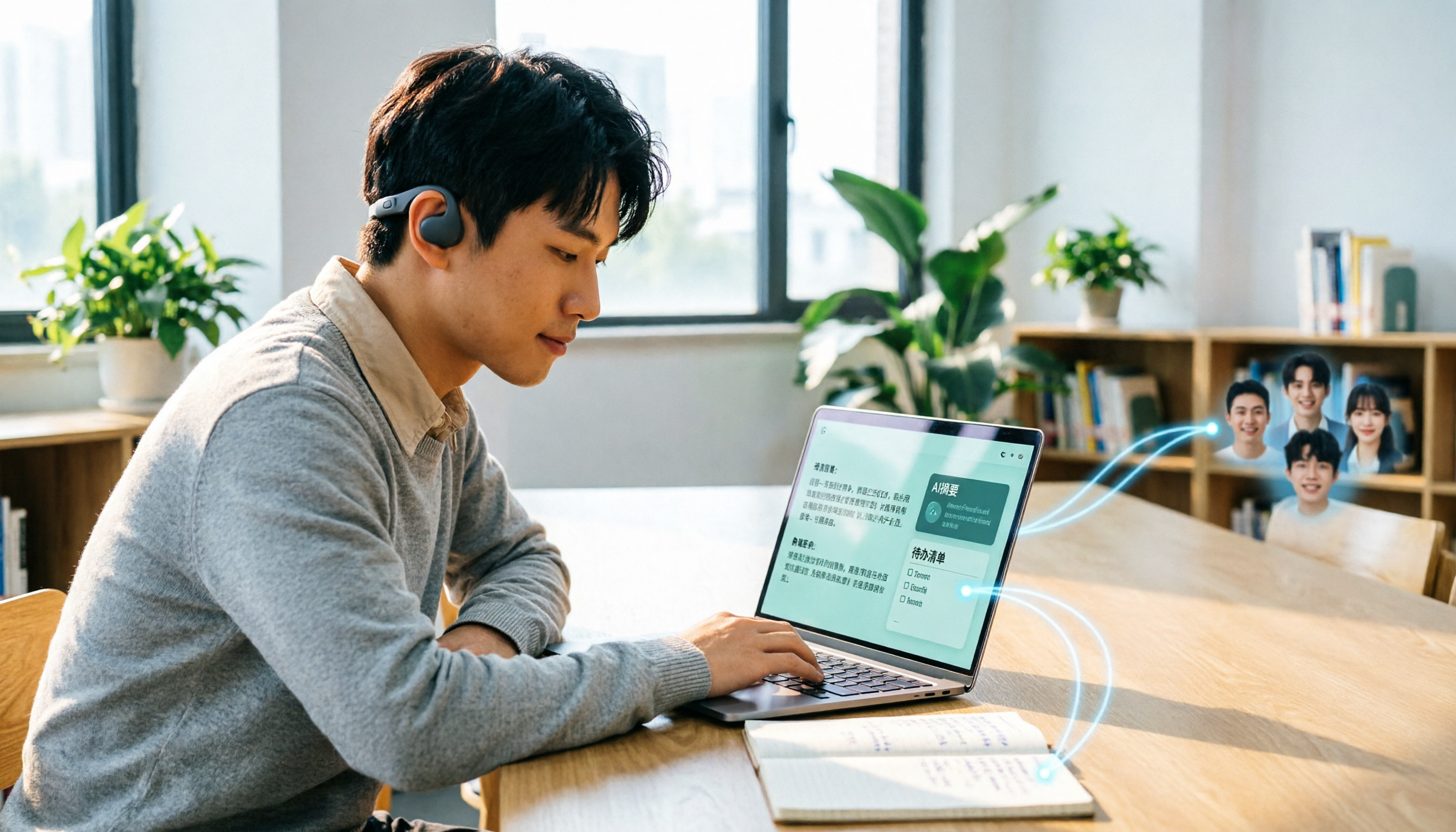
2026 Plaud Recording Software Download Guide: Tinrec, a No-Hardware Alternative
Many people search for "Plaud recording software download" without realizing that Plaud Desktop currently requires hardware binding. Starting from student use cases, this article explains the prerequisites before downloading Plaud and compares Tinrec's practical uses in bot-free online meetings, real-time transcription, AI summaries, to-dos, Q&A, export, and team spaces, helping you decide whether to switch to a more flexible alternative.

2026 Free Plaud Recorder Plans Compared: 4 Options at a Glance
Many people search for a "free Plaud recorder," but PLAUD is a hardware device—what's free is the 300 transcription minutes per month. This article compares free plans from PLAUD, Tinrec, Otter.ai, and Notta, covering hardware costs, Chinese support, post-meeting organization, and team collaboration to help you choose the right tool.

2026 AI Voice Recorder Comparison: Plaud Note, Note Pro, NotePin vs Tinrec — Which Should You Choose?
What's the difference between Plaud Note, Note Pro, and NotePin? This guide compares four AI voice recorders based on real workflows for online meetings and in-person interviews, covering recording methods, post-meeting organization, subscription costs, and team data ownership to help you decide between hardware and software.

Tinrec vs Plaud Note 2026: 5-Dimension Comparison — Do You Need Meeting Recording Hardware?
People searching for 'which Plaud recorder' often think a new device will solve their meeting notes problems, but the real bottleneck is what happens after recording: organizing, follow-up questions, and team handoff. This article compares AI recording hardware like Plaud Note with a hardware-free meeting notes tool like Tinrec across 5 dimensions—online meeting capture, post-meeting output, team governance, and cost structure—and gives clear scenario-based recommendations.

Plaud Note Pro vs Note vs NotePin: 2026 Comparison Review — Which One Is Right for You?
How do Plaud Note, Note Pro, and NotePin differ? This comparison breaks down recording form factor, transcription quotas, and post-meeting workflows. It also explains why you may not need dedicated hardware if most of your meetings are online, and what a software-only option like Tinrec can actually do.