

Turn recordings into transcripts and summaries in minutes
Upload audio or video for multilingual transcription, AI notes, and action items
Tinrec vs Plaud Note: Quick Overview
Let's start with a common misconception: many people think their meeting notes are bad because their recorder isn't good enough, so they start searching for 'which Plaud recorder.' But the real pitfall is usually not the recording end—it's the 30 minutes to 2 hours after recording spent organizing, replaying, extracting key points, and figuring out 'whose account does this meeting data end up in?'
First, let's clarify Plaud's product line so you don't buy the wrong model. Plaud currently has three main products: Plaud Note (a magnetic AI recording card, featuring both call and ambient modes), Plaud NotePin (a wearable, priced at USD 159 on the US official site), and Plaud Note Pro (an upgraded version, priced at USD 189 on the US official site). The differences lie in form factor and recording scenarios; post-meeting processing still goes through the Plaud App and membership quota. This article uses the most-searched Plaud Note as the representative for comparison.
| Item | Tinrec | Plaud Note (AI Recording Card) |
|---|---|---|
| Core positioning | AI meeting notes and team collaboration tool | AI recording hardware |
| Requires extra device | No, web/desktop/mobile | Yes, physical recording card |
| Main input | Live recording, online meetings, audio/video files, mobile | Primarily hardware recording |
| Team capabilities | Team spaces, roles, seats, usage, audit | Team membership and device management |
| Data ownership | Stored centrally in team space | Primarily personal account and app |
The following 5 dimensions are the practical decision points that most often determine whether you'll regret your purchase.
Dimension 1: Hardware Barrier and Access
Plaud Note's value is the hardware itself: card-sized, magnetically attaches to the back of your phone, physical switch to change modes, pick it up and record—no need to unlock your phone and find an app. For people who are often on the go and can't easily open a computer, this 'zero-thinking start' does have stickiness. The trade-off is an extra device you have to remember to bring, charge, and sync back to the app.
Tinrec takes the opposite approach: no additional hardware; you can record and import files using your existing phone, tablet, or computer. The advantage is low entry barrier and cross-device continuity; the limitation is that quality heavily depends on your device's microphone and ambient sound pickup.
→ This dimension: Tie. For those who often need to start recording on the go and prefer physical buttons, Plaud wins; for those who always have their phone and don't want another device, Tinrec wins.
Dimension 2: How Online Meetings Are Recorded
This is where the gap is most obvious. Plaud Note's call recording works by magnetically attaching to the back of your phone and picking up sound through resonance; the official instructions require using it with a MagSafe case, suitable for phone calls and in-person conversations. But for meetings on Zoom, Google Meet, Microsoft Teams—meetings held on a computer—it's not the main use case.
Tinrec's desktop version directly captures computer system audio, handling meeting audio played on a computer via Zoom, Google Meet, Microsoft Teams, Webex, etc., without sending a meeting bot to join the meeting as a participant. Users actively open Tinrec to start recording, transcribing in real time. Note that this does not mean 'automatically joining all meetings on your calendar,' nor is it an official partnership with these platforms.
→ This dimension: Tinrec wins. If your meetings mainly happen on a computer, the experience difference will directly reflect in your daily workflow.
Dimension 3: Post-Meeting Output—What You Can Do Beyond the Transcript
Plaud has been actively improving its software in recent years. According to official page information, Plaud Note supports 112 languages, speaker labels, over 3,000 templates, mind maps and summaries, and allows asking questions about note content. In other words, it's no longer just a recording device.
Tinrec's difference is that it extends the 'meeting → deliverable' process further: beyond transcripts, it automatically generates summaries, chapters, key points, and action items; supports AI Q&A around a single meeting or across meetings; provides real-time translation during recording with original/translated/bilingual views; and can generate reports, tables, and documents through Agent post-processing, exporting to existing workflows like Notion, Google Docs, OneNote, Dropbox, etc.
Stop organizing recordings by hand
Upload audio or video and automatically get a transcript, summary, and action items
→ This dimension: Tinrec slightly ahead. Plaud's template count and real-time hardware tagging are distinctive; but if you value 'directly producing deliverable documents after the meeting,' Tinrec's post-processing is more complete.
Dimension 4: Team Collaboration and Data Ownership
Plaud's team plan leans toward 'member and device management,' essentially an extension of a personal recording device.
Tinrec's team edition is an independent team collaboration space. The difference is that it separates 'roles' and 'seats': roles determine who can manage the team, members, audit, and settings; seats determine whether a member can record, upload, edit, import/export. Members who are active but have no seat can still view, play, and read team data. When a member leaves, is removed, or loses their seat, their team resources must be handed over to other active members—data doesn't follow the individual. There are also team hotwords, usage trends and member rankings, audit log queries and exports, and a 30-day retention audio recycle bin.
To be clear: currently it's primarily team-level sharing, not a file-level or member-level granular permission system, and there is no 'admin can set independent access scope for each file' capability.
→ This dimension: Tinrec wins. For scenarios where multiple people share meeting data and need to track usage and operation logs, the difference will be very obvious.
Dimension 5: Cost Structure and Quota Calculation
Plaud's cost is a combination of 'one-time hardware purchase + membership subscription.' According to official data, Starter is 300 minutes per month; Pro is USD 99.99/year with 1,200 minutes per month; Unlimited is USD 239.99/year. Hardware: NotePin is USD 159, Note Pro is USD 189; for Note's price and promotional offers, please refer to the official page.
Tinrec has no hardware cost. The team edition offers a 7-day trial for first-time eligible users, 1 free seat, and 300 minutes of team shared import quota; thereafter, monthly payment is USD 29.80 per paid seat per month, annual payment is USD 199 per paid seat per year (about USD 16.58/month), with each paid seat providing 2,000 minutes of team shared import quota per month. Under an active team plan and active seats, live recording currently does not deduct minutes; file and web imports consume team shared minutes, not individual member quota. The personal edition also has a free version, weekly card, Pro monthly card, and Pro annual card; prices and benefits are subject to the official purchase page.
→ This dimension: depends on team size. For 1–2 people who value hardware for on-the-go recording, Plaud's amortization is reasonable; for 5+ people primarily using computer meetings, Tinrec's per-seat quota and hardware-free structure are easier to justify in budget meetings.
What Are the Unique Advantages of Each?
Tinrec's unique advantages
- Bot-free online meeting recording: The desktop version captures system audio, so no 'recording bot' account appears in the meeting room—especially friendly for external client meetings.
- Complete post-meeting workflow: Summaries, chapters, action items, AI Q&A, real-time translation, Agent-generated reports, and multi-format export—all connected to your existing work tools.
- Solid team governance: Multiple team space switching, role and seat separation, usage analytics, audit logs, audio recycle bin—everything procurement needs to 'manage it' is there.
- Cross-device, no hardware lock-in: Works on web, desktop, and mobile; switching computers or phones doesn't affect data.
Plaud's unique advantages
- On-the-go hardware recording experience: Physical switch, magnetic design, independent battery—the intuitiveness of pick-up-and-record is hard for software to fully replicate.
- Mature call and in-person recording: Uses a magnetic case to record calls via resonance, still attractive for sales, interviews, and phone-centric communication.
Conclusion: Which Should You Choose?
• If your meetings are mainly on Zoom, Meet, Teams → Tinrec: desktop version captures system audio without a bot, no extra device needed. • If you need to turn meetings into minutes, action items, reports, and export to Notion or Google Docs → Tinrec: more complete post-processing. • If you're a department or project team managing members, seats, usage, and operation logs → Tinrec Team Edition: this is where hardware products struggle to match. • If you often start recording on the go—commuting, visits, places without a computer—and prefer physical buttons → Plaud Note or NotePin hardware is indeed handy. • If you only occasionally record a conversation and organize it manually afterward → your phone's built-in recorder is enough; no need to rush into a purchase.
In one sentence: Before searching for 'which Plaud recorder,' ask yourself where your meetings happen. If the answer is mostly 'online meetings on a computer,' then what you lack is not a better recorder, but a process that turns audio into usable team data—in most team scenarios, Tinrec is the more complete choice. To verify the results, start with the free version using your own real meeting recordings; that's much more accurate than reading spec sheets.
Final reminder: Before recording, proactively inform the other party and obtain consent, and comply with local regulations; AI transcription may still miss content due to background noise, accents, overlapping speakers, or technical jargon—for important content, cross-check with transcript timestamps and the original recording.
References
- Plaud Note │ The smartest AI voice recording card ever
- Plaud Taiwan | Official Website | Leading AI Recording Device Brand
- PLAUD NOTE | AI Smart Recording Card | Includes 300 free transcription minutes per month - Sentra International
- Plaud Note Pro Unboxing Review | Portable AI Smart Recording Evolved! Is it good? Who is it for? - Mr. Mad
- PLAUD [Official Flagship] NOTE AI Smart Recording Card | Other Brands | Yahoo Shopping Center
Turn every recording into actionable outcomes
Get 60 free transcription minutes when you sign in. No credit card required.
Related Reading
You might also like

3 Transcription Tools Tested for 2026: How Long Can Yating Record, and Which Tool Is Best for Long Meetings?
How long can Yating Transcribe record? The official documentation doesn't specify a single-recording limit; the real constraints are audio-file billing and free hours. This article breaks down Yating's duration and pricing rules, and compares Notta, TurboScribe, and Tinrec on long meetings, post-meeting organization, and team collaboration to help you choose the right tool.

4 Online Audio Transcription Tools Tested in 2026: PLAUD File-to-Text vs. AI Meeting Summaries—Which Saves the Most Time?
Stuck with a pile of PLAUD recordings and unsure how to quickly transcribe and summarize them online? This article uses a real meeting workflow to compare Tinrec, PLAUD, Otter.ai, and Notta, and shows you how to export audio from the PLAUD App and turn it into searchable, queryable meeting data.

Tinrec vs Plaud Note in 2026: 5-Dimension Comparison — Is Plaud Recording Still Worth It?
How to choose an AI recording tool in 2026? This article compares Tinrec and Plaud Note across 5 dimensions: bot-free online meeting recording, post-meeting summaries and AI Q&A, team spaces and seat management, and the cost structure of hardware versus subscription. It's for SMB managers and team leads evaluating meeting note tools, with a pitfalls guide and scenario-based selection advice at the end.

2026 AI Recording & Note-Taking Tools Compared: After Plaud's Cloud Playback, Which One Actually Saves You Time?
Starting from the real frustration of 'Plaud recording online viewing,' this hands-on comparison of Plaud, Otter.ai, Granola, and Tinrec examines differences in meeting transcription, post-meeting organization, Chinese language support, and team collaboration, offering mid-level managers who need to report upward and track downward an actionable selection guide.
2026 Plaud Recording Software Download Guide: Tinrec, a No-Hardware Alternative
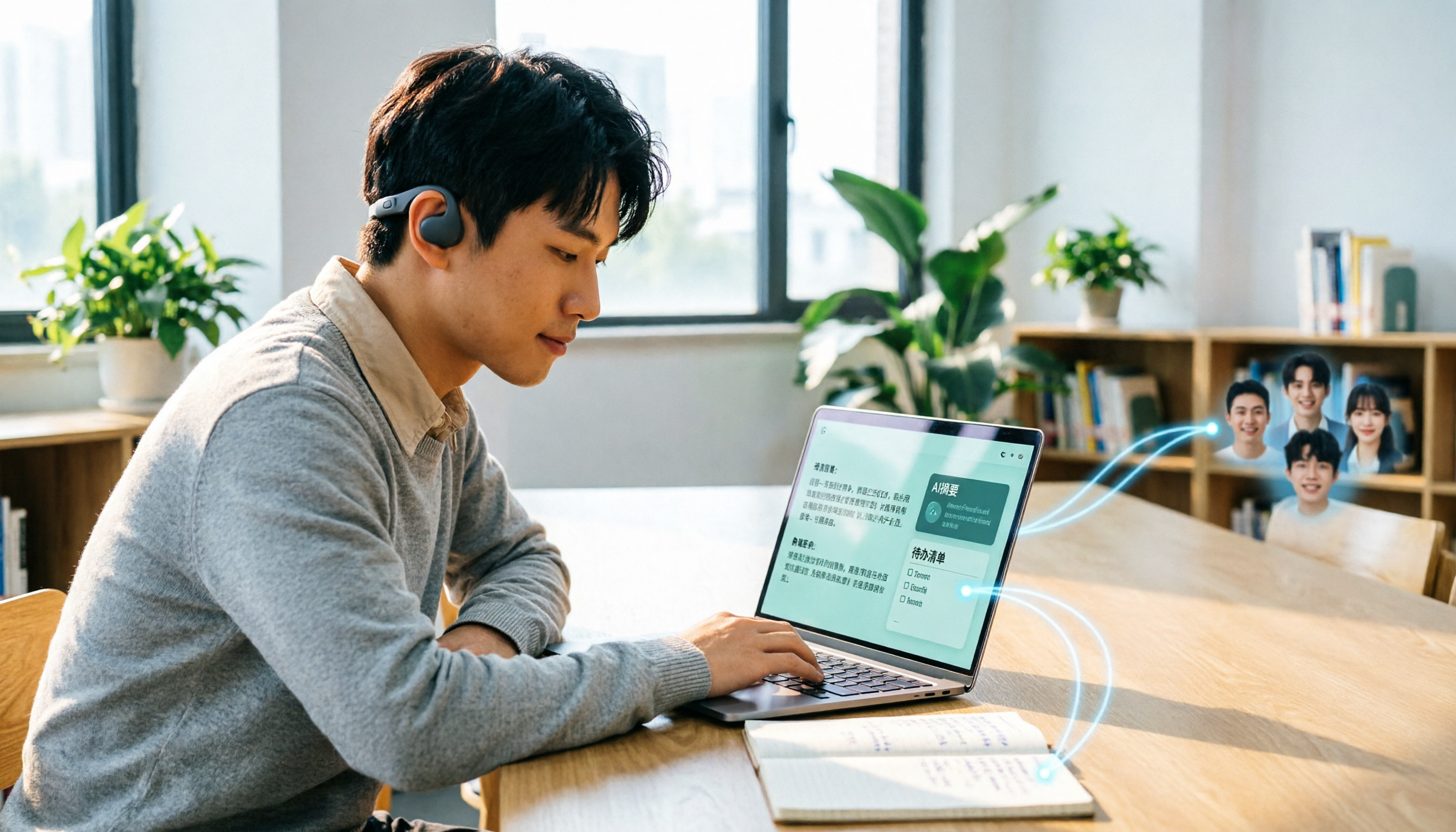
Many people search for "Plaud recording software download" without realizing that Plaud Desktop currently requires hardware binding. Starting from student use cases, this article explains the prerequisites before downloading Plaud and compares Tinrec's practical uses in bot-free online meetings, real-time transcription, AI summaries, to-dos, Q&A, export, and team spaces, helping you decide whether to switch to a more flexible alternative.

2026 Free Plaud Recorder Plans Compared: 4 Options at a Glance
Many people search for a "free Plaud recorder," but PLAUD is a hardware device—what's free is the 300 transcription minutes per month. This article compares free plans from PLAUD, Tinrec, Otter.ai, and Notta, covering hardware costs, Chinese support, post-meeting organization, and team collaboration to help you choose the right tool.

2026 AI Voice Recorder Comparison: Plaud Note, Note Pro, NotePin vs Tinrec — Which Should You Choose?
What's the difference between Plaud Note, Note Pro, and NotePin? This guide compares four AI voice recorders based on real workflows for online meetings and in-person interviews, covering recording methods, post-meeting organization, subscription costs, and team data ownership to help you decide between hardware and software.

2026 AI Recorder Comparison: Plaud Free Tier & Pricing Explained — Which Tool Fits You Best?
People searching for 'Plaud free recording' often mistake the monthly free quota for a long-term free plan, only to discover the real cost is hardware plus subscription. This article breaks down free quotas and pricing, tests Plaud, Notta, Otter.ai, and Tinrec, and shares 4 key buying factors and common pitfalls.

Plaud Note Pro vs Note vs NotePin: 2026 Comparison Review — Which One Is Right for You?
How do Plaud Note, Note Pro, and NotePin differ? This comparison breaks down recording form factor, transcription quotas, and post-meeting workflows. It also explains why you may not need dedicated hardware if most of your meetings are online, and what a software-only option like Tinrec can actually do.