

Turn recordings into transcripts and summaries in minutes
Upload audio or video for multilingual transcription, AI notes, and action items
Why You Need an Audio-to-Text Tool
Interviews, meetings, lectures, podcast research—often it's not that you didn't record the audio, but that you don't have time to listen back and type it all out. Manually transcribing 1 hour of audio can take 3 to 5 hours to complete, which is a poor use of time for professionals and researchers.
This article rounds up 5 services that can convert audio files into text, including Good Tape, Tinrec, and others, covering free plans, paid pricing, and ideal use cases.
Good Tape | An Automated Transcription Tool for Journalists and Content Creators
Good Tape is an automated transcription service developed by Danish media outlet Zetland, originally designed for the heavy interview transcription needs of newsrooms. The company highlights support for over 100 languages, accents, fast speakers, and complex audio, and offers iOS and Android apps that let you record directly on your phone and sync to your account.
Its core strengths are simplicity and security. Users can upload an audio file and get a transcript without complex setup; Good Tape also offers an API, allowing developers to integrate transcription into their own services. Sources indicate that Zetland's own newsroom saves about 20,000 hours of transcription work annually thanks to this tool.
In terms of pricing, third-party data suggests Good Tape's paid plans start at around USD 15 per month, but the official website does not disclose full free tier details in search snippets. If you handle large volumes of interviews, news reporting, or multilingual content, and value simplicity, Good Tape is worth trying.
Tinrec Instant Recording | Not Just Transcription, But Turning Meetings into Searchable Data
Tinrec is an AI meeting notes tool designed for individuals and teams. What sets it apart from typical transcription services is that after transcribing, it can automatically generate summaries, chapters, key points, and action items, and even supports AI Q&A about the meeting content, turning meeting data into actionable material.
Tinrec supports real-time recording-to-text, uploading audio and video files for transcription, importing from web links, and can record online meetings like Zoom, Google Meet, and Microsoft Teams directly from the desktop app—no need for a separate bot to join the meeting. Chinese and multilingual meetings are a key focus, with options to view original text, translations, or side-by-side bilingual views.
The personal plan offers a free trial, along with weekly, monthly Pro, and annual options; the team plan provides a dedicated team space, member management, shared quotas, usage analytics, and audit logs. If you need more than just transcripts—like automatic action item tracking and searchable meeting history—Tinrec is the most feature-complete option on this list.
Notta | A Versatile Tool for Multi-Device Transcription and Translation
Notta is an AI tool that supports web, mobile, and meeting transcription, with features covering audio-to-text, video subtitles, translation, and file organization. It's quite similar to Tinrec, offering multi-device use and meeting notes capabilities.
Stop organizing recordings by hand
Upload audio or video and automatically get a transcript, summary, and action items
Notta's free plan provides 120 minutes of transcription per month, with a single session capped at 3 minutes—suitable for testing or handling very short clips. The paid plan, billed annually, works out to about USD 8.17 per month and includes 1,800 minutes per month; the Business plan adds role-based permissions and unlimited transcription for teams.
If your use case leans toward quickly converting audio to text and occasionally needing translation, Notta is an easy-to-start option.
TurboScribe | A Budget-Friendly Choice for Long Files and Bulk Transcription
TurboScribe positions itself as a high-value document transcription tool, with strengths in long audio files, bulk uploads, subtitles, and translation. The free plan allows 3 files per day, with each file up to 30 minutes long; the paid plan costs about USD 120 per year, supporting files up to 10 hours or 5 GB each, and batch uploads of up to 50 files at once.
If you have lots of long recordings, lecture audio, or need batch processing, TurboScribe's quota design is better suited than typical meeting tools. It doesn't focus on post-meeting organization but excels at doing "fast, bulk, long-file" transcription well.
Built-in Phone or Platform Transcription | A Zero-Cost Basic Option
If you only occasionally need to turn a short recording into text, you can start with built-in phone features or platform transcription. iPhones and some Android phones offer basic voice input and transcription, and platforms like Zoom, Google Meet, and Teams can display live captions or transcripts on certain plans.
The advantage of these methods is that they cost nothing and require no new tools; the limitation is that transcription quality and organization features are limited—you typically just get a transcript or captions, without automatic summaries, action items, or a searchable history database.
With So Many Options, How Do You Choose?
When choosing, ask yourself: Do you just need a transcript, or do you want to continue organizing and tracking action items afterward?
• For interviews and news reporting, needing simple, reliable multilingual transcription → Good Tape. • For meeting transcripts, AI summaries, action items, Q&A, and team databases → Tinrec, the most feature-complete. • For occasional short audio transcription, multi-device use, and translation → Notta. • For large volumes of long files, lecture recordings, or subtitle needs → TurboScribe. • For zero budget and only occasional transcription → built-in phone or meeting platform transcription.
3 Things to Know Before Using Audio-to-Text Tools
First, free plans usually have time or feature limits. For example, Notta's free version caps a single session at 3 minutes, and TurboScribe's free version limits files to 30 minutes each—check your audio length before committing.
Second, transcription accuracy can be affected by recording quality, background noise, accents, and overlapping speech. Even with tools like Good Tape or Tinrec, it's not advisable to treat AI transcripts as perfectly accurate final documents; for important content, cross-check against the original audio.
Third, if the audio involves other people's speech, make sure you comply with local laws regarding recording and transcription, and obtain consent from participants when needed, to avoid potential disputes.
Summary
Audio-to-text tools have evolved from "turning sound into text" to "turning content into usable data." If you just need quick transcripts, Good Tape, Notta, or TurboScribe offer suitable free and paid plans; if you also want AI summaries, action items, and team collaboration, Tinrec is the more complete choice.
We recommend starting with free plans to test transcription quality and workflow, then choosing a paid plan based on your usage frequency.
References
- Good Tape - Automated Transcription | Secure AI Automatic Transcript Tool
- Good Tape — Accurate AI-powered audio-to-text transcription service. | TheAI Academy
- Mygoodtape - AI Tool For Transcription
- Good Tape - Is This The Best AI Transcriber Tool in 2026? 🏆
- TurboScribe: Unlimited Alternative to Good Tape | TurboScribe
Turn every recording into actionable outcomes
Get 60 free transcription minutes when you sign in. No credit card required.
Related Reading
You might also like

3 Transcription Tools Tested for 2026: How Long Can Yating Record, and Which Tool Is Best for Long Meetings?
How long can Yating Transcribe record? The official documentation doesn't specify a single-recording limit; the real constraints are audio-file billing and free hours. This article breaks down Yating's duration and pricing rules, and compares Notta, TurboScribe, and Tinrec on long meetings, post-meeting organization, and team collaboration to help you choose the right tool.

4 Online Audio Transcription Tools Tested in 2026: PLAUD File-to-Text vs. AI Meeting Summaries—Which Saves the Most Time?
Stuck with a pile of PLAUD recordings and unsure how to quickly transcribe and summarize them online? This article uses a real meeting workflow to compare Tinrec, PLAUD, Otter.ai, and Notta, and shows you how to export audio from the PLAUD App and turn it into searchable, queryable meeting data.

Tinrec vs Plaud Note in 2026: 5-Dimension Comparison — Is Plaud Recording Still Worth It?
How to choose an AI recording tool in 2026? This article compares Tinrec and Plaud Note across 5 dimensions: bot-free online meeting recording, post-meeting summaries and AI Q&A, team spaces and seat management, and the cost structure of hardware versus subscription. It's for SMB managers and team leads evaluating meeting note tools, with a pitfalls guide and scenario-based selection advice at the end.

2026 AI Recording & Note-Taking Tools Compared: After Plaud's Cloud Playback, Which One Actually Saves You Time?
Starting from the real frustration of 'Plaud recording online viewing,' this hands-on comparison of Plaud, Otter.ai, Granola, and Tinrec examines differences in meeting transcription, post-meeting organization, Chinese language support, and team collaboration, offering mid-level managers who need to report upward and track downward an actionable selection guide.
2026 Plaud Recording Software Download Guide: Tinrec, a No-Hardware Alternative
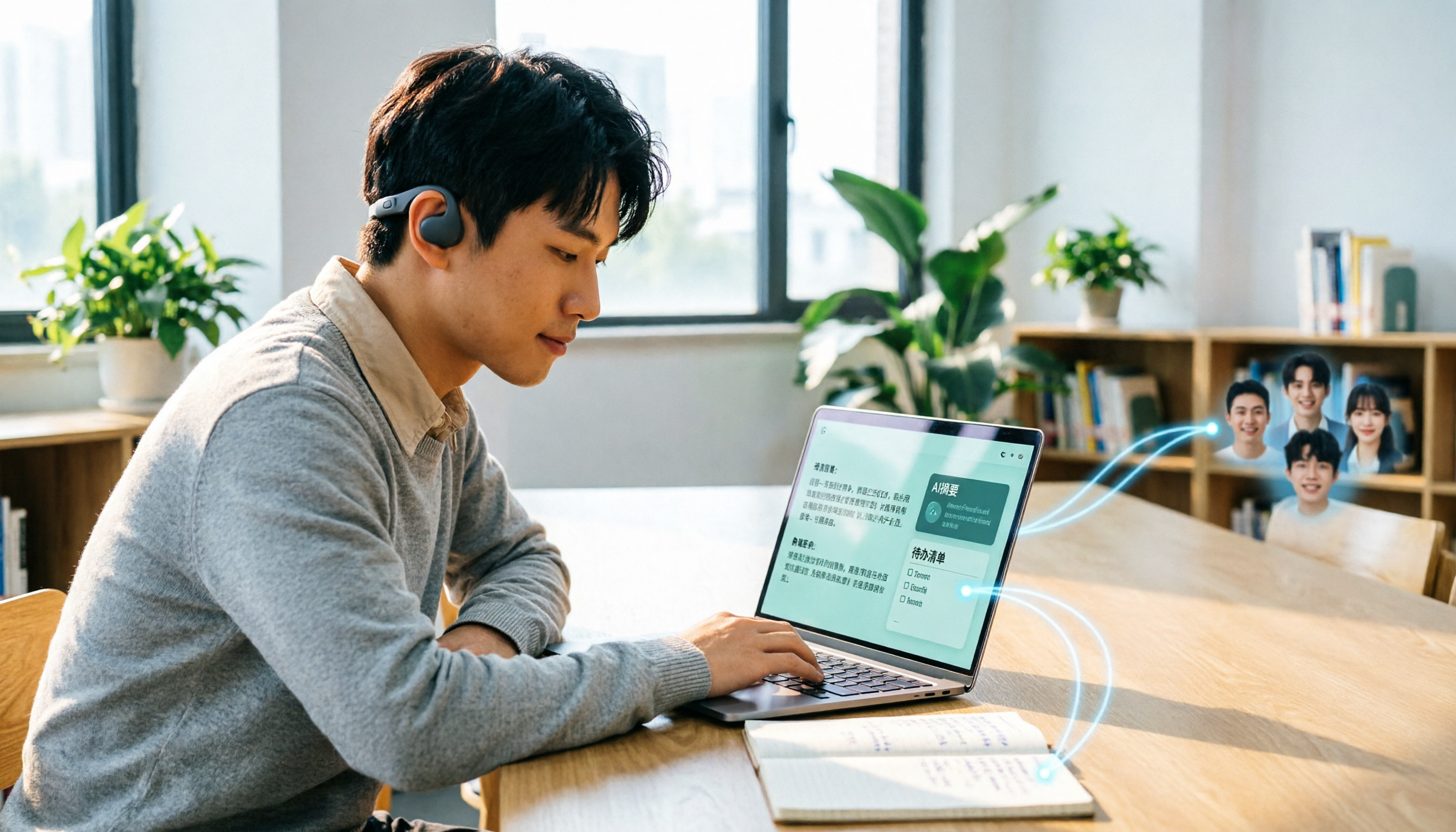
Many people search for "Plaud recording software download" without realizing that Plaud Desktop currently requires hardware binding. Starting from student use cases, this article explains the prerequisites before downloading Plaud and compares Tinrec's practical uses in bot-free online meetings, real-time transcription, AI summaries, to-dos, Q&A, export, and team spaces, helping you decide whether to switch to a more flexible alternative.

2026 Free Plaud Recorder Plans Compared: 4 Options at a Glance
Many people search for a "free Plaud recorder," but PLAUD is a hardware device—what's free is the 300 transcription minutes per month. This article compares free plans from PLAUD, Tinrec, Otter.ai, and Notta, covering hardware costs, Chinese support, post-meeting organization, and team collaboration to help you choose the right tool.

2026 AI Voice Recorder Comparison: Plaud Note, Note Pro, NotePin vs Tinrec — Which Should You Choose?
What's the difference between Plaud Note, Note Pro, and NotePin? This guide compares four AI voice recorders based on real workflows for online meetings and in-person interviews, covering recording methods, post-meeting organization, subscription costs, and team data ownership to help you decide between hardware and software.

2026 AI Recorder Comparison: Plaud Free Tier & Pricing Explained — Which Tool Fits You Best?
People searching for 'Plaud free recording' often mistake the monthly free quota for a long-term free plan, only to discover the real cost is hardware plus subscription. This article breaks down free quotas and pricing, tests Plaud, Notta, Otter.ai, and Tinrec, and shares 4 key buying factors and common pitfalls.

Tinrec vs Plaud Note 2026: 5-Dimension Comparison — Do You Need Meeting Recording Hardware?
People searching for 'which Plaud recorder' often think a new device will solve their meeting notes problems, but the real bottleneck is what happens after recording: organizing, follow-up questions, and team handoff. This article compares AI recording hardware like Plaud Note with a hardware-free meeting notes tool like Tinrec across 5 dimensions—online meeting capture, post-meeting output, team governance, and cost structure—and gives clear scenario-based recommendations.