
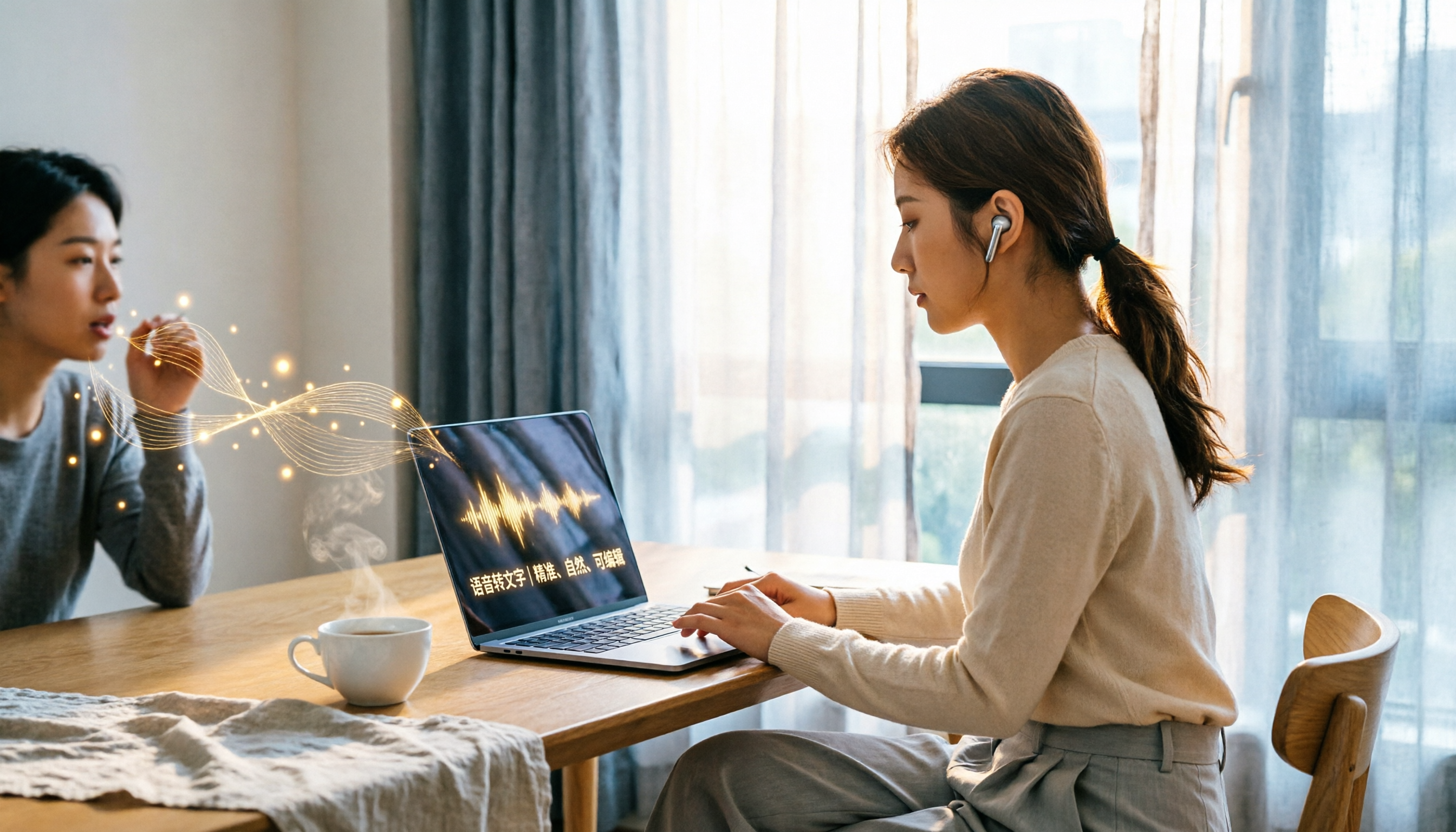
Turn recordings into transcripts and summaries in minutes
Upload audio or video for multilingual transcription, AI notes, and action items
Free Audio-to-Text Tools: Is It Really That Good a Deal?
Between work meetings, interviews, and lectures, you often end up recording audio and then painstakingly transcribing it word for word. It's tedious and time-consuming. That's where Good Tape, an AI transcription tool claiming to be free and secure, comes into the picture.
But as they say, the best things in life are free—or are they? Is there a catch with Good Tape's free version? Let's put it to the test.
What Can Good Tape's Free Version Do for You?
Good Tape's mission is straightforward: automatically convert speech from your recordings and videos into text. It emphasizes speed, security, and supports multiple languages, including Chinese.
So, what's it actually useful for?
Scenario 1: Get a Draft Ready 5 Minutes After a Meeting
In the past, after a one-hour meeting, you might spend another hour listening to the recording and typing up the key points. With Good Tape, you simply upload the audio file, and it transcribes it automatically. While it won't summarize the content for you, it saves you significant time on the verbatim transcript.
Scenario 2: No More Manual Transcription for Interviews
If you're a journalist or researcher, you're likely conducting interviews regularly. Just upload your interview recording to Good Tape, and it generates a text transcript, allowing you to easily search for key points and polish the content later.
Scenario 3: Students Organizing Lecture Recordings
For university lectures or online courses, you can record them and use Good Tape to convert them to text. This way, when studying, you don't have to scrub through every second to find what the professor said.
What Features Does Good Tape's Free Version Offer?
Here's the important part. Many people jump in when they see "free," but you need to know the limitations of the free version.
1. Free Trial Includes 1 Hour of Transcription
According to the official information, after signing up for the free trial, you get 1 hour of transcription time, and no credit card is required. You can use this hour flexibly, uploading multiple files to test the service.
2. Access to Pro Features
This is a standout point. The official statement says that during the free trial, you can use all Pro features, including testing speaker labeling accuracy, trying AI summaries, connecting your LLM to their MCP, and downloading their recording app.
3. Your Data Won't Be Used to Train AI
This is one of Good Tape's key selling points. They claim that, unlike other transcription tools, they will never use your data to train AI models. This is particularly important for those handling confidential company meetings or sensitive interview content.
4. Official Mobile App Available
Good Tape has iOS and Android apps. You can record directly within the app, and the recording automatically syncs to your account for immediate transcription. This design aims to save you the hassle of using a separate recorder or manually transferring files.
How Does It Perform in Practice? Is the Free Version Enough?
Honestly, the 1-hour free allowance is sufficient for testing, but it's a bit tight for daily heavy use.
If You Just Want to Test the Waters
Stop organizing recordings by hand
Upload audio or video and automatically get a transcript, summary, and action items
One hour is enough to try two or three short meeting recordings or one interview. Use this opportunity to evaluate its transcription speed, interface usability, and whether the accuracy meets your expectations.
If You're a Heavy User
One hour will be used up quickly. If you have meetings to transcribe daily, you'll need to consider upgrading to the Pro or Business plans. However, their pricing page doesn't publicly list specific prices, which is a bit inconvenient—you'll need to check the official website directly.
On Accuracy
According to some third-party sources, Good Tape uses OpenAI's Whisper model for transcription. Whisper performs well with multiple languages and various accents, but the actual results depend on the quality of your recording—background noise, overlapping speakers, or heavy accents can reduce accuracy.
4 Things to Consider When Choosing a Free Transcription Tool
1. Privacy and Data Handling
This is where Good Tape earns extra points. They clearly state they won't use your data to train AI. If you're dealing with internal company meetings, client information, or unpublished research, this is much more reassuring than tools that are "free but feed on your data."
2. How Much Free Allowance Do You Get?
Good Tape's free trial offers 1 hour. It might not sound like much, but the advantage is you get to try Pro features. Some tools offer 30 minutes daily, others 300 minutes monthly. In comparison, Good Tape positions itself as a "trial" rather than a "permanent free" option.
3. Language Support
Good Tape supports multiple languages, including Chinese. If you need to handle mixed Chinese-English content, the Whisper model generally performs reliably in this regard.
4. Mobile App Availability
If you're frequently conducting interviews or attending meetings on the go, having an official app is a big plus. Good Tape's app allows for instant recording and syncing, so you don't have to wait until you're back at the office to upload files.
Frequently Asked Questions
Q: Does Good Tape's free version require a credit card?
No. The official statement confirms that signing up for the free trial doesn't require a credit card, which is great—no worries about forgetting to cancel a subscription and getting charged.
Q: How long can I use the free version?
It's based on transcription allowance. You get 1 hour of transcription time. Once used up, you'll need to consider upgrading.
Q: Does Good Tape support Cantonese?
The official information doesn't explicitly list Cantonese support. They support multiple languages, but you'll need to test Cantonese transcription yourself to see how it performs. If you primarily handle Cantonese content, it's advisable to use your 1-hour free allowance to test it thoroughly.
Q: Are there file size limits for uploads?
The official information doesn't specify a single file size limit. It's recommended to test this during your free trial.
Conclusion: The Free Version Is Worth Trying, but Don't Expect Too Much
Good Tape's free version has a clear purpose: to let you try their service without any risk. With 1 hour of transcription, no credit card required, and access to all Pro features, it's a reasonable package.
If you're already using other transcription tools and want a backup option, or if you're curious about Whisper's transcription quality, Good Tape's free version is definitely worth signing up for.
However, if you're a heavy user with large volumes of recordings to transcribe daily, don't rely on the free version to get by—1 hour will run out quickly, and you'll eventually face the upgrade decision.
In short: The free version is for you to test and see if it works for you. Whether it's good or not, you'll only know by trying it yourself.
References
Turn every recording into actionable outcomes
Get 60 free transcription minutes when you sign in. No credit card required.
Related Reading
You might also like
5 Best Recording-to-Text Tools in 2026: Which Free Plan Suits Hong Kong Office Workers Best?
We tested multiple free recording-to-text tools, comparing free quotas, Cantonese support, AI meeting notes, and team collaboration features to help Hong Kong office workers find the most time-saving meeting transcription solution that avoids overtime.
Good Tape Login and Free Plan Guide 2026: A Transcription Tool Students Can Use
Looking for Good Tape login methods, free credits, and alternatives? This article, from a student's perspective, covers Good Tape's positioning, free plan limitations, and how Tinrec can be used for Chinese lecture recordings, meeting notes, and within a student budget.
Good Tape Discount Codes Tested in 2026: 3 Common Misconceptions and Alternatives That Actually Save You Money
Looking for a Good Tape discount code without getting burned? This article covers the 3 most common misconceptions among Good Tape free users, what's currently confirmed about plans, and how to more reliably evaluate tools if what you really need is Chinese meeting transcripts and team organization.
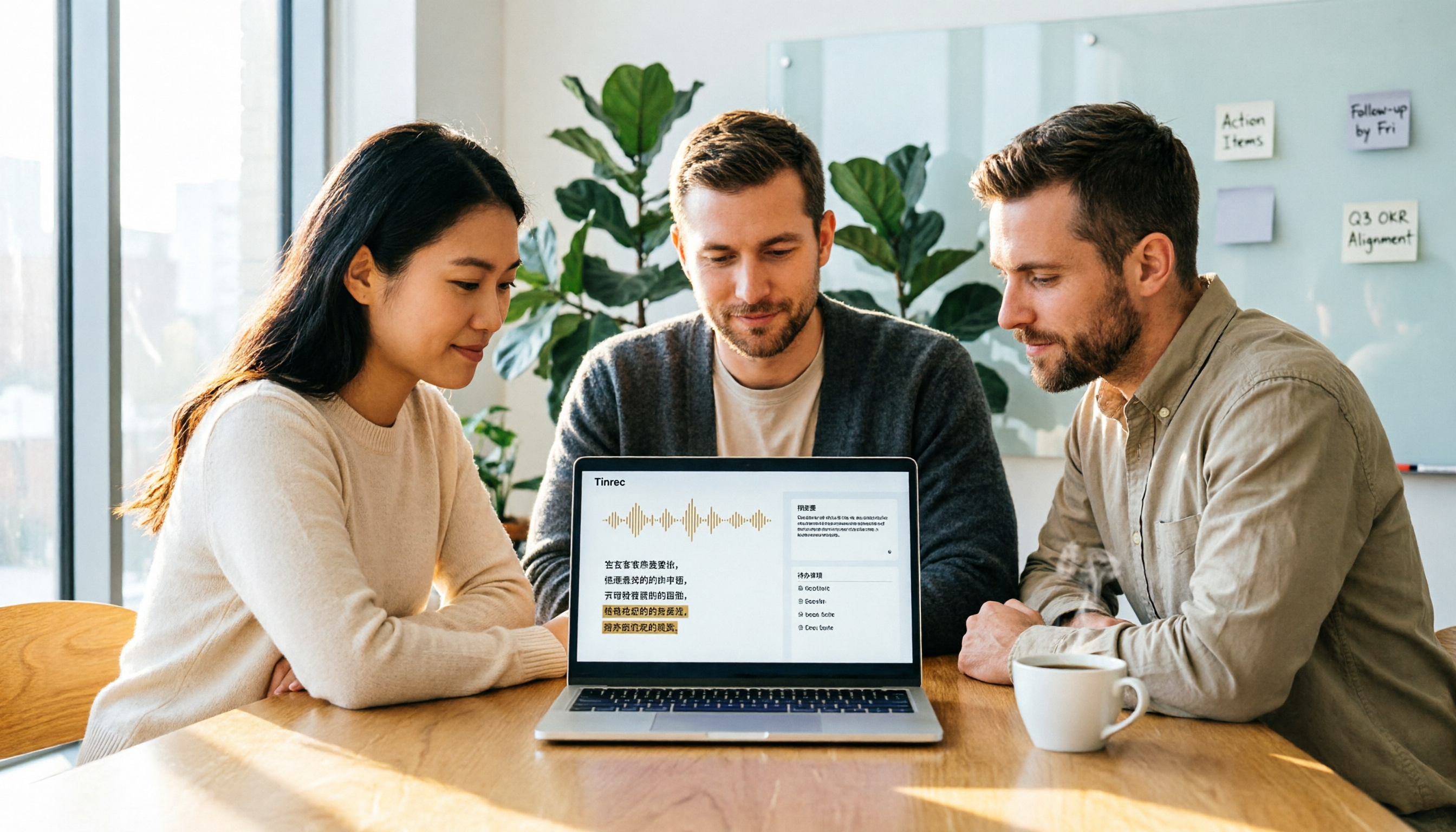
How to Convert Recordings to Text with Good Tape in 2026: 5 Steps Tested and Key Dcard Discussions
Good Tape has been widely discussed on Dcard, but its free tier limitations, Chinese accuracy, and privacy concerns are often overlooked. This article breaks down Good Tape's 5-step process with real-world usage scenarios, highlights 3 common pitfalls, and compares it with AI meeting tools like Tinrec to help you decide between pure transcription and meeting organization with team collaboration.

Tinrec vs Otter.ai 2026 Hands-on Comparison: Which Is Smoother for Chinese Meetings and Bot-Free Recording?
Trying to decide between Tinrec and Otter.ai? This article compares them across 5 key dimensions—meeting capture, Chinese language experience, post-meeting organization, team workspace, and pricing—to help you determine which is better suited for Chinese meetings and team knowledge management.
Best Tape Brands in 2026: A Complete Guide for 3 Key Uses
From home repairs and moving boxes to tape-in hair extensions, here are the top tape brands to consider in 2026 and key buying tips to help you quickly decide which type you need.
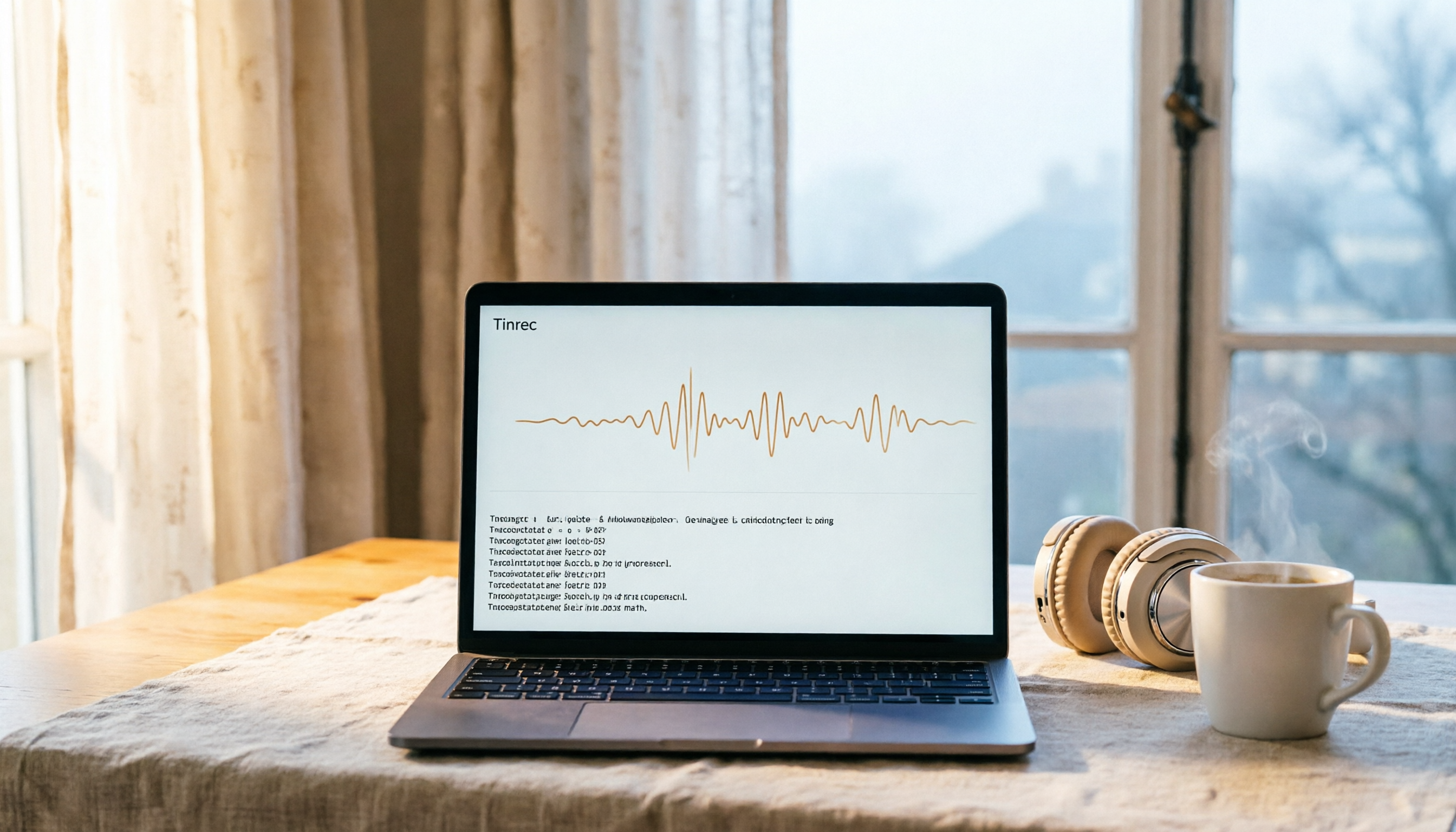
Good Tape French Transcription Tutorial 2026: Supports French + 2GB Large File Uploads
Good Tape is an AI-powered audio-to-text tool that supports French, allowing you to upload MP3, MP4, WAV files and automatically transcribe them into TXT, DOCX, or SRT subtitles. This article teaches you how to convert French recordings to text, breaks down Good Tape's features, free plan limitations, and how to choose between tools like Tinrec, Otter.ai, and Notta.

4 Best Tape-In Hair Extensions Compared in 2026: Which Tape Is Gentlest and Most Natural?
Thinking about tape-in hair extensions to add volume or length but worried about damage, slipping, or an unnatural look? This guide breaks down the real-world pros and cons of JZ Styles, Donna Bella, GL Tapes, and Hairtalk—covering hair quality, tape thickness, and how long they actually last.
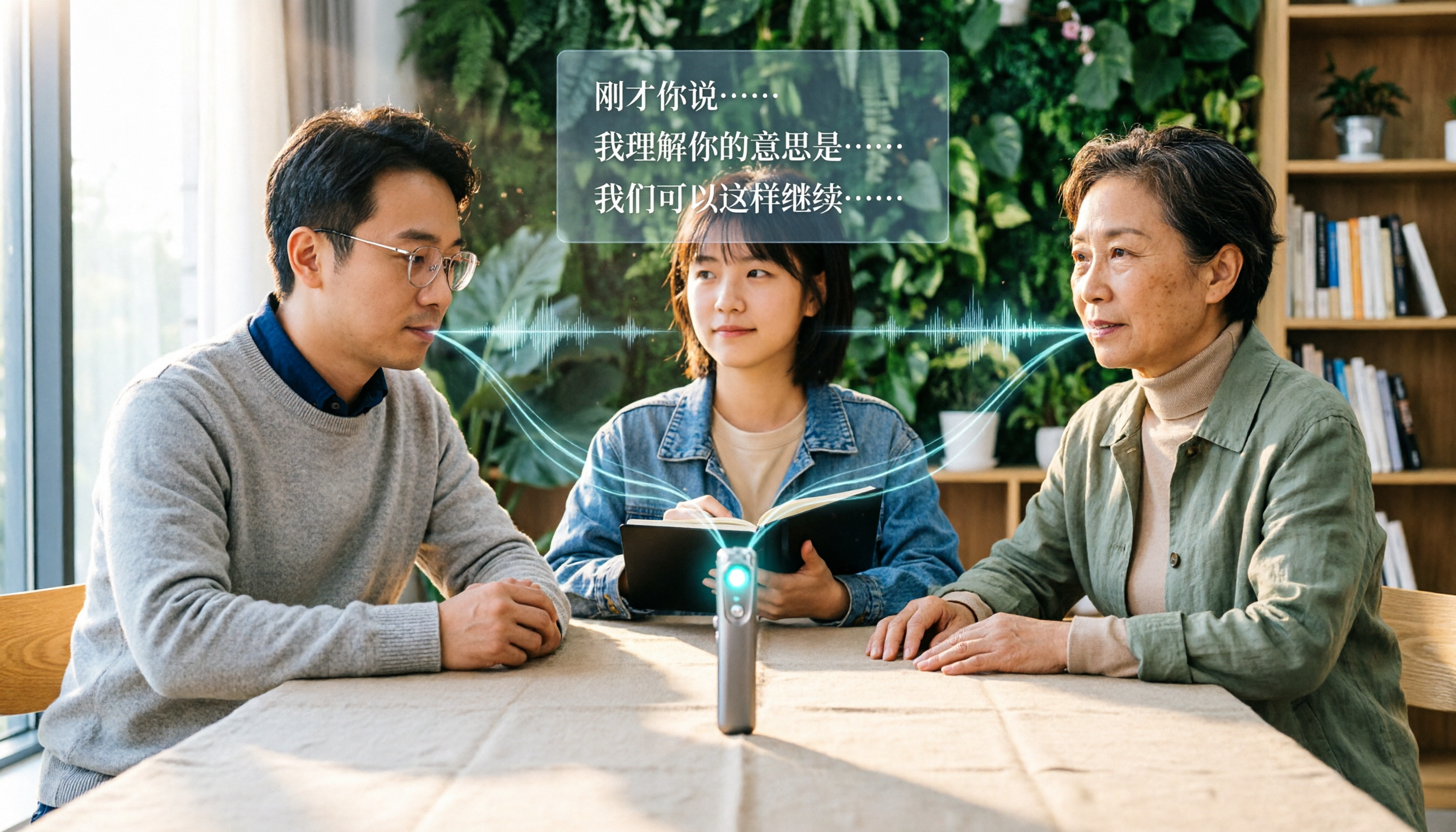
5 Best Recording-to-Text Tools in 2026: Which Free Plan Is Worth It?
Struggling to keep up with notes during meetings, interviews, or classes? This article compares 5 recording-to-text tools, covering free quotas, Chinese recognition, AI summaries, and team collaboration, to help you find the best meeting notes solution.