
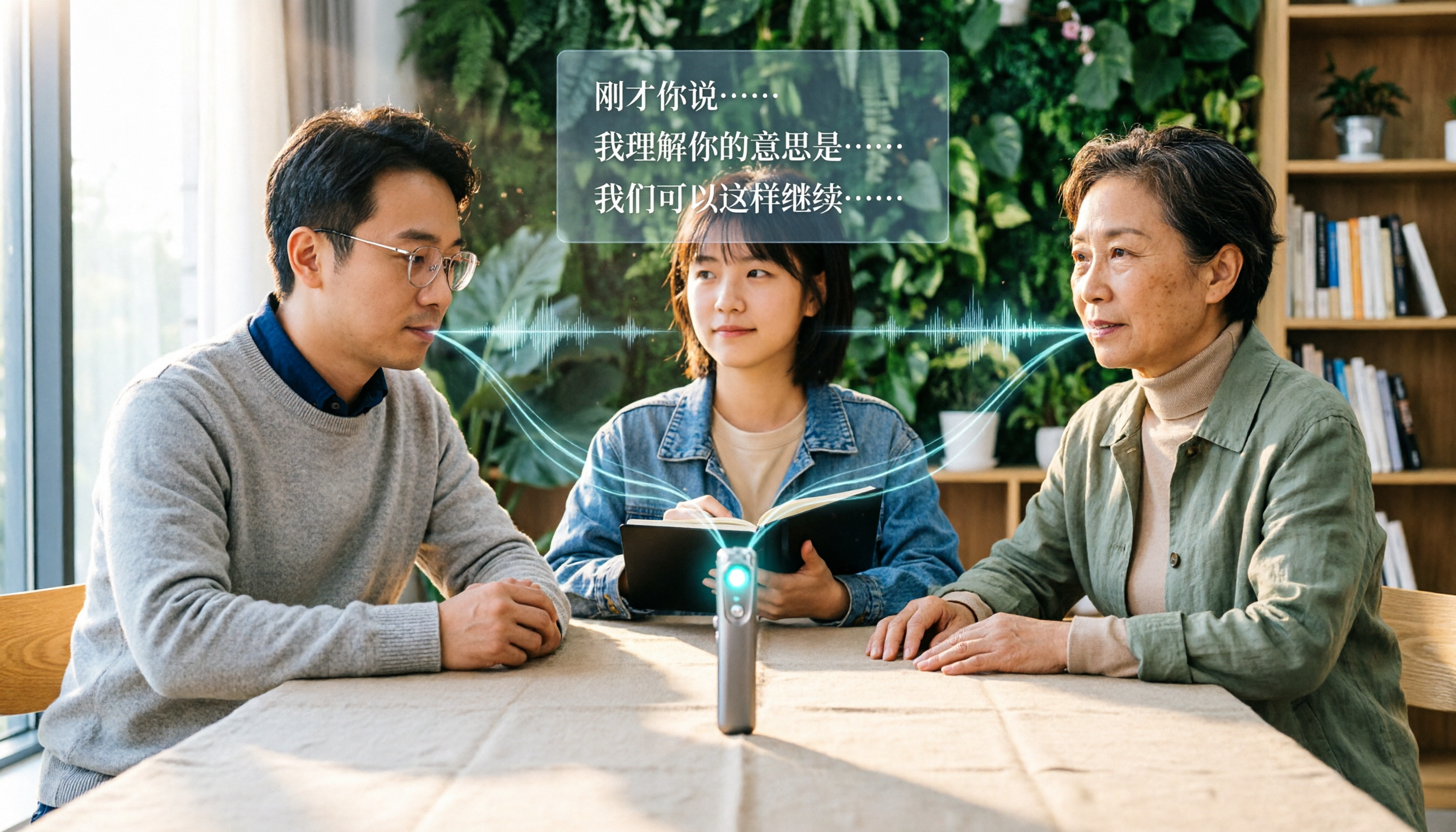
Turn recordings into transcripts and summaries in minutes
Upload audio or video for multilingual transcription, AI notes, and action items
Why You Need a Recording-to-Text Tool
During meetings, you're busy jotting down key points, only to realize you missed critical discussions; after interviews, you spend two or three hours replaying audio to type up transcripts. These scenarios are all too familiar for office workers, journalists, and graduate students.
Recording-to-text tools are designed to solve this: just feed in the audio, and they automatically generate text, even helping you organize summaries and to-dos. This article reviews 5 tools, from free plans to team collaboration, so you can quickly determine which one fits you best.
Tinrec (MiaoTing) — The Most Complete AI Meeting Notes Tool
Tinrec is an AI meeting notes and collaboration tool for individuals and teams. It doesn't just convert audio to text; it turns meeting content into searchable, queryable, exportable, and trackable data.
Its core highlights include:
Record online meetings without a bot. The Tinrec desktop app directly captures your computer's system audio, working with Zoom, Google Meet, Microsoft Teams, and Webex—no need to add a bot as a meeting participant. This is especially appreciated by teams who dislike having an "outsider" in their meetings.
Keep working with the transcript. Beyond verbatim transcripts, Tinrec automatically generates summaries, chapters, key points, and action items. You can also ask AI follow-up questions about the meeting, such as "What requirements did the client mention?" or "What was decided in the last meeting?"—making historical meeting data truly useful.
Chinese and multilingual experience. Tinrec is particularly well-suited for Chinese meeting scenarios, supporting mixed Chinese-English content, multilingual transcription, and real-time translation. The team plan also lets you maintain a glossary of common terms to improve recognition of specialized vocabulary.
Team collaboration space. Tinrec for Teams centralizes meeting recordings, transcripts, summaries, and action items in one shared workspace. Members can access historical meeting data, while admins can manage roles, seats, usage, and audit logs, ensuring meeting data isn't lost when team members change.
As for plans, Tinrec offers a free version for users to try basic quotas; for short-term intensive meeting or interview needs, a weekly card is available; long-term users may prefer the Pro monthly or annual plan. The team plan costs USD 29.80 per paid seat per month, or USD 199 per paid seat per year.
Best for: Office workers and small-to-medium teams who need Chinese meeting notes, prefer not to use meeting bots, and want to turn meeting data into a team asset.
Otter.ai — A Veteran Choice for English Meeting Notes
Otter is a mature AI meeting assistant that supports platforms like Zoom, Microsoft Teams, and Google Meet, offering real-time transcription, speaker identification, AI Chat, and team management features.
If you frequently have meetings in English, Otter's English recognition and meeting intelligence are well-developed. The free plan includes 300 minutes per month, while the Pro annual plan works out to about USD 8.49/month. However, for Chinese scenarios, the experience isn't as tailored to the needs of users in Taiwan as Tinrec is.
Best for: Users who primarily have English meetings and need a mature meeting assistant ecosystem.
Notta — A Multilingual Transcription and Translation Tool
Notta's features overlap significantly with Tinrec, covering multi-device transcription, meeting notes, file import, translation, and team plans.
Notta's free plan offers 120 minutes per month, with a 3-minute limit per session, which is quite restrictive. The Pro annual plan works out to about USD 8.17/month, providing 1,800 minutes per month. If your primary need is quick transcription and translation, Notta is worth considering; but if you need bot-free meeting recording and a team space, Tinrec is more comprehensive.
Best for: Users who need multilingual transcription but have simpler meeting collaboration needs.
TurboScribe — A Cost-Effective Option for Long-File Transcription
TurboScribe positions itself as a high-value file transcription tool, focusing on long files, batch uploads, subtitles, and translation.
Stop organizing recordings by hand
Upload audio or video and automatically get a transcript, summary, and action items
The free plan allows 3 files per day, with a 30-minute limit per file; the paid annual plan costs USD 120, supporting files up to 10 hours or 5 GB each. If you have a pile of interview audio files to process in batches, TurboScribe's long-file capability is a strong advantage. However, it leans more toward file transcription and lacks Tinrec's real-time meeting notes and team collaboration features.
Best for: Users who need to batch-transcribe long audio files but don't require meeting collaboration.
PLAUD Note — A Portable AI Recording Device
PLAUD takes a hardware approach: the NotePin costs USD 159, and the Note Pro is USD 189, plus you'll need an AI membership plan.
Its strength is portable recording, ideal for capturing ideas on the go or face-to-face interviews without pulling out your phone. But if your main need is online meeting notes and team data management, Tinrec doesn't require extra hardware—it works on your phone, computer, and web—making it more cost-effective.
Best for: Users who need a standalone recording device and frequently conduct in-person interviews.
With So Many Options, How Do You Choose?
• For the most complete AI meeting features (transcription + AI Q&A + auto minutes + team space) → Tinrec, covering everything from individual to team needs • For Chinese meeting notes without buying extra hardware → Tinrec, with a Chinese experience and bot-free recording that better fit your needs • For teams needing centralized management of meeting data, members, and usage → Tinrec for Teams, with complete role and seat management • For zero budget and only occasional short audio transcription → Otter or Notta free plans, which offer basic quotas to try • For batch-transcribing long interview recordings → TurboScribe, which handles long files more cost-effectively • For recording anytime, anywhere without holding a phone → PLAUD Note, with hardware that's more convenient for on-the-go recording
4 Things to Know Before Using a Recording-to-Text Tool
Recording quality determines transcription accuracy. No tool can guarantee 100% accuracy; background noise, accents, and overlapping speech all affect results. Tinrec provides high-quality transcription for clear audio and common scenarios, but for important content, it's still advisable to cross-check the transcript against the audio playback.
Free plans usually have limitations. Otter's free plan offers 300 minutes per month, while Notta's free plan provides 120 minutes per month with a 3-minute cap per session. Tinrec's free plan offers basic quotas for trial; actual available quotas are subject to the official page.
Meeting bots aren't the only solution. Many people assume online meeting transcription requires adding a bot, but tools like the Tinrec desktop app directly capture system audio, so you don't need to invite extra participants, keeping the meeting screen cleaner.
Transcription is just the first step. Once you have the transcript, summaries, action items, Q&A, and export are where the real time savings come in. When choosing a tool, don't just look at transcription minutes; also consider what you can do with the transcript afterward.
Conclusion
Recording-to-text tools have evolved from "turning audio into text" to "turning meetings into usable data." If you need Chinese meeting notes, bot-free recording, and team data consolidation, Tinrec is the most complete choice on this list; if your needs are simpler, you can pick other tools based on your scenario.
We recommend starting with a free plan to confirm transcription quality and workflow meet your needs before deciding to upgrade to a paid plan.
FAQ
How accurate are recording-to-text tools?
Actual performance is affected by recording quality, background noise, accents, and overlapping speech. With clear audio and common scenarios, mainstream tools perform well, but none can guarantee 100% accuracy.
Is the free plan sufficient?
If you only occasionally transcribe short audio files, a free plan can work for a trial. But if you have meetings or interviews every week, free quotas are usually used up quickly, so it's wise to evaluate paid plans.
Do I always need to add a bot to transcribe online meetings?
Not necessarily. The Tinrec desktop app directly captures your computer's system audio, so you don't need to add a bot to the meeting; it works with Zoom, Meet, Teams, and Webex.
Will meeting data disappear when a team member leaves?
With Tinrec's team plan, for example, team resources belong to the team. When a member exits or loses their seat, their assigned resources need to be handed over to another active member, so data doesn't disappear with the individual.
Do recording-to-text tools support Chinese?
Most tools support Chinese, but the actual experience varies widely. Tinrec specifically enhances Chinese, Traditional Chinese, and multilingual meeting scenarios, also offering real-time translation and team glossary features.
Do I need to get participants' consent to use a recording-to-text tool?
Yes. Recording and transcription involve personal data and privacy; before use, you should comply with local laws and obtain consent from all participants when necessary.
References
- Good Tape in Copenhagen | What to Know Before You Go
- Good Tape ApS - 2026 Company Profile - Tracxn
- How Danish transcription platform Good Tape grew from a newsroom hack to 2.5M users globally - Tech.eu
- Good Tape | Copenhagen | Facebook
- Prøv selv! Kan du bruge disse værktøjer i dit arbejde? – Andreas Marckmann Andreassen
Turn every recording into actionable outcomes
Get 60 free transcription minutes when you sign in. No credit card required.
Related Reading
You might also like
5 Best Recording-to-Text Tools in 2026: Which Free Plan Suits Hong Kong Office Workers Best?
We tested multiple free recording-to-text tools, comparing free quotas, Cantonese support, AI meeting notes, and team collaboration features to help Hong Kong office workers find the most time-saving meeting transcription solution that avoids overtime.

Good Tape Login and Free Plan Guide 2026: A Transcription Tool Students Can Use
Looking for Good Tape login methods, free credits, and alternatives? This article, from a student's perspective, covers Good Tape's positioning, free plan limitations, and how Tinrec can be used for Chinese lecture recordings, meeting notes, and within a student budget.
Good Tape Discount Codes Tested in 2026: 3 Common Misconceptions and Alternatives That Actually Save You Money
Looking for a Good Tape discount code without getting burned? This article covers the 3 most common misconceptions among Good Tape free users, what's currently confirmed about plans, and how to more reliably evaluate tools if what you really need is Chinese meeting transcripts and team organization.

How to Convert Recordings to Text with Good Tape in 2026: 5 Steps Tested and Key Dcard Discussions
Good Tape has been widely discussed on Dcard, but its free tier limitations, Chinese accuracy, and privacy concerns are often overlooked. This article breaks down Good Tape's 5-step process with real-world usage scenarios, highlights 3 common pitfalls, and compares it with AI meeting tools like Tinrec to help you decide between pure transcription and meeting organization with team collaboration.

Tinrec vs Otter.ai 2026 Hands-on Comparison: Which Is Smoother for Chinese Meetings and Bot-Free Recording?
Trying to decide between Tinrec and Otter.ai? This article compares them across 5 key dimensions—meeting capture, Chinese language experience, post-meeting organization, team workspace, and pricing—to help you determine which is better suited for Chinese meetings and team knowledge management.

Best Tape Brands in 2026: A Complete Guide for 3 Key Uses
From home repairs and moving boxes to tape-in hair extensions, here are the top tape brands to consider in 2026 and key buying tips to help you quickly decide which type you need.
Good Tape French Transcription Tutorial 2026: Supports French + 2GB Large File Uploads
Good Tape is an AI-powered audio-to-text tool that supports French, allowing you to upload MP3, MP4, WAV files and automatically transcribe them into TXT, DOCX, or SRT subtitles. This article teaches you how to convert French recordings to text, breaks down Good Tape's features, free plan limitations, and how to choose between tools like Tinrec, Otter.ai, and Notta.

4 Best Tape-In Hair Extensions Compared in 2026: Which Tape Is Gentlest and Most Natural?
Thinking about tape-in hair extensions to add volume or length but worried about damage, slipping, or an unnatural look? This guide breaks down the real-world pros and cons of JZ Styles, Donna Bella, GL Tapes, and Hairtalk—covering hair quality, tape thickness, and how long they actually last.

2026 Free Audio-to-Text Tool Tested: Is Good Tape's Free Version Really Worth It?
We tested Good Tape's free trial to see if its transcription speed, accuracy, and privacy protections make it worth using.