
Turn recordings into transcripts and summaries in minutes
Upload audio or video for multilingual transcription, AI notes, and action items
When you search for "which speech-to-text is free," you typically see terms like "free trial" or "free credits," but in practice, you'll often encounter three hidden limitations: quota limits, per-session duration limits, and feature restrictions. This article doesn't just list tools; it first helps you understand the real limitations of free plans, then compares the free versions of mainstream tools, and finally provides a free workflow from recording to usable meeting minutes to help you determine if a free plan is sufficient.
Three Hidden Limitations of Free Speech-to-Text: Quota, Per-Session Duration, and Feature Restrictions
Free plans are free for a reason, usually accompanied by three types of limitations that often surface only after you start using them:
- Quota limits: Most tools offer a fixed number of minutes per month, such as Otter.ai's 300 minutes per month or Notta's 120 minutes per month. Once exceeded, you have to wait until the next period or upgrade to a paid plan.
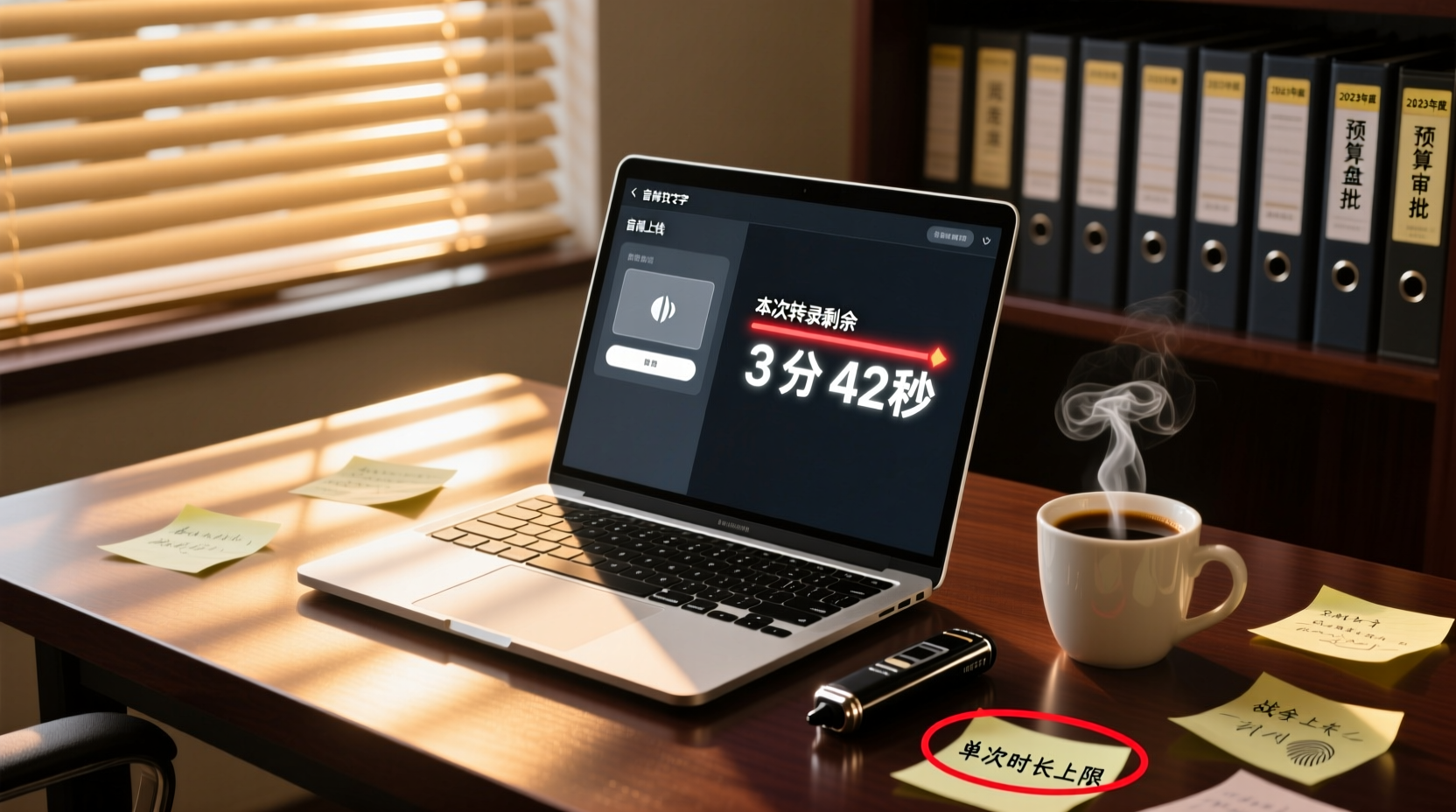
- Per-session duration limits: Some tools limit the length of audio you can transcribe in one go. For example, Notta's free plan allows a maximum of 3 minutes per session, while TurboScribe's free plan allows up to 30 minutes per file. Long meeting recordings cannot be processed in one go.
- Feature restrictions: Free plans typically do not include advanced features like AI summaries, action item extraction, translation, or team collaboration. You only get the transcript, and you have to do the subsequent organization yourself.
In other words, free plans are suitable for "occasional use with short recordings." If you handle multiple meetings every week, your free quota will quickly run out, and you'll need to either switch tools or upgrade to a paid plan.
Comparison of Free Plans from Mainstream Tools: Otter, Notta, TurboScribe, Fireflies, Granola, Tinrec
Below is a comparison of free plans from several common tools. Information is based on official pages; actual benefits may change, so please verify before use.
| Tool | Free Quota | Per-Session Duration Limit | Main Limitations |
|---|---|---|---|
| Otter.ai | 300 minutes per month | Check official page | Advanced features require payment |
| Notta | 120 minutes per month | Up to 3 minutes per session | Per-session duration too short; long meetings cannot be processed in one go |
| TurboScribe | 3 files per day | Up to 30 minutes per file | Daily file limit; long files need to be split |
| Fireflies.ai | Unlimited transcription on free plan | Subject to storage, upload rate, and AI credit rules | Not all capabilities are truly unlimited |
| Granola | Free plan | Does not support uploading pre-recorded audio files | Only for live meetings; cannot process existing recordings |
| Tinrec | Basic quota to experience recording, import, summary, and transcription | Check official page | Advanced features and team collaboration require payment |
From the table, it's clear that most free plans have explicit quota or feature limitations. If you only occasionally need to transcribe a short recording, a free plan is usually sufficient. However, if you need to handle long meetings or require AI summaries and action item extraction, free plans often fall short.
How Free Plans Can Meet Meeting Minutes Needs: From Recording to Usable Minutes
What can free plans accomplish? Take a 30-minute internal discussion as an example. Free tools can help you:
1. Record or upload audio: Use your phone to record or upload an existing audio file.
2. Transcribe to text: Get the raw text content for easy search and review.
3. Manually organize key points: Read the transcript yourself to identify discussion topics, decisions, and action items.
However, free plans typically cannot automatically do the following:
- Auto-generate summaries and chapters: Structured organization of long meetings still requires manual effort.
- Extract action items: You need to find action items from the transcript yourself.
- AI Q&A and translation: Most free plans do not offer these.
- Team sharing and collaboration: Free plans are usually limited to individual use.
In other words, free plans save you time on "typing," but "organizing" and "following up" are still on you. If you need meeting minutes that are ready to use, a free plan may not be enough.
The Line Between Free and Paid: When Is It Worth Upgrading?
Consider upgrading to a paid plan when you encounter the following:
Stop organizing recordings by hand
Upload audio or video and automatically get a transcript, summary, and action items
- Your monthly meeting minutes exceed the free quota: For example, you've used up Otter's 300 free minutes, but you still have many meetings.
- You need to process long meeting recordings: If a single session exceeds the free plan's duration limit, such as Notta's 3-minute limit, you simply cannot handle a 1-hour meeting.
- You need AI summaries, action item extraction, or translation: These features can significantly reduce post-meeting organization time.
- You need team sharing and collaboration: When meeting materials need to be viewed, followed up on, and archived by multiple people, a free personal plan cannot meet the need.
The value of upgrading to paid is not just "transcribing more minutes," but turning meeting content into searchable, actionable data.
Free Plan Recommendations for Different User Groups: Students, Freelancers, and Small Teams
Students: Occasionally Organizing Lecture Recordings or Group Discussions
- Needs: Infrequent use, short recordings, limited budget.
- Recommendation: A free plan is usually sufficient. Try TurboScribe's free plan (3 files per day, 30 minutes per file) or Notta's free plan (120 minutes per month) for short recordings.
- Note: Free plans may not offer summaries, so you'll need to organize key points yourself.
Freelancers: Handling Client Interviews and Meeting Notes
- Needs: Varying recording lengths, possibly needing AI summaries and action item extraction.
- Recommendation: If you have few meetings per month, a free plan can be a stopgap. If you have interviews every week, consider upgrading to a paid plan to save post-meeting organization time.
- Note: Free plans have significant feature restrictions. If you need professional deliverables, a paid plan is more cost-effective.
Small Teams: Sharing Meeting Materials and Tracking Action Items
- Needs: Multi-person collaboration, centralized management of meeting materials, action item tracking.
- Recommendation: Free personal plans cannot meet team sharing needs. Have team members try free plans individually first, then evaluate upgrading to a team plan.
- Note: A team plan is not about "multiple people sharing one account," but a dedicated collaboration space where meeting materials belong to the team.
When Free Quotas Run Out and Meeting Materials Need to Be Shared: How Tinrec Team Plan Takes Over
Free plans are suitable for occasional individual use, but when you start handling meetings frequently or need to share meeting materials with colleagues for follow-up, the limitations of free plans become apparent. Take Tinrec's team plan as an example; it provides two specific aspects to bridge the gap:
Aspect 1: Put meeting materials into a team space
Aspect 2: Share meeting materials so members can take over follow-up actions
If meeting minutes remain only in a personal account, follow-up can easily stall. Tinrec's team plan allows members to share meeting materials. For example, for action items from a client meeting, a salesperson can share the meeting notes with their supervisor or relevant colleagues, and everyone can confirm next steps and responsible parties on the same document. Effective members without a paid seat can still view, play, and read team materials; once they have a seat, they can further record, upload, and edit. This way, meetings don't just "end after they're over," but become assets the team can continuously track.
If you only occasionally handle personal recordings, a free plan is sufficient. But when meeting materials need to be shared by multiple people and archived long-term, consider Tinrec's team plan so every meeting can be effectively followed up on and utilized.
Important Notes: Accuracy, Privacy, and the Boundary of Human Review
- Accuracy: The accuracy of speech-to-text is affected by recording quality, background noise, accents, and technical jargon. No tool can guarantee 100% accuracy. For important content, cross-check the transcript against the recording.
- Privacy: For recordings involving client data, internal decisions, or personal privacy, confirm the data processing policies of cloud tools before use, comply with local laws, and obtain consent from participants when necessary.
- Human review: AI-generated summaries, action items, and next steps may still miss or misinterpret details. Important decisions, externally sent content, and critical actions should be reviewed by a human before execution.
A free plan is a starting point, not the finish line. First clarify your usage frequency and needs, then choose the most suitable tool so that speech-to-text truly saves you time rather than adding hassle.
Tinrec doesn't just produce transcripts. After organizing summaries, key points, and action items, the Agent can help further process action items into action plans, follow-up materials, reports, tables, or documents based on the meeting context. Important commitments and external communications should still be confirmed by personnel.
Tinrec's team plan places meeting materials, action items, and post-meeting outputs in a shared team space, allowing members to continue follow-up, search context, and archive long-term. The capabilities selected for this scenario include "team space, shared meeting materials."
If these meeting records need to be managed by multiple people, you can further use Tinrec's team plan to establish a consistent collaboration workflow.
References
- Audio to Text - Free Speech-to-Text Tool
- Tested: 4 Best Online Speech-to-Text Tools Recommended, Free to Convert Recording Files to Transcripts in Seconds
- Online AI Speech, Video, Recording File Auto-Transcription - Free Trial - cSubtitle
- 2026 Complete Roundup of Free Transcription Platforms: Review and Recommendation of 15 Free Speech-to-Text Tools
- Online Free Text-to-Speech - TTSMaker
Turn every recording into actionable outcomes
Get 60 free transcription minutes when you sign in. No credit card required.
Related Reading
You might also like

2026 AI Meeting Notes Showdown: Tinrec vs Granola on Context Understanding and Post-Meeting Workflows
Nobody wants to re-listen to a meeting recording—that's the biggest pain point of AI meeting tools. This article focuses on context understanding and compares Tinrec and Granola across five dimensions: audio retention, input sources, Chinese language and translation, post-meeting outputs, and team governance, helping you decide which tool better fits your meeting scenarios.

Tinrec vs Microsoft Word Copilot (2026): 5-Dimension Comparison for AI Meeting Minutes in Word
Discover how Tinrec and Microsoft Word Copilot compare in generating AI meeting minutes for Word across 5 key dimensions: audio capture, Chinese transcription, post-meeting organization, Word delivery, and team collaboration. Find the most time-saving workflow for your meetings.

2026 AI Agent Meeting Tools Compared: Which Is Fastest for Chinese Meeting Notes and Action Items?
We tested four AI Agent meeting tools—Tinrec, Otter.ai, Notta, and Granola—comparing bot-free recording, Chinese transcription, post-meeting summaries and action items, AI Q&A, and team knowledge retention to help you choose the most time-saving solution for meeting notes.

2026 AI Meeting Productivity Tools: Bot-Free Recording + Auto Summaries & Action Items
Many people treat AI meeting tools as simple transcript generators, but what really impacts efficiency is post-meeting organization and follow-up. This article uses Tinrec to demonstrate how to go from bot-free recording, real-time transcription, AI summaries, and action item extraction to team workspace retention, and also covers purchasing checkpoints and FAQs.

2026 AI Meeting Assistant Comparison: Tinrec vs. Granola — Which Is Better for Chinese-Speaking Teams?
Starting from the most common misconception about AI meeting assistants, this comparison tests Tinrec and Granola across five dimensions: Chinese-language meeting experience, audio retention, post-meeting outputs, team governance, and cross-device use—helping you decide which workflow truly fits your team.

2026 Comparison of 4 Meeting Productivity Agents: Which One Actually Saves Post-Meeting Time?
The real work starts after the meeting ends. This article uses the same Chinese meeting recording to test the post-meeting workflows of Tinrec, Otter.ai, Fireflies.ai, and Notta—covering bot-free recording, summary and action items, AI Q&A, and team knowledge retention—to help you decide which meeting productivity agent truly saves time.

2026 AI Meeting Notes Tools Compared: Tinrec vs Otter.ai vs Notta vs Granola — Which Turns Meetings into Usable Data?
Stop taking notes yourself: a hands-on comparison of Tinrec, Otter.ai, Notta, and Granola covering transcripts, summaries, action items, and AI Q&A, plus buying criteria, team seat and pricing details, and pitfalls to avoid.

4 AI Agents That Generate Excel Files Tested: Which One Actually Produces a Usable .xlsx?
After a meeting, turning notes into an Excel file often means replaying the entire recording. This article starts from "where does the data come from" and compares four approaches: Tinrec, Excel's built-in Agent mode, Gemini Notebook Agent, and Aspose.Cells AI Generator. It also covers 5 key selection criteria, 4 common mistakes, and practical recommendations.

2026 Free AI Agent PPT Generation Options: 5 Tools Compared
AI Agent PPT generation tools are proliferating, but the real question is where the content comes from. This article reviews five available options in 2026, including Microsoft Copilot, MiniMax Agent, ChatPPT, and two self-hostable open-source projects. It also explains how to use Tinrec to turn meeting recordings into usable presentation material, with a pitfalls guide and selection advice.