

Turn recordings into transcripts and summaries in minutes
Upload audio or video for multilingual transcription, AI notes, and action items
Are free speech-to-text apps really enough? Understand quotas, duration, and feature limits before downloading.
When you search for "free speech-to-text app," you typically see phrases like "free trial" or "free credits," but in practice, you'll often encounter three hidden limitations: quota limits, per-session duration limits, and feature restrictions. This article doesn't just list tools; it first helps you understand the real constraints of free plans, then compares the free tiers of popular tools, and finally offers a free workflow from recording to usable meeting minutes to help you determine if the free version is sufficient.
Three Hidden Limitations of Free Speech-to-Text Apps: Quotas, Duration, and Feature Restrictions
Free plans are free for a reason, usually accompanied by three types of limitations that often surface only after you start using them:
- Quota limits: Most tools offer a fixed number of minutes per month, e.g., Otter.ai offers 300 minutes per month, Notta offers 120 minutes per month. Exceeding that means waiting for the next cycle or upgrading to a paid plan.
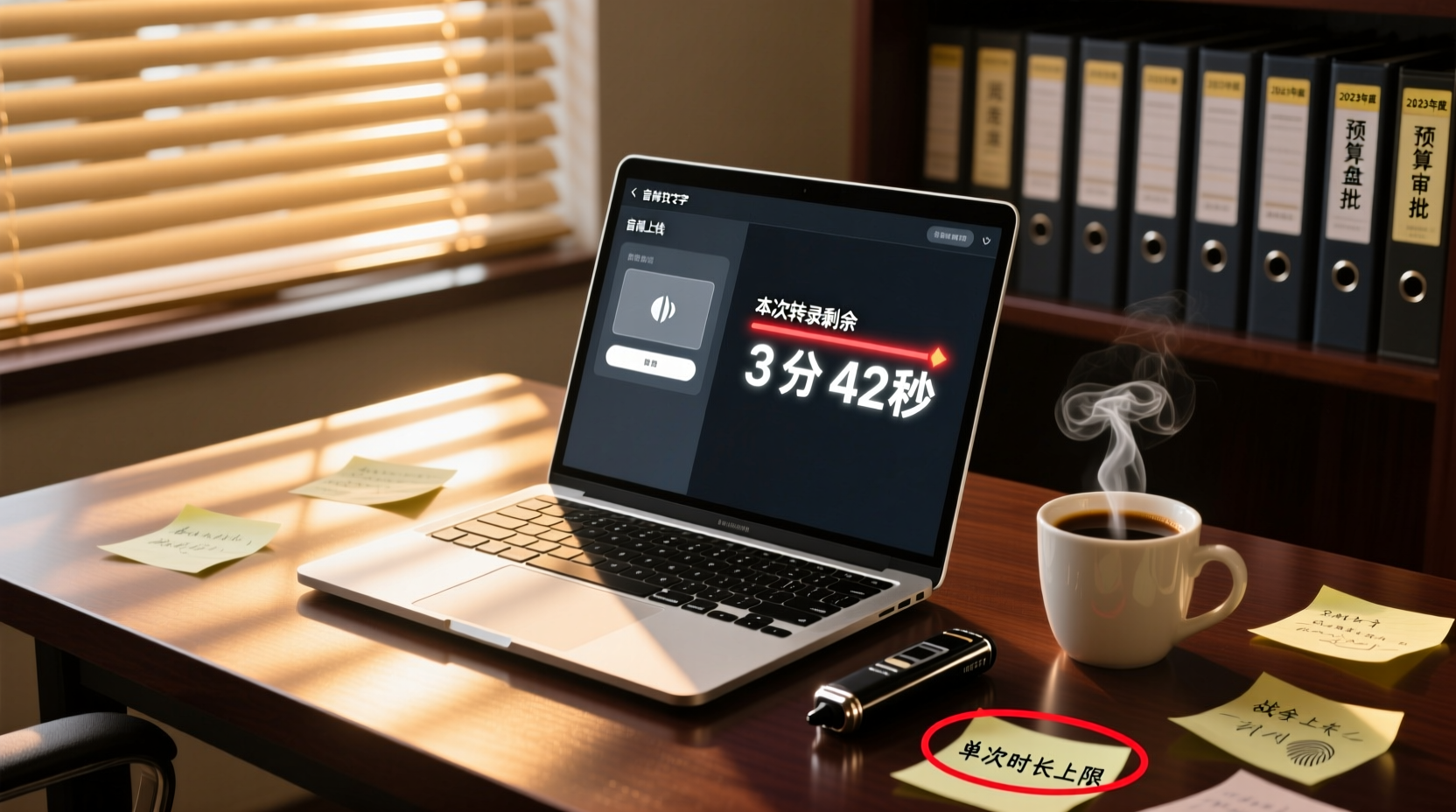
- Per-session duration limits: Some tools limit the length of audio you can transcribe in one go, e.g., Notta's free plan allows a maximum of 3 minutes per session, TurboScribe's free plan allows up to 30 minutes per file. Long meeting recordings cannot be processed in one go.
- Feature restrictions: Free versions typically do not include advanced features like AI summaries, action item extraction, translation, or team collaboration; you only get the transcript, and you have to do the follow-up organization yourself.
In other words, free plans are suitable for "occasional use with short recordings." If you handle multiple meetings every week, your free quota will quickly run out, and you'll need to either switch tools or upgrade to a paid plan.
Comparison of Popular Free App Plans: Otter, Notta, TurboScribe, Fireflies, Granola, Tinrec
Below is a comparison of free plans from several common tools. Information is based on official pages; actual benefits may change, so please verify before use.
| Tool | Free Quota | Per-Session Duration Limit | Main Limitations |
|---|---|---|---|
| Otter.ai | 300 minutes per month | Check official page | Advanced features require payment |
| Notta | 120 minutes per month | Max 3 minutes per session | Long recordings need to be split |
| TurboScribe | 3 files per day | Max 30 minutes per file | Long files require payment |
| Fireflies.ai | Unlimited transcription (subject to storage and upload rate limits) | Check official page | AI features and storage are limited |
| Granola | Free version | Does not support uploading pre-recorded audio files | Live meetings only |
| Tinrec | Basic quota to experience recording, import, summarization, and transcription | Check official page | Advanced features require payment |
Otter.ai: The free version offers 300 minutes per month, suitable for light users. If you occasionally need to transcribe short meetings or interviews, Otter's free quota might be enough, but note that it primarily targets English business meetings; Chinese transcription quality needs to be assessed on your own.
Notta: The free version offers 120 minutes per month, but with a maximum of 3 minutes per session, which is almost unusable for long meeting recordings. If your recording exceeds 3 minutes, you'll have to split it into segments, which is very cumbersome.
TurboScribe: The free version allows 3 files per day, with a maximum of 30 minutes per file. If you need to process interviews or meeting segments within 30 minutes, TurboScribe's free version might suffice, but anything over 30 minutes requires payment.
Fireflies.ai: It advertises unlimited transcription, but in practice, it is subject to storage space, file upload rate, and AI credits, so it's not entirely unlimited. The free version is suitable for occasional use, but for heavy transcription needs, you'll need to upgrade.
Granola: The free version provides live meeting transcription but does not support uploading pre-recorded audio files. If you only have audio files, Granola's free version cannot handle them.
Tinrec: The free version provides a basic quota to experience recording, import, summarization, and transcription. If you occasionally need to organize meeting recordings, Tinrec's free version can help you quickly get transcripts and summaries, but advanced features like AI Q&A, action item extraction, and team collaboration require payment.
How Free Plans Can Meet Meeting Notes Needs: From Recording to Usable Minutes
What can free plans accomplish? Using Tinrec's free version as an example, you can:
1. Record or import audio files: Record a meeting with your phone or upload an existing audio file.
2. Transcribe to text: Within the free quota, AI converts speech to text and automatically segments it.
Stop organizing recordings by hand
Upload audio or video and automatically get a transcript, summary, and action items
3. Get summaries and key points: The free version provides basic summaries to help you quickly grasp meeting content.
4. Manually organize action items: Free versions typically do not offer action item extraction, so you need to mark action items yourself from the transcript.
However, free plans typically cannot do the following:
- Automatically extract action items: Most free versions do not offer action item extraction, requiring manual organization.
- AI Q&A: You cannot ask questions about the meeting content, such as "What is the delivery date the client promised?"
- Generate reports or tables: Free versions typically do not offer agent-based post-processing, so you cannot automatically generate follow-up materials.
- Team sharing: Free versions are mostly for personal use; you cannot place meeting materials in a team space for member collaboration.
Therefore, free plans are suitable for "occasional needs to quickly get transcripts and summaries." If you handle multiple meetings every week and need automatic action item organization and document generation, the free version may not be sufficient.
The Line Between Free and Paid: When Is It Worth Upgrading?
The timing for upgrading to a paid plan depends on your usage frequency and needs:
- Fewer than 3 meetings per month, with recordings under 30 minutes: Free plans may be sufficient, such as Otter or TurboScribe's free versions.
- More than 3 meetings per month, or recordings over 30 minutes: Free quotas and per-session duration limits become bottlenecks, so upgrading to a paid plan is recommended.
- Need automatic action item organization, report or table generation: Free versions typically do not offer these features; upgrading can save significant post-meeting organization time.
- Need to share meeting materials with a team: Free versions are mostly for personal use; if multi-user collaboration is needed, consider a team plan.
Using Tinrec as an example, the personal plan offers weekly, monthly, and annual cards to suit different usage frequencies. If you only use it occasionally, the free version might be enough; if you have consistent weekly needs, upgrading to Pro would be more cost-effective.
Free Plan Recommendations for Different User Groups: Office Workers, Freelancers, and Students
Office Workers
If you occasionally need to organize meeting recordings and most meetings are online, you can try Otter or Tinrec's free versions. Otter is suitable for English meetings, while Tinrec has advantages in Chinese transcription and summarization. If meeting frequency is high, consider upgrading to a paid plan to save post-meeting organization time.
Freelancers
Freelancers often need to handle client interviews and meeting notes. Among free plans, TurboScribe's 3 files per day (30 minutes per file) may suit short interviews; if interviews exceed 30 minutes, you'll need to upgrade. Tinrec's free version lets you experience recording transcription and summarization; if you need automatic action item organization and follow-up material generation, consider the paid version.
Students
If students need to organize lecture recordings, free plans may be sufficient. Notta's free version has a 3-minute per-session limit, which is not very practical; Otter or TurboScribe are better options. If recordings exceed 30 minutes, you can split them, but it's cumbersome. Tinrec's free version is also a good entry-level choice.
When Free Quotas Run Out and Meeting Materials Need Sharing: How Tinrec Team Edition Takes Over
Free plans typically serve individuals only. When you start needing to share meeting materials with colleagues and follow up on action items together, the free version hits a wall. Using Tinrec's Team Edition as an example, it provides a dedicated team space where meeting recordings, transcripts, summaries, and action items are stored centrally, and members can view and search historical meeting materials.
In practice, team administrators can create a team space, invite members, and place meeting materials in shared folders. For example, after a project meeting, you can put the transcript and action item list into the team space, and members can directly view decisions and task assignments without needing to transfer files via messaging apps. If a member leaves, administrators can hand over that member's meeting materials to other members, ensuring data is not lost due to personnel changes.
However, the Team Edition is a paid plan. If you only occasionally need to share a single meeting record, you can export the file and share it via email or cloud storage. If your team has multiple meetings every week that need recording and follow-up, the Team Edition would be a more comprehensive solution.
Important Considerations: Accuracy, Privacy, and the Need for Human Review
When using free speech-to-text apps, there are several points to keep in mind:
- Accuracy is affected by multiple factors: Recording quality, background noise, accents, overlapping speech, and technical jargon all impact transcription results. The accuracy of free versions is not necessarily worse than paid versions, but they typically do not offer technical jargon optimization.
- Privacy and data security: Free tools may use your recordings for model training or store them in the cloud. If meeting content involves sensitive information, it's advisable to check the tool's privacy policy or choose a tool that processes data locally.
- Important content requires human review: AI transcription and summarization may miss or misinterpret details. For content involving decisions, commitments, or external communications, be sure to cross-check against the transcript and recording, and do not directly use AI-generated results.
Free speech-to-text apps are great helpers for saving post-meeting organization time, but understanding their limitations is key to determining if the free version is truly sufficient. If you only occasionally need quick transcripts, free plans may be enough. If you handle multiple meetings every week and need automatic action item organization and team collaboration, upgrading to a paid plan is a wiser choice.
References
- Online AI Speech, Video, and Audio File to Text - Free Trial - cSubtitle
- Speech to Text - Google Play Apps
- Free Unlimited AI Speech-to-Text Tool, Say Goodbye to Transcript Organization: Atter App | Lin Weiqing's Salon
- Tested 4 Best "Speech-to-Text" Online Tools Recommended, Free Instant Conversion of Audio Files to Transcripts
- 7 Free and Easy-to-Use Speech-to-Text Tools [For Android/iOS/Windows]
Turn every recording into actionable outcomes
Get 60 free transcription minutes when you sign in. No credit card required.
Related Reading
You might also like

How to Use Free AI Speech-to-Text Tools? Beginners Should Understand Quota Limits First
When using free AI speech-to-text tools for the first time, the most common issue is how to use the free quota. This article helps you understand quotas, per-session duration limits, and feature restrictions, compares free plans of mainstream tools, and provides a workflow to complete meeting minutes with zero budget, helping you decide if the free version is sufficient.
Good Tape Login Issues? Complete Troubleshooting Guide from Password Errors to Missing Verification Codes
Encountering password errors, missing verification codes, or pages that won't load when logging into Good Tape? This article walks you through common login issues step by step to quickly restore account access.
Good Tape Login Tutorial: Complete Registration and First Transcription in 5 Minutes
New to Good Tape and not sure how to log in? This article guides you through account preparation, choosing a login method, and email verification, step by step, and explains how to start your first transcription after logging in.
PowerDirector Speech-to-Text Free Guide: Complete Workflow from Video to Subtitles
Want to add subtitles to your PowerDirector videos for free? This article provides a complete workflow from exporting video or audio from PowerDirector, choosing the right free speech-to-text tool, and importing the transcript back into PowerDirector as subtitles, comparing the use cases and limitations of different tools.
How to Choose a Free Online Speech-to-Text Tool: Convenience of No Installation and Cross-Device Use, and Real Limitations
A roundup of free online speech-to-text tools, analyzing the convenience of no-install, cross-device use, and limitations on quotas, duration, and features, with workflow tips from recording to usable meeting minutes.

How to Choose a Free AI Speech-to-Text Plan? Understand Three Hidden Limitations of Free Versions First
A roundup of free plans from mainstream AI speech-to-text tools, analyzing quotas, per-session duration limits, and feature restrictions, with a suggested free workflow from recording to usable meeting minutes.

How to Choose a Free Speech-to-Text App? Understand the Hidden Limitations of Free Plans Before Downloading
A roundup of free plans from popular speech-to-text apps, analyzing quotas, per-session duration limits, and feature restrictions. Provides a free workflow from recording to usable meeting minutes to help you decide if a free plan is sufficient.

AI Speech-to-Text Recommendations: From Meeting Types to Post-Meeting Deliverables, Choose the Right Tool for You
There are many AI speech-to-text tools, but the key to truly saving time lies in meeting types, Chinese language quality, post-meeting deliverables, and team collaboration. This article provides a selection framework, compares mainstream tools such as Tinrec, Otter, Fireflies, Notta, Granola, and TurboScribe, and offers specific recommendations for different work styles including sales, product/R&D, and institutional staff.
Which Speech-to-Text Is Free? Understand the Three Hidden Limitations of Free Plans Before Deciding
A roundup of free plans from leading speech-to-text tools, analyzing quotas, per-session duration limits, and feature restrictions, plus a free workflow from recording to usable meeting minutes to help you decide if a free plan is sufficient.