
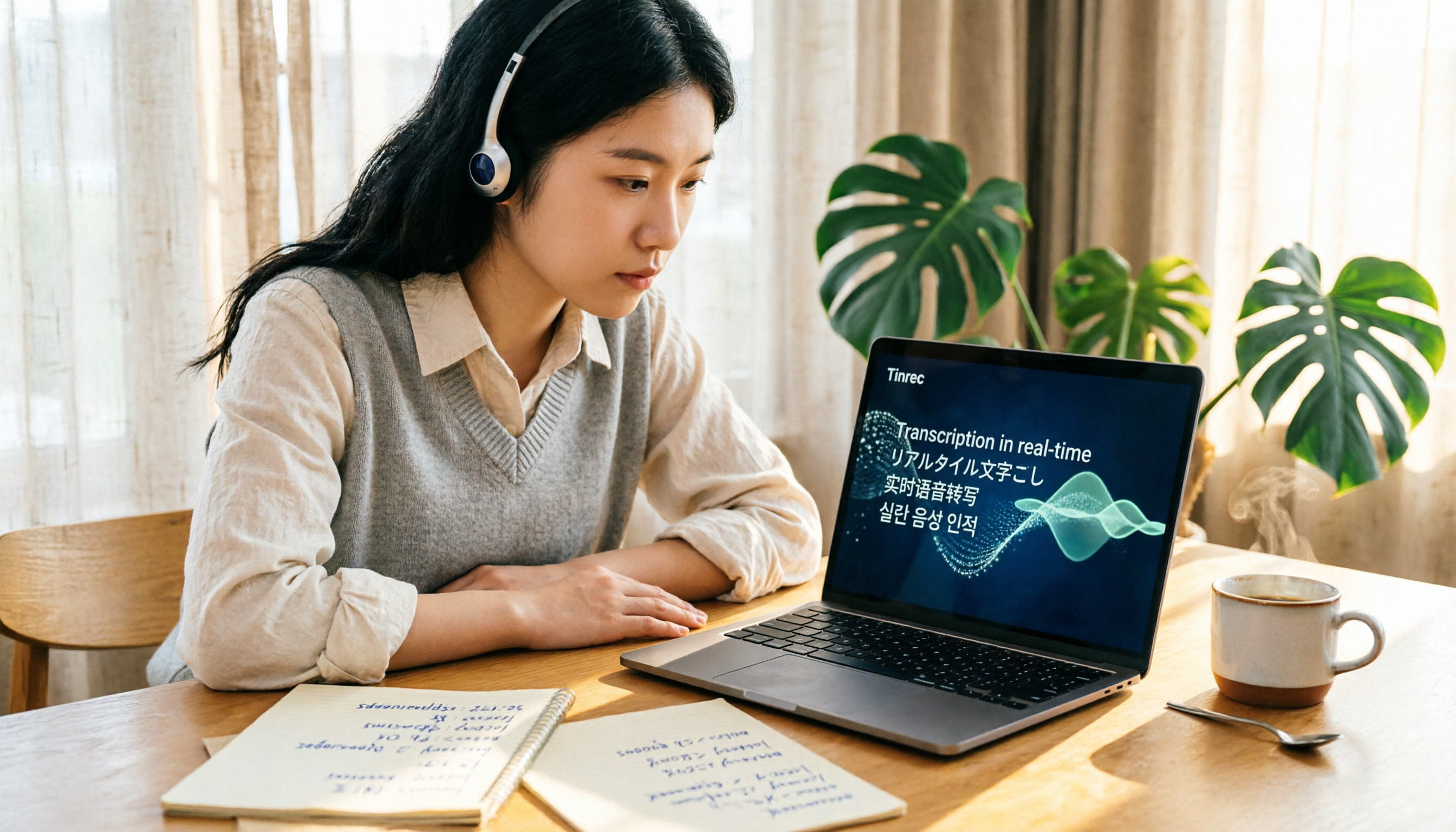
Turn recordings into transcripts and summaries in minutes
Upload audio or video for multilingual transcription, AI notes, and action items
First, Decide: Do You Need a "Usable Transcript" or a "Secure, Low-Maintenance Transcript"?
If you're looking into automatic transcription tools like Good Tape, you likely already have audio files and don't want to spend another night turning speech into text.
But before choosing a tool, I recommend asking yourself three questions:
First, is this recording for your own quick reference, or will it be shared with colleagues, clients, or supervisors as an official record?
Second, does the content involve interviewees, clients, or internal discussions, and are you comfortable uploading it to the cloud for processing?
Third, will you need to search, tag, or revisit specific parts of the conversation later?
These three questions will directly affect whether Good Tape is right for you. Its most obvious positioning isn't "most feature-rich," but rather a product born from European newsrooms: it prioritizes security and simplicity, then focuses on transcription efficiency.
How to Use Good Tape: Upload Audio, Wait for the Transcript, and Make Quick Fixes
Good Tape's workflow is straightforward—no complex software installation or project management interface to learn.
Step 1: Upload an Audio or Video File
You can upload your recording to Good Tape, and the system will handle it automatically. Its core function is automatic transcription, ideal for interviews, meetings, lectures, or journalist interviews that are primarily spoken content.
Step 2: Wait for the AI to Generate the Transcript
The system converts speech to text. The company emphasizes support for over 100 languages, which is a practical advantage for those dealing with foreign-language interviews or international meetings.
Step 3: Review and Correct Errors as You Go
Good Tape's interface lets you click directly on words in the transcript to edit them. This is crucial for real-world work, as AI transcription will inevitably encounter errors with proper nouns, brand names, or accents.
For example, in international tests, "velcro" was transcribed as "velkro," and "fervent" as "vervent." This doesn't mean the tool is unusable, but it does highlight that after automatic transcription, a quick round of proofreading is still necessary.
Step 4: Export or Continue Organizing
Once the transcript is ready, you can bring the text back into your workflow, such as organizing it into interview highlights, meeting minutes, or reporting material.
Three Clear Advantages of Good Tape
1. A Cautious Approach to Privacy and Data Handling
Good Tape's most frequently mentioned feature is its origin in a Danish newsroom, with design that places "how your recordings are handled" front and center.
For users who need to protect sources, handle sensitive interviews, or don't want internal meeting content used to train models, this makes it more attractive than typical transcription tools.
2. Multilingual Transcription Capability
The company mentions support for over 100 languages, which is convenient for those who occasionally handle foreign-language recordings. You don't need a separate tool for English, Japanese, Korean, or European languages.
3. Simple Interface with a Low Learning Curve
Good Tape doesn't complicate the interface with a full project management system. The path from upload to transcription to editing to export is straightforward. For those who just want to turn audio into text, this is a plus.
Limitations to Know Before You Start
Transcription Quality Varies by Language and Audio Conditions
Good Tape generally receives positive reviews in the European market, but not all languages perform equally. On Trustpilot, some users reported Romanian transcriptions containing content unrelated to the audio; the company responded that this might be a rare case of AI hallucination and that the team is continuously improving.
Stop organizing recordings by hand
Upload audio or video and automatically get a transcript, summary, and action items
What does this mean?
If you're working with less common languages, heavy accents, or noisy recordings, don't expect every segment to be perfect on the first pass.
A safer approach is to treat Good Tape as a first draft and use your own listening skills to quickly verify key sections.
Free Plan Limitations
Good Tape offers both free and Pro plans. In practice, the free plan is better for testing the workflow; those who regularly handle interviews or meetings will likely need the Pro plan.
Based on publicly available information, the Pro plan includes 20 transcriptions per month, speaker labels, AI summaries, smart search, batch upload, notes, unlimited storage, and support for over 100 languages.
If you only process one or two short recordings per week, the free plan is worth trying; if your work involves frequent interviews or meeting notes like mine, you should evaluate the Pro plan as your primary option.
Watch Out for Auto-Renewal
On Trustpilot, some users reported that their annual subscription auto-renewed without prior notice, and they only discovered it when they saw the bank charge.
This isn't unique to Good Tape—many subscription tools do the same. But if you don't plan to use it long-term, mark the renewal date in your calendar or reminders immediately after subscribing to avoid being caught off guard.
A Transcript Isn't the Same as Meeting Minutes
Good Tape can turn speech into text, but a "transcript" and "meeting minutes you can send to your boss" are two different things.
A transcript preserves spoken language, repetitions, and off-topic remarks; meeting minutes require organizing conclusions, action items, and next steps. Even if the tool offers a summary feature, I'd still recommend treating AI summaries as a supplement, not something to copy-paste and submit directly.
Pitfall Alerts: Three Situations Where You Shouldn't Rely Solely on Automatic Transcription
Pitfall 1: Transcribing Noisy Recordings and Then Complaining About Quality
If you record in a café, exhibition hall, or a place with multiple people talking, any transcription tool's accuracy will drop. A better approach is to stay close to the speaker or use an external microphone. No tool can salvage an audio file that's inherently unclear.
Pitfall 2: Treating AI Transcripts as Legal or Contractual Records
Automatic transcription may miss negations, numbers, or proper nouns. When dealing with quotes, dates, commitments, or legal terms, always verify against the original recording. Good Tape can save you time, but it can't replace human verification.
Pitfall 3: Ignoring Subscription and Data Retention Issues
If you're handling sensitive internal company data, beyond features and price, you also need to confirm whether you're comfortable uploading recordings to a third-party service. Good Tape's stance on privacy is more cautious, but ultimately, it depends on your company's security policies.
Summary: Who Should and Shouldn't Use Good Tape
Good Tape is suitable for:
- Those who need to quickly convert interviews, lectures, or meeting recordings into text
- Those who handle recordings in multiple languages
- Those who are concerned about how cloud transcription tools handle their data
- Those who want a simple tool without learning a complex backend
Those who might need to reconsider:
- Those primarily dealing with niche languages or noisy recordings
- Those needing extensive automated meeting organization, CRM integrations, or deep team collaboration
- Those planning to rely solely on the free plan for large volumes of recordings long-term
If you're still on the fence, I suggest using the free plan to test with one or two of your own real recordings. Don't just watch official demo videos—use your own audio, your accent, and your environment to see how much this tool actually helps you.
Finally, the old adage still applies: automatic transcription can save you typing time, but you still need to proofread where necessary. Tools can speed you up, but the judgment remains yours.
References
- Good Tape Review: The Transcription Tool Built for Journalists Who Protect Their Sources
- Good Tape Reviews - Transcription Service
- Good Tape - Automated Transcription | Secure AI Automatic Transcript Tool
- Good Tape review: European transcription (in full sentences?) - ITdaily
- Good Tape Review 2026: Features, Pricing, Pros & Cons, Alternatives
Turn every recording into actionable outcomes
Get 60 free transcription minutes when you sign in. No credit card required.
Related Reading
You might also like

2026 AI Meeting Notes Showdown: Tinrec vs Granola on Context Understanding and Post-Meeting Workflows
Nobody wants to re-listen to a meeting recording—that's the biggest pain point of AI meeting tools. This article focuses on context understanding and compares Tinrec and Granola across five dimensions: audio retention, input sources, Chinese language and translation, post-meeting outputs, and team governance, helping you decide which tool better fits your meeting scenarios.

Tinrec vs Microsoft Word Copilot (2026): 5-Dimension Comparison for AI Meeting Minutes in Word
Discover how Tinrec and Microsoft Word Copilot compare in generating AI meeting minutes for Word across 5 key dimensions: audio capture, Chinese transcription, post-meeting organization, Word delivery, and team collaboration. Find the most time-saving workflow for your meetings.

2026 AI Agent Meeting Tools Compared: Which Is Fastest for Chinese Meeting Notes and Action Items?
We tested four AI Agent meeting tools—Tinrec, Otter.ai, Notta, and Granola—comparing bot-free recording, Chinese transcription, post-meeting summaries and action items, AI Q&A, and team knowledge retention to help you choose the most time-saving solution for meeting notes.

2026 AI Meeting Productivity Tools: Bot-Free Recording + Auto Summaries & Action Items
Many people treat AI meeting tools as simple transcript generators, but what really impacts efficiency is post-meeting organization and follow-up. This article uses Tinrec to demonstrate how to go from bot-free recording, real-time transcription, AI summaries, and action item extraction to team workspace retention, and also covers purchasing checkpoints and FAQs.

2026 AI Meeting Assistant Comparison: Tinrec vs. Granola — Which Is Better for Chinese-Speaking Teams?
Starting from the most common misconception about AI meeting assistants, this comparison tests Tinrec and Granola across five dimensions: Chinese-language meeting experience, audio retention, post-meeting outputs, team governance, and cross-device use—helping you decide which workflow truly fits your team.

2026 Comparison of 4 Meeting Productivity Agents: Which One Actually Saves Post-Meeting Time?
The real work starts after the meeting ends. This article uses the same Chinese meeting recording to test the post-meeting workflows of Tinrec, Otter.ai, Fireflies.ai, and Notta—covering bot-free recording, summary and action items, AI Q&A, and team knowledge retention—to help you decide which meeting productivity agent truly saves time.

2026 AI Meeting Notes Tools Compared: Tinrec vs Otter.ai vs Notta vs Granola — Which Turns Meetings into Usable Data?
Stop taking notes yourself: a hands-on comparison of Tinrec, Otter.ai, Notta, and Granola covering transcripts, summaries, action items, and AI Q&A, plus buying criteria, team seat and pricing details, and pitfalls to avoid.

4 AI Agents That Generate Excel Files Tested: Which One Actually Produces a Usable .xlsx?
After a meeting, turning notes into an Excel file often means replaying the entire recording. This article starts from "where does the data come from" and compares four approaches: Tinrec, Excel's built-in Agent mode, Gemini Notebook Agent, and Aspose.Cells AI Generator. It also covers 5 key selection criteria, 4 common mistakes, and practical recommendations.

2026 Free AI Agent PPT Generation Options: 5 Tools Compared
AI Agent PPT generation tools are proliferating, but the real question is where the content comes from. This article reviews five available options in 2026, including Microsoft Copilot, MiniMax Agent, ChatPPT, and two self-hostable open-source projects. It also explains how to use Tinrec to turn meeting recordings into usable presentation material, with a pitfalls guide and selection advice.