
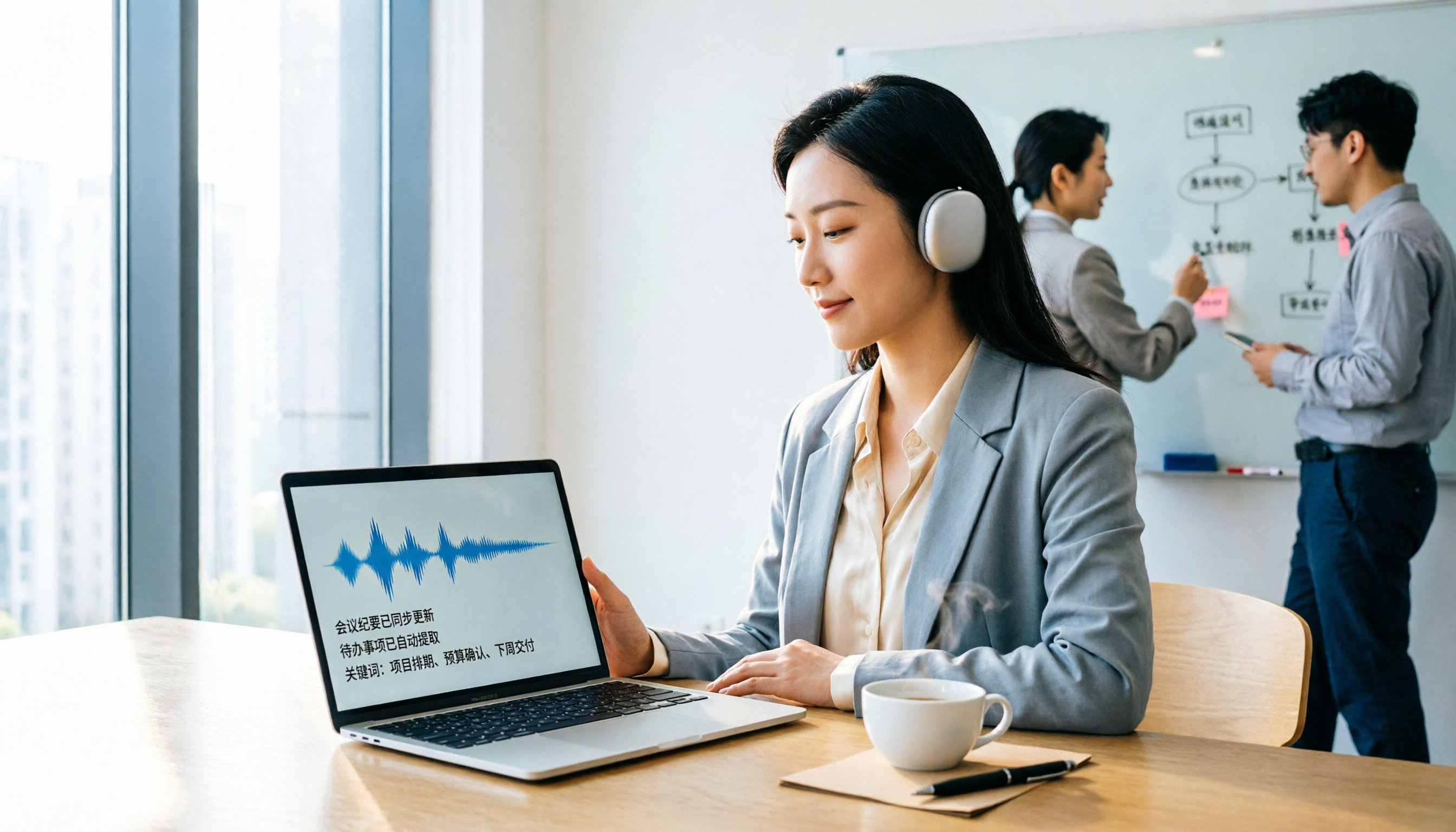
Turn recordings into transcripts and summaries in minutes
Upload audio or video for multilingual transcription, AI notes, and action items
Why Are People Looking for Good Tape Alternatives?
Good Tape is an AI audio-to-text tool developed by a team of journalists, known for its security, speed, and multilingual transcription. It has a solid user base in media, academic, and business meeting settings. Search snippets show that it emphasizes not using your data to train AI models, which is a major plus for privacy-conscious users.
However, in practice, the most common concerns are whether the free plan is sufficient, how long a single transcription can be, and whether it offers Chinese-language organization and follow-up collaboration features. If you're comparing Good Tape with other free transcription tools, Tinrec is another option worth exploring. The differences become more apparent when you need more than just a transcript—like meeting summaries, action items, and team data management.
Good Tape Free Plan and Limitations
Good Tape offers a free account primarily for testing its automatic transcription feature. According to third-party compiled data, the free account can transcribe approximately 20 minutes of content. To get more minutes, you'll need to upgrade to a paid plan.
Good Tape's core strengths are security and multilingual support. The company states it doesn't use user data to train AI, supports over 90 to 100 languages, and offers iOS and Android apps for direct in-app recording and transcription, eliminating the need for manual file uploads. This makes it a straightforward workflow for journalists conducting interviews, overseas interviews, or anyone needing quick audio transcription.
It's worth noting that the free allowance is limited, making it better suited for first-time testing or occasional short recordings. If you have meetings, classes, or interviews every week, the 20-minute free limit is usually not enough.
Tinrec vs. Good Tape: What's Different in Core Experience?
Good Tape is more about "securely converting audio to text," while Tinrec leans toward "turning meeting content into actionable data." Both can transcribe, but the post-transcription workflow differs.
Post-Transcription Organization
Good Tape excels at providing near-ready transcripts, reducing editing time. Tinrec, on the other hand, automatically generates summaries, chapters, highlights, and action items. You can ask Tinrec questions like "What was the meeting conclusion?" or "Who is responsible for what?" without manually going through the entire transcript. If you often need to quickly produce meeting minutes, this difference is significant.
Handling Online Meetings
Good Tape primarily focuses on uploading audio and video files for transcription. Tinrec's desktop version can capture your computer's system audio, allowing you to record online meetings on Zoom, Google Meet, Microsoft Teams, and Webex without needing a meeting bot. This means you don't have to record separately and then upload; you can transcribe in real time during the meeting.
Team Collaboration and Data Storage
Good Tape's free plan is more geared toward individual use. Tinrec offers team spaces where meeting recordings, transcripts, summaries, and action items can be stored centrally. Team members can access historical data, and admins can manage roles, seats, and usage. For departments or project groups, meeting data doesn't get scattered across personal devices.
Chinese and Multilingual Content
Good Tape supports multilingual transcription, which is a clear advantage. Tinrec also supports Chinese, Traditional Chinese, and multilingual meetings, and offers real-time translation, bilingual viewing, and team-specific glossary features. If you often deal with mixed Chinese-English meetings or want industry-specific terms to be recognized correctly, Tinrec's glossary feature is a plus.
Tinrec's Core Features at a Glance
Real-Time Recording to Text
With Tinrec, you can record and transcribe simultaneously, with text appearing in real time. Whether it's an in-person meeting, interview, or class, you get a transcript immediately without spending time later organizing audio files.
Bot-Free Online Meeting Recording
This is a feature I find particularly useful. The desktop version captures your computer's system audio directly, so you don't need to invite an additional bot to your meeting. Many online meetings aren't suitable for third-party bots, and this approach is more natural while still generating real-time transcripts.
AI Summaries, Chapters, and Action Items
Long meetings are tedious to review. Tinrec automatically breaks down content into summaries, chapters, and action items, so you can quickly see what topics were discussed and what needs to be done next. This is much more efficient than just having a long transcript.
AI Q&A
Stop organizing recordings by hand
Upload audio or video and automatically get a transcript, summary, and action items
After recording, you can ask Tinrec questions like "What concerns did the client have about pricing?" or "How many conclusions were there in this meeting?" It answers based on the meeting content, which is great for quickly revisiting past meetings.
Multi-Format Export and Third-Party Integrations
Tinrec supports exporting in various formats and can send results to tools like Notion, Google Docs, OneNote, and Dropbox. If you already have a fixed note-taking or document workflow, this feature saves time on copy-pasting.
Practical Use Cases
Online Project Meetings
During a Zoom or Google Meet session, use Tinrec's desktop version to record system audio directly. When the meeting ends, you have a record with summaries and action items. You can paste action items into your project management tool, saving about 30 minutes of writing meeting minutes.
Client Interviews
Sales or research professionals can record and transcribe client interviews on the fly, then use AI Q&A to quickly identify client needs, objections, and commitments. Compared to just saving an audio file, finding key points later is much faster.
Classes and Lectures
Students or lifelong learners can record course content and have it automatically organized into chapters and highlights. When reviewing, you don't need to listen to the entire recording; just check the summary or search for keywords.
Personal Idea Notes
When inspiration strikes, record a voice memo on your phone. Tinrec converts it to text and preserves the original. You can search and ask questions anytime, turning scattered thoughts into a growing database.
Key Points to Consider When Choosing a Free Audio-to-Text Tool
Free Allowance and Per-Session Limits
Don't just look at the word "free." Some tools only allow 20 minutes per free account, while others limit each session to 3 minutes, which is insufficient for long meetings. Think about how long your typical recordings are, then check if the free plan is actually usable.
Transcript Only or Further Organization
If you only need occasional transcription, a plain transcript might suffice. But if you need summaries, action items, Q&A, or follow-up documents, choose a tool with AI post-processing. Tinrec covers this more comprehensively.
Do Online Meetings Require a Bot?
Some tools require a bot to join as a participant, which can be inconvenient in certain corporate or client meetings. Tinrec uses bot-free desktop recording, making it suitable for scenarios where you don't want to add third parties.
Chinese and Technical Term Performance
If you often handle Chinese, mixed Chinese-English, or industry jargon, test with your own recordings. Background noise, accents, and overlapping speech all affect results. Tinrec's team glossary helps improve recognition of specialized terms, which is particularly useful in fields like healthcare, law, and technology.
Future Team Collaboration Needs
Individual use and team use are different. If meeting data needs to be shared, searched, and managed by multiple people, a tool with team spaces is more efficient. Tinrec's roles, seats, and usage analytics are suitable for departments or project groups looking to systematize meeting data management.
Summary: Is Good Tape Free? Or Is Tinrec a Better Fit?
Good Tape's free version can transcribe about 20 minutes, making it suitable for first-time testing or occasional short recordings. Its strengths are high security, no AI model training, and comprehensive multilingual support, which is practical for journalists, researchers, and privacy-conscious individuals.
However, if you have meetings, interviews, or classes to organize every week and need summaries, action items, AI Q&A, and team sharing, Tinrec is a more complete choice. It doesn't just turn audio into text; it turns content into actionable data.
We recommend starting with the free version. Whether it's Good Tape or Tinrec, run your own recordings through the tool to see if Chinese recognition, summary quality, and workflow meet your needs. That's more direct than any review.
Frequently Asked Questions
How long can I transcribe with Good Tape's free version?
According to third-party compiled data, Good Tape's free account can transcribe approximately 20 minutes of content. The actual free allowance may change with official policy, so it's best to check Good Tape's official website.
Does Good Tape support Chinese?
Good Tape officially states it supports over 90 to 100 languages, with multilingual transcription being a core feature. Chinese content should be supported, but actual accuracy depends on audio quality, accents, and background noise.
What's the difference between Tinrec's free version and Good Tape's free version?
Both offer free trials, but with different focuses. Good Tape emphasizes security, multilingual support, and near-ready transcripts; Tinrec focuses more on post-meeting summaries, action items, AI Q&A, team spaces, and multi-format export. If you only need short transcription, Good Tape is worth trying; if you need a complete meeting workflow, Tinrec is more suitable.
Does Tinrec require a meeting bot for online meetings?
No. Tinrec's desktop version captures your computer's system audio directly, handling online meetings on Zoom, Google Meet, Microsoft Teams, and Webex without needing to invite a bot.
Can audio-to-text tools guarantee 100% accuracy?
It's not advisable to judge based on a fixed accuracy rate. Any AI transcription tool is affected by recording quality, background noise, accents, overlapping speech, and technical terms. For important content, keep the original audio file and cross-check when necessary.
If a team member leaves, will meeting data be lost?
With Tinrec's team version, for example, team resources belong to the team and won't disappear with an individual account. When a member exits, is removed, or loses their seat, their assigned team resources can be transferred to other active members.
References
Turn every recording into actionable outcomes
Get 60 free transcription minutes when you sign in. No credit card required.
Related Reading
You might also like

2026 AI Meeting Notes Showdown: Tinrec vs Granola on Context Understanding and Post-Meeting Workflows
Nobody wants to re-listen to a meeting recording—that's the biggest pain point of AI meeting tools. This article focuses on context understanding and compares Tinrec and Granola across five dimensions: audio retention, input sources, Chinese language and translation, post-meeting outputs, and team governance, helping you decide which tool better fits your meeting scenarios.

Tinrec vs Microsoft Word Copilot (2026): 5-Dimension Comparison for AI Meeting Minutes in Word
Discover how Tinrec and Microsoft Word Copilot compare in generating AI meeting minutes for Word across 5 key dimensions: audio capture, Chinese transcription, post-meeting organization, Word delivery, and team collaboration. Find the most time-saving workflow for your meetings.

2026 AI Agent Meeting Tools Compared: Which Is Fastest for Chinese Meeting Notes and Action Items?
We tested four AI Agent meeting tools—Tinrec, Otter.ai, Notta, and Granola—comparing bot-free recording, Chinese transcription, post-meeting summaries and action items, AI Q&A, and team knowledge retention to help you choose the most time-saving solution for meeting notes.

2026 AI Meeting Productivity Tools: Bot-Free Recording + Auto Summaries & Action Items
Many people treat AI meeting tools as simple transcript generators, but what really impacts efficiency is post-meeting organization and follow-up. This article uses Tinrec to demonstrate how to go from bot-free recording, real-time transcription, AI summaries, and action item extraction to team workspace retention, and also covers purchasing checkpoints and FAQs.

2026 AI Meeting Assistant Comparison: Tinrec vs. Granola — Which Is Better for Chinese-Speaking Teams?
Starting from the most common misconception about AI meeting assistants, this comparison tests Tinrec and Granola across five dimensions: Chinese-language meeting experience, audio retention, post-meeting outputs, team governance, and cross-device use—helping you decide which workflow truly fits your team.

2026 Comparison of 4 Meeting Productivity Agents: Which One Actually Saves Post-Meeting Time?
The real work starts after the meeting ends. This article uses the same Chinese meeting recording to test the post-meeting workflows of Tinrec, Otter.ai, Fireflies.ai, and Notta—covering bot-free recording, summary and action items, AI Q&A, and team knowledge retention—to help you decide which meeting productivity agent truly saves time.

2026 AI Meeting Notes Tools Compared: Tinrec vs Otter.ai vs Notta vs Granola — Which Turns Meetings into Usable Data?
Stop taking notes yourself: a hands-on comparison of Tinrec, Otter.ai, Notta, and Granola covering transcripts, summaries, action items, and AI Q&A, plus buying criteria, team seat and pricing details, and pitfalls to avoid.

4 AI Agents That Generate Excel Files Tested: Which One Actually Produces a Usable .xlsx?
After a meeting, turning notes into an Excel file often means replaying the entire recording. This article starts from "where does the data come from" and compares four approaches: Tinrec, Excel's built-in Agent mode, Gemini Notebook Agent, and Aspose.Cells AI Generator. It also covers 5 key selection criteria, 4 common mistakes, and practical recommendations.

2026 Free AI Agent PPT Generation Options: 5 Tools Compared
AI Agent PPT generation tools are proliferating, but the real question is where the content comes from. This article reviews five available options in 2026, including Microsoft Copilot, MiniMax Agent, ChatPPT, and two self-hostable open-source projects. It also explains how to use Tinrec to turn meeting recordings into usable presentation material, with a pitfalls guide and selection advice.