
Turn recordings into transcripts and summaries in minutes
Upload audio or video for multilingual transcription, AI notes, and action items
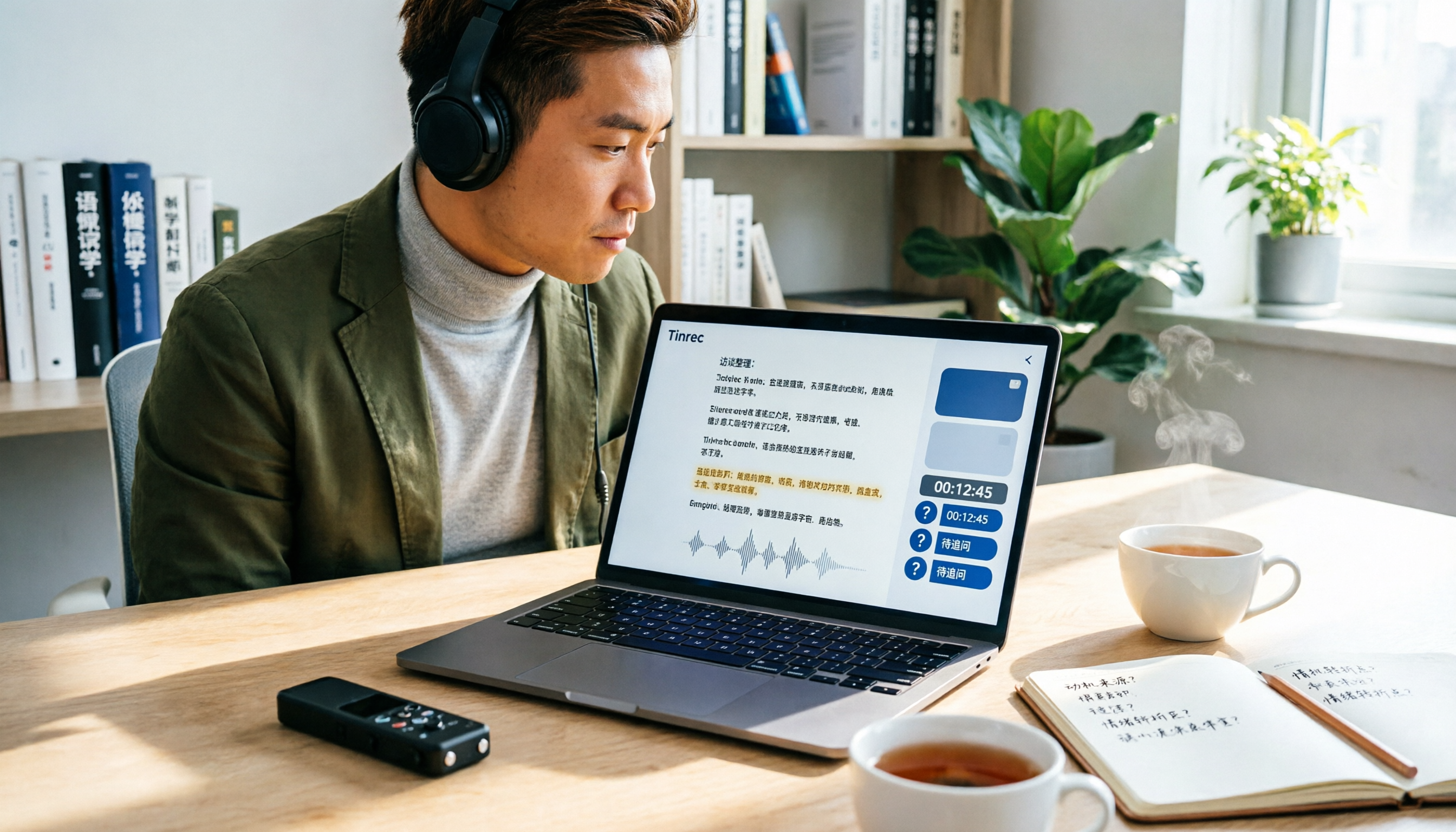
Over 50 in-depth interviews, each lasting 1 to 2 hours—if you were to transcribe them manually, just the typing alone would take several workweeks. And your research timeline won't wait for you.
That's the biggest takeaway I've had recently while organizing interview data.
It's not just me—many friends doing qualitative research, user interviews, and content interviews hit the same wall: recording isn't the problem; the problem is what happens after—how to turn those audio files into truly usable data.
So in this article, I don't want to talk about "which tool is the best," but rather a workflow I've tested and found to work.
Tools are just supporting actors; the method is the star.
Before You Start Organizing Interviews, Clarify These 3 Things
Most people rush to upload recordings to a transcription tool, but that's exactly where the chaos begins.
From my own experience, confirming three things upfront saves a lot of hassle later.
First, do you need a verbatim transcript or a queryable database?
If you just need a text file, any transcription tool will do.
But if you want to go back and find "when did a respondent mention budget issues" or "which interviews touched on the same pain point," then what you really need is a searchable, queryable, and continuously organized database.
This decision directly affects which tool you choose.
Second, is your recording environment quiet or real-world?
Interviews rarely happen in a recording studio. Background noise from coffee shops, the low hum of air conditioning, or the sound of a respondent flipping through papers can all affect transcription quality.
So don't just rely on official accuracy claims—test with your own real recordings.
Third, who will have access to this data later?
If it's just for you, things are simple.
But if your research team needs to share it, your advisor wants to review it, or you'll hand it off to someone else later, you need to think about data ownership and sharing methods.
Once you've clarified these three things, you can start building your workflow.
My 5-Step Interview Organization Workflow
Step 1: Prepare for Organization While Recording
Many people don't think ahead during recording and suffer later.
My approach: Before recording, confirm with the respondent that it's okay to record and explain how it will be used. This isn't just polite—it's also protecting yourself.
While recording, I jot down key timestamps in my interview guide. For example, when a respondent mentions a critical case, I glance at the recording time and write "14:30 mentioned budget decision process."
This way, when I need to find a specific section later, I don't have to listen from the beginning.
(Screenshot: Handwritten time notes next to the interview guide, with an arrow pointing to "14:30 Budget Decision")
Step 2: Use AI Transcription, but Don't Fully Let Go
I used to hand recordings to student assistants for transcription, but when interviews involved sensitive personal data, the risk of leaks was a real concern.
So I started using automated transcription tools.
I've tried several services, and Good Tape stood out to me because it emphasizes not using user data to train AI models. For content like interviews, which is full of personal information, that's a crucial trust foundation.
But my method isn't just "upload and done."
I first upload a short test clip to check transcription quality, then process the rest in batches.
(Screenshot: Upload screen for interview recordings, with an arrow pointing to the file upload area)
Step 3: Turn the Transcript into a Navigable Structure
Getting the transcript is just the first step.
A 2-hour interview transcript can be tens of thousands of words, and reading it straight through is exhausting. I do three things:
First, I ask AI to generate a summary and chapters to get an overview of the interview's structure.
Second, I highlight key points the respondent mentioned, especially recurring keywords and specific examples.
Third, I separate action items and follow-up questions. For instance, if a respondent says "I'll send you that document later," that should go into a to-do list, not get buried in the transcript.
(Screenshot: Summary and highlights next to the transcript, with an arrow pointing to AI-generated chapters)
Step 4: Turn the Transcript into Queryable Data
This is the step I consider most critical.
Traditional transcripts only allow Ctrl+F keyword searches. But the value of interview data often lies not in a specific word but in a concept.
For example, a respondent might never say "budget shortfall," but they keep describing "we ended up cutting two projects" or "that option was too expensive, so we didn't do it."
If you only search for "budget," you'll miss these important insights.
So my approach is to use a tool that supports AI Q&A, allowing me to ask natural language questions across the entire interview dataset.
Stop organizing recordings by hand
Upload audio or video and automatically get a transcript, summary, and action items
For example: "What concerns about pricing did respondents mention in these interviews?" or "Who mentioned issues with team staffing?"
This is far faster than manually going through dozens of transcripts.
(Screenshot: Interface showing a natural language query in the interview database, with an arrow pointing to the AI answer)
Step 5: Turn Personal Notes into Team-Accessible Data
The worst thing that can happen to interview data is that it dies on someone's computer after the interview ends.
My advice is to put interview data into a shared team space from the start.
Not everyone needs editing rights, but team members should be able to view, search, and query these historical interviews.
The benefits are clear: new team members can read past interviews without scheduling new ones, and when someone leaves, the data doesn't disappear with them.
(Screenshot: List of shared interview data in a team space, with an arrow pointing to member permission settings)
Tools I've Tried and the Scenarios They Fit
I'm not saying one tool is universally better; I'm sharing my hands-on experience in different scenarios.
Good Tape: The Choice When Privacy Matters
Good Tape gives me the impression that it puts "trust" front and center.
It clearly states it won't use user data to train AI models, which is crucial for interview recordings. Especially when respondents are nervous about being recorded, being able to say "this won't be used to train AI" makes the conversation much easier.
It supports multiple languages and handles recordings with average audio quality. However, I've also encountered occasional hallucinations in transcription for less common languages, which reminds me to double-check important content against the original.
If you're dealing with a large volume of interview recordings containing personal information, Good Tape is worth trying.
Tinrec: When You Need Ongoing Querying and Team Collaboration
Tinrec has a different positioning. It's not just about transcription; it emphasizes what happens after transcription.
I particularly like its AI Q&A feature. Once I've accumulated over a dozen interviews, I can ask cross-interview questions directly, which is incredibly useful for research.
It also supports exporting to Notion, Google Docs, and other tools, so interview data can flow into my writing workflow.
The team version is suitable for research teams: interview data belongs to the team, and when members leave, data can be handed over without scattering across personal accounts.
If you want more than just transcripts—a workflow for continuously organizing and querying interview data—Tinrec is closer to that direction.
Manual Transcription: The Choice When You Have Plenty of Time
If you have very few interviews and care deeply about details, manual transcription still has its value.
The process of transcribing puts you back in the interview context, and sometimes you notice details you missed in the moment.
But this shouldn't be the norm. Spending precious research time on typing is usually not the best investment.
Pitfall Guide: Common Mistakes in Organizing Interview Data
Pitfall 1: Treating Transcription as the End Goal
Many people think "audio to text" is the finish line.
But the transcript is just raw material. The real value lies in the subsequent summary, highlights, action items, and cross-interview analysis.
If you only use a tool for "audio to text," you're only using a third of its potential.
Pitfall 2: Uploading Without Checking Privacy Policies
Interview recordings often contain a lot of personal information.
Before uploading, always confirm how the service handles your data: Will it be used to train models? Where is it stored? Can it be deleted?
These questions matter far more than "how much free quota do I get."
Pitfall 3: Letting Data Die in Personal Accounts
After the interview is done and the transcript is saved, then what?
If data only exists in your personal account, it quickly becomes a file you open once and never touch again.
Considering team sharing and data ownership from the start turns interview data into a cumulative asset.
Pitfall 4: Relying Only on Accuracy Numbers Without Testing Your Own Recordings
Official accuracy claims are measured under ideal conditions.
Your interview recordings may have background noise, multiple speakers, or technical jargon.
The best approach is to use your own real recordings for a free trial to gauge actual performance.
Summary: First, Clarify What You Really Need
Back to the original question: How should you organize interview recordings?
My answer isn't "just use a certain tool," but rather:
- If you need privacy-first, fast transcription of large volumes of interview recordings, Good Tape is worth trying.
- If you need continuous querying, cross-interview analysis, and team sharing of interview data, Tinrec is closer to that direction.
- If you have very few interviews and plenty of time, manual transcription is fine.
But regardless of the tool, what really matters is establishing a workflow:
Prepare during recording → Verify after AI transcription → Organize into structured data → Query content with Q&A → Put into a shared team space.
Tools will keep changing, but this method will serve you for a long time.
Quick-Start Checklist
- Get the respondent's consent before recording and explain the purpose.
- Jot down key timestamps during the interview.
- Test the transcription tool with a short clip of your own recording.
- After transcription, have AI generate a summary and chapters to grasp the structure.
- Keep action items and follow-up questions separate, not buried in the transcript.
- Use natural language queries to search across interview data.
- Put interview data into a shared team space so it can accumulate and be handed over.
Test step by step, and you'll gradually build your own interview organization method.
References
- Good Tape Reviews | Read Customer Service Reviews of goodtape.io
- Goodtape.io Review 2025: Secure, Automated Transcription For Scalable Shopify Brands
- goodtape.io Reviews | check if site is scam or legit| Scamadviser
- Good Tape - Automated Transcription | Secure AI Automatic Transcript Tool
- Good Tape - Product | SERP
Turn every recording into actionable outcomes
Get 60 free transcription minutes when you sign in. No credit card required.
Related Reading
You might also like

2026 AI Meeting Notes Showdown: Tinrec vs Granola on Context Understanding and Post-Meeting Workflows
Nobody wants to re-listen to a meeting recording—that's the biggest pain point of AI meeting tools. This article focuses on context understanding and compares Tinrec and Granola across five dimensions: audio retention, input sources, Chinese language and translation, post-meeting outputs, and team governance, helping you decide which tool better fits your meeting scenarios.

Tinrec vs Microsoft Word Copilot (2026): 5-Dimension Comparison for AI Meeting Minutes in Word
Discover how Tinrec and Microsoft Word Copilot compare in generating AI meeting minutes for Word across 5 key dimensions: audio capture, Chinese transcription, post-meeting organization, Word delivery, and team collaboration. Find the most time-saving workflow for your meetings.

2026 AI Agent Meeting Tools Compared: Which Is Fastest for Chinese Meeting Notes and Action Items?
We tested four AI Agent meeting tools—Tinrec, Otter.ai, Notta, and Granola—comparing bot-free recording, Chinese transcription, post-meeting summaries and action items, AI Q&A, and team knowledge retention to help you choose the most time-saving solution for meeting notes.

2026 AI Meeting Productivity Tools: Bot-Free Recording + Auto Summaries & Action Items
Many people treat AI meeting tools as simple transcript generators, but what really impacts efficiency is post-meeting organization and follow-up. This article uses Tinrec to demonstrate how to go from bot-free recording, real-time transcription, AI summaries, and action item extraction to team workspace retention, and also covers purchasing checkpoints and FAQs.

2026 AI Meeting Assistant Comparison: Tinrec vs. Granola — Which Is Better for Chinese-Speaking Teams?
Starting from the most common misconception about AI meeting assistants, this comparison tests Tinrec and Granola across five dimensions: Chinese-language meeting experience, audio retention, post-meeting outputs, team governance, and cross-device use—helping you decide which workflow truly fits your team.

2026 Comparison of 4 Meeting Productivity Agents: Which One Actually Saves Post-Meeting Time?
The real work starts after the meeting ends. This article uses the same Chinese meeting recording to test the post-meeting workflows of Tinrec, Otter.ai, Fireflies.ai, and Notta—covering bot-free recording, summary and action items, AI Q&A, and team knowledge retention—to help you decide which meeting productivity agent truly saves time.

2026 AI Meeting Notes Tools Compared: Tinrec vs Otter.ai vs Notta vs Granola — Which Turns Meetings into Usable Data?
Stop taking notes yourself: a hands-on comparison of Tinrec, Otter.ai, Notta, and Granola covering transcripts, summaries, action items, and AI Q&A, plus buying criteria, team seat and pricing details, and pitfalls to avoid.

4 AI Agents That Generate Excel Files Tested: Which One Actually Produces a Usable .xlsx?
After a meeting, turning notes into an Excel file often means replaying the entire recording. This article starts from "where does the data come from" and compares four approaches: Tinrec, Excel's built-in Agent mode, Gemini Notebook Agent, and Aspose.Cells AI Generator. It also covers 5 key selection criteria, 4 common mistakes, and practical recommendations.

2026 Free AI Agent PPT Generation Options: 5 Tools Compared
AI Agent PPT generation tools are proliferating, but the real question is where the content comes from. This article reviews five available options in 2026, including Microsoft Copilot, MiniMax Agent, ChatPPT, and two self-hostable open-source projects. It also explains how to use Tinrec to turn meeting recordings into usable presentation material, with a pitfalls guide and selection advice.