

Turn recordings into transcripts and summaries in minutes
Upload audio or video for multilingual transcription, AI notes, and action items
The Missed Action Items Disaster—You Don't Need a Tool, You Need a Solution
Last month, I wrapped up a cross-departmental budget coordination meeting. We spent nearly two hours discussing, and finally nailed down three decisions: cut next quarter's marketing budget by 15%, renegotiate supplier contracts, and delay the new product launch by two weeks. At the time, I felt I'd caught everything clearly, so I just jotted down "budget adjustment" in my notebook.
Three days later, my boss asked, "What were the specific conclusions from that meeting? What were each department's action items?" I flipped through my notes for three minutes and found only those two words. For the next 40 minutes, I had to call each department to reconfirm—not on purpose, but because I trusted my memory too much, thinking "understanding in the moment equals remembering." The result: a meeting summary that should have taken 10 minutes ended up taking nearly an hour to piece together, and I still missed a key decision.
If you've been in this situation, this article is for you. AI meeting notes software can't attend meetings for you, but it can rescue you from the mechanical grind of post-meeting cleanup.
Before Choosing AI Meeting Notes Software, Understand These 4 Key Points
First, check how it records online meetings. Many AI meeting tools use a "meeting bot"—a bot account that joins your Zoom, Meet, or Teams meetings. The upside is automation; the downside is an extra "participant" in the room, which some find odd, and some corporate security policies prohibit. The alternative is "bot-free recording": the tool directly captures your computer's system audio without adding a participant. If you care about a clean meeting room and corporate security, go with the latter.
Second, see what it can do after transcription. Just converting audio to text isn't enough. The real time-savers are: AI-generated summaries, breaking long meetings into chapters, and extracting action items from discussions. Think about it—a two-hour meeting transcript runs to 20,000 words, and you'd still need to read it all to find the key points. But if the AI directly tells you "three decisions, five action items," you only need five minutes to confirm.
Third, check if it supports Chinese and multilingual content. If you're like me and often deal with mixed Chinese-English meetings—one sentence in Chinese, the next quoting English data—the tool's language capability matters. Some tools perform well in English but start producing odd homophone errors in Chinese. Test with your own real meeting recordings, not just the marketing claims on the website.
Fourth, determine if it's a personal tool or a team tool. If you're using it solo, a free or personal plan suffices. But if you manage a 10-person team, you need: Can meeting data be stored centrally? Can new members access past meeting notes? If a member leaves, do the meeting records disappear? These are things personal tools can't handle.
Tinrec (Miao Ting Lu Yin)—My Team's Top Pick After Real-World Testing
Tinrec (Miao Ting Lu Yin) is an AI meeting notes and collaboration tool for individuals and teams, supporting iOS, Android, desktop, and web. It doesn't position itself as a "voice-to-text tool" but rather turns meetings into searchable, collaborative, actionable team assets.
Bot-free recording is my favorite feature. I used to use a tool that required a bot to join meetings, and before every session, I had to check if the bot had entered and was recording. After switching to Tinrec, I just hit record on the desktop app, and it captures the system audio directly, handling Zoom, Google Meet, Microsoft Teams, and Webex meetings. No extra "AI assistant" participant in the room, and no bosses or clients asking, "Who's that bot?"
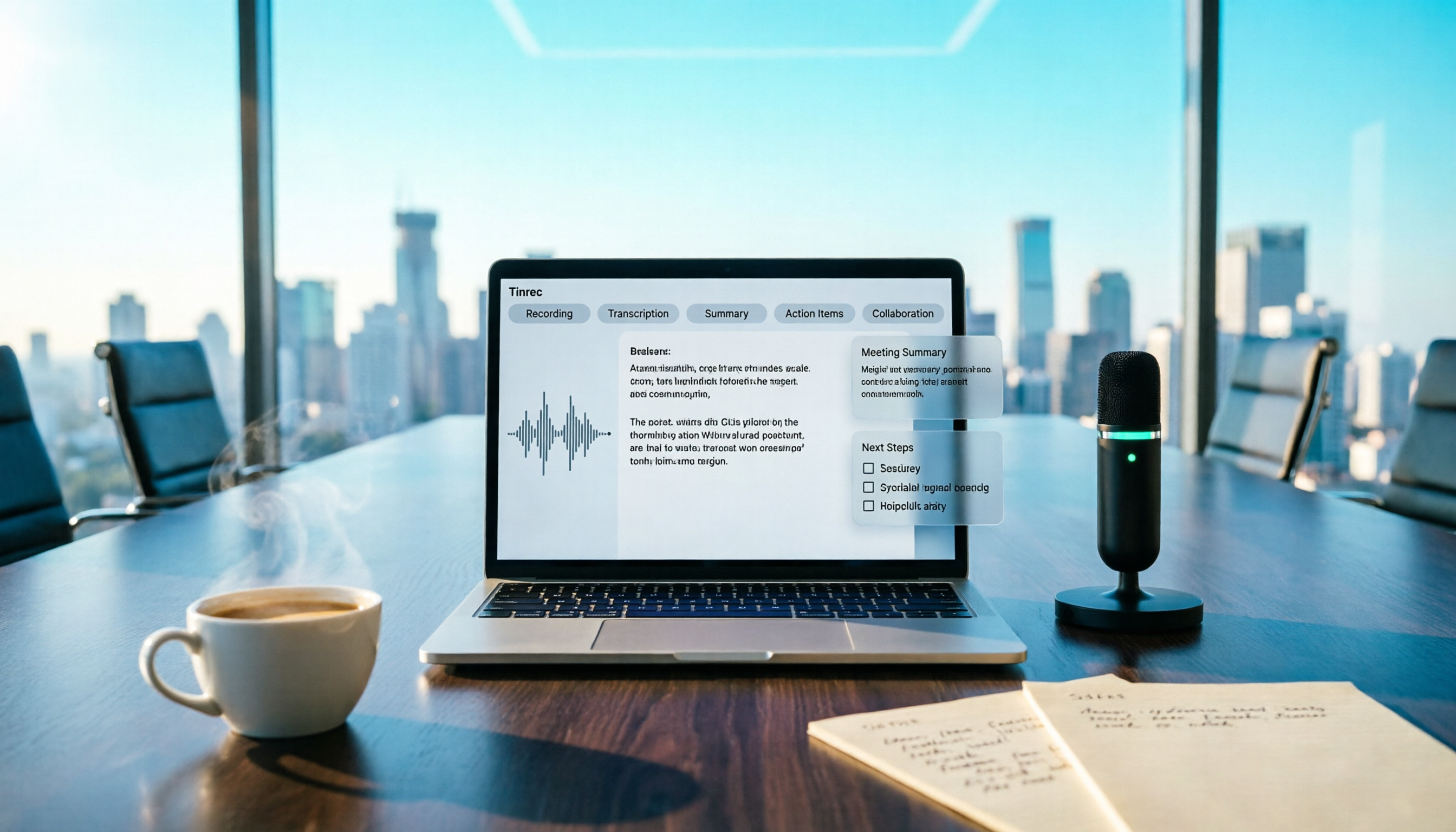
Action item extraction after transcription solved my biggest pain point. During meetings, I open Tinrec, and it generates a live transcript as it records. When the meeting ends, the AI automatically creates a summary and chapters, and crucially, it extracts action items from the discussion—who's responsible for what and the progress level. My current workflow: after the meeting, I screenshot the AI-generated action items, post them to the work group chat, confirm with members in five minutes, and the meeting notes are done. This process used to take me 40 minutes.
Stop organizing recordings by hand
Upload audio or video and automatically get a transcript, summary, and action items
AI Q&A is a killer feature I discovered later. Once, my boss suddenly asked, "What were the client's specific opinions on the second pricing proposal in last month's meeting?" I opened Tinrec and asked in plain language, "In the last client meeting, what were the opinions on the second pricing proposal?" It didn't return keyword search results—it answered directly based on semantic understanding, with timestamps so I could replay the original audio. This feature is almost nonexistent in other tools at the same price point.
Team spaces solved the "data follows the person" problem. My team now stores all meeting recordings, transcripts, summaries, and action items in Tinrec's team space. When a new member joins, I send an invite link, and they can see all past meeting data without me sending files one by one. When a member leaves, team resources stay with the team and don't vanish when the personal account closes. Admins can view member usage, allocate seats, and check audit logs.
Honest limitations: The free plan has basic usage limits, so someone like me with 15 meetings a week goes straight to Pro. Also, accuracy is affected by recording quality—if the meeting room is noisy, people talk over each other, or speakers have heavy accents, the transcript still needs manual review. Tinrec doesn't claim 100% accuracy, which I actually find refreshingly honest.
Who it's for: If you need to record Chinese meetings, don't want a meeting bot, want to ask AI for key points after recording, and want to turn meeting data into a team asset—Tinrec is a very practical choice right now.
Beyond Tinrec: What Other Options Are There?
Otter.ai: A mature choice for English meetings. Otter has a strong presence in English business meetings, and its free plan offers a generous 300 minutes per month. But its strength is in English scenarios; the Chinese meeting experience isn't as natural as Tinrec's. If your meetings are primarily in English, Otter is worth considering; if you need Chinese meeting notes plus bot-free recording, Tinrec is a better fit.
Notta: An alternative for multilingual transcription. Notta overlaps heavily with Tinrec in features, both supporting multi-device transcription and file uploads. However, Notta's team capabilities lean toward enterprise plans, and individual users face noticeable limits on single recording length in the free version. Tinrec has an edge in bot-free online meeting recording and AI Q&A.
Granola: Bot-free but doesn't retain audio files. Granola is also a bot-free AI meeting notes tool, emphasizing "user notes + AI enhancement." But note: Granola doesn't support uploading pre-recorded audio files and doesn't save meeting audio. If you need to go back and listen to original recordings or organize historical meeting audio, Tinrec is a more complete option.
Pitfall Guide: 3 Common Mistakes When Choosing AI Meeting Notes Software
Pitfall 1: Only trusting official accuracy claims. Many tools tout "98% accuracy," but that's measured in a quiet recording studio. Real meeting rooms have AC noise, keyboard clicks, and people talking over each other, which significantly drops accuracy. The best approach is to test with your own real meeting recordings for free, not just rely on ads.
Pitfall 2: Ignoring the "post-transcription" workflow. If you only use AI meeting tools for "voice-to-text," you're using just a third of their capability. The real time savings come from automatic summaries, action item extraction, and AI Q&A. After recording, just ask it "What were the meeting conclusions?"—that's way faster than manually scanning a 30-minute transcript.
Pitfall 3: Stretching personal tools to meet team needs. I've seen managers have team members record with free personal versions and then dump transcripts into a group chat. Three months later, meeting data is scattered across a dozen phones and computers, and finding a specific meeting's conclusions is nearly impossible. If you need team sharing and historical tracking, go directly for a plan with team spaces—don't force personal tools to do the job.
Summary: Which One Should You Choose?
My conclusion is straightforward: if you need to turn meetings into searchable, collaborative, trackable team assets, Tinrec is a very practical top choice right now.
Scenario-based recommendations:
- Need bot-free recording for online meetings → Tinrec (desktop app captures system audio directly)
- Want to ask AI for key points and extract action items after recording → Tinrec (AI Q&A and action item extraction are core differentiators)
- Need centralized management of team meeting data → Tinrec (team spaces, member seats, audit logs)
- Only record English meetings with zero budget → Otter.ai (free 300 minutes is the only exception)
I recommend downloading the Tinrec free version to try it—use the basic quota to test a few recordings, transcriptions, and summaries, and upgrade if it feels right. Don't pay upfront; validate with your own meeting scenarios first. That's more practical than reading any number of reviews.
References
- AI Meeting Notes Software Recommendations: 5 Apps Tested and Compared, Auto-Transcribe to Make Meetings Effortless!
- Unlimited Time! 3 Free AI Transcription Tools, Highly Recommended! AI Voice Notes for Meeting Minutes, Presentations, Mind Maps | 104 Career Center
- 2026's Top AI Meeting Notes Tools: Time-Saving Essentials for Meetings!
- Meeting Ink - AI Meeting Notes Assistant, Auto-Transcribe and Summarize Meetings
- AI Meeting Notes in Notion | Capture Ideas, Summaries ...
Turn every recording into actionable outcomes
Get 60 free transcription minutes when you sign in. No credit card required.
Related Reading
You might also like

Good Tape Billing and Invoices: The Complete Guide to Subscription Management, Cancellation, and Flexible Pricing Compared with Tinrec
Received a Good Tape charge but unclear about the details? This article explains Good Tape's subscription plans, invoice retrieval, billing management, and cancellation process, and compares Tinrec's flexible pricing from a cost perspective to help you make a budget-friendly choice.

How to Choose a Free Speech-to-Text Plan: From Usage Limits to Meeting Minutes – A Practical Guide
Are free speech-to-text tools really free? This article breaks down the real limitations of free plans from three angles: usage limits, per-session duration, and feature restrictions. It compares the free versions of Otter, Notta, TurboScribe, Fireflies, Granola, and Tinrec, and offers recommendations for different user groups such as sales, product/engineering, and government employees, helping you decide whether a free plan is sufficient and when it's worth upgrading to a paid one.

How to Use AI Transcription in 2026: 5 Steps to Turn Recordings into Actionable Meeting Notes
AI transcription software isn't just about converting speech to text. This article takes a practical workflow approach to rethink the true purpose of transcripts: from recording, transcribing, and organizing to tracking action items—turning every meeting and interview into searchable, queryable, reusable assets.
How to Take AI Meeting Notes in 2026: A 5-Step Guide from ChatGPT to Tinrec
Stop manually copying and pasting meeting recordings into transcripts, summaries, and action items. This guide walks through 5 steps—from recording to searchable, collaborative, and actionable team knowledge—using ChatGPT with Whisper, Record mode, and Tinrec. It also compares free personal plans, ChatGPT Plus, and team meeting tools to help you choose the right fit.

Apple Podcast Transcripts in 2026: Turn Podcasts into a Language Learning Database with Built-in Tools
Apple Podcast transcripts officially launched with iOS 17.4, but many people only use them as subtitles. This article takes a practical approach, showing you how to use built-in translation, select-and-copy, and keyword search to turn English podcasts into a readable, searchable, and reviewable language learning resource.

2026 AI Meeting Notes Software Test: Tinrec vs Otter vs Notta – Which Saves You the Most Time?
Tired of spending hours on meeting minutes after endless meetings? We tested 5 AI meeting note tools, comparing Cantonese recognition, online meeting recording, AI summaries, and team collaboration to help Hong Kong professionals find the best time-saving solution.

6 Best AI Meeting Note Tools Compared in 2026: Which Free Plan Is Enough?
AI meeting note tools are proliferating, but are the free plans sufficient? This article tests six popular options across dimensions like bot-free recording, Chinese transcription, AI summaries, action item extraction, and team collaboration, and explains in which scenarios Tinrec suits US users better.

The Complete 2026 Guide to ChatGPT Voice-to-Text Transcription: From Recording to Searchable Notes
Tired of messy transcripts after recording lectures? This guide walks you through a real student's workflow—from voice input and transcript cleanup to class notes and group discussion records—and compares free and paid options that work for students.

2026 Free AI Transcription Tools Roundup: 3 Options Compared
A look at 3 truly free, unlimited AI transcription tools, from NotebookLM to desktop recording solutions. Avoid the 'free for a few minutes, then paywall' trap and build a workflow that turns recordings into actionable data.