
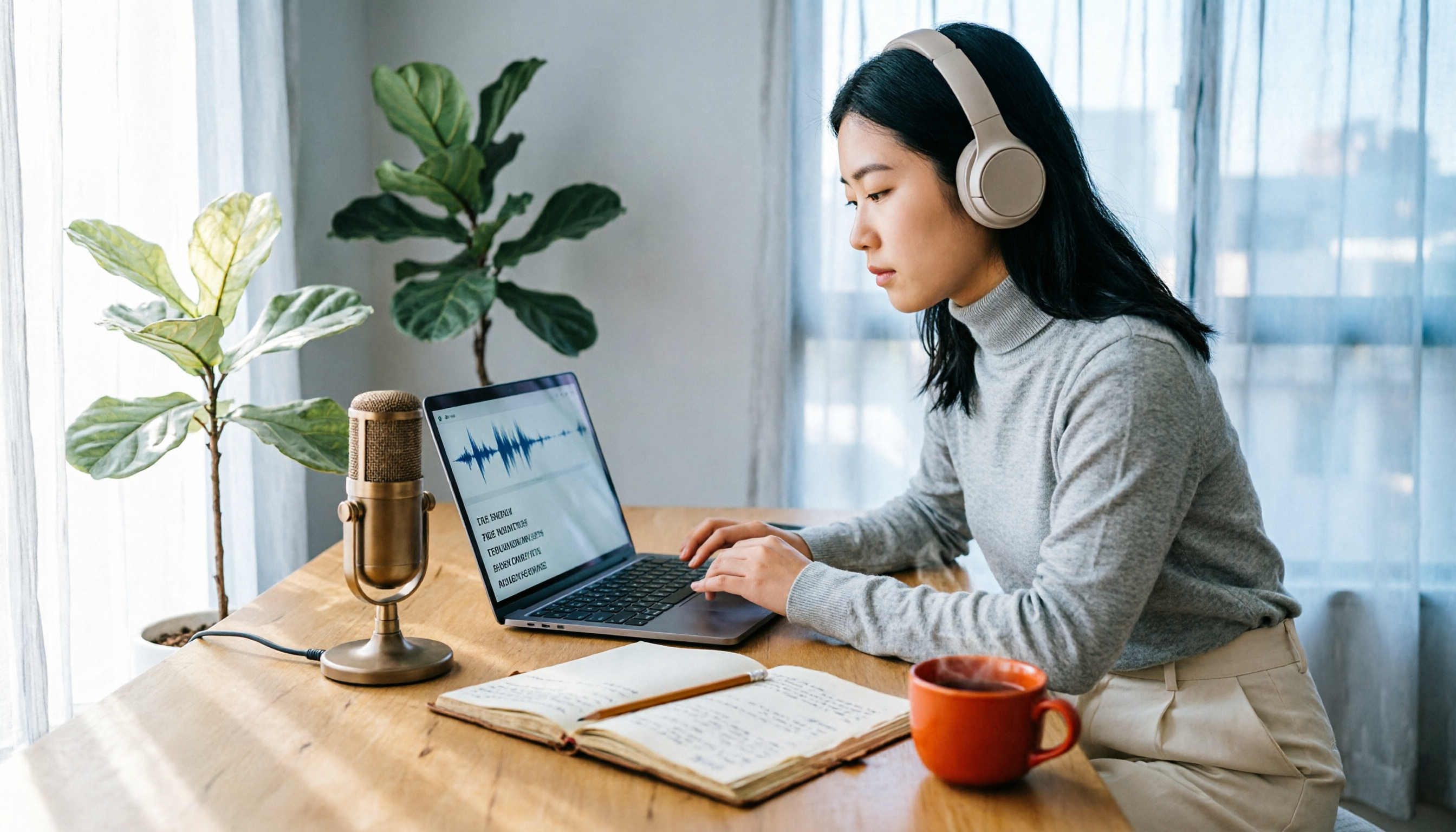
Turn recordings into transcripts and summaries in minutes
Upload audio or video for multilingual transcription, AI notes, and action items
What You Need Isn't Just a 'Speech-to-Text Tool'—It's 'Data You Can Use Afterward'
Let me start with an observation.
When people look for AI transcription tools, the first question is often: 'Which one is free?'
But what really bothers me isn't whether it's free or not.
It's what you do with the transcript afterward.
You sit in a two-hour meeting, get a 10,000-word transcript. Then what? You still have to read it all, find the key points yourself, organize the action items yourself, and decide which statements are conclusions.
Compared to manual transcription, this only saves you the 'typing' time.
But the time spent 'understanding the meeting' hasn't decreased at all.
So, this article isn't just about which tools are free.
It's about: among the free options, which tools can genuinely turn your recordings into 'workable data'?
If you're constantly chasing meeting notes, this will help.
Before Choosing an AI Transcription Tool, Think Through These 3 Things
In my experience, choosing the wrong tool usually comes from asking the wrong questions from the start.
First: Is 'Free' Truly Free, or Just a Free Trial?
This makes a big difference.
Many tools advertise 'free,' but actually give you a monthly quota of 30 or 60 minutes.
One meeting and it's gone.
Then the paywall pops up.
For those who meet daily, this kind of 'free' is just a taste of the workflow, not a real solution you can rely on.
Second: Does It Help You 'Understand' the Meeting?
If a tool only does speech-to-text,
you get a long text file.
But if it can automatically generate summaries, key points, and action items after transcription,
or even let you ask it directly: 'What was the conclusion of this meeting?'
then you're saving not just typing time, but also the time spent understanding and organizing.
Third: Where Does the Recording Come From?
Are you recording in-person meetings or online ones?
Is it a phone recording, or do you need to process accumulated audio files?
Different sources suit different tools.
Once you clarify these three things, you'll find it easier to pick the right tool.
Tinrec: Beyond the Free Plan, It's About Turning Meetings into Data
Many free tools on the market just transcribe and stop.
Tinrec is different.
It's an AI meeting notes and collaboration tool that supports live recording, online meeting recording, and uploading audio/video files for transcription.
But what caught my attention isn't the transcription itself.
It's the workflow after transcription.
For example,
after an online meeting, Tinrec gives me the transcript. Then, it automatically organizes summaries, chapters, key points, and action items extracted from the discussion.
I don't have to sift through 10,000 words.
I just look at the sections it's organized, and I know what was discussed and what's next.
Even more useful is the AI Q&A feature.
After recording, I can ask it: 'Who mentioned the budget in the last meeting?' 'What are the three concerns the client raised?'
It answers based on the meeting content, not just keyword search results.
This feature isn't available in many similar tools yet.
Additionally, Tinrec's desktop version doesn't require adding a bot to your online meetings.
Open the desktop app, and it captures the system audio directly, recording meetings on Zoom, Google Meet, Microsoft Teams, and similar platforms.
No need to have an unfamiliar bot account appear in your meetings—a plus for teams that prefer not to be disturbed.
It also has a free plan with basic credits to try recording, importing, summarizing, and transcription.
If you only occasionally transcribe a recording, the free plan is worth trying.
But if you have regular meetings every week, I'd suggest focusing on the 'post-transcription workflow' rather than just comparing free minutes.
Stop organizing recordings by hand
Upload audio or video and automatically get a transcript, summary, and action items
Because with the right tool and the right approach, you save not just an hour or two of typing.
You free yourself entirely from meeting notes.
Beyond Tinrec: 2 Other Free Options
NotebookLM: Free, but with a Different Approach
NotebookLM is Google's free AI note-taking assistant.
After you upload files, it can generate audio summaries and turn audio content into mind maps or presentation videos.
This differs from typical transcription tools.
It's more about 'quickly grasping the key points of a document' than providing a complete, editable, searchable transcript.
If you have a long interview recording and want to quickly know what it's about, NotebookLM is handy.
But if you need the transcript itself, along with the ability to ask follow-up questions, organize action items, and export to other tools, NotebookLM doesn't offer the same post-meeting workflow as Tinrec.
Yating Transcription: A Long-Standing Taiwanese Option, but Limited Free Space
Yating Transcription is a Taiwanese speech-to-text service with a solid reputation for Chinese recognition.
However, it's more focused on pure transcription.
After transcription, you still have to organize key points and find action items yourself.
Moreover, the free plan has noticeable limitations, and heavy users will quickly hit the paywall.
If you only need to occasionally transcribe a short recording, it's worth a try.
But if you want the tool to continue with summaries, Q&A, and action items after transcription, Yating doesn't have the follow-up capabilities of meeting collaboration tools like Tinrec.
Pitfall Guide: 3 Common Mistakes When Choosing AI Transcription Tools
Pitfall 1: Only Looking at 'Free' Without Checking 'How Long'
Many tools claim to be free but only give you a few dozen minutes per month.
After one or two meetings, your quota is gone.
The right approach is to estimate your weekly recording length first, then see if the free plan can cover your basic needs.
If not, either adjust how you use it or treat it as a trial, not your main tool.
Pitfall 2: Treating the 'Transcript' as the End Goal
This is the most common methodological mistake I see.
Many people transcribe, save the file, and think the job is done.
But the transcript is just raw material.
What's truly valuable is the summary, conclusions, and action items derived from it.
If your chosen tool only transcribes and doesn't help you organize, you've only saved 'typing time,' not 'understanding time.'
Pitfall 3: Ignoring Cross-Platform Needs
You might record on your phone today and need to organize on your computer tomorrow.
If the tool only supports one platform, you'll get stuck.
Before choosing a tool, think about where you most often record and where you organize.
Cross-platform capability is often more important than you think.
Summary: Which One Should You Choose?
Going back to the opening question.
If you only occasionally need to transcribe a recording, NotebookLM and Yating Transcription are worth trying.
But if you're constantly chasing meetings and want more than just a transcript—a complete workflow where you can 'see key points, track action items, and ask questions' after transcription—
then I'd suggest trying Tinrec first.
Here's a breakdown by scenario:
- Quickly grasp the key points of a long recording, create mind maps or presentations → NotebookLM
- Occasionally transcribe a short Chinese recording, no need for further organization → Yating Transcription
- Need full transcripts, AI summaries, action item extraction, AI Q&A, and online meeting recording → Tinrec
- Teams need to share meeting data, manage members and usage → Tinrec Team Plan
One last thought.
Free tools are great, but don't let 'free' dictate your choice.
What's truly worth investing in is a method that frees you from meeting notes.
Start with the free plan and test it with your own recordings.
If the workflow feels right, then consider upgrading.
Test gradually, and you'll master this approach over time.
References
- Unlimited Time! 3 Free AI Transcription Tools, Highly Recommended! AI Voice Notes for Meeting Minutes, Presentations, Mind Maps | 104 Career Force
- Asking the experts: Any recommended AI tools to convert audio files to transcripts?
- SoundType AI - Ultra-Precise Transcription, Speech-to-Text, AI Dictation App - App Store
- Home | Vocol.ai Voice Collaboration Platform
- Yating Transcription
Turn every recording into actionable outcomes
Get 60 free transcription minutes when you sign in. No credit card required.
Related Reading
You might also like

4 AI Meeting Recorder Tools Tested: Free Tiers and Chinese Meeting Support Compared (2026)
Is more free minutes always better? This hands-on comparison of Tinrec, Otter.ai, Notta, and Granola walks through real meeting workflows—how meetings get captured, what you get after transcription, Chinese-language performance, free tiers, and team permission management—plus four common selection mistakes and scenario-based recommendations.

2026 AI Meeting Notes Comparison: Tinrec vs Notta vs Otter.ai — Which Is Best?
After a two-hour meeting, your notes are just scattered fragments. This article compares Tinrec, Notta, and Otter.ai using the same criteria: how well they handle Chinese meetings, how they record online meetings, what you get after the meeting, whether teams can manage them, and how pricing works—so you can decide which one fits you best.

2026 AI Meeting Notes Software Comparison: Transcription Doesn't Equal Deliverable Minutes
Starting from the most common selection pitfalls, this hands-on comparison of Tinrec, Notta, Otter.ai, and PLAUD Note examines differences in meeting recording methods, post-meeting output, Chinese recognition, and team management. It also covers key buying criteria, pitfalls to avoid, and selection advice to help you find AI meeting notes software that truly saves post-meeting organization time.

How to Choose an AI Meeting Recorder in 2026: Testing 3 Tools + Tinrec Chinese Transcription and Post-Meeting Action Items
Before searching for 'which AI meeting recorder is best,' clarify your meeting language, recording method, and post-meeting needs. This article covers 4 key buying factors, hands-on comparisons of Tinrec, Otter.ai, Notta, and Granola, and 4 common pitfalls to help you choose the one you'll actually use.

2026 AI Meeting Notes Software Comparison: Free Tiers and Post-Meeting Organization—Which Is Enough?
A hands-on comparison of four AI meeting notes tools in 2026, covering recording methods, post-meeting outputs, AI Q&A, and team data ownership, plus three common buying mistakes to help you decide if a free plan is enough or a team plan is worth it.

Tinrec AI Meeting Recorder Review (2026): Bot-Free Recording & Chinese Transcripts
Most people choosing an AI meeting notes app ask 'which one is free' first, but overlook whether it understands Chinese, keeps audio files, and produces usable post-meeting output. This review compares Tinrec and Granola across 5 dimensions, with a 3-step getting-started guide and FAQs to help you decide which fits your meeting scenarios.

2026 AI Meeting Notes Free Plans Compared: 4 Tools at a Glance
Are free AI meeting notes tools good enough? This article compares Tinrec, Otter.ai, Notta, and TurboScribe on free quota calculation, per-session limits, Chinese recognition, and post-meeting organization, with hands-on testing to help you find the most suitable tool without spending money.

Which AI Meeting Notes Tool Is Best in 2026? 5 Steps to Find Your Perfect Fit
Spending extra time organizing meeting notes after a meeting is a common pain point for many office workers. This article starts from real-world usage scenarios and uses 5 steps to help you decide how to choose an AI meeting notes tool. Using Tinrec as an example, it explains how real-time transcription, AI summaries, action item extraction, AI Q&A, and team knowledge retention work in practice, helping you pick the one that truly works for you.

2026 AI Meeting Notes Tools Compared: Which Is Easiest to Learn and Fastest to Use?
Buying a meeting notes tool you can't use is more wasteful than not taking notes at all. Instead of stacking specs, this hands-on comparison looks at ease of learning across Tinrec, Otter.ai, Notta, Granola, and more. It breaks down four key factors that determine how quickly you can get up to speed, and honestly covers each tool's free tier, Chinese-language performance, and real limitations—so you can pick the one you can open and use right away.