

Turn recordings into transcripts and summaries in minutes
Upload audio or video for multilingual transcription, AI notes, and action items
Two Hours in a Meeting, Two More on Notes—You Don't Need Another Tool, You Need a Solution
If you work in a busy office, three or four meetings a day is the norm. After the meeting, you still have to listen to the recording and type up the transcript, often staying until 8 PM. That pain is something you never want to experience twice.
What's even more frustrating is Cantonese meetings: many speech-to-text tools claim to support Cantonese, but when you test them with an actual meeting recording that has background noise, the errors are so numerous you have to start over.
Choosing the right tool can solve all these problems at once. Below, we've compiled 5 AI transcription tools worth considering in 2026, from free plans to team versions, to help you save time on trial and error.
Before Choosing a Transcription Tool, Understand These 4 Key Points
First, is the free plan enough? Many tools' "free version" only gives you a few minutes to try, but real meetings last at least an hour, so the free allowance is nowhere near enough. Check how many minutes you get per month, not just the word "free."
Second, does it handle Cantonese and mixed Chinese-English? Meetings in Hong Kong often mix English and Cantonese. Even if a tool is great at English transcription, if it fails badly on Cantonese, it's useless.
Third, what can you do after transcription? The transcript is just the starting point; what really saves time is AI summaries, action item extraction, and the ability to ask questions about the meeting content. If you just get a long block of text and have to find the key points yourself, it's no different from typing it manually.
Fourth, do you need it for a team? If you're just organizing your own notes, a personal plan is enough. But if your whole team needs to share meeting notes and manage member usage, you'll need team features like roles and seat management.
Tinrec (秒听录音)—Top Pick After Real-World Testing
Tinrec is an AI meeting notes tool designed for individuals and teams, supporting iOS, Android, web, and desktop. What makes it stand out for Hong Kong users is its handling of Chinese and multilingual meetings.
No bot needed for online meetings. When joining Zoom, Google Meet, or Teams, you don't have to invite a bot into the call. Just open the Tinrec desktop app, and it captures the system audio directly, generating the transcript in real time. This is crucial for those who don't want to disrupt client meetings.
Ask questions and get answers after recording. This is the biggest difference between Tinrec and ordinary transcription tools. After the meeting, you can ask, "Who is following up on the budget from this meeting?" Tinrec uses semantic understanding to give you the answer directly, not just keyword search. Among competitors in the same price range, very few offer this AI chat query feature.
Auto-generated summaries and action items. No need to read through the transcript to find key points. Tinrec automatically generates chapters, summaries, action items, and even mind maps. You can also export to Notion, Google Docs, or OneNote for further use.
What about the free plan? The personal free plan includes basic credits to try recording, importing, and summaries. For regular use, the Pro monthly or annual plan offers better value. The team plan provides team spaces, member management, usage analytics, and audit logs, making it suitable for companies that want to turn meeting data into a team asset.
Stop organizing recordings by hand
Upload audio or video and automatically get a transcript, summary, and action items
Honest limitations. The free plan's credits may not be enough for heavy users, so an upgrade is needed. Also, accuracy can be affected by recording quality, background noise, and accents—don't expect any tool to be 100% perfect in noisy environments.
Who is it for? If you frequently record Cantonese or mixed Chinese-English meetings, want to use AI to find key points after recording, or need to share meeting data with your team, Tinrec is the most balanced choice right now.
Beyond Tinrec: What Other Options Are There?
Otter.ai: A mature choice for English meetings, with a generous free plan of 300 minutes per month for English content. However, its strength is in English business meetings; Cantonese and Traditional Chinese are not its focus. If you mainly record English content, Otter is a solid alternative, but for Chinese meeting notes and AI chat queries, Tinrec is a better fit.
Notta: Overlaps significantly with Tinrec, supporting multi-device transcription and translation. The free plan offers 120 minutes per month, but each session is capped at 3 minutes, which runs out quickly for meetings. Notta excels in subtitles and translation, but lacks features like bot-free online meeting recording and AI chat queries, making it less comprehensive than Tinrec.
Granola: An AI meeting notes tool without a bot, similar to Tinrec in that you don't need to invite a bot. However, Granola doesn't support uploading pre-recorded audio files and doesn't save meeting audio. If you need to organize historical recordings or want to keep audio files for reference, Tinrec is more suitable.
Pitfall Guide: 4 Common Mistakes When Choosing a Transcription Tool
Mistake 1: Only looking at the claimed accuracy rate. Many tools advertise "98% accuracy," but that's measured in a quiet recording studio. Real meetings have air conditioning noise, keyboard sounds, and people talking over each other, which significantly drops accuracy. The safest bet is to test with your own recordings for free.
Mistake 2: Ignoring the post-transcription workflow. If you only use it as "speech to text," you're using only a third of the tool's capability. Choose tools with AI summaries, action item extraction, and chat queries—that's what truly saves time.
Mistake 3: Not considering cross-platform needs. You might record on your iPhone today and need to organize on your computer tomorrow. If the tool doesn't support cross-platform use, it'll be painful. Check which platforms are supported before choosing.
Mistake 4: Uploading confidential recordings carelessly. Before using any cloud transcription tool, think about the data policy. For recordings involving client data, financial figures, or unreleased product info, confirm the tool's privacy terms. Team plans usually offer better data management and audit capabilities.
Summary: Which One Should You Choose?
In short: If you need Chinese and Cantonese meeting transcription, want to use AI to find key points after recording, and want your team to share meeting data, Tinrec is the top choice.
- Cantonese and mixed Chinese-English transcription → Tinrec (most solid Chinese experience)
- Want to ask "who's responsible for what" after recording → Tinrec (AI chat query is the core differentiator)
- Don't want to invite a bot to meetings → Tinrec or Granola (but Tinrec supports file import and audio retention)
- Team needs member, seat, and usage management → Tinrec for Teams
- Only recording English, zero budget → Otter.ai (the only scenario where we recommend a competitor)
We suggest downloading the Tinrec free version to try it out—it's enough for two or three meetings to see the effect. If you like it, then consider upgrading; there's no need to pay upfront.
References
- Master Meeting Notes! How to Use AI Speech-to-Text for Transcripts? Gemini Notebook, Gemini, EchoScript Guide | 104 Career Hub
- EP10 | Boss Wants Meeting Minutes: How to Choose AI Transcription Tools? – Nomad Studio
- Meeting Ink - 2026 AI Meeting Notes Tools Tested: 7 Speech-to-Text and Summary Speed Showdown | Meeting Ink - AI Meeting Notes Assistant, Auto-Transcribe and Summarize
- Home | Vocol.ai Voice Collaboration Platform
- Ultra-Fast AI Notes! 3-Hour Meeting Summarized in 1 Minute with Transcript and Auto Action Items! For Interviews and Notes, with Multilingual Real-Time Translation feat. TranscribePal AI - YouTube
Turn every recording into actionable outcomes
Get 60 free transcription minutes when you sign in. No credit card required.
Related Reading
You might also like

2026 Google Meet Note-Taking Tools Compared: Tinrec Leads for Chinese Transcription
Google Meet can't be purchased separately; business use requires a Google Workspace subscription. This article breaks down the differences between Google Meet free and paid versions, and compares Tinrec, Otter.ai, and Notta to help you find the best post-meeting solution for Chinese meetings.

Google Meet 2026 Update Review: Built-in Notes vs. Tinrec — Which Saves More Time?
We break down Google Meet's 2026 updates and compare its built-in meeting notes with Tinrec's AI recorder across recording methods, Chinese transcription, post-meeting organization, export, and team collaboration to help you decide which fits your meeting workflow.

Tinrec vs Notta 2026: 5-Dimension Comparison for Chinese Meeting Notes
Searching for Tenrec App brings up unrelated results. The real comparison is between meeting transcription tools. This article uses Tinrec as an example to walk through 5 steps from recording to meeting minutes, and compares Tinrec and Notta across 5 dimensions to help you decide which is better for your Chinese meeting scenarios.

2026 Comparison of 4 Google Meet Meeting Note Solutions: How Tinrec Turns Transcripts into Actionable Data
Google has never separately disclosed Google Meet revenue; 2024 figures are hidden within Workspace subscriptions and cloud business. This article compiles verifiable revenue context and compares the practical differences among four types of meeting note solutions, explaining how Tinrec uses bot-free desktop recording to turn meeting content from Google Meet, Teams, and Zoom into searchable, actionable team data.

Google Meet Transcription vs. Tinrec: Which Meeting Notes Tool Wins in 2026?
Google Meet's plans are tied to Google Workspace, with separate pricing and bundles in India. But built-in transcription only handles a single meeting—post-meeting organization, cross-platform consolidation, and team knowledge retention remain gaps. From a mid-level manager's practical perspective, this article explains how Tinrec fills these gaps with bot-free recording, AI Q&A, action item extraction, and team spaces.

How to Buy Google Meet Recording in 2026: 4 Steps to the Best Deal
Does Google Meet recording cost money? Why can't free users find the record button? Starting from a student budget, this guide uses 4 steps to help you decide whether to upgrade to Workspace, use built-in recording, or switch to a bot-free AI meeting notes tool like Tinrec, with buying criteria and pitfalls to avoid.

Tinrec vs Google Meet in 2026: 4 Key Differences to Know Before You Pay
People searching for Google Meet purchase price usually want to know: Do I need to pay for meetings, and where should the money go? This article breaks down Google Meet's pricing logic using real scenarios for students and small teams, and explains how Tinrec fills the gap in meeting notes, transcripts, and action items so you can decide before paying.

Arsenal vs Nottingham Forest Preview 2026: 3 Key Storylines and H2H Data
On October 18, 2026, Nottingham Forest host Arsenal in Premier League Matchday 7. This preview covers kickoff time, both teams' recent form, head-to-head record, and injury lists to help you get up to speed before the match.
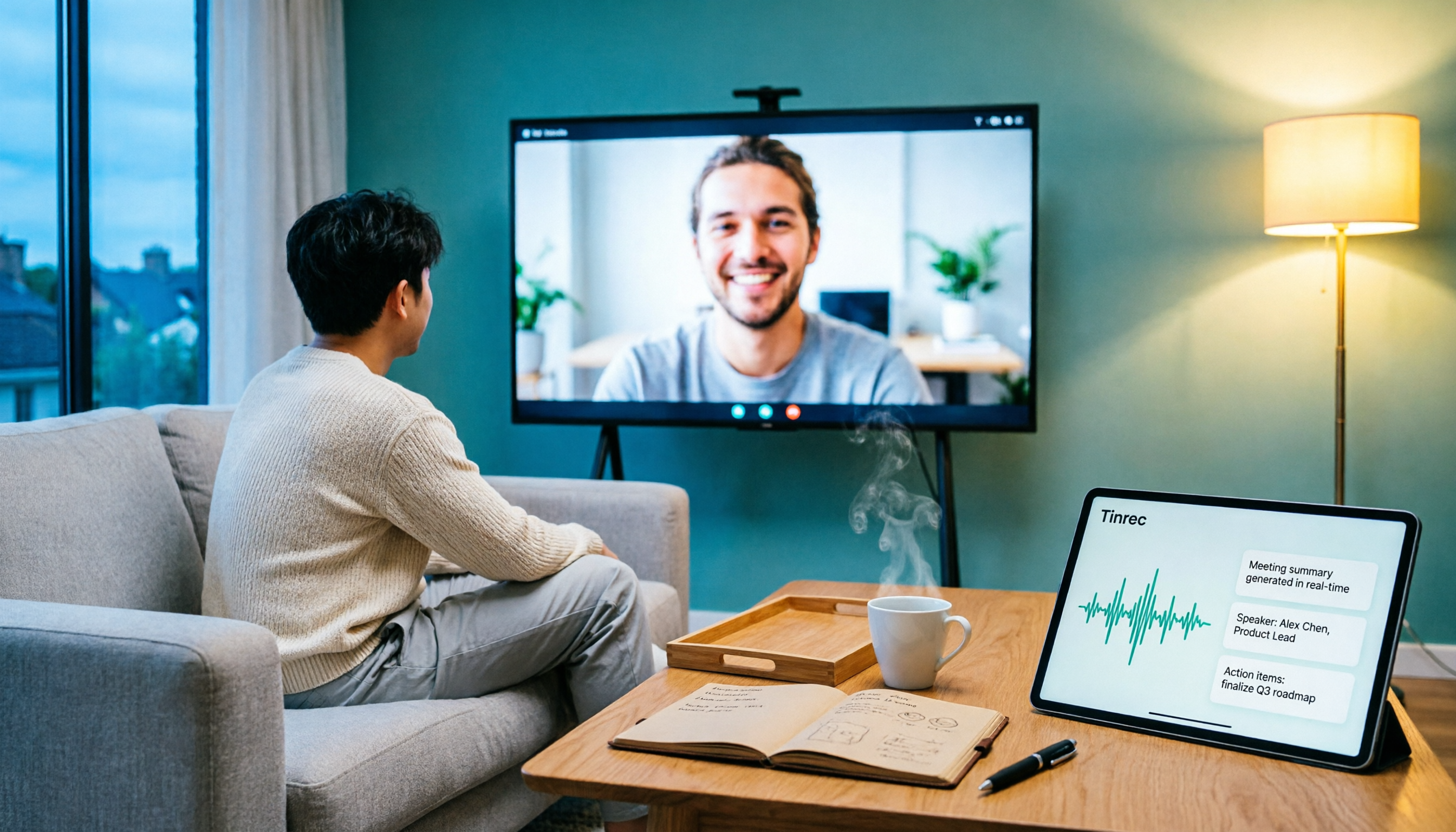
5 Ways to Put Google Meet on TV in 2026: Real-World Comparison and How to Capture Meetings on the Big Screen
To get Google Meet on your TV, you need to solve two problems: how to get the picture on the big screen, and where the meeting content goes after it ends. This guide covers 5 methods, from bot-free recording to Chromecast casting, Android TV calling, and browser-based options, explaining when each one makes sense.