

Turn recordings into transcripts and summaries in minutes
Upload audio or video for multilingual transcription, AI notes, and action items
Have you ever counted: a 1-hour meeting, then 40 minutes after to organize the transcript and action items, replaying the recording and manually typing out the key points. Worse, with mixed Chinese-English and lots of jargon, you still have to go back and listen to the original audio to confirm.
If you're considering using Otter.ai for Chinese meetings, this article directly answers your biggest questions: Does Otter have a Chinese version, how good is its Traditional Chinese support, and which tool is better for Taiwan users right now.
Before Choosing a Chinese Meeting Notes Tool, Understand These 4 Key Points
1. Official language support doesn't equal a good Traditional Chinese experience.
Otter.ai's official language list currently includes English, Spanish, French, German, Japanese, and Chinese (Simplified). Traditional Chinese is not listed as an officially supported language. If Taiwan users test it with Traditional Chinese meetings, they can't assume that Taiwan-specific terms, accents, and English abbreviations will be correctly recognized.
2. Post-transcription organization is what actually saves time.
If the tool just turns audio into a wall of text, you still have to find the key points yourself. What really saves time is automatic summaries, action items, and AI Q&A where you can ask, "Who mentioned the budget in the last meeting?"
3. Match the free quota to your meeting frequency.
The free tier sounds appealing, but per-meeting duration limits, monthly transcription minutes, and file import limits all affect whether it's actually enough. Someone who uses it occasionally and someone who has 5 meetings a week need completely different plans.
4. How the tool records online meetings affects usability.
Some tools require a "bot" to join Zoom, Meet, or Teams, while others capture the computer's system audio directly, without needing an extra participant. If you often have external meetings or don't want clients to see a strange bot account, this difference matters.
Tinrec (Miao Ting Lu Yin) – Top Pick After Testing for Traditional Chinese Meetings
Tinrec is an AI meeting notes and collaboration tool for individuals and teams. It doesn't just transcribe audio; it turns meeting content into searchable, summarizable, queryable, and exportable data.
Chinese and Traditional Chinese meetings are Tinrec's strength.
Tinrec supports Chinese, Traditional Chinese, and multilingual meetings, and offers real-time translation and bilingual transcripts. Unlike Otter.ai, which is designed with English business meetings in mind, Tinrec is better suited to the mixed Chinese-English, Traditional Chinese terminology, and professional jargon scenarios common for Taiwan users. The team plan also lets you set "team keywords" to pre-define company names, product names, and people's names, improving recognition accuracy for specialized vocabulary.
No meeting bot required.
Tinrec's desktop app captures the computer's system audio directly, handling online meetings on Zoom, Google Meet, Microsoft Teams, Webex, and more. You don't need to add an extra bot to the meeting, and the meeting screen won't show a strange extra participant.
It's not just a transcript.
After recording, Tinrec automatically generates summaries, chapters, key points, and action items. You can also ask questions about the meeting content, like "What follow-up actions were decided in this meeting?" or "What budget constraints did the client mention?" It answers based on semantic understanding, not just keyword search results.
More complete export and team collaboration.
Meeting results can be exported to Notion, Google Docs, OneNote, Dropbox, and more. The team plan provides a dedicated team space where meeting data belongs to the team, new members can view historical meetings, and admins can manage seats, view usage, and audit logs. Even if a member leaves, the meeting data doesn't disappear.
Stop organizing recordings by hand
Upload audio or video and automatically get a transcript, summary, and action items
We'll be honest about limitations.
File and web imports in Tinrec consume shared team import minutes, and the personal plan has different limits. Actual transcription quality can still be affected by recording quality, background noise, accents, and overlapping speech. For important numbers or contract details, we recommend cross-checking against the original audio at the transcript's timestamps.
Who is it for?
If you mainly handle Traditional Chinese or mixed Chinese-English meetings, don't want a meeting bot, need AI Q&A and action item organization after meetings, and want to turn meeting data into a team asset, Tinrec is the best choice right now.
What Other Options Are There Besides Tinrec?
Otter.ai: Mature for English meetings, but Traditional Chinese support is still limited.
Otter.ai is a mature AI meeting assistant with solid English transcription, speaker separation, meeting summaries, and team management. However, its official language list only includes Chinese (Simplified), and Traditional Chinese is not officially supported. If your meetings are mostly in English, Otter is still worth considering. But if they're mostly in Traditional Chinese or mixed Chinese-English, Otter's speech recognition may fail early, and the Chinese summaries are just reorganizing incorrect transcripts. Tinrec is better for users who need Traditional Chinese transcription, real-time translation, and team data consolidation.
Notta: Strong multilingual transcription, but similar positioning to Tinrec.
Notta also supports multi-device transcription, meeting notes, file imports, and translation. The free plan offers 120 minutes per month, with a 3-minute limit per recording. It overlaps significantly with Tinrec, but Tinrec emphasizes bot-free online meeting recording, team spaces, AI Q&A, and agent-based post-processing. If you mainly need bulk file transcription and subtitles, Notta is worth comparing. If you need post-meeting organization and team collaboration, Tinrec is more complete.
Pitfall Guide: 3 Common Mistakes When Choosing a Chinese Meeting Notes Tool
Pitfall 1: Confusing "Otter Chat can translate" with "Otter supports Traditional Chinese."
Otter Chat can translate meeting content into other languages and lets you ask questions in Chinese, but that doesn't mean the original audio was accurately transcribed into Traditional Chinese. If the speech recognition fails at step one, the translation and summary are just processing a flawed transcript.
Pitfall 2: Only looking at the official language count, not testing with real recordings.
We recommend testing with three real recordings: one pure Chinese meeting, one mixed Chinese-English discussion, and one with multiple speakers and background noise. Check company names, people's names, numbers, dates, jargon, and action items. The risk of one wrong key number is usually greater than missing a few filler words.
Pitfall 3: Treating the tool as just "audio-to-text" and ignoring post-meeting organization.
If you just get a long transcript after recording, you'll still have to organize it manually. Tools like Tinrec with AI Q&A, action item extraction, and summaries let you ask "What was the meeting conclusion?" right after recording, which is much faster than manually going through 30 minutes of transcript.
Summary: Which One Should You Choose?
If your core question is "Does Otter.ai have Chinese?" the answer is: it has Simplified Chinese, but no official Traditional Chinese support. For Taiwan users, if your meetings are mostly in English, Otter.ai is still a mature option. If they're mostly in Traditional Chinese or mixed Chinese-English, we recommend Tinrec.
Scenario-based recommendations:
- Traditional Chinese or mixed Chinese-English meetings, need high-quality Chinese transcripts → Tinrec
- Don't want a meeting bot joining Zoom, Meet, or Teams → Tinrec
- Want to use AI to find key points and organize action items after recording → Tinrec
- Want to turn meeting data into a searchable team asset → Tinrec
- Meetings are almost entirely in English, need a mature English meeting assistant → Otter.ai
We recommend testing with your own meeting recordings using the free plan first, to confirm that Chinese recognition, speaker separation, and export formats meet your needs before paying.
References
- Does Otter.ai Support Chinese? Simplified Chinese Limitations, Free 300 Minutes & Tutorial | Mason AI Lab
- 2026 Otter.ai Review: Complete Chinese Tutorial, Features, Pricing, and User Experience | Meeting Notes & Auto Transcript Helper - RosyArts
- Otter.ai Doesn't Support Chinese? 2026 Best Chinese Speech-to-Text and AI Meeting Notes Alternative - Miao Ting Lu Yin Blog
- [Otter AI Tutorial & Review] Does It Support Chinese? Otter AI Features, Pricing, and Usage Guide - Leading Era
- Can Otter.ai Be Used in Chinese? 2026 Chinese Speech-to-Text Tool Review and Recommendations - Miao Ting Lu Yin Blog
Turn every recording into actionable outcomes
Get 60 free transcription minutes when you sign in. No credit card required.
Related Reading
You might also like

Using Phone Call Recordings as Evidence in 2026: 3 Legal Conditions + Key Differences Between Civil and Criminal Cases
Can phone call recordings be used as evidence? This article explores the differences between criminal and civil proceedings, outlining 3 legal conditions for recording evidence, 3 situations that may violate criminal privacy laws, and key considerations before recording calls to help you preserve conversations safely.

5 Best To-Do List Apps of 2026 Compared: TickTick, Things 3, Microsoft To Do—Which One Is Worth It?
A practical comparison of 5 to-do list apps frequently discussed on PTT, including TickTick, Things 3, and Microsoft To Do. We evaluate them based on real needs—categorization, subtasks, cross-platform support, shared lists, and home screen badge counts—to help you find the perfect task manager.

2026 AI Meeting Notes Tools Compared: How to Choose the Best Voice-to-Text App (Reddit & PTT Insights)
Spending two hours in a meeting and another two organizing the notes? This guide breaks down the AI meeting notes tools most discussed on PTT and online communities, helping you build a sustainable workflow from recording to transcript to action items to team sharing. We compare Tinrec, Otter, Notta, and others in real-world scenarios to help you find the option that actually saves you time.

4 To-Do Apps Compared in 2026: Which Free Plan Works Best for Students?
A senior information management student tests Apple Reminders, Microsoft To Do, Google Tasks, and Pomodoro timer apps across class, group project, and final exam scenarios to determine which to-do app suits students best and whether free tiers are sufficient.

4 Call Recorder Apps Tested in 2026: Which One Offers Truly Reliable Auto-Recording?
How do you choose a call recorder app? This article tests Call Recorder - CallsBox, Cube ACR, Rev Call Recorder, and the built-in iPhone feature, covering auto-recording reliability, audio quality, VoIP support, and free plans to help you find the best call recording tool.

2026 Tested: 3 Free Call Recorder Apps Compared – Which Android Auto-Recording Is Most Reliable?
A call recorder app isn't just about installing it—Android version compatibility, auto-recording stability, and file management are what really matter. This article tests 3 free call recorder tools and explains practical workarounds for iPhone users, helping you avoid common issues like missed recordings and hard-to-find files.
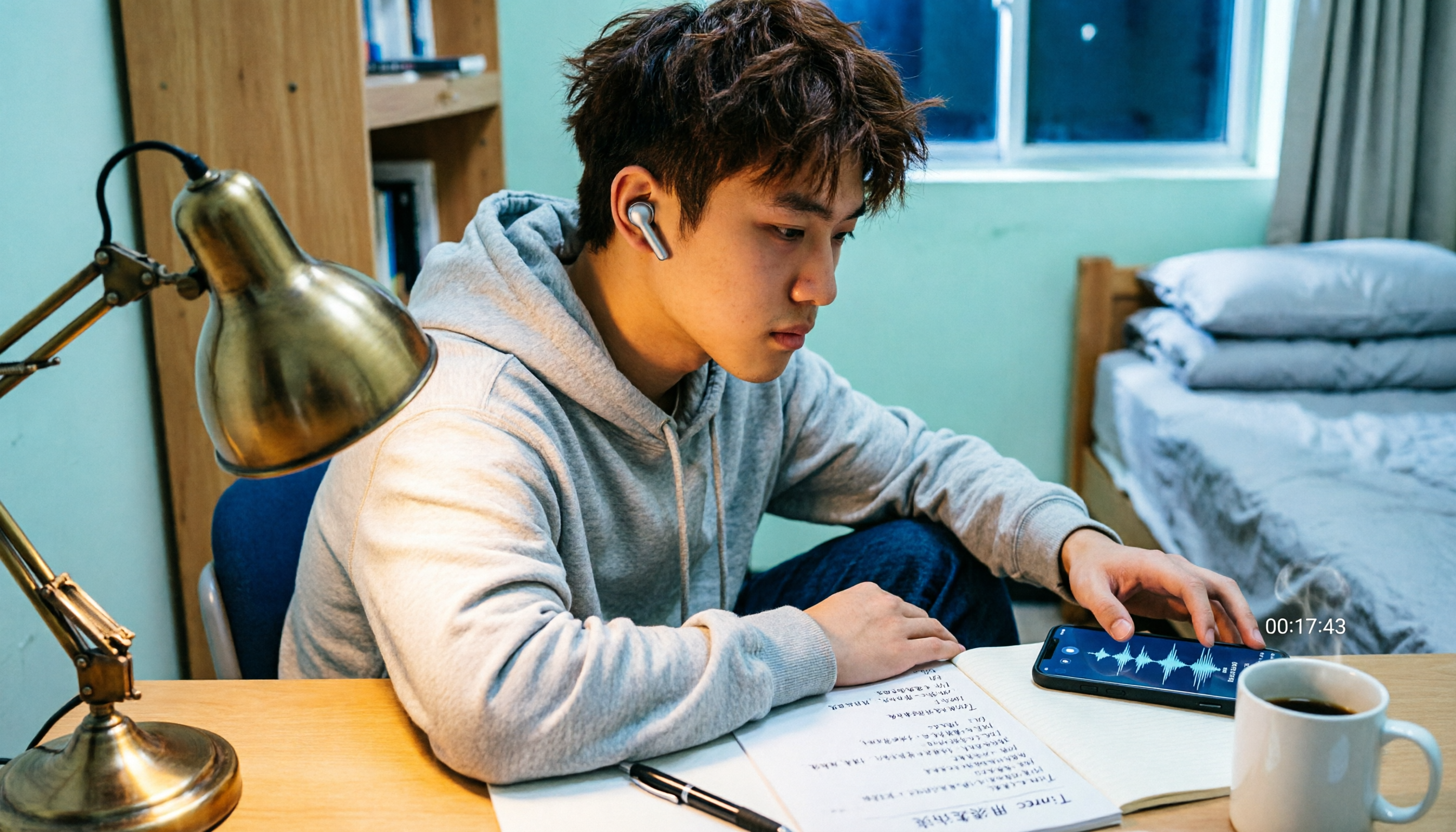
The Complete Guide to iPhone Call Recording Apps in 2026: Free Options, Built-in Features, and Student-Tested Insights
A senior student tests iPhone call recording methods: iOS built-in recording, free apps, and third-party tools. From class interviews and group discussions to interview calls, find out which options are budget-friendly and actually work.

How to Choose a Desktop To-Do App? 5 Best Desktop Task Management Tools in 2026
Looking for a desktop to-do app but not sure where to start? This article rounds up the desktop task management tools worth trying in 2026, from Microsoft To Do, Google Tasks, and TickTick to desktop widgets. Get a quick overview of each option's features, free limitations, and ideal use cases to find the task management approach that truly fits your needs.

4 Call Recorder Apps Tested in 2026: How to Choose Between Call Recording and AI Transcription
Looking for the best call recorder app? This article compares 4 tools based on call recording, LINE recording, post-recording organization, and free plans, while explaining the limitations of iPhone and Android call recording and more practical approaches.