

Turn recordings into transcripts and summaries in minutes
Upload audio or video for multilingual transcription, AI notes, and action items
Why You Need to Decide First: Voice Recorder or Smartphone?
You're preparing to take notes for an important meeting, and the first question that comes to mind is: should I buy a professional voice recorder, or just use my smartphone?
There's no one-size-fits-all answer, but consider your scenario: in a quiet meeting room with close-range conversations, a smartphone is usually sufficient. For large presentations, outdoor interviews, or situations requiring long, stable recording, a voice recorder still has advantages.
But the real key is often not 'recording it' but 'what to do after recording.' Transcripts, summaries, action items, team sharing—these are where time is saved.
So this article not only compares hardware but also includes AI meeting note tools, so you can see the full picture at once.
Option 1 | Tinrec — The Most Complete AI Meeting Notes Assistant
In one sentence: turn meetings into searchable, collaborative, actionable data without extra hardware.
Tinrec's desktop version directly captures your computer's system audio, handling online meetings on Zoom, Google Meet, Microsoft Teams, Webex, and more—no meeting bot required. Just open Tinrec and start recording to transcribe in real time.
After recording, it automatically generates summaries, chapters, key points, and action items, and even allows AI Q&A about the meeting content—this is its biggest difference from other recording tools. You can directly ask: 'What did the client care about most this time?' 'What was decided in last week's meeting?' without re-listening to the entire recording.
It also supports importing audio/video files, real-time translation, multi-format export, and generating reports, tables, and meeting minutes. The team version offers independent team spaces, where meeting data belongs to the team, and you can manage members, roles, seats, usage, and audit logs.
The free version lets you try basic quotas; the weekly card suits short-term high-frequency use; Pro monthly and annual cards are for steady use. Team version is USD 29.80 per paid seat per month, or USD 199 per paid seat per year. Eligible first-time users can try 7 days, 1 free seat, and 300 minutes of shared import quota.
Who it's for: those who need Chinese meeting notes, mixed Chinese-English organization, bot-free recording of online meetings, and want to turn meetings into team assets.
Option 2 | Professional Voice Recorder (Sony, Philips, etc.) — The Hardware Approach Focused on Audio Capture
Positioning: A standalone device built specifically for recording sound.
The core highlights are microphone arrays and noise reduction algorithms, which typically provide more stable audio capture than smartphones in large venues, outdoor interviews, or when far from the speaker. It has strong battery life, independent storage, and recording won't be interrupted by calls or notifications.
Paid plans vary by brand and capacity, with no unified free option. Suitable for those who need ultimate sound quality, long recordings, evidence collection, or music creation. Downsides: you need to carry an extra device, and transferring files to phone or computer is more cumbersome.
Option 3 | Built-in Smartphone Recording — The Most Convenient but Most Interruptible Option
Positioning: Free, always with you, zero learning curve.
In a quiet meeting room or close-range conversation, smartphone recording is sufficient. No extra device needed, and you can transcribe directly with an app after recording.
But smartphones aren't designed for recording; calls and message notifications can interrupt recording, and file export is relatively troublesome. Suitable for occasional notes, impromptu meetings, not for long or professional needs.
Stop organizing recordings by hand
Upload audio or video and automatically get a transcript, summary, and action items
Option 4 | AI Recording Hardware (PLAUD Note / NotePin) — Wearable Recording Devices
Positioning: Standalone hardware paired with AI services.
These devices emphasize wearable recording, phone call recording, and long battery life. Users buy the device and app experience. PLAUD NotePin is priced at USD 159, Note Pro at USD 189; membership plans range from 300 minutes per month to USD 99.99/year, USD 239.99/year, subject to official pages.
Suitable for those who need a physical device, are often on the go, and value wearing convenience. But you need to carry an extra device, and handling online meetings is less direct than software solutions.
Option 5 | Meeting Bots (Otter.ai / Fireflies.ai) — AI Assistants That Join Meetings Automatically
Positioning: Join online meetings as a bot, automatically record and summarize.
Otter.ai Basic is free with 300 minutes per month, Pro annual is about USD 8.49/user/month; Fireflies.ai has a free version, Pro USD 10/seat/month, Business USD 19/seat/month, subject to official pages. They are more mature in English business meetings, automation, and integrations.
Suitable for teams accustomed to fully automated workflows, primarily English meetings. But bots joining meetings require host approval, and the Chinese experience may not meet needs.
Option 6 | Platform Built-in Transcription (Zoom / Google Meet / Teams) — For Those Who Don't Want to Install Tools
Positioning: Basic transcription provided by the meeting platform itself.
If you only occasionally need transcripts and don't want to install extra tools, built-in platform features are the easiest. Some paid plans include transcription, but post-meeting organization, Q&A, and cross-platform databases are usually weaker.
Suitable for temporary use, single-platform meetings, not for teams needing long-term meeting asset accumulation.
With So Many Options, How Should You Choose?
• Want the most complete AI features (transcription + AI Q&A + auto summaries + action items) → Tinrec (one of the few with all these features)
• Need Chinese meetings, mixed Chinese-English, real-time translation → Tinrec
• Want bot-free recording of Zoom, Meet, Teams, Webex → Tinrec desktop version
• Need team sharing of meeting data, manage roles and seats → Tinrec team version
• Zero budget, only occasional transcription of a recording → Built-in smartphone recording or platform transcription
• Need ultimate sound quality, large venues or outdoor recording → Professional voice recorder
• Want wearable hardware, phone call recording → AI recording hardware (e.g., PLAUD)
For most knowledge workers, the best solution isn't either/or, but 'smartphone or recorder handles recording, Tinrec handles organization and collaboration.' This way you keep hardware flexibility and get a complete post-meeting workflow.
3 Things to Know Before Using Recording Tools
- Confirm laws and consent before recording. Different regions have different regulations on recording; for important meetings, it's best to inform participants first.
- Don't settle for just transcripts. Transcripts are raw material; summaries, action items, and AI Q&A are the key to saving time. This is why tools like Tinrec exist.
- For team use, distinguish roles and seats. In Tinrec's team version, roles determine governance permissions, seats determine whether one can record, upload, and edit; active members without a seat can still view and play team data.
Conclusion
Voice recorders and smartphones don't completely replace each other; they are tools for different scenarios. Smartphones are convenient, recorders are focused, but both only solve the 'recording' part.
The real efficiency gap happens after recording. Tinrec brings together transcripts, summaries, action items, AI Q&A, and team spaces, making meeting content searchable, queryable, and actionable.
If you already have a smartphone or recorder, start with the free version, import your next meeting recording into Tinrec, and feel the difference of 'no need to re-listen after recording.' Test gradually, and you'll find the meeting notes method that suits you best.
References
- Expert-Reviewed Top 10 Voice Recorder Recommendations | mybest
- Voice Recorder vs Smartphone: 2026 Meeting Notes and Transcription Tools Full Analysis, from Hardware Selection to AI Software Practice - Tinrec Blog
- 2024 Ten Multifunctional Voice Recorders Recommendations: Camera Microphone, Band Recording, USB Microphone, Audio Interface, Meetings, Learning, Evidence Collection All in One! | SV Music Store
- 2026 Voice Recorder Recommendations: How to Protect Yourself with Sound? 7 Private Voice Recorders to Avoid Pitfalls | SeventeenDesign's Salon
- Unboxing Experience: Is a Professional 'Pen' Better for Recording? Sony Voice Recorder ICD-UX570F vs Smartphone Samsung S20 Plus - YouTube
Turn every recording into actionable outcomes
Get 60 free transcription minutes when you sign in. No credit card required.
Related Reading
You might also like

Notta vs Noota: What's the Difference? 2026 Hands-On Test of 3 Tools — Tinrec Wins for Chinese Meetings
Many people search for "notta vs nada" but are actually confusing product names. This article starts by clearing up the naming confusion, then hands-on tests three AI meeting tools — Tinrec, Notta, and Noota — comparing Chinese recognition, recording methods, post-meeting output, and team management, plus key buying tips and common pitfalls.

2026 Transcription App Review: 3 Key Factors—Free Quotas and Chinese Recognition
How do you choose a transcription app? This article addresses three common pitfalls, explaining the three key factors: free quotas, Chinese and mixed Chinese-English recognition, and post-meeting organization. It uses Tinrec as an example to demonstrate the complete workflow from recording, transcription, summarization, to-dos, to export, and covers practical scenarios and FAQs for meetings, classes, interviews, and content creation.

Notta vs Sonix 2026 Review: Which of 3 Meeting Transcription Tools Is Best for Chinese Meetings?
Notta or Sonix? This review compares pricing, language support, and post-meeting organization using the same criteria, plus hands-on experience with Tinrec, covering bot-free meeting recording, AI Q&A, and action item extraction to help you choose the most time-saving tool for your meeting scenario.

2026 Voice Recorder Buying Guide: Specs, Features, and a Hands-On Test of Tinrec
How do you choose a voice recorder without getting burned? We break down the three most common buying mistakes—from microphone setup and storage to post-meeting organization—and compare Tinrec and PLAUD Note from a student's perspective on Chinese transcription, online meetings, pricing, and team collaboration, so you can find a recording solution you'll actually use.
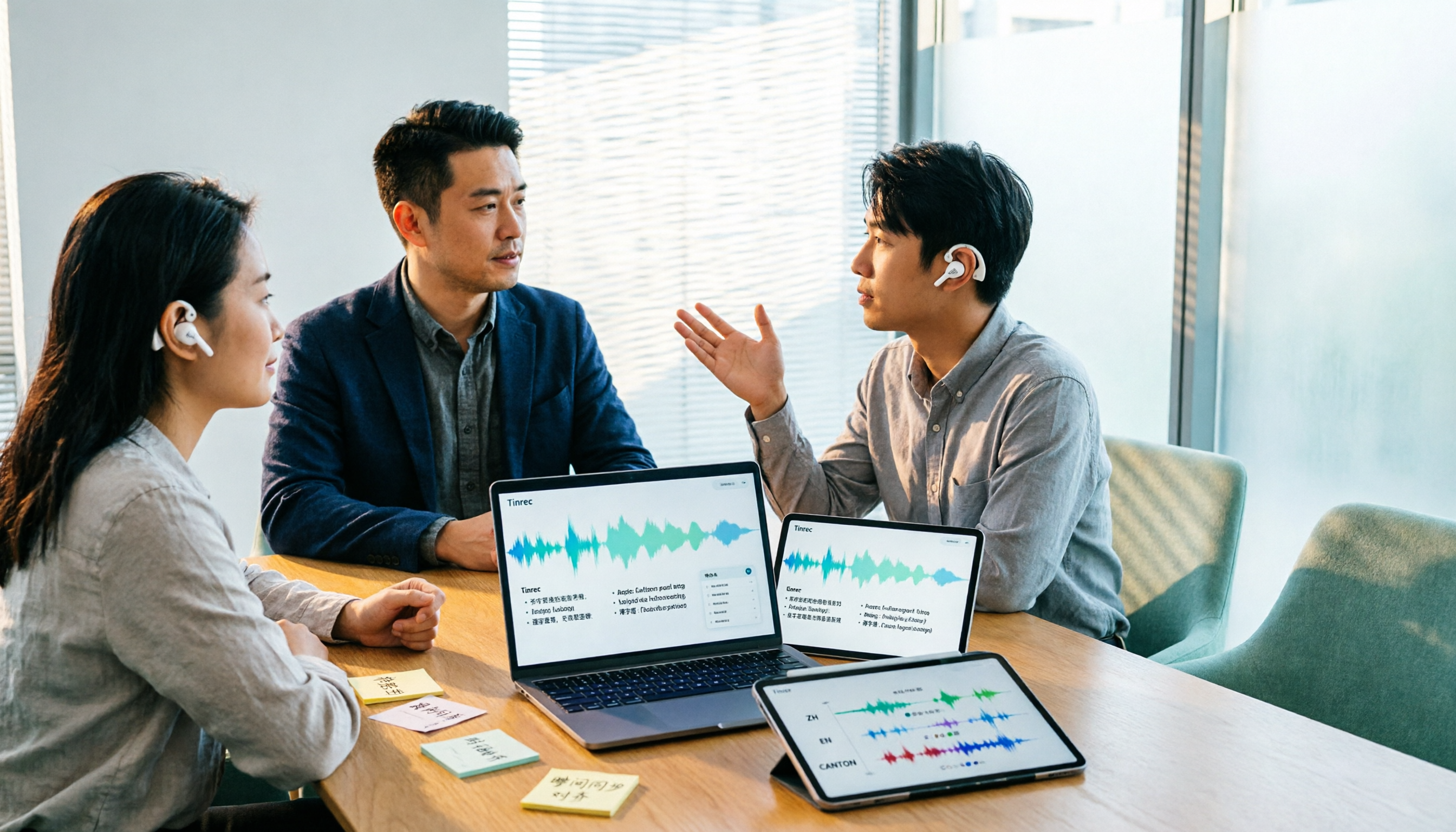
Notta AI Alternatives in 2026: 5-Dimension Comparison for Chinese-Language Meeting Teams
After two years with Notta, I started looking for alternatives. From the perspective of a mid-level manager, this article compares Notta and Tinrec across 5 dimensions: online meeting capture methods, post-transcription organization, Chinese and cross-language experience, team workspace and seat governance, and pricing and usage metrics—with an honest take on who each tool suits best.

Notta vs Otter.ai in 2026: 5-Dimension Comparison and Why Chinese-Speaking Teams Should Choose Tinrec
Many people choose AI meeting tools by counting free minutes, only to find they still have to re-listen, write summaries, and extract action items. This article breaks down the differences between Notta and Otter.ai across 5 dimensions, and uses Tinrec as an example to explain why Chinese meetings, bot-free online recording, and team data retention save more time.

Google Meet vs Zoom 2026 Review: How Tinrec Completes Meeting Notes and Team Knowledge
Google Meet and Zoom each have strengths, but after a meeting, transcripts, summaries, and action items often end up scattered. This article compares their positioning from real office scenarios and explains how Tinrec fills the last gap from meeting recording to post-meeting delivery with desktop bot-free recording and team spaces.

2026 Meeting Notes Tools Compared: What's the Difference Between a Bad Taper and a Good Taper?
When meeting notes go wrong, the problem is often not the recording tool but the wrap-up. This article looks at the difference between a bad taper and a good taper, covers 3 key factors for choosing a meeting notes tool, shares hands-on experience with Tinrec, compares the positioning of Granola, Notta, and PLAUD, and highlights the 3 most common pitfalls.

2026 AI Meeting Transcription Tools Compared: Notta vs Otter vs Tinrec
Reddit discussions about Notta vs Otter often focus only on price and free minutes. This article compares Notta, Otter, and Tinrec across four decision factors: meeting type, Chinese recognition, post-meeting organization, and team collaboration, to help you choose the best AI meeting transcription tool for your workflow.