

Turn recordings into transcripts and summaries in minutes
Upload audio or video for multilingual transcription, AI notes, and action items
You Might Be Buying the Wrong Kind of Voice Recorder
In the second semester of my junior year, I bought my first voice recorder: 8GB, advertised as stereo, with a charging cable. At the time, the specs looked impressive. But when I opened the folder at the end of the semester, I found over 40 audio files—and I hadn't listened back to a single one.
Later, I realized most people fall into these three traps when choosing a voice recorder:
Mistake 1: Assuming "stereo" microphones are always better. It depends on what you're recording. A single microphone picks up sound consistently and is great for class notes and memos; stereo left-right microphones can capture depth and direction, but if you're just placing it on a desk to record a lecture, the difference is limited. What really makes a difference is the directional design—the ability to focus on sound sources in front and reduce background noise, so you can capture clear voices even in a café or noisy classroom.
Mistake 2: Looking only at the storage number. For MP3 format, 8GB can record about 130 hours, which is plenty for a semester of classes. But if you're recording music performances or large lectures and switch to LPCM high-quality format, storage gets used up quickly. In that case, choose a model with 16GB or more, or one that supports memory card expansion (some products support up to 256GB).
Mistake 3: Thinking that buying a voice recorder means you have notes. This was my biggest lesson. A voice recorder solves "recording it," but it doesn't solve "who's going to listen to it." A semester is 18 weeks, with two 2-hour classes per week—that's 72 hours of audio. You can't possibly listen to all of it. The real barrier isn't the hardware; it's post-meeting organization.
In this article, I'll use the mistakes I made to explain how to choose specs, then do a hands-on comparison of two approaches: buying an AI recording device (PLAUD Note) versus using a software solution (Tinrec).
Tinrec vs PLAUD Note | Quick Overview
- Tinrec: A software approach that works on web, desktop, and mobile. The desktop version can capture system audio to record online meetings and turn recordings into transcripts, summaries, and to-dos.
- PLAUD Note: A hardware approach focused on portable recording and long battery life, used with an app and a membership plan.
| Item | Tinrec | PLAUD Note |
|---|---|---|
| Form | Software (no extra hardware) | Physical recording device |
| Pricing reference | Free version available; weekly pass, Pro monthly, and annual plans; Team plan USD 29.80 per paid seat per month | Per official page: NotePin USD 159, Note Pro USD 189; Starter membership 300 minutes per month, Pro USD 99.99 per year |
| Core difference | Bot-free online meeting recording, post-meeting AI organization, team workspace | Portable recording, phone call recording, hardware controls |
Below, we compare across five dimensions. Prices and plan details may change; please refer to both official pages before ordering.
Dimension 1 | Recording Method: Portable Hardware vs Desktop Bot-Free
PLAUD Note's strength is portability. For classes, commuting, or impromptu interviews, you press a button and record. Long battery life makes it suitable for users who are out all day, and phone call recording is a scenario only hardware can handle.
Tinrec takes a different path: the desktop version directly captures computer system audio to handle Zoom, Google Meet, Microsoft Teams, Webex, and other online meetings without adding a meeting bot to the room. For offline scenarios, you use the mobile app to record on the fly. Note that Tinrec requires you to actively start recording; it does not automatically join all meetings.
Conclusion for this dimension: If my classes are in person and I need something pocket-sized, hardware has its value. But many classes are now online, and group presentations are almost always on Meet. In that case, Tinrec's desktop recording is closer to actual needs, and you don't have to carry an extra device.
Dimension 2 | Chinese Transcription and Post-Meeting Organization
PLAUD offers summaries, templates, and Q&A features, suitable for quickly producing key points after recording. But it is essentially a "recording device + app" combination.
Tinrec focuses on the workflow after transcription: transcripts, AI summaries, chapters and highlights, to-do extraction, mind maps, and AI Q&A to follow up on meeting details. It also supports real-time translation and original/translated/bilingual views. Output can be exported to Notion, Google Docs, OneNote, Dropbox, and other tools for further processing, and Agent post-processing can generate reports, tables, and meeting minutes.
Stop organizing recordings by hand
Upload audio or video and automatically get a transcript, summary, and action items
Actual results are affected by recording quality, noise, accents, overlapping speakers, and technical terms. The official documentation also does not recommend promising a fixed accuracy rate.
Conclusion for this dimension: If what I care about is whether a recording can directly become readable, searchable, and shareable material, Tinrec's approach is much more complete.
Dimension 3 | Cost: One-Time Hardware vs Adjustable Subscription
Buying PLAUD is a combination of "hardware fee + membership fee." The advantage is that the device is yours; the downside is that the upfront budget threshold is higher.
Tinrec requires no hardware purchase. You can start with the free version to experience recording, import, summaries, and transcription. For short-term intensive use, there's a weekly pass; for long-term stable use, there are Pro monthly and annual plans. The Team plan is officially configured at USD 29.80 per paid seat per month, or USD 199 per paid seat per year, which works out to about USD 16.58 per month. Each paid seat provides 2,000 minutes of shared team import quota per month; under an active team plan and active seat, real-time recording currently does not deduct minutes.
For students, this "try for free first, pay when you actually need it" structure is much less stressful than spending money on a device first and then worrying about whether to renew a membership.
Conclusion for this dimension: For those with limited budgets who are still figuring out their usage habits, Tinrec's entry barrier is clearly lower. If you already know you need portable hardware, then consider PLAUD.
Dimension 4 | Can You Find Your Recordings Again?
My biggest pain point wasn't failing to record—it was not being able to find things. Tinrec keeps audio files, transcripts are searchable, and you can directly ask questions about a meeting, such as "What format did the professor say the final report should be in?" For the Team plan, audio moved to the recycle bin can be restored before permanent deletion; the current retention period is 30 days (TODO items are not covered by the recycle bin).
PLAUD's recordings are centered on the device and app, and management depends on the membership plan and app features.
Conclusion for this dimension: If, like me, the question you ask most after recording is "Where exactly was that part?", Tinrec's searchable and queryable design fits that habit better.
Dimension 5 | Group Presentations and Team Collaboration
This is the part I found most impactful. Tinrec's Team plan is not multiple people sharing one account; it's an independent team workspace. You can create multiple teams, invite members via link, set owners/admins/regular members, and assign or revoke seats. Meeting data belongs to the team, and new members can view historical data after joining.
It's important to distinguish "roles" from "seats": roles determine who can manage the team, members, and auditing; seats determine whether a member can record, upload, edit, import, and export. Active members without a seat can still view, play, and read data, but cannot perform resource-usage operations. The Team plan also includes usage analytics, audit logs, and team hotwords. When a member leaves or is removed, their team resources must be handed over to another active member.
PLAUD focuses on team membership and device management.
Conclusion for this dimension: For small group presentations, the free or personal plan is enough. But for long-term multi-person collaboration like a department student association or a capstone team, Tinrec's team workspace governance capabilities are hard for hardware solutions to replace.
What Unique Advantages Does Each Have?
Tinrec's advantages
- No extra hardware; works on web, desktop, and mobile. For online meetings, the desktop version captures system audio without a meeting bot joining.
- Complete post-meeting workflow: summaries, chapters, to-dos, AI Q&A, translation, multi-format export, and follow-up document generation.
- Team workspace with member, role, seat, usage, audit, and recycle bin management capabilities.
- Historical audio and online meetings can be searched, queried, and reused in the same database.
PLAUD Note's advantages
- Standalone hardware, portable, suitable for impromptu recording and phone call recording when no computer is nearby.
- Battery life and intuitive physical controls are friendlier for people who aren't used to recording on a computer.
Summary: Which One Should You Choose?
- Classes and group meetings are mostly online → Tinrec (desktop recording directly, no bot invitation needed)
- You want transcripts, summaries, and to-dos all in one go after recording → Tinrec (post-meeting organization and AI Q&A)
- You need cross-device plus team sharing of the same meeting data → Tinrec (team workspace and seat management)
- You want to try for free before deciding whether to pay → Tinrec (free version offers basic quota)
- You're often in environments without a computer and need phone call recording → Hardware like PLAUD Note still has value
In one sentence: A voice recorder solves "recording it," but turning recordings into actual notes depends on post-meeting organization. I suggest starting with Tinrec's free version, testing it with a class recording from last week, and then deciding whether to spend money.
Final reminder: Recording and transcription involve others' privacy and local regulations. Before recording, confirm whether you need participants' consent, and for important content, it's best to cross-check the transcript timestamps against the original recording.
References
- Expert-Supervised Top 10 Voice Recorder Recommendations | mybest
- [2026 Voice Recorder Recommendations] How to Protect Yourself with Sound? 7 Private Voice Recorders and a No-Mistake Buying Guide | SeventeenDesign's Salon
- [2025 Selection] 5 Voice Recorder Recommendations! Long Time, Large Capacity, Great for Meetings, Study, and Evidence Collection!
- Top 10 Must-Buy Voice Recorders August 2026 Latest - Yahoo Shopping Center
- [2026 Voice Recorder Recommendations] 6 Dcard/PTT Hot-Selling Student Lecture Recording Gadgets Reviewed: Unclear Professors/Phone Recording Drains Battery, Student Classes/Meeting Notes
Turn every recording into actionable outcomes
Get 60 free transcription minutes when you sign in. No credit card required.
Related Reading
You might also like

7 Meeting Transcription Tools Tested for 2026: Gemini Free Limits and Time-Saving Alternatives
Gemini can turn meeting recordings into transcripts, but the free version can't handle meetings longer than 10 minutes, AAC files fail outright, and the text you get has no timestamps. This article reviews 7 practical meeting transcription options, from Gemini, NotebookLM, and Google AI Studio to Tinrec, Otter, Notta, and TurboScribe, comparing their quotas, limitations, and best use cases to help you pick the right one.
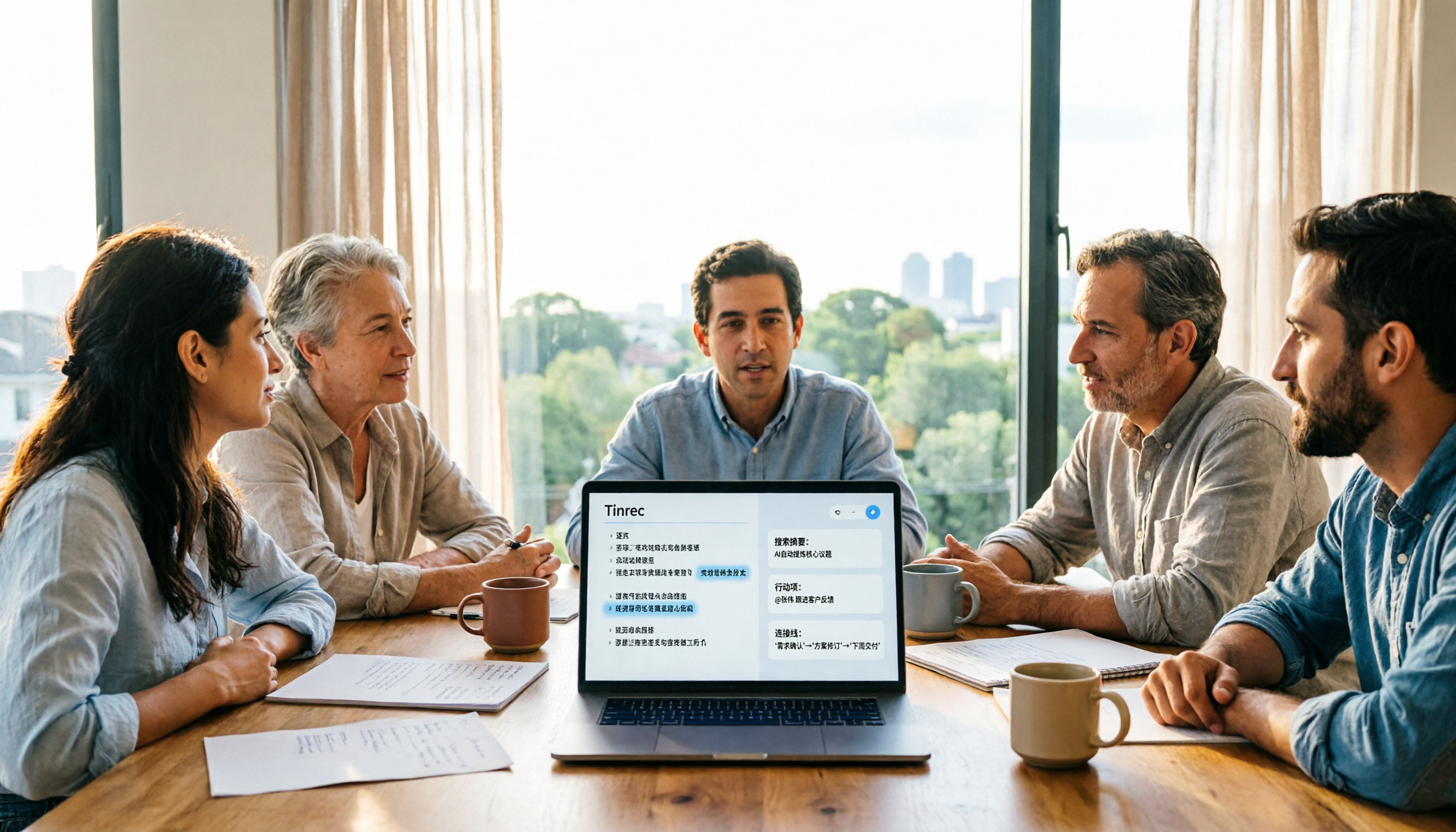
5 Meeting Transcription Tools Tested and Compared in 2026: Why Tinrec Is a Better Notta Alternative
How do you choose a meeting transcription tool? This article examines four decision points—bot-free recording, Chinese language experience, post-meeting organization, and team governance—comparing Tinrec, Notta, Otter, Fireflies, and Granola, and uses Tinrec as an example of how to turn meeting recordings into searchable, collaborative, actionable team data.
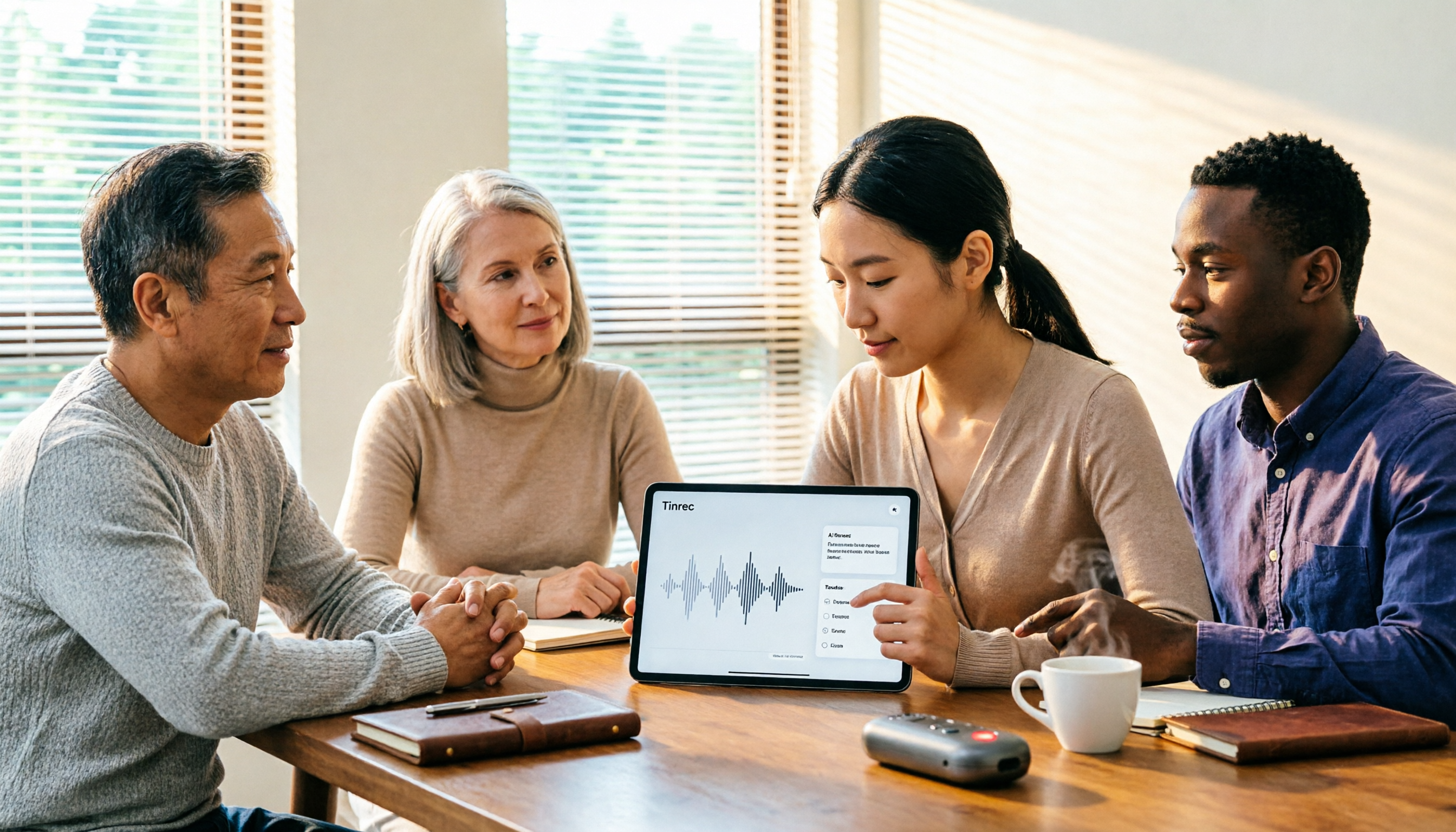
How to Use Gemini Meeting Notes App in 2026: 5 Steps from Recording to AI Summary
How do you use the Gemini meeting notes app? This article outlines 5 steps, from uploading recordings to generating AI summaries, and compares tools like Tinrec to help you find the best meeting notes solution.

4 Meeting Transcription Tools Tested for 2026: Which One Beats NotebookLM for Your Meetings?
Tired of staying late to type up meeting transcripts? This article compares 4 meeting transcription tools from a practical workplace perspective, focusing on Chinese meeting transcription, bot-free recording, post-meeting summaries, and team collaboration. Using Tinrec as the primary test tool, it breaks down real-time transcription, AI Q&A, action item extraction, and team spaces, and answers the most common questions from NotebookLM users about differences and purchasing decisions.
4 Meeting Transcription Tools Tested for 2026: Beyond Gemini, Which Saves More Time?
Gemini can generate transcripts from audio uploads, but what happens after? This article compares Gemini, Tinrec, Otter.ai, and Notta, with hands-on testing of Chinese recognition, post-meeting organization, online meeting recording, and team sharing. It also covers 4 common pitfalls to help you find a truly time-saving meeting transcription workflow.

Notta vs Noota: What's the Difference? 2026 Hands-On Test of 3 Tools — Tinrec Wins for Chinese Meetings
Many people search for "notta vs nada" but are actually confusing product names. This article starts by clearing up the naming confusion, then hands-on tests three AI meeting tools — Tinrec, Notta, and Noota — comparing Chinese recognition, recording methods, post-meeting output, and team management, plus key buying tips and common pitfalls.

2026 Transcription App Review: 3 Key Factors—Free Quotas and Chinese Recognition
How do you choose a transcription app? This article addresses three common pitfalls, explaining the three key factors: free quotas, Chinese and mixed Chinese-English recognition, and post-meeting organization. It uses Tinrec as an example to demonstrate the complete workflow from recording, transcription, summarization, to-dos, to export, and covers practical scenarios and FAQs for meetings, classes, interviews, and content creation.

Notta vs Sonix 2026 Review: Which of 3 Meeting Transcription Tools Is Best for Chinese Meetings?
Notta or Sonix? This review compares pricing, language support, and post-meeting organization using the same criteria, plus hands-on experience with Tinrec, covering bot-free meeting recording, AI Q&A, and action item extraction to help you choose the most time-saving tool for your meeting scenario.
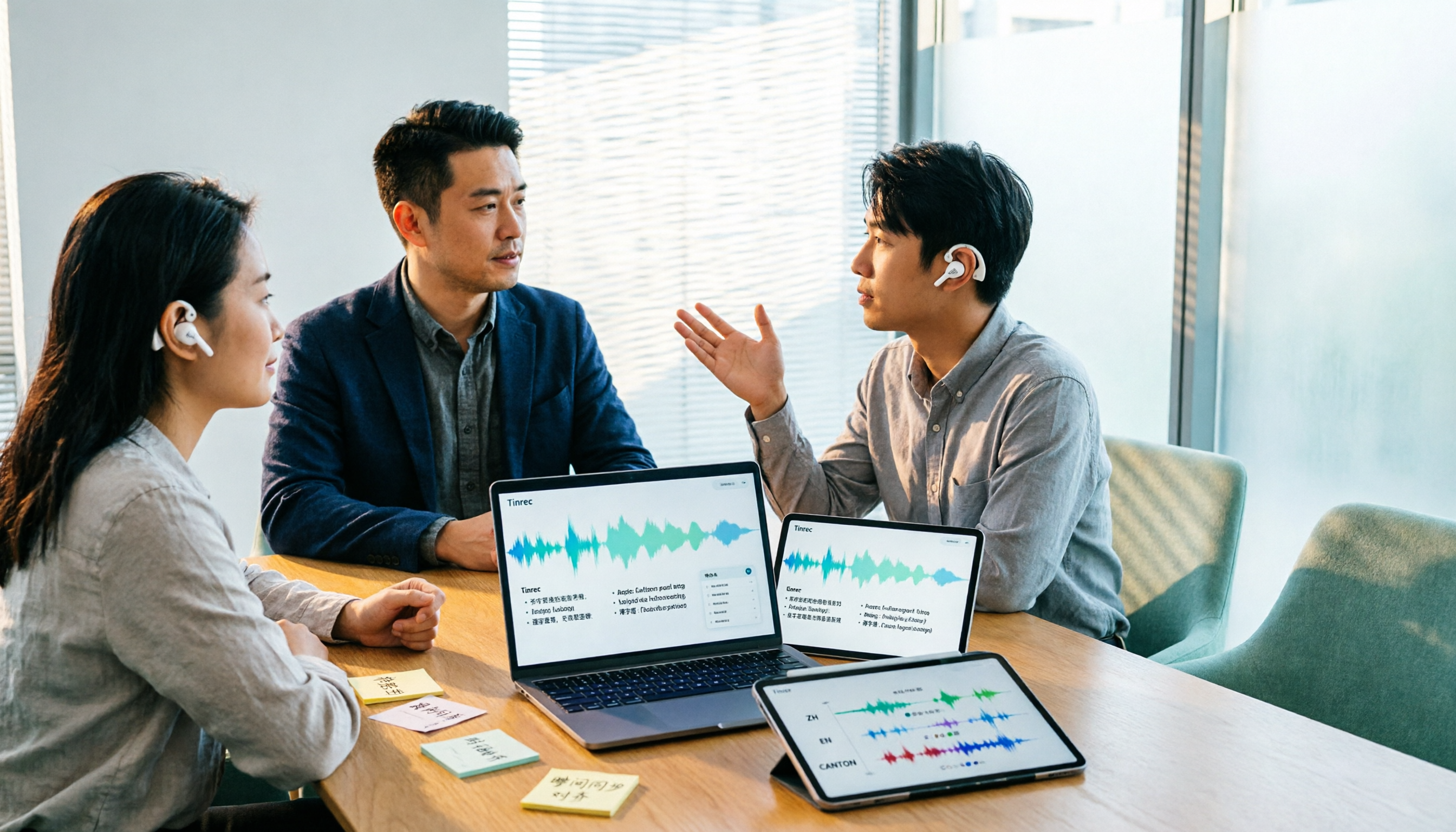
Notta AI Alternatives in 2026: 5-Dimension Comparison for Chinese-Language Meeting Teams
After two years with Notta, I started looking for alternatives. From the perspective of a mid-level manager, this article compares Notta and Tinrec across 5 dimensions: online meeting capture methods, post-transcription organization, Chinese and cross-language experience, team workspace and seat governance, and pricing and usage metrics—with an honest take on who each tool suits best.