

Turn recordings into transcripts and summaries in minutes
Upload audio or video for multilingual transcription, AI notes, and action items
2026 AI Transcription Free Plans Compared: 4 Tools to Know
The Real Work Begins After the Meeting Ends
Have you ever had this experience: a 90-minute meeting wraps up, everyone leaves, and you're left staring at the recording file.
You hit play. The first 10 minutes are small talk, someone takes a phone call in the middle, and the key point is buried in a sentence at minute 63 that no one remembers who said. You drag the timeline, type as you listen, and two hours later, the transcript is only one-third done.
What's worse, turning it into text isn't the end. The transcript is long and messy—you have to label who said what, extract decisions, and list action items yourself. The real time sink was never the recording; it's the organizing.
This article tackles exactly that: which tools in 2026 can help you organize your transcripts without paying upfront.
4 Key Points Before Choosing a Transcription Tool
1. How free quotas work
"Free" comes in many forms. Some offer a fixed number of minutes per month, some limit file length, and some lock features so you only get text conversion. Figure out your monthly usage first, then check if the free plan is enough—otherwise you might sign up only to find a 3-minute limit per file, which is more hassle than not using it.
2. Chinese and mixed Chinese-English recognition
Meetings in Taiwan rarely use a single language; mixing English terms into Chinese sentences is common. Don't just test with a news script—use a real meeting recording to see how well it handles sentence breaks, punctuation, and proper nouns.
3. What it can do after converting to text
If it only gives you a transcript, it's just handing the organizing work back to you. Look for automatic paragraphing, headings, key point extraction, action item lists, and whether you can ask follow-up questions about the content. This gap often affects your daily time savings more than a few percentage points in accuracy.
4. Where data is stored and whether you can take it with you
Meeting transcripts often contain client names, budgets, and internal decisions. Confirm whether audio files are retained, whether you can export to tools like Notion or Google Docs, and who owns the data when team members leave.
Tinrec – Our Top Recommendation After Testing
Tinrec is an AI meeting notes and collaboration tool for individuals and teams, available on iOS, Android, and web. Its core strength is connecting the entire workflow from recording to work-ready data.
It transcribes while recording. For both in-person and online meetings, the desktop version captures system audio directly, handling Zoom, Google Meet, Microsoft Teams, and Webex without inviting a meeting bot. This is especially practical for client meetings—you don't want an "AI assistant has joined" notification in front of a client.
After the meeting, summaries, chapters, and action items are ready. Who's responsible for what and when it's due are listed directly. Long meetings are broken into structured sections, so you don't have to scroll through 40 minutes of transcript to find a conclusion. There's also a mind map to see the main discussion threads at a glance.
You can ask it questions after recording. This is where Tinrec differs most from standard transcription tools. You can ask "What was the budget the client mentioned last meeting?" or "How was this finally decided?" and it answers based on semantics, not a list of keyword search results. For cross-language meetings, it offers real-time translation with original, translated, or bilingual views.
Output to your existing workflow. Transcripts, summaries, and action items can be exported in common formats and taken to Notion, Google Docs, OneNote, or Dropbox for further editing. When you need a report, you can ask it to compile meeting content into documents, tables, or reports.
Stop organizing recordings by hand
Upload audio or video and automatically get a transcript, summary, and action items
Pricing. The free version offers basic quota to try recording, importing, summarizing, and transcribing—enough for occasional use. For short bursts of meetings or interviews, there's a weekly pass; for steady weekly use, the Pro monthly plan is better; for long-term accumulation, the annual plan has a lower monthly cost. Tinrec also has a separate team workspace where meeting data belongs to the team, and admins can manage members, roles, and seats, and view usage and activity logs. Team pricing is USD 29.80 per paid seat per month, or USD 199 per paid seat per year (about USD 16.58 per month). Eligible teams get a 7-day trial with 1 free seat and 300 minutes of shared import quota.
Things to note. The free quota may be insufficient for heavy users who meet daily, so consider upgrading. Also, transcription accuracy is affected by recording quality, background noise, accents, overlapping speech, and technical terms—always verify important content against the recording.
Who it's for. If you handle Chinese or mixed Chinese-English meetings, don't want a bot in client meetings, and want to extract key points via Q&A after recording, Tinrec is the smoothest option. Teams can further centralize meeting data so it doesn't leave with departing members.
Besides Tinrec, What Other Free Options Are There?
Otter.ai: A veteran choice for English meetings. The free plan offers 300 minutes per month, which is generous, and its summaries and AI Chat are mature. But its strength is English business scenarios; Chinese meeting recognition and organization are not its forte. If almost all your content is in English, this is the most cost-effective free plan; if you need Chinese real-time translation and audio file retention, Tinrec is more suitable.
Notta: A multi-platform transcription tool. The free plan offers 120 minutes per month with a 3-minute limit per file. It has translation and team plans, overlapping significantly with Tinrec. The difference is that Tinrec's desktop version can record online meetings without a bot and lets you ask questions and generate reports and tables directly; Notta's 3-minute free limit is tight for real meetings.
TurboScribe: Known for cost-effective file transcription. The free plan allows 3 files per day, up to 30 minutes per file; paid plans allow up to 10 hours per file. If you have a backlog of existing meeting recordings to batch process, it's a good deal. But it's essentially "file to text"—no live meeting recording, no AI Q&A, no team collaboration space. You still have to organize the transcript yourself.
Pitfall Guide: 3 Most Common Mistakes in Transcript Organization
Pitfall 1: Only looking at free minutes, ignoring per-file limits. Some tools give you 120 minutes per month, which seems plenty, but only 3 minutes per file—a 60-minute meeting would need 20 segments, and uploading alone is a chore. When evaluating free plans, check both the per-file limit and the monthly total.
Pitfall 2: Treating the tool as just "audio to text." Most people only use the transcription layer and then manually segment and extract key points. If the tool can automatically generate summaries, chapters, and action items, or even let you ask questions about the content, you save not just typing time but also re-reading the entire transcript.
Pitfall 3: Not planning where data will be stored. Transcripts often contain client names and internal decisions. For personal use, it's less of an issue; but for teams, confirm whether audio is retained, whether there's a recovery mechanism, and how data ownership is handled when members leave. Discovering this at handover time is too late.
Conclusion: Which One Should You Choose?
- Chinese or mixed Chinese-English meeting transcripts → Tinrec, its strength is Chinese experience and real-time translation.
- Want to extract key points and action items via Q&A after recording → Tinrec, this is its biggest difference from pure transcription tools.
- Don't want a bot in client meetings → Tinrec desktop version captures system audio directly.
- Meeting data for team sharing, with member turnover → Tinrec Team, data belongs to the team, with role and seat management.
- Have existing recordings to batch transcribe → TurboScribe, it's cost-effective for this.
- Content is almost all English, zero budget → Otter.ai, 300 free minutes per month is great.
If you're unsure, try Tinrec's free version with one of your own meeting recordings. The free quota is enough for a full workflow—upgrade only if it works for you, no need to pay upfront.
References
- How to use AI for meeting minutes? How to organize meeting transcripts? | AI speech-to-transcript tutorial | 104 Career Power
- Meeting Ink - 2026 AI meeting notes tool test | 7 speech-to-text and summary speed comparison | Meeting Ink - AI meeting notes assistant automatic transcription and summary
- Any recommended AI tools to turn audio files into transcripts?
- No time limit! 3 free AI transcription tools, highly recommended! AI voice notes generate meeting minutes, presentations, mind maps | 104 Career Power
- EP10 | Boss wants meeting minutes: How to choose an AI transcription tool? – Knowledge Nomad Studio
Turn every recording into actionable outcomes
Get 60 free transcription minutes when you sign in. No credit card required.
Related Reading
You might also like

How to Use Apple Voice Memos Transcription in 2026: A 5-Step Guide
Is Apple's built-in Voice Memos transcription enough? This article uses real meeting scenarios from a mid-level manager's perspective to outline 5 decision steps, comparing Apple's built-in transcription, Yating Transcription, Recco, and Tinrec. It explains who each tool is for and where its limits lie, helping you decide which tool to use for post-meeting organization and team knowledge retention.

Tinrec Review 2026: Cantonese Meeting Transcription + AI Summaries & Action Items
Starting from the Cantonese meeting pain points Hong Kong teams face most, this guide covers the key criteria for choosing an AI meeting notes tool, tests Tinrec's performance on Cantonese and mixed Chinese-English transcription, summaries, action items, and team knowledge retention, and briefly reviews other common options to help you quickly decide which solution to use.

4 Meeting Note Apps Tested in 2026: Which Saves More Time Than Gemini?
Gemini's built-in meeting notes are convenient, but cross-platform use, mixed Cantonese-English, and team knowledge retention may fall short. Using Tinrec as an example, this article breaks down what a meeting note app can do, its core capabilities, practical use cases, 5 key considerations, and FAQs to help Hong Kong workers save time on post-meeting organization.
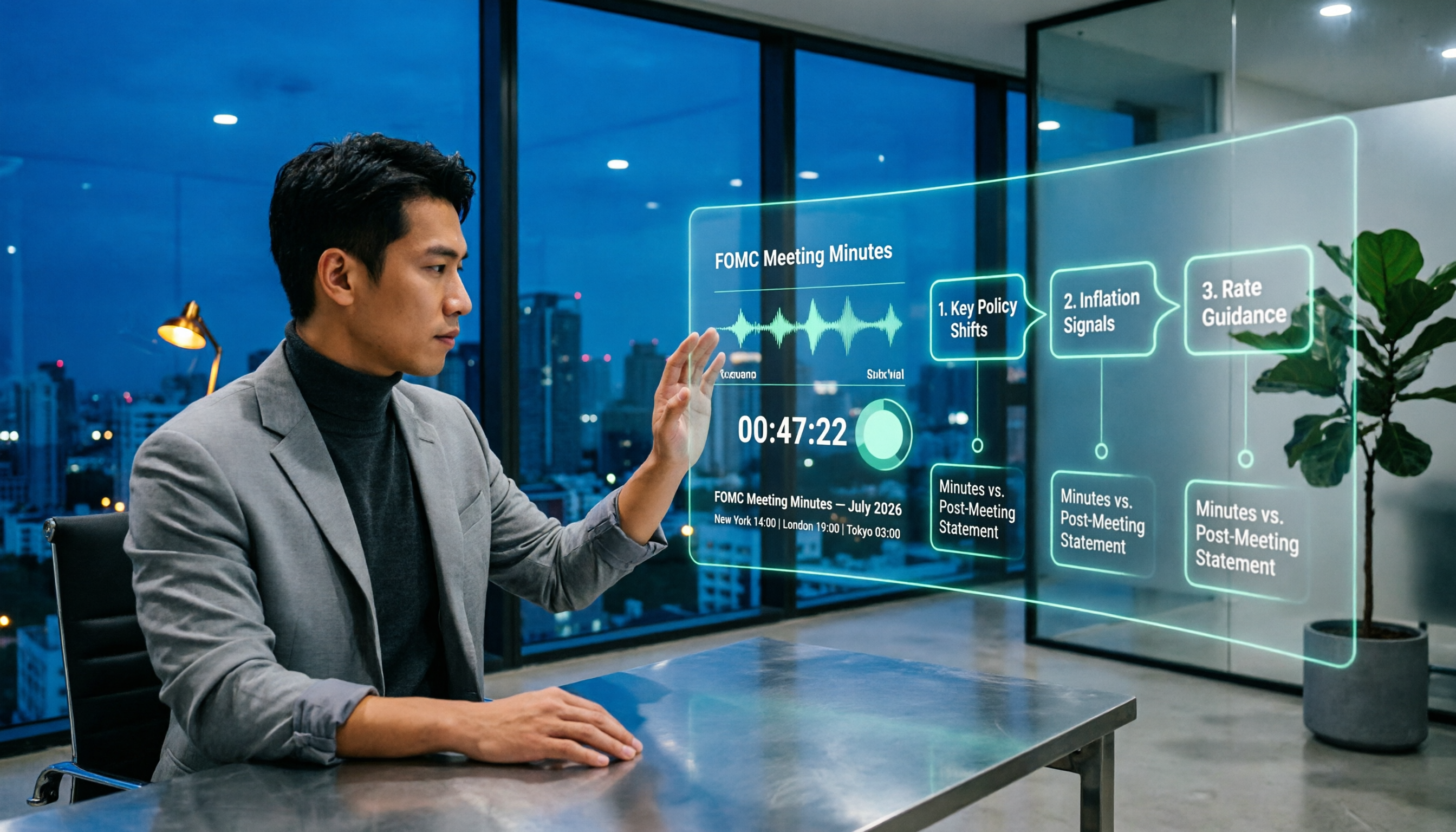
When Are Fed Meeting Minutes Released in 2026? 3 Steps to Track the Schedule and Key Details
When exactly are FOMC meeting minutes released? This guide explains the Fed's release pattern (about three weeks after the meeting, Wednesdays at 2 p.m. ET, early Thursday morning Taiwan time), uses the July 2026 meeting as a real example, and provides a 3-step method to find the next release date. It also explains the difference between meeting minutes and the post-meeting statement.

2026 Comparison of 4 Transcript Organization Tools: Which One Can Really Turn a One-Hour Meeting into Usable Minutes?
After feeding meeting recordings to AI, the real time-consuming part is never transcription but organization. Based on real testing experience with Chinese meeting recordings, this article breaks down 5 key points for choosing a transcript organization tool, compares Tinrec, Otter.ai, Notta, and Granola, and summarizes the 4 most common pitfalls.

Best Free Transcription Apps in 2026: We Tested 2 — This One Wins for Chinese Meetings and AI Organization
How do you choose a free transcription app? This article compares Tinrec and Yating Transcription, testing both free tools across five dimensions: free quota and cost, Chinese and multilingual recognition, post-transcription organization, online meeting and cross-platform support, and team collaboration. We also include an FAQ to help you decide which one fits your workflow.

5 Free Transcription Tools Tested and Compared in 2026: Which Free Tier Is Actually Enough?
The most time-consuming part of meeting notes is never the recording—it's the re-listening. This article breaks down the common types of free transcription solutions in 2026, explains how free quotas are calculated, what to watch for with Chinese and mixed Chinese-English recognition, and how Tinrec turns transcripts into searchable, queryable, exportable meeting data.

The Complete Guide to Transcript Summarization in 2026: From Messy Recordings to Actionable Meeting Minutes
Once your transcript is ready, how do you actually extract the key points? This guide, based on a mid-level manager's real meeting scenarios, breaks down the correct order for summarizing transcripts, the core capabilities a tool must have, and 5 key factors to consider when choosing one. It also uses Tinrec to demonstrate the complete workflow from recording, transcription, summarization, and action items to team knowledge retention.

Best Free Meeting Transcription Tools in 2026: 4 Tested, This One Wins for Chinese Meetings
How to choose a free meeting transcription tool? We tested four tools with free plans—Tinrec, Notta, Otter.ai, and CLOVA Note—comparing free quota calculations, online meeting handling, post-meeting organization, and Chinese recognition performance. We also highlight three common pitfalls to help budget-conscious professionals find a tool that can truly handle daily workloads.