
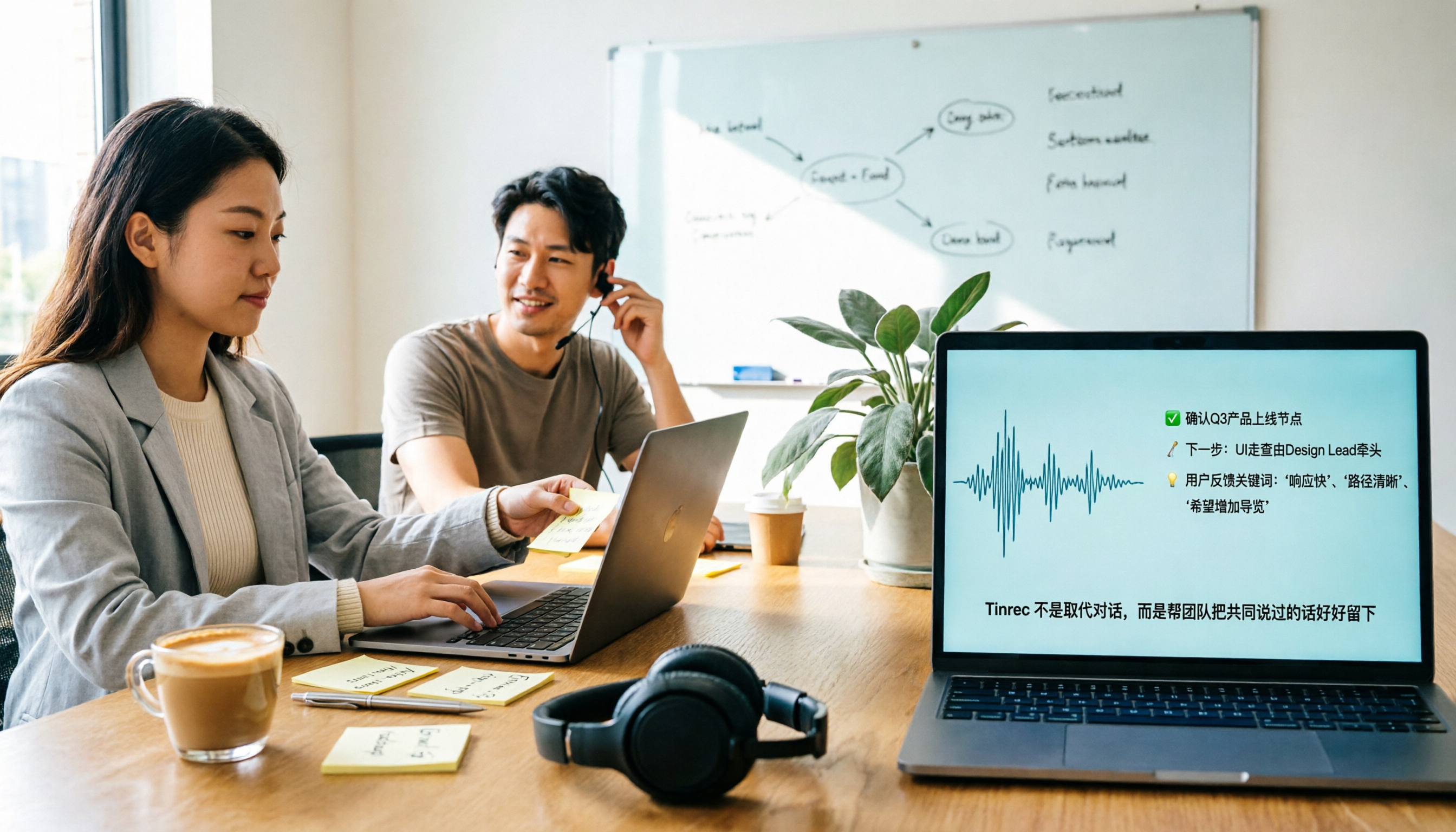
Turn recordings into transcripts and summaries in minutes
Upload audio or video for multilingual transcription, AI notes, and action items
2026 Comparison of 4 Transcript Organization Tools: Which One Can Really Turn a One-Hour Meeting into Usable Minutes?
After the meeting ends, the real choice begins—do you want a 'transcript' or 'directly usable data'?
The meeting is over, and the recording file is sitting on your phone.
You actually only have two options: find an afternoon to transcribe it yourself, or find a tool to help you organize it.
Transcribing yourself takes about three to four hours for a one-hour meeting, and you might still miss key points.
Handing it to a tool isn't much easier. The transcribed Chinese is full of typos, punctuation is a mess, and you can't tell who said what. In the end, you still have to fix it from scratch.
And there are too many choices. Meeting bots, desktop recording, AI notes, recorder hardware—each claims to be the best.
This article is my conclusion after actually trying them out. First, I'll explain how I judge, then which one I ultimately kept.
Before Choosing a Transcript Organization Tool, Understand These 5 Key Points
1. Is it 'transcription' or 'organization for you'?
Many tools only convert audio to text, then dump a 30,000-word txt file on you and that's it.
What really saves time is what happens after transcription: summaries, chapters, to-dos, and whether you can directly ask it 'who mentioned the budget last time'.
2. How does it join online meetings?
One way is to send a meeting bot to join the meeting room as a participant; the other is to capture system audio directly from the desktop.
The former requires the other party's consent and sometimes gets blocked by the meeting host. The latter doesn't add an extra bot to the list.
3. Actual performance with Chinese and mixed Chinese-English.
Don't just look at the accuracy rate on the official website. That's usually tested in a quiet environment.
Real meetings have air conditioning noise, people interrupting, and people switching to English mid-sentence. The difference only shows under these conditions.
4. Does it keep the audio file after recording?
Some tools only keep text, not audio. Once transcription is wrong, you have no chance to check back.
Many people only discover this after buying.
5. How does the team share it?
If only you can see the meeting data, colleagues will be stuck when they need to take over.
Whether it can be put into a team space, and whether there are seat and permission management, is the dividing line between a 'personal tool' and a 'team tool'.
Tinrec—The One I Kept After Testing
First, the conclusion: Tinrec is the only one I still open every day on my computer after this round of testing.
It is an AI meeting notes and collaboration tool for individuals and teams, available on iOS, Android, web, and desktop.
No bot for recording online meetings—this is what I like most.
The Tinrec desktop version directly captures the computer's system audio, handling Zoom, Google Meet, Microsoft Teams, and Webex meetings without inviting a bot into the meeting room.
When meeting with external parties, I don't have to explain 'what that Bot is' to clients—this is very important to me.
The moment the meeting ends, the minutes are ready.
Open Tinrec during the meeting, and it transcribes while recording.
After finishing, it automatically generates summaries, chapters, key points, and to-dos—who is responsible for what and when it's due, all clear at a glance.
This is no longer 'transcription'; it turns the meeting directly into something that can move forward.
You can also ask it directly after recording—this is why I can't leave it.
This is where it differs most from tools at the same price.
After recording, you can directly ask: 'Who mentioned the budget in the last meeting?'
It doesn't throw a bunch of keyword search results at you; it answers directly based on semantics.
I also tried putting three meetings together and asking: 'What issues did the client repeatedly mention over these three weeks?' It could summarize them.
Other features I use regularly:
- Upload audio and video files directly for transcription; historical recordings can also be organized
- Real-time translation during recording; view original, translation, or bilingual
- Supports Chinese, mixed Chinese-English, and multilingual meetings; teams can also build custom hotwords, so product terms are less likely to be transcribed incorrectly
- Transcripts are searchable and can be exported to Notion, Google Docs, OneNote, Dropbox for continued use
- Agent post-processing can directly generate reports, tables, and meeting documents
About the team version.
If meeting data is for the whole team, Tinrec has a separate team space, not multiple people sharing one account.
You can create multiple team spaces, invite members via link, and set owners, admins, and regular members.
Meeting data is stored centrally in the team. When a member leaves or is removed, resources are transferred to other members and won't be taken away by individuals.
Admins can also see usage trends, member rankings, and audit logs, and there's an audio recycle bin to recover accidentally deleted audio files.
Stop organizing recordings by hand
Upload audio or video and automatically get a transcript, summary, and action items
To be clear, 'role' and 'seat' are two different things: role determines who can manage the team, seat determines who can record, upload, edit, and export.
Members without a seat can still view, play, and read team data, but cannot upload or edit.
Pricing.
The personal version has a free version, weekly card, Pro monthly, and Pro annual. If you occasionally organize a recording, start with the free version; if you have regular weekly meetings and need to accumulate data, go Pro.
The current team version terms: first-time eligible users can try 7 days, 1 free seat, 300 minutes of team shared import quota; afterwards, monthly USD 29.80 per paid seat per month, annual USD 199 per paid seat per year, equivalent to about USD 16.58 per month, with each paid seat getting 2,000 minutes of team shared import quota per month. Real-time recording under an active plan and seat is currently not deducted by minutes.
Actual prices, benefits, and available features are subject to the official website purchase page and team version page announcements.
I'll also directly mention the drawbacks.
First, it's not the kind of thing that 'automatically joins all calendar meetings'; you have to open the desktop version yourself to start recording. Those who want full automation will find it one step short.
Second, the free version has limited quota. If you record two-hour meetings every day, you'll eventually have to pay.
Third, I can't give you a fixed accuracy number. Recording quality, accent, and multiple people interrupting all affect it. For important content, I still pull up the transcript to check against timestamps.
Also, a reminder: please comply with local regulations before recording, and obtain participant consent when necessary.
Who it's for: People who need Chinese meeting notes, don't want a bot in the meeting room, want to directly ask AI for key points after recording, and need meeting data to be kept for the team.
Besides Tinrec, What Other Options Are There?
Otter.ai: A veteran choice for English meetings. A mature AI meeting assistant that supports Zoom, Teams, Google Meet, with speaker identification and AI Chat. Free version has 300 minutes per month; Pro annual is about USD 8.49 per user per month. The English business meeting experience is strong, but Chinese is not its forte. If your meetings are almost entirely in English, it is indeed more cost-effective than Tinrec—this is one of the few scenarios in this article where I would recommend others. But if you want Chinese transcripts plus team data accumulation, Tinrec's bot-free desktop recording and team space are more suitable.
Notta: The direct competitor with the highest overlap with Tinrec. Multi-platform transcription, meeting notes, file import, translation, and team plans are all available. Free version has 120 minutes per month, max 3 minutes per session; Pro annual is about USD 8.17 per month, 1,800 minutes per month; Business annual is about USD 16.67 per seat per month. The price looks attractive, but its strength is in transcription itself. Tinrec adds bot-free online meeting recording, AI Q&A around meetings, and Agent post-processing. My advice is not to compare just minutes.
Granola: Like Tinrec, it takes the bot-free route. It uses desktop system audio plus microphone for real-time transcription, then combines with your own typed notes to generate content. Basic is free, Business is about USD 14 per user per month. Note that it does not support uploading pre-recorded audio files, nor does it save meeting audio—meaning if transcription is wrong, you have no original audio to check. If you're used to typing during meetings and just want stronger notes, it's smooth; but if you want to keep recordings, import historical files, have a Chinese experience, and manage team data, Tinrec is much more complete.
Pitfall Guide: The 4 Most Common Mistakes in Organizing Transcripts
Pitfall 1: Only looking at the accuracy rate on the official website.
Those numbers are usually tested in a quiet recording studio. Real meetings have air conditioning, keyboard sounds, and people interrupting, so accuracy will definitely drop.
The approach is simple: take a real recording of your own and try the free version. Don't look at ads.
Pitfall 2: Thinking 'having a transcript' equals 'organized'.
A 30,000-word transcript won't turn itself into minutes. When choosing a tool, look at what it gives you after transcription: summaries, chapters, to-dos, and whether you can ask follow-up questions.
That's where time is saved.
Pitfall 3: Ignoring the team aspect.
Today the meeting data is in your personal account; tomorrow a colleague needs to take over and gets stuck.
If the meeting content is meant to be shared by the team, choose a tool with team space and seat management from the start, so you don't have to move later.
Pitfall 4: Not paying attention to whether audio is kept and whether it can be exported.
Some tools don't save audio, so if transcription is wrong, there's no way to check; some have few export formats, so if you want to put it into Notion or make a table, you have to retype it yourself.
Audio retention, recycle bin, and third-party export are the details that matter most in long-term use.
Conclusion: Which One Should You Choose?
In one sentence: for Chinese meetings, bot-free recording, and AI follow-up after recording, Tinrec is my top choice this round.
Scenario breakdown for reference:
- Chinese meetings, mixed Chinese-English, and need to export for continued use → Tinrec
- Don't want a meeting bot to join online meetings → Tinrec (desktop version directly captures system audio)
- Want to directly ask 'what's the conclusion' or 'who mentioned the budget' after recording → Tinrec
- Meeting data needs to be kept for the whole team, with seat and usage management → Tinrec team version
- Meetings are almost entirely in English, budget first → Otter.ai
I suggest starting with the Tinrec free version.
Test it with the type of meeting recording you most often have. If you feel the output is something you'd dare to submit, then consider upgrading. No need to pay from the start.
References
- EP10|Boss Wants Meeting Minutes: How to Choose AI Transcription Tools? – Knowledge Nomad Studio
- How to Quickly Organize Preliminary Interview Transcripts? | Mianjue Academy Salon
- How to Use AI for Meeting Minutes? How to Organize Meeting Transcripts? | AI Speech-to-Transcript Tutorial | 104 Workplace Power
- Get Meeting Minutes Done! How to Do AI Speech-to-Transcript? Gemini Notebook, Gemini, EchoScript Operation Analysis | 104 Workplace Power
- 5 Tips for Quickly Converting Meeting Speech Transcripts into Perfect Article Tables with ChatGPT
Turn every recording into actionable outcomes
Get 60 free transcription minutes when you sign in. No credit card required.
Related Reading
You might also like

How to Use Apple Voice Memos Transcription in 2026: A 5-Step Guide
Is Apple's built-in Voice Memos transcription enough? This article uses real meeting scenarios from a mid-level manager's perspective to outline 5 decision steps, comparing Apple's built-in transcription, Yating Transcription, Recco, and Tinrec. It explains who each tool is for and where its limits lie, helping you decide which tool to use for post-meeting organization and team knowledge retention.

Tinrec Review 2026: Cantonese Meeting Transcription + AI Summaries & Action Items
Starting from the Cantonese meeting pain points Hong Kong teams face most, this guide covers the key criteria for choosing an AI meeting notes tool, tests Tinrec's performance on Cantonese and mixed Chinese-English transcription, summaries, action items, and team knowledge retention, and briefly reviews other common options to help you quickly decide which solution to use.

4 Meeting Note Apps Tested in 2026: Which Saves More Time Than Gemini?
Gemini's built-in meeting notes are convenient, but cross-platform use, mixed Cantonese-English, and team knowledge retention may fall short. Using Tinrec as an example, this article breaks down what a meeting note app can do, its core capabilities, practical use cases, 5 key considerations, and FAQs to help Hong Kong workers save time on post-meeting organization.
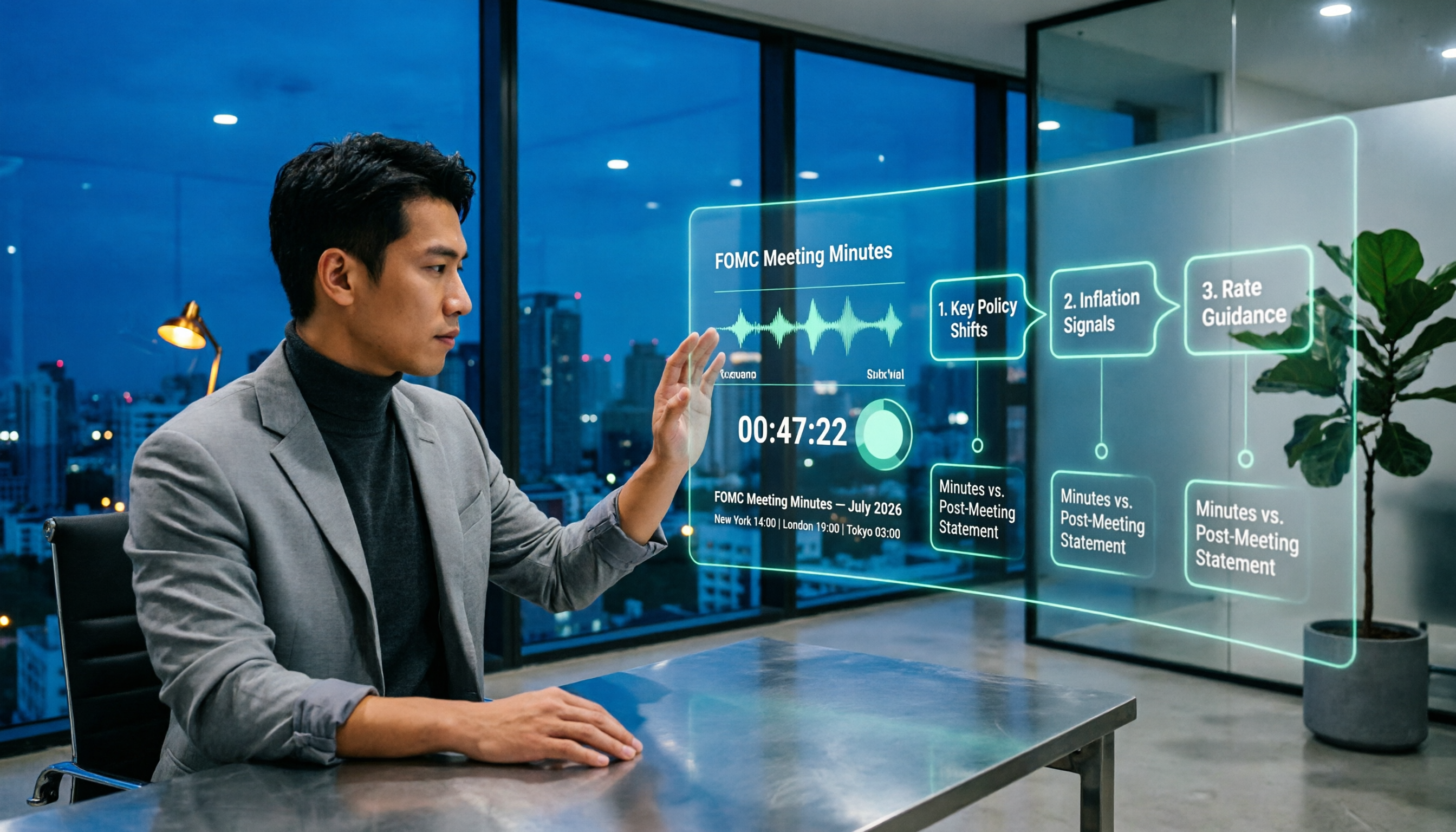
When Are Fed Meeting Minutes Released in 2026? 3 Steps to Track the Schedule and Key Details
When exactly are FOMC meeting minutes released? This guide explains the Fed's release pattern (about three weeks after the meeting, Wednesdays at 2 p.m. ET, early Thursday morning Taiwan time), uses the July 2026 meeting as a real example, and provides a 3-step method to find the next release date. It also explains the difference between meeting minutes and the post-meeting statement.

Best Free Transcription Apps in 2026: We Tested 2 — This One Wins for Chinese Meetings and AI Organization
How do you choose a free transcription app? This article compares Tinrec and Yating Transcription, testing both free tools across five dimensions: free quota and cost, Chinese and multilingual recognition, post-transcription organization, online meeting and cross-platform support, and team collaboration. We also include an FAQ to help you decide which one fits your workflow.

2026 AI Transcription Free Plans Compared: 4 Tools to Know
The meeting is over, but the real work is just beginning. This guide reviews the free plans of four AI transcription tools in 2026—Tinrec, Otter.ai, Notta, and TurboScribe—comparing free quotas, file limits, Chinese recognition, and post-transcription organization features. It also covers the three most common pitfalls to help you choose the tool that truly saves time.

5 Free Transcription Tools Tested and Compared in 2026: Which Free Tier Is Actually Enough?
The most time-consuming part of meeting notes is never the recording—it's the re-listening. This article breaks down the common types of free transcription solutions in 2026, explains how free quotas are calculated, what to watch for with Chinese and mixed Chinese-English recognition, and how Tinrec turns transcripts into searchable, queryable, exportable meeting data.
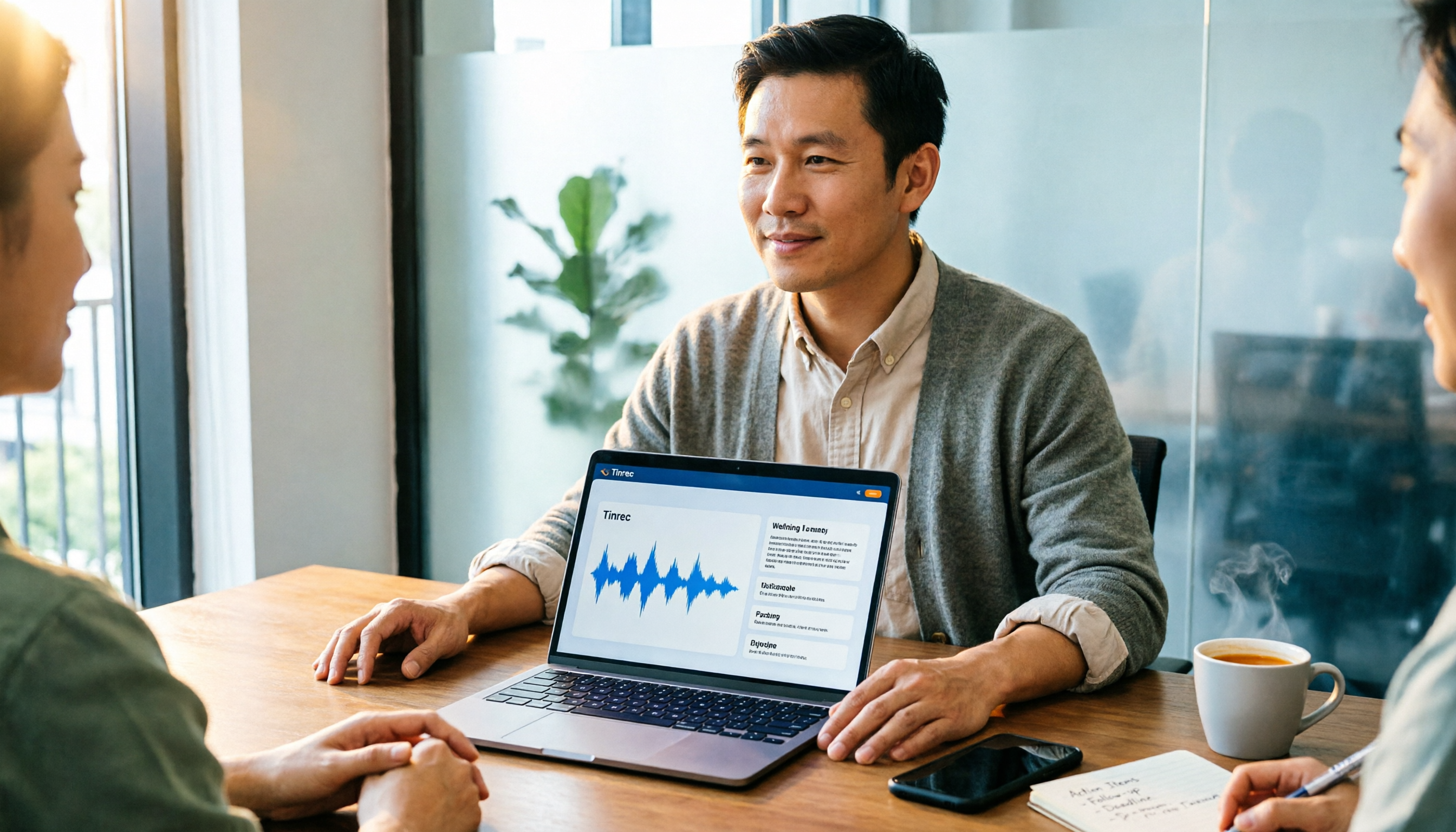
The Complete Guide to Transcript Summarization in 2026: From Messy Recordings to Actionable Meeting Minutes
Once your transcript is ready, how do you actually extract the key points? This guide, based on a mid-level manager's real meeting scenarios, breaks down the correct order for summarizing transcripts, the core capabilities a tool must have, and 5 key factors to consider when choosing one. It also uses Tinrec to demonstrate the complete workflow from recording, transcription, summarization, and action items to team knowledge retention.

Best Free Meeting Transcription Tools in 2026: 4 Tested, This One Wins for Chinese Meetings
How to choose a free meeting transcription tool? We tested four tools with free plans—Tinrec, Notta, Otter.ai, and CLOVA Note—comparing free quota calculations, online meeting handling, post-meeting organization, and Chinese recognition performance. We also highlight three common pitfalls to help budget-conscious professionals find a tool that can truly handle daily workloads.