

Turn recordings into transcripts and summaries in minutes
Upload audio or video for multilingual transcription, AI notes, and action items
4 Free Transcription Apps Compared in 2026: Free Tiers, Chinese Recognition, and AI Summaries Explained
It's 3 PM, and you just finished a 40-minute client interview. You look at the recording and think: I'll have to spend another hour typing up the transcript. What's worse, the interview had some mixed Chinese and English, and a colleague added comments in Taiwanese—you only remember the gist, but the details are gone. There seem to be many free transcription apps, but few can truly handle Chinese without being restrictive. This article compares four tools hands-on, from free tiers to AI organization, all in one place.
Pain Points—You Need a Solution, Not Just a Tool
Two-hour meetings, then two more hours to organize the transcript—that's the daily routine for most office workers. The bigger headache is Chinese meetings: mixed Chinese and English, jargon, multiple people talking over each other, and many free tools produce garbled text. If you've ever run into "free quota used up, but the meeting was only half recorded," this article is for you.
Before Choosing a Free Transcription App, Understand These 4 Key Points
How to evaluate free tiers: Don't just look at the word "free." Check the monthly minutes, maximum duration per session, and whether audio file import is supported. Some tools only allow 3 minutes per transcription in the free version, which isn't enough for meeting recordings.
Chinese and multilingual recognition: Users in Taiwan often encounter mixed Chinese and English, Taiwanese, or technical terms. Instead of relying on official accuracy claims, test with your own recordings. Tinrec particularly emphasizes handling Chinese meetings and mixed Chinese-English content.
Can you use the transcript directly? Getting only the transcript isn't enough. AI summaries, chapters, action item extraction, and Q&A are key to saving that second hour. Tinrec puts these post-processing features into a single workflow.
Cross-platform and team collaboration: Record on your phone today, organize on your computer tomorrow—it's painful if the tool doesn't support multiple devices. If meeting data needs to be shared, check for team spaces, member and seat management.
Tinrec—Our Top Pick After Hands-On Testing
Tinrec is an AI meeting notes and collaboration tool for individuals and teams, supporting iOS, Android, and web. It doesn't just convert speech to text; it organizes meeting recordings into searchable, summarizable, queryable, and exportable data.
Open Tinrec during a meeting, and it transcribes as it records. When the meeting ends, AI has already generated a summary, chapters, and action items—who's responsible for what, what the deadlines are, all clear at a glance. We tested a roughly 15-minute Chinese meeting recording (quiet indoor environment, with mixed Chinese and English), and Tinrec produced a complete transcript, with clear summary and chapter structure, and action items ready to use.
Even better is the AI Q&A. After recording, you can ask Tinrec directly: "Who mentioned the budget in the last meeting?" It answers based on semantic understanding, rather than dumping a bunch of keyword search results. Not every competitor at the same price point has this feature.
Tinrec's desktop version also has a practical design: no need to invite a meeting bot. It directly captures computer system audio, handling online meetings on Zoom, Google Meet, Microsoft Teams, Webex, etc. You don't need an extra bot to join the meeting, and you don't have to worry about interrupting the meeting flow.
Stop organizing recordings by hand
Upload audio or video and automatically get a transcript, summary, and action items
Pros: First, the post-transcription workflow is complete—summary, action items, Q&A, export all in one. Second, it supports real-time translation, so cross-language meetings can show original text, translation, or bilingual. Third, the team version provides independent team spaces, meeting data belongs to the team, and members can't take data with them when they leave.
Note that Tinrec's free version offers a basic quota, suitable for light use; if you process a lot of recordings daily, you'll need to consider paid plans. Also, actual recognition performance is affected by recording quality, noise, accents, and overlapping speakers. For important content, it's best to verify with playback.
If you frequently need Chinese meeting transcripts, want to use AI to find key points right after recording, or want to turn meeting data into team assets—Tinrec is currently the most suitable choice.
Besides Tinrec, What Other Free Transcription Apps Are There?
Otter.ai: Top choice for English meetings, Basic plan offers 300 free minutes per month, quite generous. But its Chinese meeting experience is not as good as Tinrec, and Tinrec supports team hotwords and Agent post-processing, which can further generate reports, tables, and documents from meetings. If you mainly record English, Otter.ai is cost-effective; if Chinese is primary, Tinrec is more suitable.
Notta: A transcription tool with high overlap with Tinrec, Free plan offers 120 minutes per month, but max 3 minutes per session. Suitable for occasional short file transcription. Tinrec's advantages are bot-free online meeting recording, AI Q&A, and team spaces—you can directly ask about key points after recording, which Notta's free version struggles to do.
TurboScribe: Cost-effective file transcription tool, Free plan allows 3 files per day, max 30 minutes per file. Suitable for batch uploading long audio files, subtitles, and translation. Tinrec doesn't compete on bulk file processing but emphasizes real-time meetings, post-meeting organization, action item extraction, and team collaboration—areas TurboScribe covers less.
Pitfall Guide: 3 Most Common Mistakes When Choosing a Free Transcription App
Pitfall 1: Only looking at free quota, ignoring per-session duration limits. Some tools seem to have enough monthly minutes, but only allow 3 minutes per session, so meeting recordings need to be split into several parts. Check the per-session limit first.
Pitfall 2: Ignoring Chinese and mixed Chinese-English recognition. Many tools perform well in English but struggle with Chinese jargon or Taiwanese. Test with your own real recordings for the most accurate assessment.
Pitfall 3: Treating transcription tools only as dictation. If you only output text, you're using only one-third of the capability. Features like Tinrec's AI Q&A and action item extraction—ask it directly "What was the meeting conclusion?" after recording—are much faster than manually scanning a 30-minute transcript.
Conclusion: Which One Should You Choose?
In a nutshell: If you need Chinese meeting transcripts, post-meeting AI organization, and team data accumulation, Tinrec is the top choice.
Scenario-based recommendations:
- Need Chinese meeting transcripts + AI summaries → Tinrec
- Need bot-free recording of Zoom, Meet, Teams → Tinrec
- Want to turn past meetings into team data → Tinrec team version (first-time eligible get 7-day trial, 1 free seat, 300 minutes team shared import quota)
- Zero budget, only record English → Otter.ai (300 free minutes per month)
- Only need to batch upload long files → TurboScribe (3 files per day)
Overall, there are many free transcription apps, but few can string together "recording, transcription, summary, Q&A, export" into one workflow. Try Tinrec's free version first to experience its recording, import, summary, and transcription, then decide whether to upgrade.
References
- Yating Transcription
- Yating Transcription App - App Store
- No Time Limit! 3 Free AI Transcription Tools, Highly Recommended! AI Voice Notes Generate Meeting Minutes, Presentations, Mind Maps | 104 Career Force
- Free Unlimited AI Speech-to-Text Tool, Say Goodbye to Transcription Hassles: Atter App | Lin Weiqing's Salon
- SoundType AI Ultra-Precise Transcription, Speech-to-Text, AI Dictation - Google Play App
Turn every recording into actionable outcomes
Get 60 free transcription minutes when you sign in. No credit card required.
Related Reading
You might also like

2026 AI Meeting Notes Tools Compared: Which Saves the Most Time for Teams Meetings?
After a Teams meeting, do you still have to organize the transcript, summary, and action items yourself? This article breaks down how to choose an AI meeting notes tool from a methodology perspective, comparing Microsoft Teams built-in transcription, Otter.ai, Notta, and Tinrec on their actual differences in Chinese meetings, bot-free recording, and post-meeting Q&A, with a copyable starter checklist.

4 Podcast Transcription Tools Tested for 2026: Which One Best Fits Students' Needs for Transcripts and Bilingual Subtitles?
Ever listen to a podcast during your commute, hear a key point, but can't write it down? Or need to cite a specific idea for a final paper but can't find the timestamp? This article tests 4 podcast subtitle and transcription tools from a student's perspective, covering input methods, whether transcripts are searchable and queryable, bilingual translation, and whether free tiers are sufficient. We break down key buying factors, pitfalls to avoid, and recommendations.
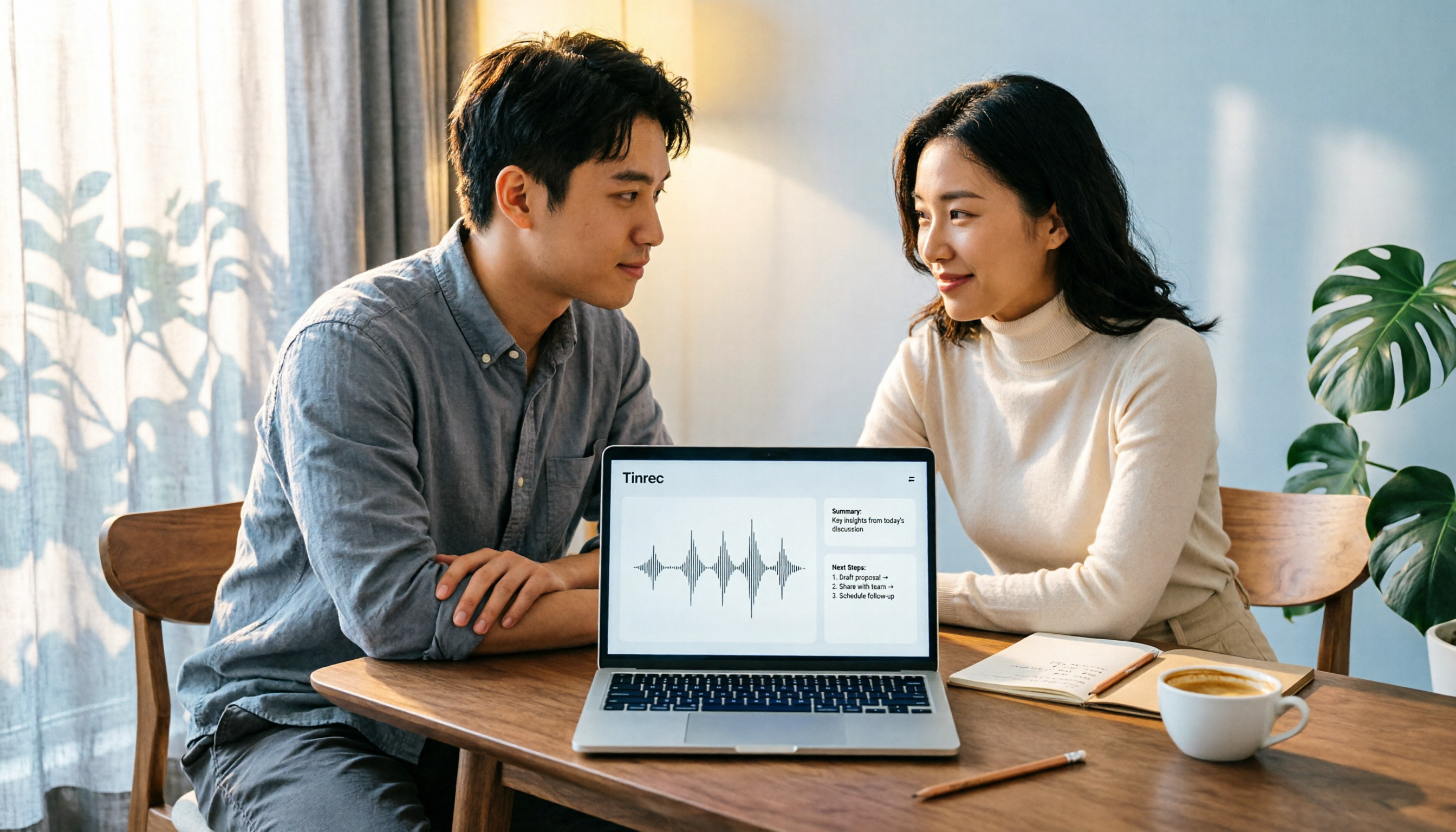
4 Computer Recording Software Compared in 2026: Auto-Generate Summaries and To-Dos After Recording
This article focuses on the decision factor of 'how quickly you can organize after recording' and compares four computer recording software: Tinrec, Bandicam, Audacity, and Windows Voice Recorder. It analyzes key differences such as system sound recording, AI transcription, summary and to-do generation, and team collaboration, and provides buying tips, pitfalls to avoid, and scenario-based recommendations.

2026 Notta vs Tinrec: Bot-Free Recording & Team Knowledge Retention
When you search 'notta vs nada' on Google, half the results are slang explanations—but what you really want to compare is Notta and Noota. This article breaks down Notta and Tinrec across five dimensions, from bot-free recording and Chinese meeting experience to post-meeting workflows, team governance, and pricing, helping you figure out which one better suits Chinese-language meeting scenarios in Hong Kong.

2026 PTT Hot Topic: Meeting Notes AI — Tinrec vs Plaud Note: A 5-Dimension Comparison
How do you choose a meeting notes AI tool that's trending on PTT? This article compares Tinrec and Plaud Note across 5 key dimensions—recording method, Chinese recognition, post-meeting organization, cross-platform use, and team collaboration—to help you find the right meeting notes solution.
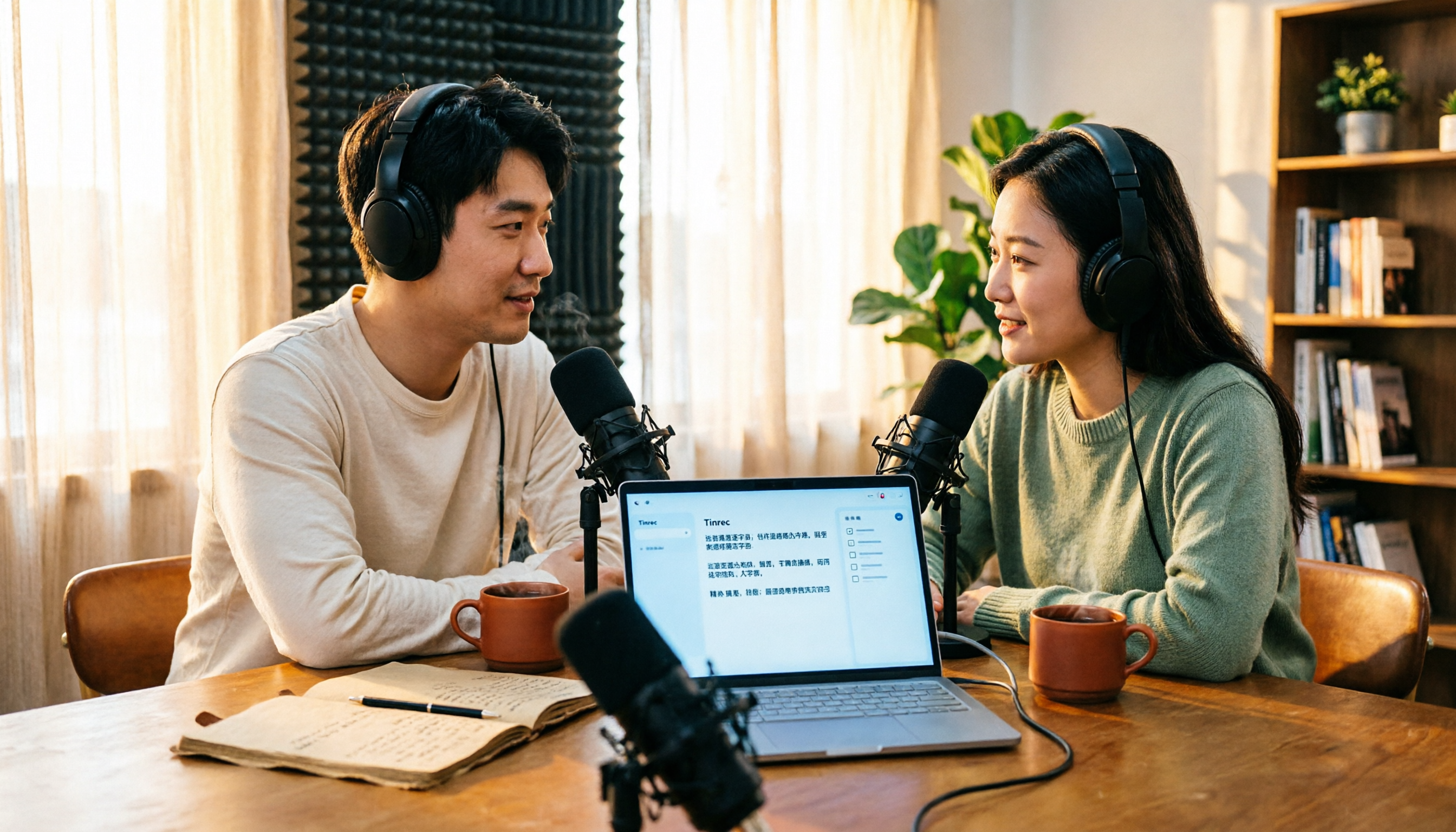
4 Free Podcast Transcription Tools Compared in 2026: Is Tinrec Faster Than MyEdit for Chinese Content?
Looking for a free podcast transcription tool? This article compares free online options with Tinrec, covering differences in Chinese recognition, summarization, Q&A, to-dos, export, and team collaboration, plus free quotas, buying tips, and FAQs.
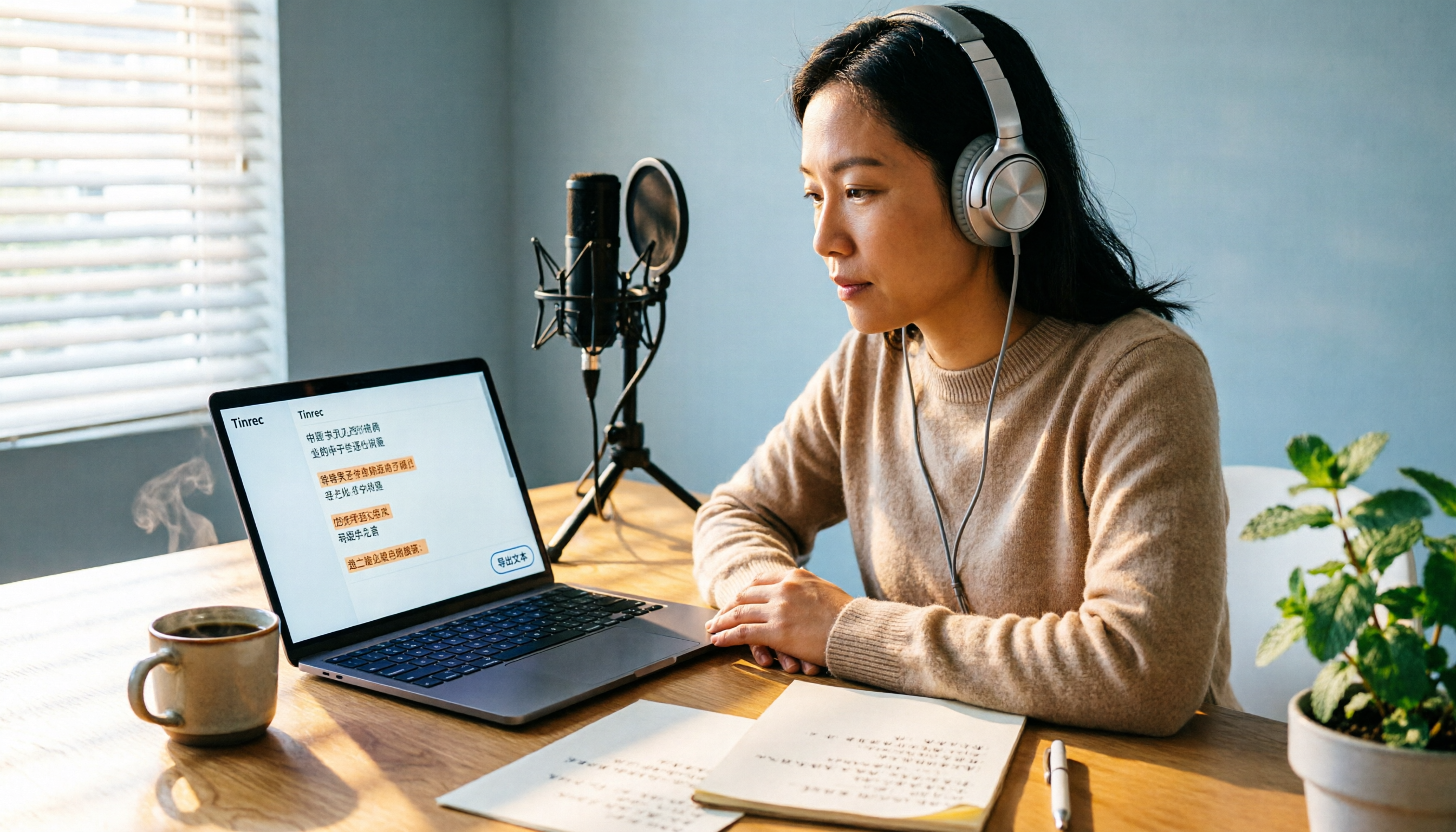
2026 Podcast Transcription Tools Buying Guide: 4 Tested Picks and Recommendations
How to choose a podcast transcription tool? Based on a mid-level manager's hands-on testing, this guide covers 4 key buying factors (Chinese recognition, post-transcription organization, export formats, and quota pricing), tests Tinrec, Otter.ai, TurboScribe, and Notta, and includes pitfalls to avoid plus scenario-based recommendations.
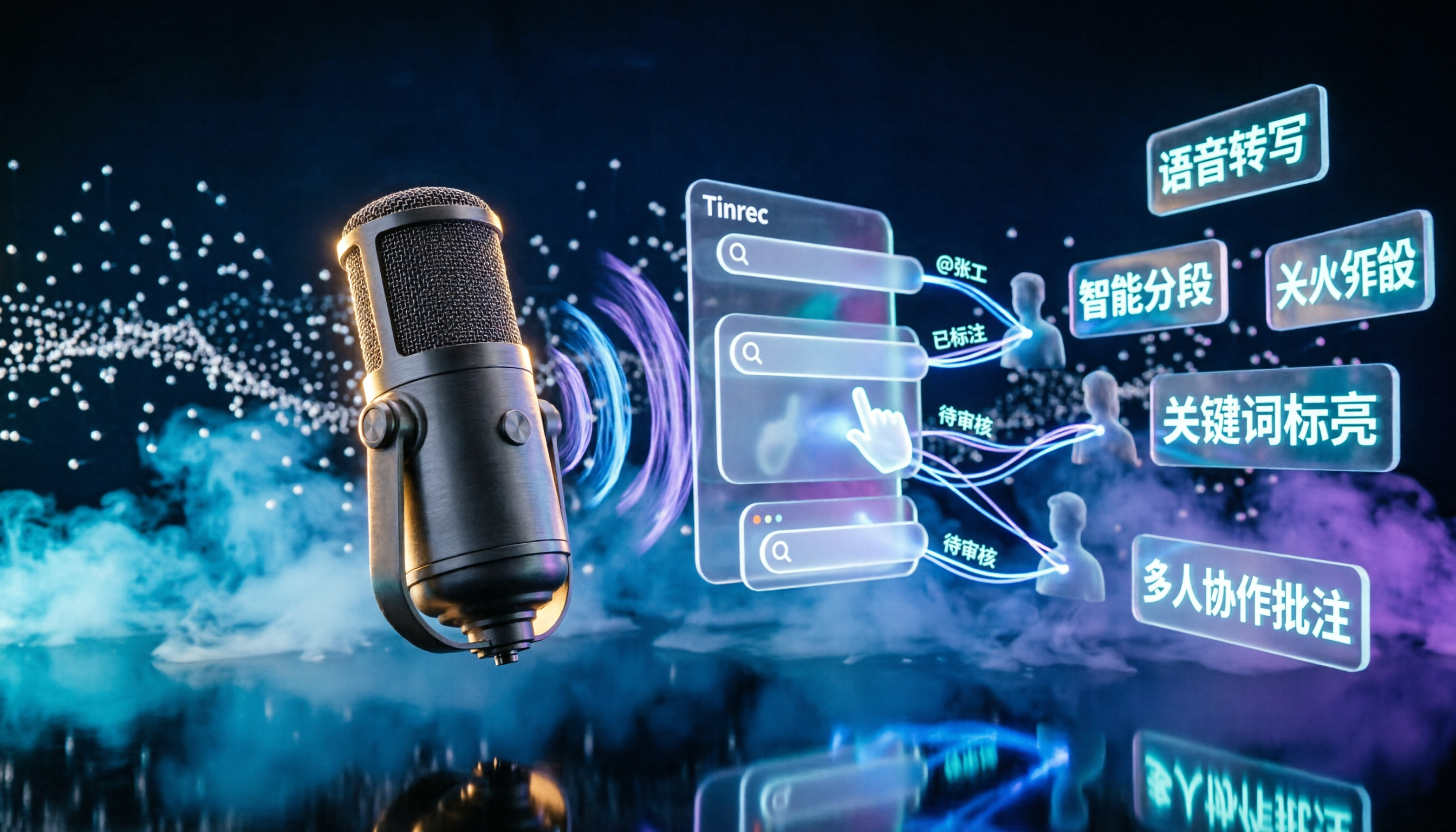
2026 Podcast Transcription AI Comparison: Which Saves the Most Time for Chinese Transcription?
Turning podcast audio into usable data isn't about transcription speed—it's about what you can do after. This article compares Tinrec, Notta, TurboScribe, and Granola on Chinese interview transcription, audio retention, and team collaboration, covering selection criteria, hands-on observations, and pitfalls to avoid.

2026 LINE Voice to Text Free Options: 4 Methods Compared
LINE's built-in microphone is actually voice input, not speech-to-text. Based on a student's real experience, this guide covers 4 free ways to convert LINE voice messages to text in 2026, explaining their limitations, quotas, and use cases. It also demonstrates how Tinrec turns audio files into searchable, queryable transcripts and key notes.