

Turn recordings into transcripts and summaries in minutes
Upload audio or video for multilingual transcription, AI notes, and action items
Tinrec vs Notta 2026: 5-Dimension Comparison for Chinese Meeting Transcription AI
Many people imagine meeting transcription AI as "throw in the recording and the text will come out on its own." I thought the same at first, but later realized the real hassle isn't transcription—it's that long block of text afterward with no highlights and no clear place to start reading.
So when choosing a tool, I first look at what it can do for you after transcription, not just how many languages it supports. This article compares Tinrec and Notta across 5 dimensions.
Tinrec (Second Recording) is an AI meeting notes and collaboration tool for individuals and teams. It supports real-time recording, bot-free desktop recording of online meetings, audio/video file import, and real-time translation, and can automatically generate summaries, chapters, to-dos, and mind maps. The free version offers basic quota so you can run through the entire workflow from transcription to summary to AI Q&A. It's suitable for general office workers, project teams, and departments that need to accumulate meeting data.
What Can Meeting Transcription AI Do for You?
Scenario 1: No more spending an extra hour organizing notes after a meeting. A two-hour meeting used to require another hour afterward to turn notes into a record. With Tinrec, for example, the transcript accumulates while the meeting is happening, and afterward summaries, chapters, and to-dos are organized. Who's responsible for what and what's next can be read directly.
Scenario 2: Cross-language meetings no longer rely solely on replaying recordings. If a meeting mixes Chinese and English, or includes overseas colleagues, Tinrec supports real-time translation and original text, translation, and bilingual viewing. You can confirm your understanding while the meeting is ongoing.
Scenario 3: Capture interviews, classes, and inspiration on the go. Just open Tinrec on your phone to record—during commutes, in class, or at interviews. Later, search by keyword instead of replaying the entire audio file.
Scenario 4: Turn one person's records into team data. Tinrec's team version provides an independent team space where meeting data is stored for the team. New members can review past meetings, so nothing disappears when someone leaves.
What Are the Core Capabilities of Meeting Transcription AI?
Real-time recording to text: Text appears as you record, not after. Tinrec's real-time transcription lets you confirm in the meeting whether you missed key points—especially useful for in-person meetings and interviews.
Bot-free online meeting recording: This is what I find most convenient. Tinrec's desktop version directly captures computer system audio, handling meeting audio played on your computer from Zoom, Google Meet, Microsoft Teams, Webex, and other platforms without inviting a meeting bot to join as a participant.
AI summaries, chapters, and to-dos: Tinrec doesn't just condense the transcript into a paragraph—it provides structured organization: meeting topic, discussion highlights, conclusions, and to-dos listed separately. Long meetings are split into chapters, so you don't have to scroll from the beginning to find a decision.
AI Q&A: After transcription, you can directly ask Tinrec "Who mentioned the budget in this meeting?" or "What concerns did the client have about the delivery date?" It answers based on semantic understanding, much faster than Ctrl+F in the transcript.
Export and post-processing: Tinrec supports multi-format export, letting you take results to Notion, Google Docs, OneNote, Dropbox, and other tools. You can also use Agent post-processing to generate reports, tables, and meeting minutes. In short, it handles the work after the meeting.
Practical Use Cases
Daily stand-ups and project meetings: Weekly progress meetings are the easiest to forget. Record with Tinrec, and to-dos are extracted. Before the next meeting, review the previous to-do list—more reliable than scrolling through group chats.
Client interviews and requirements communication: Sales and customer success teams have many client conversations. Tinrec can keep transcripts and summaries, so client requirements, objections, and commitments are searchable. It's also convenient for turning into proposal materials later.
Stop organizing recordings by hand
Upload audio or video and automatically get a transcript, summary, and action items
User research and expert interviews: Interviews often last an hour. Transcripts are basic; the key is being able to cite them later. Tinrec's chapters and AI Q&A help you quickly locate what a specific interviewee said.
Team knowledge accumulation: The same question gets re-discussed every few months. Tinrec's team version centralizes meetings in a team space where members can view, play, and read historical data, leaving a basis for past decisions.
5 Things to Note When Choosing a Meeting Transcription AI Tool
Post-transcription organization capability. Transcripts are just the first step. Whether it can automatically organize into summaries, chapters, and to-dos is key. Tinrec does this thoroughly—summaries and to-dos are listed directly, no need to paste elsewhere for processing.
How the meeting is recorded. Some tools require a meeting bot to join as a participant; others capture device audio. Tinrec uses the latter. The desktop version doesn't need an extra bot in the meeting room, saving steps during setup and cleanup.
Performance with Chinese and mixed Chinese-English. Meetings in Taiwan often mix three English words into a Chinese sentence. Tinrec covers Chinese, Traditional Chinese, and multilingual meeting scenarios, and supports team hotwords so you can add internal project codes and terminology. Note that actual recognition is still affected by audio quality, noise, accents, multiple people speaking simultaneously, and technical terms—no tool guarantees 100% accuracy.
Data ownership and team collaboration. If meeting records only exist in personal accounts, it's troublesome for others to take over. Tinrec's team version distinguishes roles and seats: roles determine who can manage the team, members, and audits; seats determine whether members can record, upload, edit, and export. Members who are active but have no seat can still view, play, and read team data.
Whether output can connect back to your existing workflow. No matter how good the tool is, if content can't get out, it's wasted effort. Tinrec supports multi-format export and third-party tool integration, plus AI Q&A and Agent post-processing, so meeting results can directly become reports or documents.
A selection reminder: Notta is also a multilingual transcription and meeting notes tool, with a long history in file transcription and translation. It suits those whose main need is transcription. If your focus is Chinese meetings, bot-free recording, and team data accumulation, Tinrec's overall workflow is a better fit.
Frequently Asked Questions
Is the free version enough? Tinrec's free version offers basic quota so you can experience recording, import, summary, and transcription workflows. If you only occasionally organize a recording, the free version suffices. If you have meetings every week, consider a weekly pass or Pro plan.
Does Tinrec need a meeting bot to join? No. Tinrec's desktop version captures computer system audio, handling online meetings played on your computer. Note that this doesn't mean automatically joining all meetings on your calendar—you actively open Tinrec to start recording.
How accurate is the transcription? Tinrec does not recommend promising a fixed accuracy rate. Transcription quality is good with clear audio and common scenarios, but noise, accents, overlapping speakers, and technical terms can affect results. For important content, verify with transcript timestamps and recording playback.
What's the difference between team and personal versions? Personal version data is managed by the individual account. The team version is an independent team space where meeting data belongs to the team, with additional capabilities like members, roles, seats, sharing rights, usage analytics, audit logs, and audio recycle bin—suitable for departments or project teams.
How is the team version priced? Currently, the team version is USD 29.80 per paid seat per month, or USD 199 per paid seat per year (about USD 16.58 per month). Eligible teams can try 7 days, 1 free seat, and 300 minutes of team shared import quota for the first time; paid seats provide 2,000 minutes of team shared import quota per month. Prices and promotions are subject to the official purchase page.
Conclusion
The value of meeting transcription AI isn't turning sound into text—it's turning meetings into searchable, queryable, actionable data. From real-time transcription and bot-free recording to summaries, to-dos, AI Q&A, and team spaces, Tinrec handles exactly the most time-consuming post-meeting work. If you have meetings to organize every week, start with the free version and experience the difference of not having to manually catch up on notes afterward.
References
- Meeting Ink - 2026 AI Meeting Notes Tool Test | 7 Voice-to-Text and Summary Speed Comparison | Meeting Ink - AI Meeting Notes Assistant Automatic Transcription Summary
- Notta - Ultra-Accurate Transcription, Voice to Text, Meeting Recording, AI Summary App - App Store
- How to Use AI for Meeting Minutes? How to Organize Meeting Transcripts? | AI Voice-to-Transcript Tutorial | 104 Career Power
- Meeting Ink - AI Meeting Notes Assistant Automatic Transcription Summary
- [AI Voice Notes] 5 Highly Recommended AI Transcription Tools! Generate Transcripts and Meeting Notes Highlights, Free vs Subscription, Pros and Cons Comparison | 104 Career Power
Turn every recording into actionable outcomes
Get 60 free transcription minutes when you sign in. No credit card required.
Related Reading
You might also like

2026 AI Meeting Notes Tools Compared: Which Saves the Most Time for Teams Meetings?
After a Teams meeting, do you still have to organize the transcript, summary, and action items yourself? This article breaks down how to choose an AI meeting notes tool from a methodology perspective, comparing Microsoft Teams built-in transcription, Otter.ai, Notta, and Tinrec on their actual differences in Chinese meetings, bot-free recording, and post-meeting Q&A, with a copyable starter checklist.

4 Podcast Transcription Tools Tested for 2026: Which One Best Fits Students' Needs for Transcripts and Bilingual Subtitles?
Ever listen to a podcast during your commute, hear a key point, but can't write it down? Or need to cite a specific idea for a final paper but can't find the timestamp? This article tests 4 podcast subtitle and transcription tools from a student's perspective, covering input methods, whether transcripts are searchable and queryable, bilingual translation, and whether free tiers are sufficient. We break down key buying factors, pitfalls to avoid, and recommendations.
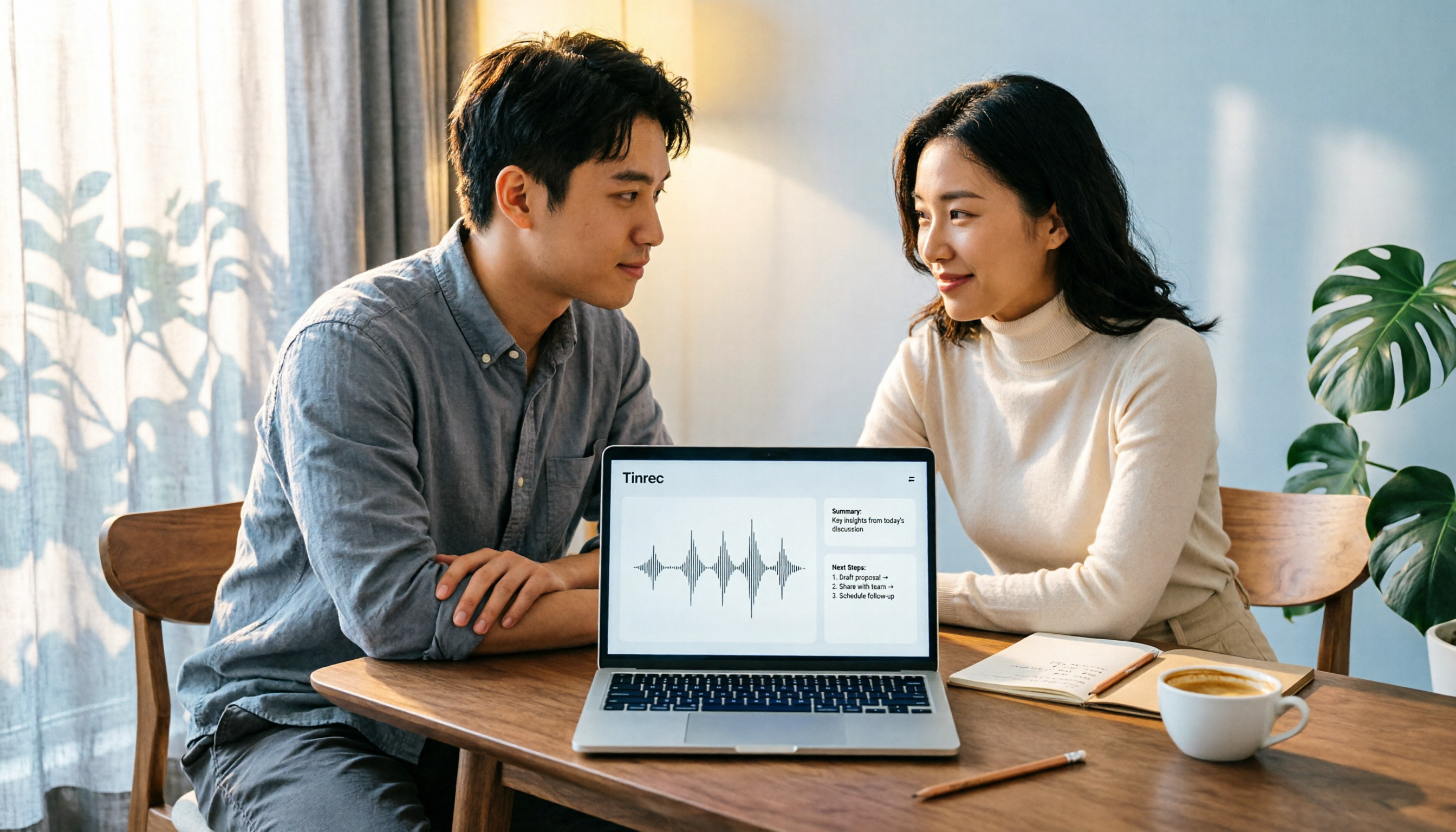
4 Computer Recording Software Compared in 2026: Auto-Generate Summaries and To-Dos After Recording
This article focuses on the decision factor of 'how quickly you can organize after recording' and compares four computer recording software: Tinrec, Bandicam, Audacity, and Windows Voice Recorder. It analyzes key differences such as system sound recording, AI transcription, summary and to-do generation, and team collaboration, and provides buying tips, pitfalls to avoid, and scenario-based recommendations.

2026 Notta vs Tinrec: Bot-Free Recording & Team Knowledge Retention
When you search 'notta vs nada' on Google, half the results are slang explanations—but what you really want to compare is Notta and Noota. This article breaks down Notta and Tinrec across five dimensions, from bot-free recording and Chinese meeting experience to post-meeting workflows, team governance, and pricing, helping you figure out which one better suits Chinese-language meeting scenarios in Hong Kong.

2026 PTT Hot Topic: Meeting Notes AI — Tinrec vs Plaud Note: A 5-Dimension Comparison
How do you choose a meeting notes AI tool that's trending on PTT? This article compares Tinrec and Plaud Note across 5 key dimensions—recording method, Chinese recognition, post-meeting organization, cross-platform use, and team collaboration—to help you find the right meeting notes solution.
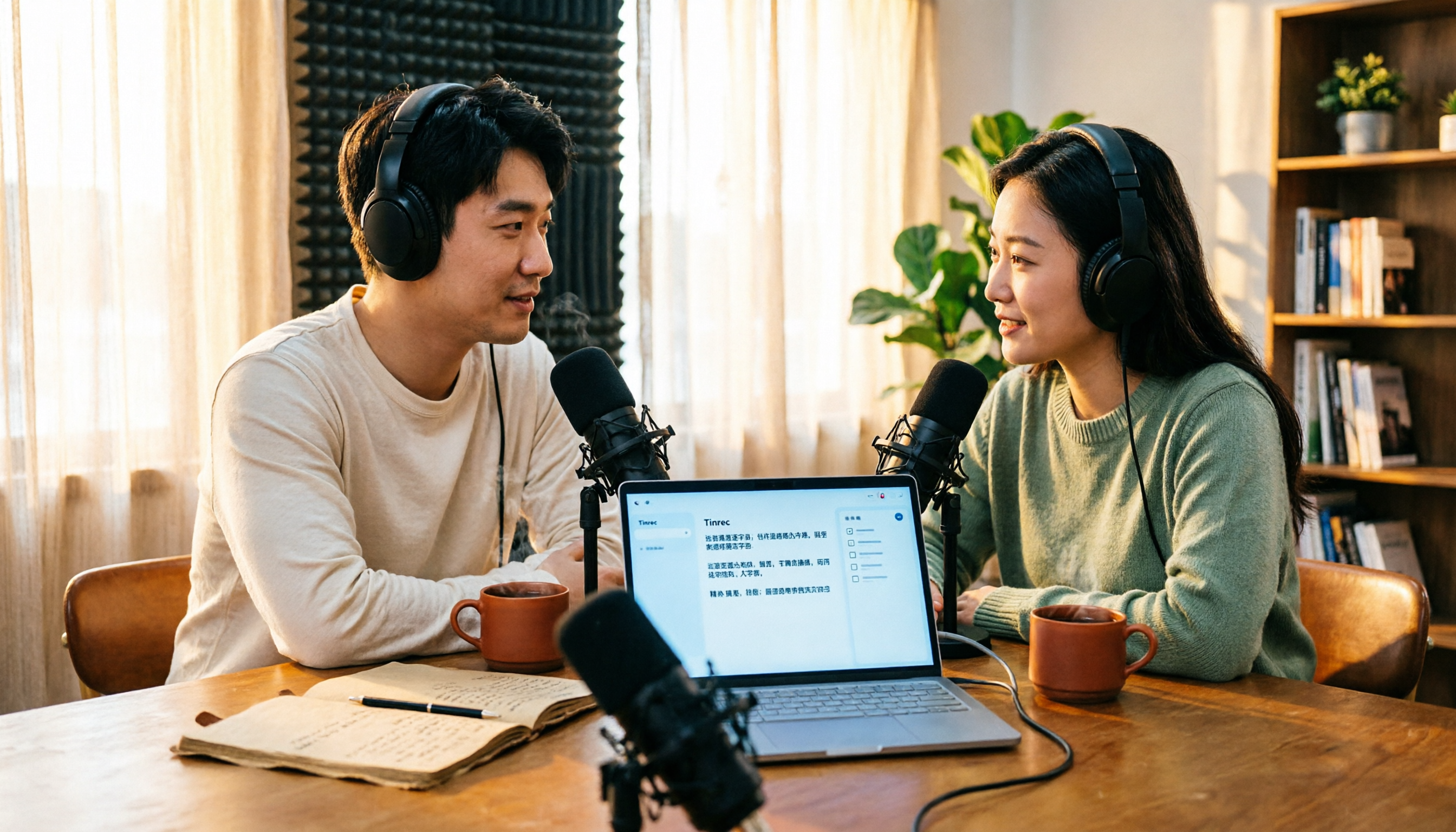
4 Free Podcast Transcription Tools Compared in 2026: Is Tinrec Faster Than MyEdit for Chinese Content?
Looking for a free podcast transcription tool? This article compares free online options with Tinrec, covering differences in Chinese recognition, summarization, Q&A, to-dos, export, and team collaboration, plus free quotas, buying tips, and FAQs.
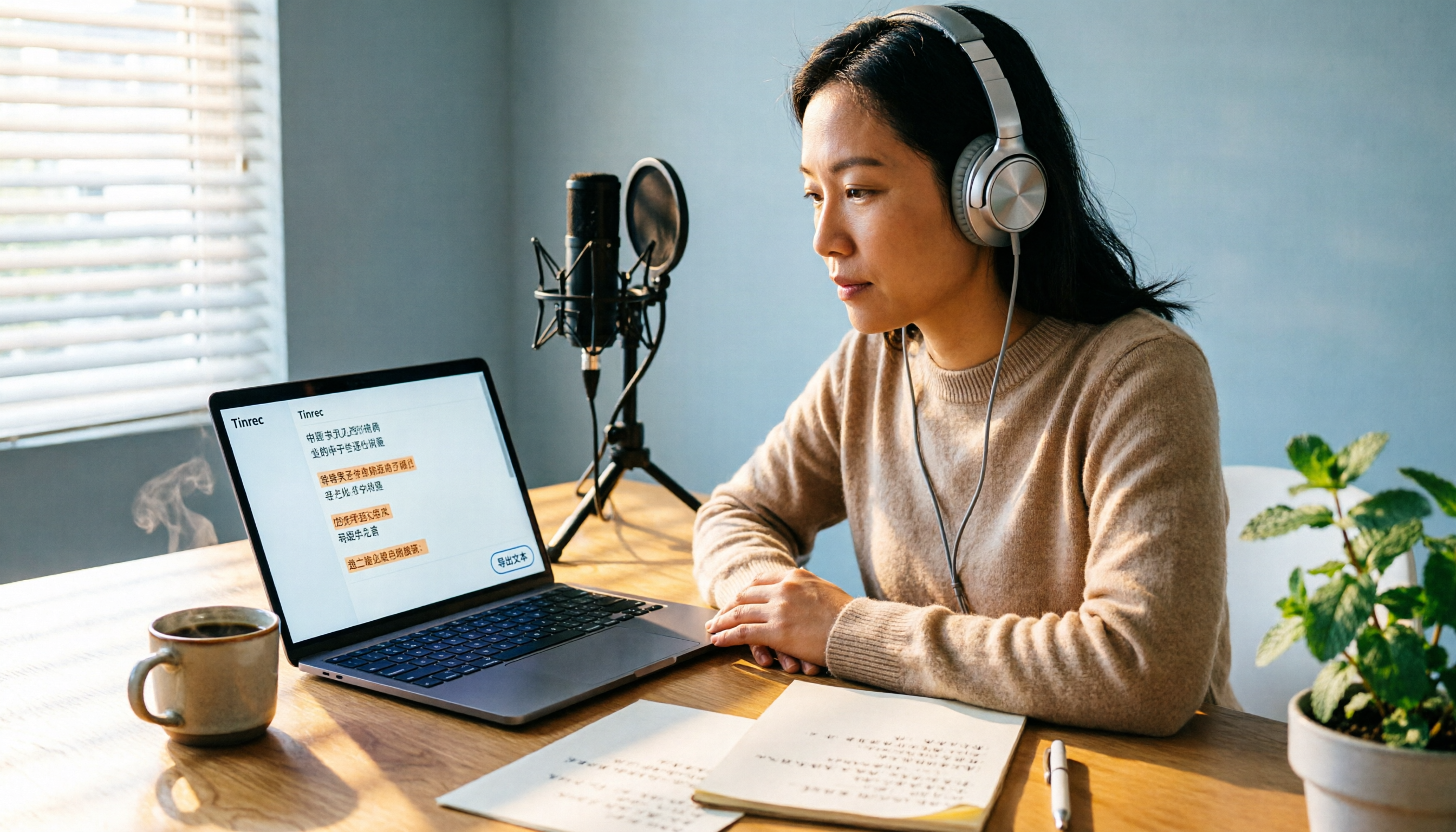
2026 Podcast Transcription Tools Buying Guide: 4 Tested Picks and Recommendations
How to choose a podcast transcription tool? Based on a mid-level manager's hands-on testing, this guide covers 4 key buying factors (Chinese recognition, post-transcription organization, export formats, and quota pricing), tests Tinrec, Otter.ai, TurboScribe, and Notta, and includes pitfalls to avoid plus scenario-based recommendations.
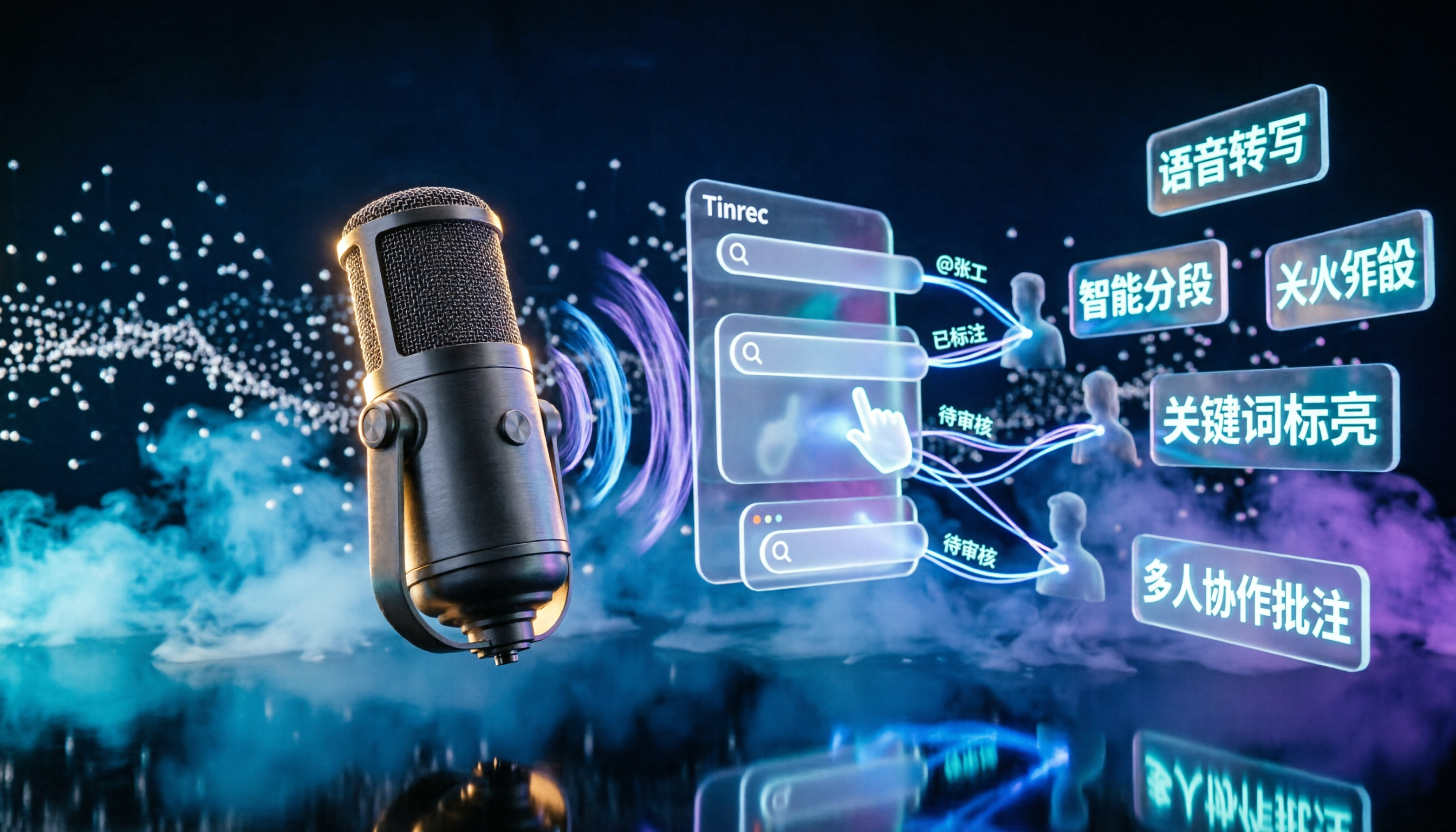
2026 Podcast Transcription AI Comparison: Which Saves the Most Time for Chinese Transcription?
Turning podcast audio into usable data isn't about transcription speed—it's about what you can do after. This article compares Tinrec, Notta, TurboScribe, and Granola on Chinese interview transcription, audio retention, and team collaboration, covering selection criteria, hands-on observations, and pitfalls to avoid.

2026 LINE Voice to Text Free Options: 4 Methods Compared
LINE's built-in microphone is actually voice input, not speech-to-text. Based on a student's real experience, this guide covers 4 free ways to convert LINE voice messages to text in 2026, explaining their limitations, quotas, and use cases. It also demonstrates how Tinrec turns audio files into searchable, queryable transcripts and key notes.