

Turn recordings into transcripts and summaries in minutes
Upload audio or video for multilingual transcription, AI notes, and action items
There are countless transcription apps, so why are you still organizing meeting notes manually?
Open the app store and search for "transcription app"—every one claims to be free to download. After downloading, you discover the free quota is only a few minutes, and a paid upgrade prompt pops up halfway through your meeting. Even more common: even if you get a transcript, for a two-hour meeting you still have to scroll from beginning to end, finding conclusions and action items yourself.
The real problem isn't "turning voice into text"—it's "turning meetings into searchable, queryable, actionable data." This buying guide first covers five key factors for choosing a transcription app, then tests and compares four common options, and finally gives clear recommendations for different budgets and scenarios.
Before choosing a transcription app, understand these 5 key points
1. Is the free quota enough? Many tools advertise free plans but limit session length or monthly minutes. Free versions are good for occasional testing. If you have meetings every week, check the per-minute cost of paid plans.
2. What can you do after transcription? A tool that only gives you a transcript leaves all the organizing work to you. A better approach is automatic summaries, chapters, action items, and even AI Q&A so you can directly ask "who mentioned the budget in the last meeting?"
3. How do you record online meetings? Meeting bots need to join the meeting and are sometimes unwelcome by participants. Desktop versions that directly capture system audio—"bot-free recording"—are a less intrusive way.
4. Does it handle Chinese and mixed languages? Meetings in Taiwan often mix Chinese and English, and sometimes include Taiwanese Hokkien. Choosing a tool optimized for Chinese and mixed Chinese-English will noticeably reduce errors.
5. How does team collaboration work? Personal plans keep data with the individual, while team plans need separate spaces, member roles, seat management, and usage records. If meeting data needs to be retained for the whole department, this matters more than price.
Tinrec—our top pick after testing
Tinrec is an AI meeting notes and collaboration tool for individuals and teams, covering mobile and desktop, with the desktop version able to directly capture computer system audio.
Bot-free recording for online meetings: Open the Tinrec desktop app and you don't need to invite any bot to join Zoom, Google Meet, Microsoft Teams, or Webex—you can generate a transcript while the meeting is happening. For those who frequently meet with external clients, this avoids the awkwardness of "a bot in the meeting."
Ask AI directly after recording: After the meeting, Tinrec automatically generates summaries, chapters, key points, and action items. You can directly ask it: "What feature did the client care about most this time?" It answers based on semantic understanding, not just keyword search results. For those who need to quickly review past meetings, this saves not minutes but hours.
From transcript to deliverable document: Tinrec supports real-time translation, bilingual viewing, and can use Agent post-processing to generate reports, tables, and documents, and export to Notion, Google Docs, OneNote, Dropbox, and other tools. Meeting notes are no longer just a text file but material you can directly use for reporting.
In our testing, we used a 5-minute mixed Chinese-English meeting recording (indoor environment). Tinrec performed consistently in segments with Chinese as the main language and English proper nouns interspersed. Actual accuracy will still be affected by recording quality, background noise, accents, and overlapping speakers, so we don't recommend summarizing with a single number.
Stop organizing recordings by hand
Upload audio or video and automatically get a transcript, summary, and action items
Limitations and who it's for: The free version provides a basic quota, suitable for light use; those with regular weekly meetings should consider Pro or annual plans. The team version is suitable for departments that need to share meeting data, manage member seats, view usage, and audit records. It currently offers a 7-day trial, 1 free seat, and 300 minutes of team shared onboarding quota.
Besides Tinrec, what other options are there?
Yating: A veteran local Taiwanese brand, supporting Taiwanese Mandarin, Taiwanese Hokkien, Cantonese, Japanese, and mixed Chinese-English. It has advantages for pure Taiwanese Hokkien or local interviews, and "simultaneous recording + real-time transcription" is free. However, it mainly provides transcripts and subtitle files, without AI Q&A around meeting content, and without team spaces and seat management. If you only need localized transcription, consider it; if you need post-meeting Q&A and team collaboration, Tinrec is more suitable.
Otter.ai: The top choice for English meetings. Basic is free with 300 minutes per month; Pro annual billing is about USD 8.49/user/month, including 1,200 minutes of in-app recording per month and 10 file imports. Its English business meeting intelligence is mature, but Chinese, mixed Chinese-English, and team hotwords are not its strengths. If you mainly record English meetings, Otter.ai is a cost-effective choice; if meetings are mainly in Chinese, Tinrec's Chinese experience and post-meeting Agent workflow are smoother.
Notta: A multi-platform transcription tool. Free is 120 minutes per month with a maximum of 3 minutes per session; Pro annual billing is about USD 8.17/month, with 1,800 minutes per month. It covers file import, translation, and team plans, suitable for those who need quick transcription and subtitles. However, Tinrec emphasizes bot-free online meeting recording, AI conversational queries, and Agent post-processing, turning meetings into reports and action items, not just transcripts.
Pitfall guide: 3 most common mistakes when choosing a transcription app
Pitfall 1: Only looking at free minutes, not the organizing cost after transcription. Some tools have large free quotas, but after transcription you just get a big block of text. You save on transcription fees but pay with manual organizing time. Choosing a tool that automatically generates summaries, chapters, and action items is what truly saves time.
Pitfall 2: Assuming official accuracy equals your meeting accuracy. A quiet recording studio and a real meeting room are two different things. Air conditioning noise, keyboard sounds, and multiple people talking over each other will lower accuracy. We recommend testing with your own meeting recordings, not just looking at advertised numbers.
Pitfall 3: Ignoring team collaboration and data ownership. A personal plan works well, but when a department wants to share meeting notes, you discover there's no team space, you can't assign seats, and when members leave, data goes with them. The difference between team and personal plans isn't just the number of people—it's whether data can be retained. Tinrec's team version provides separate spaces, role and seat management, usage analytics, and audit logs, suitable for departments that need to turn meetings into team assets.
Conclusion: Which one should you choose?
Need Chinese meetings, mixed Chinese-English transcription, and want to use AI to directly query meeting highlights → Tinrec (supports real-time translation, AI Q&A, action item extraction). Don't want a meeting bot to join online meetings → Tinrec (desktop version captures system audio without a bot). Need team sharing of meeting data, managing member seats and usage → Tinrec (team version provides spaces, roles, seats, audit, and recycle bin). Limited budget, only recording English meetings → Otter.ai (free 300 minutes per month, mature English experience). Only doing pure Taiwanese Hokkien local interviews, no post-meeting AI needed → Yating (good local Taiwanese language support).
Overall, Tinrec is the most complete across three dimensions: Chinese meetings, post-meeting AI processing, and team data retention. We recommend starting with the free version, testing summary and Q&A results with a meeting recording you have on hand, then deciding whether to upgrade.
References
- "Yating Transcription" App - App Store
- No time limit! 3 free AI transcription tools, highly recommended! AI voice notes generate meeting records, presentations, mind maps | 104 Workplace
- Must-see in 2026! 4 AI audio-to-text tool recommendations: Meeting notes, Podcast transcription神器 review - Mobile01
- Voice real-time conversion to text APP recommendations 1. iPhone/iPad "Notes" APP - Supports real-time conversion to text - Cost: Free - Supports Chinese, English
- Yating Transcription
Turn every recording into actionable outcomes
Get 60 free transcription minutes when you sign in. No credit card required.
Related Reading
You might also like
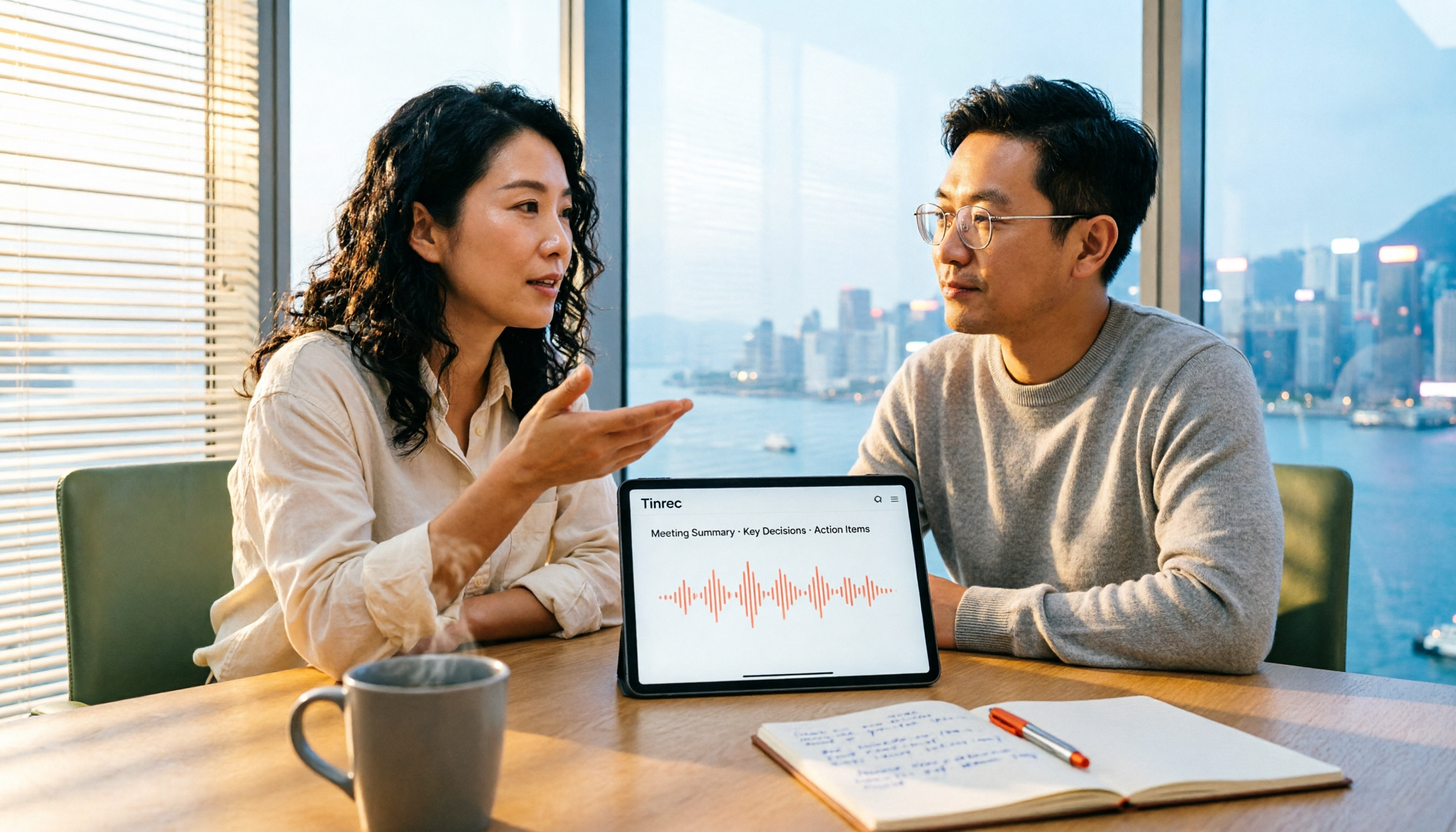
4 Free Transcription Software Compared: Which Free Tier Actually Works?
The biggest trap with free transcription software is mistaking a free trial for a permanent free plan. This article breaks down 4 key factors to consider and compares the free tiers, input sources, and post-meeting organization capabilities of Tinrec, TurboScribe, Yating, and Otter.ai to help professionals find the one that truly saves time.

5 Best Transcription Software in 2026: Which Is Fastest for Chinese Meetings?
We tested 5 transcription tools for Chinese meetings, bot-free recording, and post-meeting AI Q&A. Find out who Tinrec, Yating, Notta, and Otter.ai are best for, and the pitfalls to avoid.

2026 4 Transcript Generators Compared: Which Saves the Most Time for Chinese Meetings and AI Q&A?
Starting from the real pain points of meeting notes, we compare transcript generators like Tinrec, Notta, Otter.ai, and Granola, and provide buying criteria, pitfalls to avoid, and selection advice to help you find the tool that saves the most time for Chinese meetings and post-meeting organization.

2026 Free Transcription Apps: 5 Options to Try
How to choose a transcription app? This article reviews 5 free options worth trying in 2026, comparing the free tiers and limitations of Tinrec, Otter.ai, Notta, TurboScribe, and iPhone Voice Memos. Using Tinrec as an example, it walks you through the complete workflow from recording, transcription, proofreading, generating meeting minutes, to exporting.

Best Transcript Organization Tools in 2026: We Tested 5, and This One Is Best for Chinese Meetings
Still spending two hours organizing transcripts after a meeting? Based on real-world use cases, this article breaks down 4 key buying factors, compares tools like Tinrec, Otter.ai, Granola, and Notta in terms of Chinese meeting support, bot-free recording, post-meeting AI organization, and team knowledge retention, and highlights 3 common selection mistakes to help you decide based on your budget and needs.
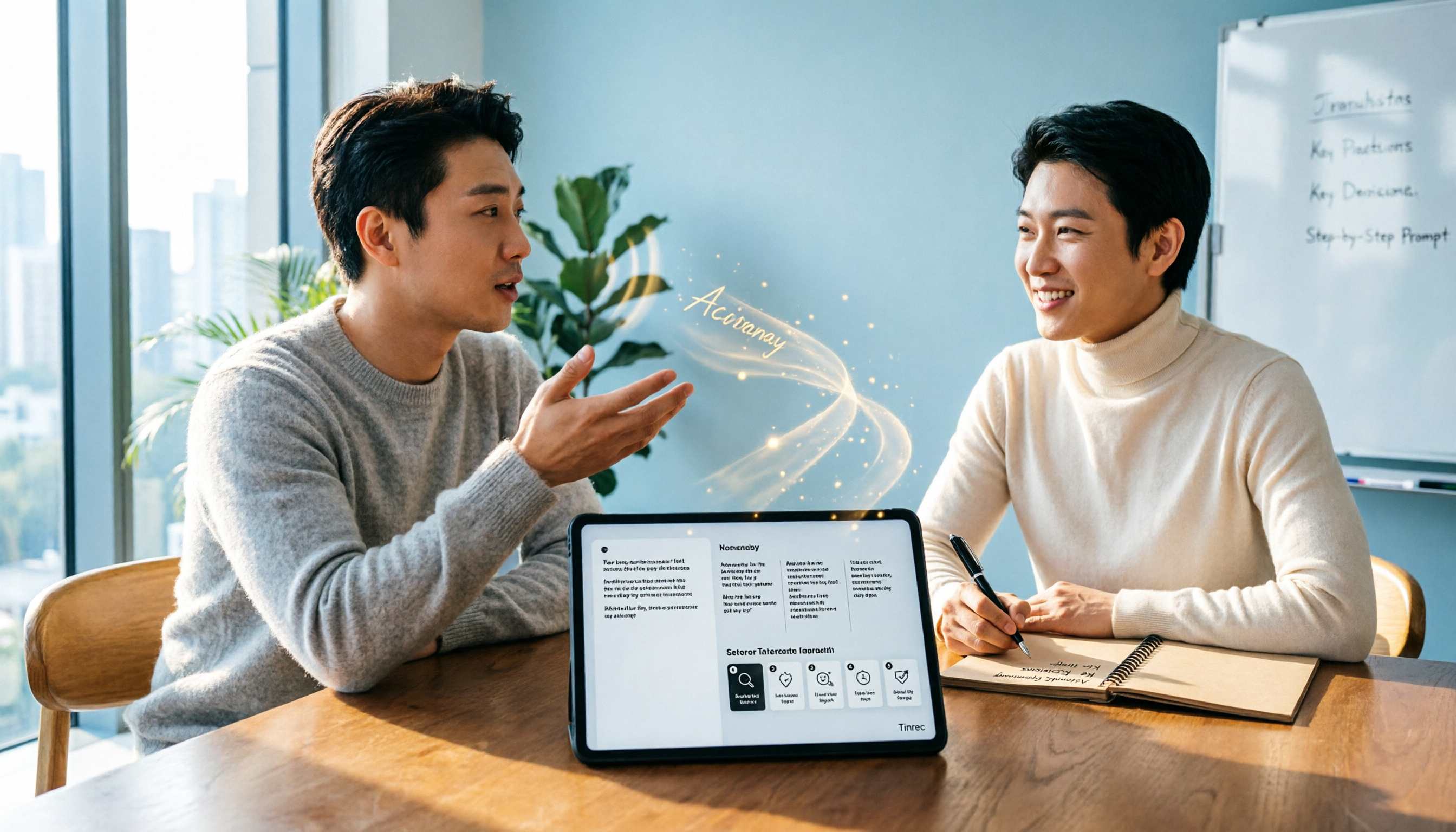
How to Write a Transcript Cleanup Prompt in 2026: A Complete 5-Step Tutorial
How should you craft a transcript cleanup prompt so AI can turn spoken content into usable meeting notes? This article covers 6 common approaches, from Tinrec (no prompt needed) to ChatGPT prompt templates and Whisper automation, plus a 5-step prompt writing guide and FAQs.

Tinrec vs Yating Transcription 2026: 5-Dimension Comparison of Chinese Transcription Software
Searching for transcription software on Dcard often leaves you overwhelmed by tool names. This article compiles 5 transcription tools worth trying in 2026 and compares Tinrec and Yating Transcription across 5 dimensions: transcription, AI post-processing, Chinese language experience, team collaboration, and pricing, helping you quickly find the right solution.

Tinrec vs Yating Transcription Tested 2026: Which Free Transcription Tool Is Actually Enough?
How do you choose a free transcription tool? This article compares Tinrec and Yating Transcription across 5 dimensions: free and pricing logic, Chinese recognition scenarios, post-transcription organization capabilities, online meeting recording methods, and team data retention, with an FAQ to help you decide which fits your workflow.

How to Organize Meeting Transcripts in 2026: 5 Steps from Recording to AI Summary
This article compares Tinrec and Otter.ai to show you how to organize meeting transcripts in 2026. From recording, transcription, summarization, action items to team sharing, complete all 5 steps at once, and analyze the differences between the two tools in Chinese recognition, bot-free recording, AI Q&A, and team collaboration.