

Turn recordings into transcripts and summaries in minutes
Upload audio or video for multilingual transcription, AI notes, and action items
How to Download Zoom Meetings in 2026: Tinrec Bot-Free Transcription + AI Summary
After Downloading a Zoom Meeting, the Real Problem Begins
Many people search for "Zoom meeting download" thinking that once the software is installed and the meeting is over, everything is done. Honestly, that's the most common misconception. The meeting itself only takes a short time; the real time sink is the post-meeting transcript, summary, action items, and follow-up.
A more reasonable approach is to keep your usual meeting habits but use Tinrec to handle post-meeting organization. Tinrec is an AI meeting notes and collaboration tool. Its desktop version directly captures your computer's system audio, so no meeting bot needs to join Zoom, Google Meet, Microsoft Teams, or Webex. You simply open Tinrec and start recording manually—it does not automatically join all meetings.
Note: Before recording, please check local laws and obtain participant consent when required.
What Can Tinrec Do for You?
Scenario 1: After a Zoom meeting, get a summary in 5 minutes. Tinrec transcribes in real time and automatically generates a summary, chapters, and action items after the meeting, making it clear who is responsible for what.
Scenario 2: Organize historical meeting recordings. Upload audio or video files to Tinrec, quickly convert them into transcripts, and then extract key points and action items.
Scenario 3: Cross-language meetings. Tinrec supports real-time translation, allowing you to view the original text, translation, or bilingual content, reducing language gaps.
Scenario 4: Team meeting knowledge retention. Tinrec's team space centrally stores meeting records, so members can view, search, and ask questions, preventing data loss when someone leaves.
What Are Tinrec's Core Capabilities?
Bot-free online meeting recording: Tinrec's desktop version captures system audio, handling meeting audio played on computers from platforms like Zoom, Meet, Teams, and Webex.
Real-time speech-to-text: Transcribe while recording, capturing meeting content in real time, suitable for in-person meetings and interviews.
AI summary and chapters: Not just a condensed paragraph, but a structured organization of meeting topics, discussion conclusions, and key points.
Action item extraction: Organize follow-up actions from conversations, especially useful for project and client meetings.
AI Q&A: After transcription, you can directly ask Tinrec questions like "Who mentioned the budget in the meeting?" or "What was the client's feedback?" It answers based on semantics.
Multi-format export and Agent post-processing: Generate reports, tables, and documents, and export to workflows like Notion, Google Docs, OneNote, and Dropbox.
Team space and governance: The team version offers independent spaces, member and role management, seat allocation, usage analytics, audit logs, audio recycle bin, and team hotwords. Team monthly billing is USD 29.80 per paid seat per month, and annual billing is USD 199 per paid seat per year, equivalent to about USD 16.58 per month. The first eligible team trial is 7 days, 1 free seat, and 300 minutes of shared team import quota.
Stop organizing recordings by hand
Upload audio or video and automatically get a transcript, summary, and action items
Practical Use Cases
Online meetings: You use Zoom for a meeting, and Tinrec's desktop version simultaneously records without a bot. After the meeting, you can directly view the summary and action items without re-listening to a two-hour recording.
Classes and interviews: Tinrec transcribes in real time, quickly capturing key points and quotes, suitable for research and content creation.
Client communication: Tinrec organizes requirements, objections, and commitments, and exports them as follow-up materials after the meeting, reducing back-and-forth confirmations.
Team weekly meetings: Tinrec's team space saves each meeting, so new members can view historical data, and action items can be continuously followed up.
4 Things to Consider When Choosing a Meeting Notes Tool
Does it require a bot to join: Some tools require a bot to enter the meeting. Tinrec's desktop version is bot-free and directly captures system audio.
Can it organize after transcription: Just providing a transcript is not enough. Tinrec offers summaries, chapters, action items, and AI Q&A.
Chinese and multilingual support: If your meetings include Chinese or mixed Chinese-English, Tinrec covers Chinese, Traditional Chinese, and multiple languages, and supports real-time translation and team hotwords.
Team governance: Team use requires distinguishing roles and seats. Tinrec's team version can manage members, seats, usage, and audits, with an audio recycle bin retention period of 30 days.
Frequently Asked Questions
Q1: After downloading a Zoom meeting, do I still need Tinrec? A: If you only need to hold the meeting, Zoom itself is sufficient. But if you need post-meeting transcripts, summaries, action items, and a team database, Tinrec can fill that gap.
Q2: Does Tinrec require a meeting bot to join Zoom? A: No. Tinrec's desktop version captures system audio, and you initiate recording manually. It should not be understood as automatically joining all calendar meetings.
Q3: Which platforms does Tinrec support? A: It can handle meeting audio played on computers from Zoom, Google Meet, Microsoft Teams, Webex, and others. Supporting platform recording does not imply official partnership.
Q4: Is the free version enough? A: Tinrec's free version provides basic quota, suitable for light use. For frequent use, consider Pro or the team version. The team version's first trial includes 7 days, 1 free seat, and 300 minutes of shared import quota.
Q5: Can accuracy be guaranteed? A: We do not recommend promising a fixed accuracy rate. Actual results are affected by recording quality, noise, accents, overlapping speakers, and technical terminology. For important content, it is advisable to cross-check with the transcript and recording.
Conclusion
Zoom meeting download solves "getting into the meeting room," while Tinrec solves "what to do after the meeting." If you have online meetings every week, you can start with Tinrec's free version to experience bot-free transcription, AI summaries, and action item organization, turning meetings into searchable, collaborative team knowledge.
References
- Zoom Apps and Plugins Download Center | Zoom
- Zoom Free Download | Global Popular Video Conferencing Software (Essential for Remote Work / Online Teaching)
- Zoom Meetings: Conference Call Service | Zoom
- One Platform, Connecting Near and Far | Zoom
- How to Download Zoom Video Meeting Recordings | Subanana Help Center
Turn every recording into actionable outcomes
Get 60 free transcription minutes when you sign in. No credit card required.
Related Reading
You might also like

4 Zoom Meeting Video Download Methods Tested and Compared in 2026: Which Saves the Most Time?
Downloading Zoom meeting videos often gets stuck on differences between local and cloud recordings, permissions, and post-meeting organization. This article tests and compares Zoom local download, cloud links, shared links, and Tinrec's no-bot recording workflow to help you decide which method saves the most time, plus common pitfalls to avoid.

3 Zoom Meeting Recording Download Methods Compared: Which One Works When the Host Restricts Access?
There are three ways to get a Zoom meeting recording: download the host's cloud recording via a link, obtain the host's local recording file, or use a participant-side desktop tool for bot-free recording. This article breaks down permissions, file locations, formats, and post-meeting organization costs, and explains how Tinrec turns recordings into searchable, collaborative meeting data.

2026 Comparison of 4 Online Meeting Software: Is Zoom's Built-in Transcription or Tinrec's Chinese Notes Enough?
When searching for "online meeting software Zoom," you might wonder if Zoom's built-in transcription is sufficient or if you need an AI meeting notes tool. This article compares Zoom, Google Meet, Microsoft Teams, and Tinrec, covering bot-free recording, Chinese transcription, post-meeting summaries and action items, AI Q&A, and team knowledge retention to help you choose the right meeting workflow.

4 Zoom Video Conferencing Apps Tested and Compared in 2026: Automatically Generate Meeting Minutes and Action Items After Your Call
Zoom meetings run smoothly, but organizing transcripts and extracting action items afterward takes time. This article starts from the real-world use case of a mid-level manager and tests four video meeting note-taking tools that work with Zoom: Tinrec, Zoom's built-in transcription, Otter.ai, and Notta. It analyzes differences in bot-free recording, AI summaries, action item extraction, cross-platform support, and team collaboration to help you find the most time-saving meeting notes solution.

2026 Zoom Meeting Recording Tools Comparison: Tinrec vs PLAUD Note - Which No-Bot Solution Is Right for You?
We compare Tinrec and PLAUD Note for recording Zoom meetings, covering transcription, Chinese language support, team collaboration, and pricing. Find out whether a software workflow or a portable recording device is better for your needs.
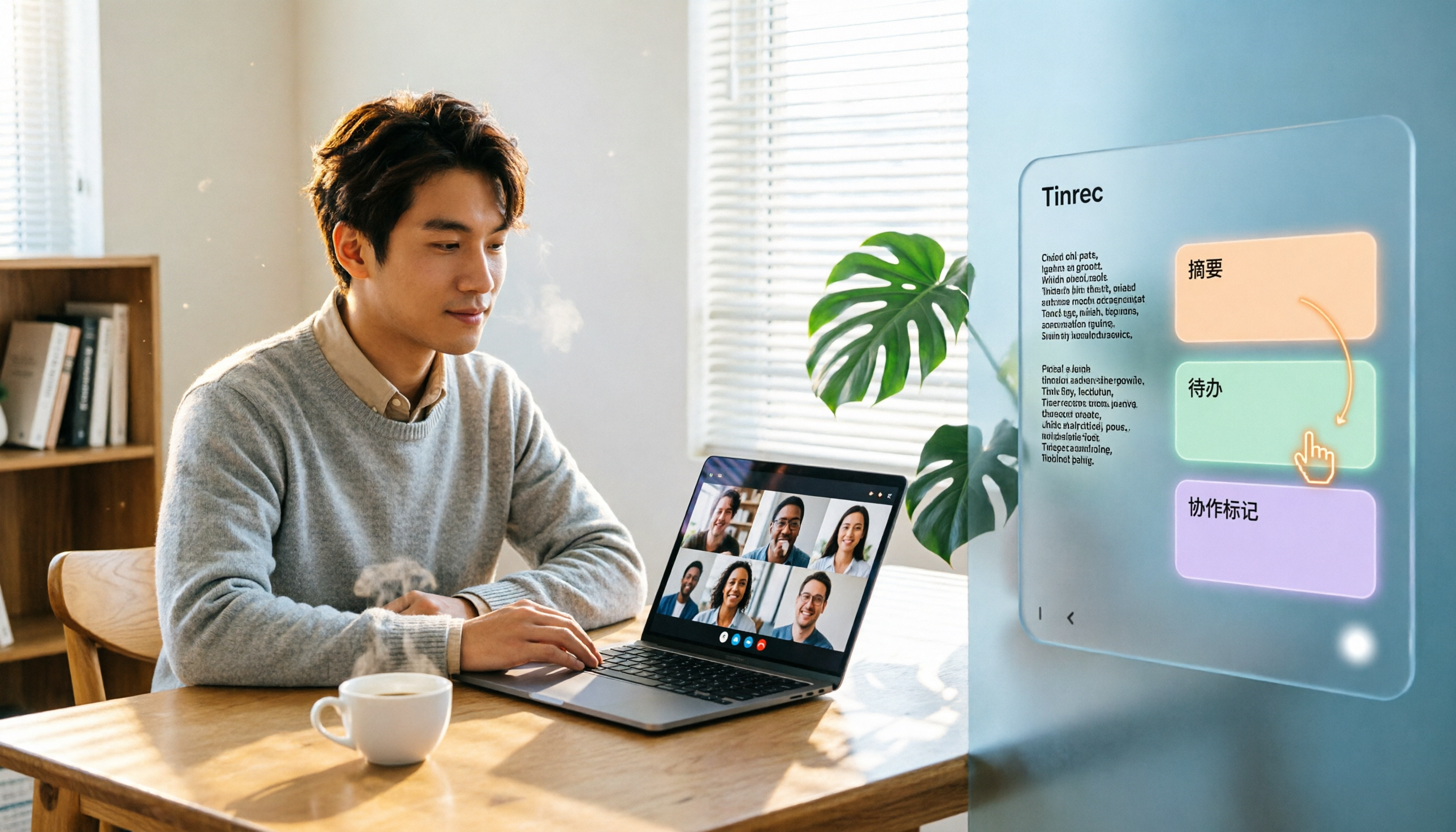
5 Video Conferencing Software Compared in 2026: How to Choose Between Zoom, Teams, Meet, and Tinrec
We tested and compared Zoom, Microsoft Teams, Google Meet, and other video conferencing platforms, analyzing post-meeting organization pain points. Tinrec desktop version requires no meeting bot—it directly records system audio, instantly transcribes, summarizes, extracts action items, and even offers AI Q&A and team collaboration.

How to Record Zoom Meetings in 2026: 5 Steps from Recording to AI Summary
Zoom makes meetings easy, but post-meeting organization is the real pain point. This guide covers 7 solutions that turn Zoom meetings into transcripts, summaries, and action items—from Zoom's native recording, Otter, Fireflies, Notta, and Granola to Tinrec and PLAUD recording hardware—with pricing and ideal use cases, plus a 5-step workflow from recording to AI summary.
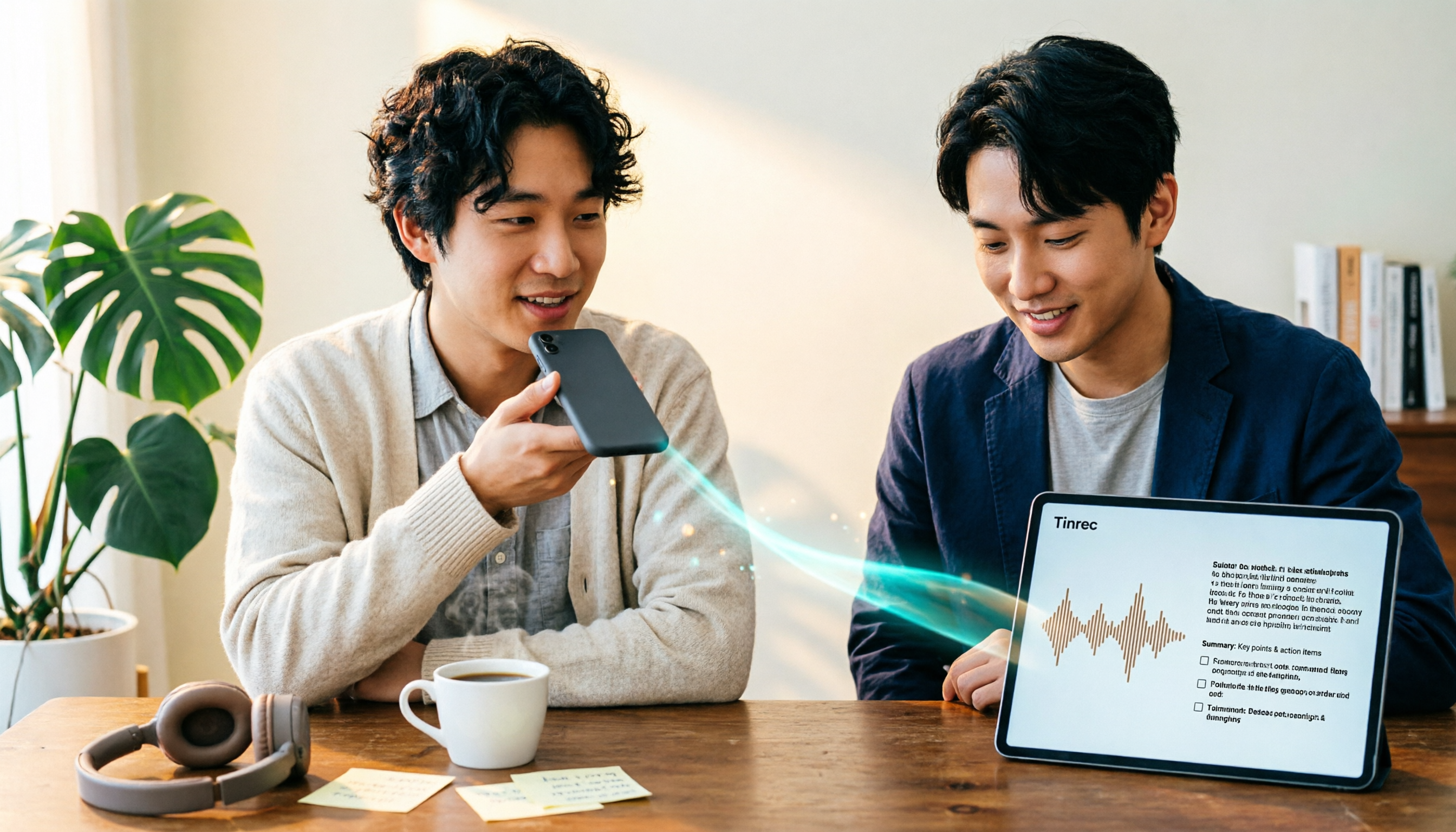
3 Ways to Share iPhone Voice Memos in 2026: Which One Will They Actually Listen To?
Sharing an iPhone recording with someone is really two different choices: sending a file or sending the content. This guide breaks down three common methods, five key questions to ask before sharing, and shows how Tinrec turns an iPhone recording into a transcript, summary, and to-dos that people will actually read.

2026 Comparison of 4 Meeting Transcription Tools: Who Saves the Most Time After Adding a Meeting to Teams Chat?
Many people think that adding a meeting in a Teams chat means the meeting notes are taken care of. This article addresses the real pain points of post-meeting organization, explaining how bot-free recording, real-time transcription, AI summaries, and action items fill the gap after the meeting, and covers Tinrec Personal and Team plan pricing, limitations, and use cases.