

Turn recordings into transcripts and summaries in minutes
Upload audio or video for multilingual transcription, AI notes, and action items
Tinrec vs Otter.ai 2026: 5-Dimension Comparison, Which Is Better for Chinese Speech-to-Text?
What Can Speech-to-Text AI Do for You?
It's 4 PM on a Friday, and a 90-minute client meeting just ended. Your notebook is blank, and the recording is still on your phone—you know you'll have to listen to it all over again just to type up the client's requirements.
I've heard this scenario too many times. Most people don't avoid taking notes; it's the "relisten and type" part that eats up another hour.
Speech-to-text AI is meant to solve exactly that. Take Tinrec as an example: as soon as the meeting ends, the transcript, AI summary, chapters, and action items are already organized. You can jump straight to the conclusion without replaying from minute one.
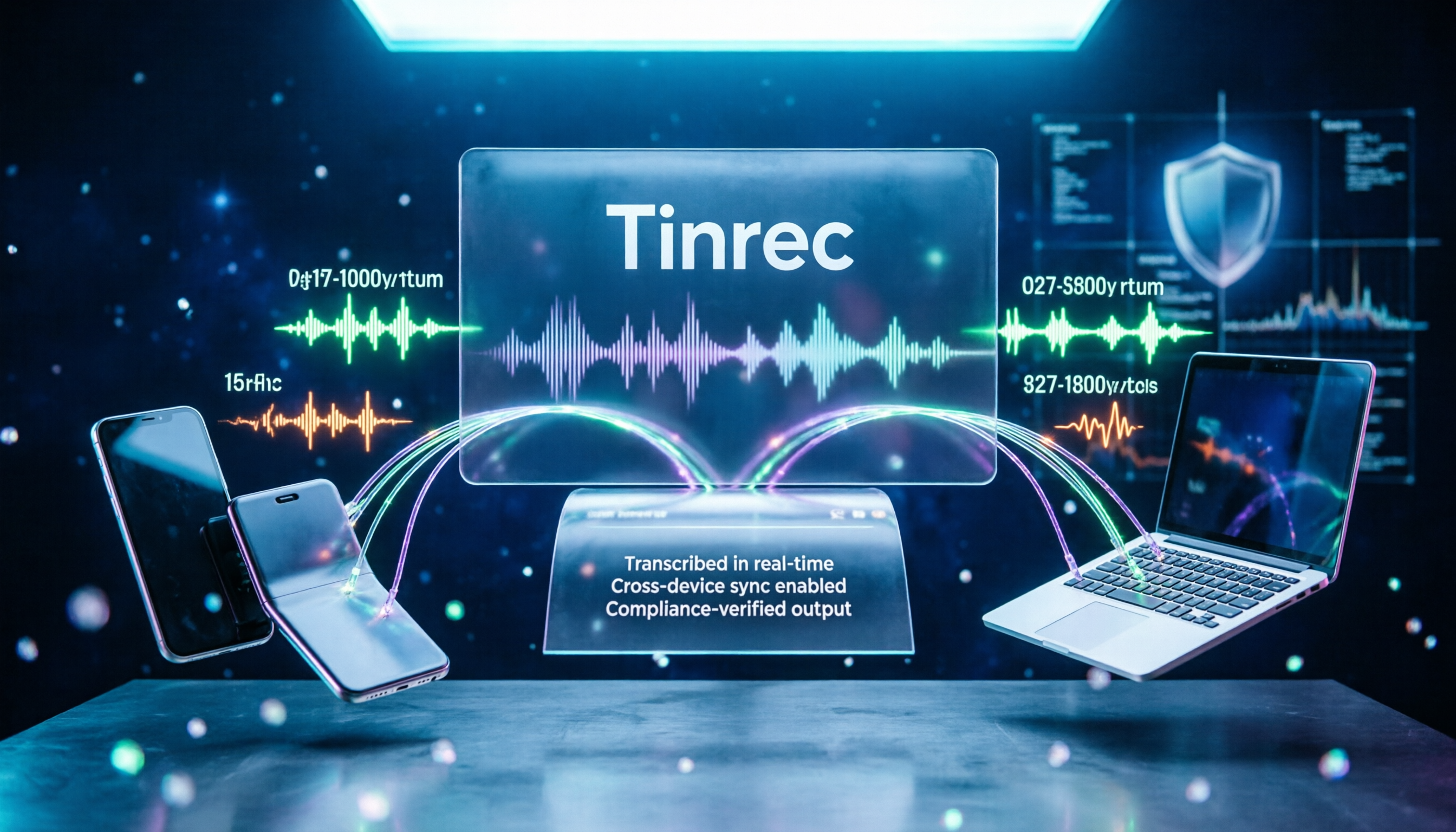
Tinrec is an AI meeting notes and collaboration tool for individuals and teams. It supports real-time recording transcription, desktop online meeting recording, audio and video file import, and live translation. It handles Chinese, Traditional Chinese, and multilingual meeting scenarios. The free version offers basic credits so you can try recording, importing, summarizing, and transcribing.
What Are the Core Capabilities of Speech-to-Text AI?
Real-time recording transcription Transcribe as you record, not after. Tinrec converts speech to text while recording, so during the meeting you can follow along to ensure no key points are missed. If someone speaks too fast or is unclear, you can ask for clarification on the spot.
Bot-free online meeting recording This is what sets Tinrec apart. The desktop version captures your computer's system audio directly, handling Zoom, Google Meet, Microsoft Teams, Webex, and other online meetings without needing an extra bot account to join the meeting room. Note that this mode requires you to open Tinrec and start recording manually; it does not automatically join every meeting on your calendar, nor does it imply official partnerships with these platforms.
AI summary and chapters No one wants to rewatch a two-hour meeting in full. Tinrec breaks content into chapters and generates summaries, so you can grasp the main discussion points, conclusions, and pending items in minutes.
AI Q&A and action item extraction After transcription, you can ask Tinrec questions directly, such as "Who mentioned the budget in this meeting?" or "What issues did the client raise?" It answers based on semantic understanding, not just keyword search. Meanwhile, action items from the meeting are compiled into a to-do list.
Live translation and bilingual view For cross-language meetings, you can see translations while recording and read in original, translated, or bilingual side-by-side mode. This is especially useful for content that mixes Chinese and English.
Multi-format export and post-processing Organized results can be exported to Notion, Google Docs, OneNote, Dropbox, and other tools for further use. You can also use Agent post-processing to generate reports, tables, or documents, turning them directly into deliverable post-meeting materials.
Practical Use Cases
Meeting notes Weekly meetings, client calls, cross-department discussions—these are the most common uses of speech-to-text AI. With Tinrec, after the meeting you have the transcript, summary, and action items all at once. Who's responsible and what the deadlines are can be pulled from the content. For those who have three or more meetings a week, the time saved is most noticeable.
Classes and interviews In classes or interviews, the worst is trying to listen and take notes at the same time, and doing neither well. With Tinrec's real-time transcription, you focus on listening while text is generated simultaneously. Later, you can use AI Q&A to find "that case the speaker mentioned" in which section.
Content creation and material organization Podcasts, video materials, lecture recordings—all can be imported into Tinrec for transcription. Then you can pick usable segments and quotes from the transcript without repeatedly dragging the timeline.
Team knowledge retention If meeting records for the same project are scattered on everyone's phones, when someone takes over, they have to ask all over again. Tinrec's team plan provides an independent team space where meeting data belongs to the team. New members can directly view past meetings, making meeting records a searchable, traceable asset.
Stop organizing recordings by hand
Upload audio or video and automatically get a transcript, summary, and action items
5 Things to Consider When Choosing a Speech-to-Text AI Tool
1. Actual Chinese recognition performance Don't just look at official numbers. Test with a real recording of your own, especially with accents, mixed Chinese-English, or overlapping speakers. Tinrec covers Chinese, Traditional Chinese, and multilingual scenarios, but actual results still depend on recording quality, noise, and technical terms. The free credits are perfect for testing.
2. What you can do after transcription The transcript is just the starting point. What really makes a difference is whether it can help you organize after transcription. Tinrec offers summaries, chapters, action items, AI Q&A, and multi-format export. Tools like Otter.ai, which focus on English business meetings, take a different approach for Chinese content and team knowledge retention.
3. How meetings are recorded Meeting bots need to join the meeting room as a participant, which some companies may mind. Tinrec's desktop version uses system audio capture, adding no extra participants and requiring no changes to the meeting invite list.
4. Team governance capabilities If meeting data is to be used by the whole department, you need to see if you can manage members and permissions. Tinrec's team plan distinguishes between "roles" and "seats": roles determine who can manage the team, members, and audit settings; seats determine whether members can record, upload, edit, import, and export. Members who are active but have no seat can still view, play, and read team data. Additionally, there are usage analytics, audit logs, team hotwords, and an audio recycle bin. Pricing: Team monthly is USD 29.80 per paid seat per month; annual is USD 199 per paid seat per year (about USD 16.58 per month). Paid seats provide 2,000 minutes of shared team import credits per month. Eligible teams can try 7 days with 1 free seat and 300 minutes of shared team import credits. Actual prices and benefits are subject to the official purchase page.
5. Support for common devices Whether you can use it on phone, computer, and web determines if you can record anytime. Tinrec offers both an app and a desktop version, handling online meetings, offline recording, and existing files.
Frequently Asked Questions
Q: How accurate is speech-to-text AI? A: It's not recommended to look at fixed numbers. Actual performance is affected by recording quality, ambient noise, accents, overlapping speakers, and technical terms. In common scenarios with clear audio, Tinrec provides high-quality transcription, but for important content, it's still advisable to verify against transcript timestamps and recording playback.
Q: Does Tinrec need a meeting bot to join meetings? A: No. The desktop version captures system audio directly, and the user initiates recording manually. It is not a bot that automatically joins all calendar meetings, nor does it imply official partnerships with Zoom, Google Meet, or other platforms.
Q: Is the free version enough? A: The free version offers basic credits to try recording, importing, summarizing, and transcribing—good for confirming if recognition meets your needs. For short-term intensive meetings or interviews, consider a weekly pass; for steady weekly needs, a Pro monthly or annual plan is more suitable.
Q: What's the difference between the team plan and the individual plan? A: Individual plan data is managed by the individual account; the team plan is an independent team space where data belongs to the team, with additional member invitations, role and seat management, shared benefits, usage analytics, and audit logs. When a member leaves or is removed, team resources are transferred to other active members and do not leave with the individual.
Q: Can team audio be recovered after deletion? A: After audio enters the team recycle bin, it can be restored before permanent cleanup begins. The current retention period is 30 days. Note that action items are not covered by the recycle bin.
Q: What languages are supported? A: Tinrec covers Chinese, Traditional Chinese, and multilingual meeting scenarios, and supports live translation and original, translated, and bilingual views.
Conclusion
What speech-to-text AI saves is not just typing time, but the hidden cost of "reunderstanding a meeting after it ends."
If your meetings are mainly in Chinese and you want someone to organize the key points, action items, and conclusions after transcription, Tinrec is worth adding to your shortlist. Start with the free version and try it with a real meeting—experience what it's like not having to relisten to recordings after a meeting.
References
- Audio to Text - Free Speech-to-Text Tool
- No Time Limit! 3 Free AI Transcription Tools, Highly Recommended! AI Voice Notes Generate Meeting Records, Presentations, Mind Maps | 104 Career Power
- Online AI Speech, Video, Audio File Auto Transcription - Free Trial - cSubtitle
- SoundType AI Ultra-Precise Transcription, Speech-to-Text, AI Dictation App - App Store
- Asking the experts, any recommended AI tools to transcribe audio files into text?
Turn every recording into actionable outcomes
Get 60 free transcription minutes when you sign in. No credit card required.
Related Reading
You might also like

2026 Vocol.ai Review: How to Choose the Right AI Meeting Notes Tool in 5 Steps
How should you evaluate Vocol.ai? This article walks you through 5 steps to decide which AI meeting notes tool to choose. We compare Vocol.ai, Notta, and Tinrec (秒聽錄音) in terms of meeting capture methods, transcript post-processing, Chinese language performance, team governance, and free tiers. We also highlight the 3 most common purchasing mistakes to help you make a decision based on your own meeting scenarios.

4 Teams Meeting Link and Note-Taking Tools Compared: Where to Find Links and How to Organize After Meetings
Where exactly is the Teams meeting link? This article first guides you to find the link and meeting ID in the calendar, chat, and meeting details, then compares four meeting note-taking tools: Tinrec, Otter.ai, Notta, and Granola, explaining how to turn transcripts into searchable, actionable meeting data after the meeting.

2026 AI Recorder Comparison: Plaud Note Review & Tinrec Alternative
Plaud Note reviews often focus on hardware recording, but if you deal with online meetings and post-meeting organization, an AI meeting tool like Tinrec may be a better fit. This article compares Plaud Note and Tinrec based on use cases, core features, buying considerations, and FAQs.

Zoom Free Meeting Time Limits in 2026: 6 Plans Tested and Compared — How to Choose Between the 40-Minute Cap and Alternatives
A breakdown of Zoom free meeting time limits: group meetings with 3+ people cap at 40 minutes, one-on-one calls have no time limit, and up to 100 participants can join. We compare six options — Tinrec, Zoom, Otter, Notta, Granola, and TurboScribe — to help you choose based on budget and post-meeting organization needs.

How to Record LINE Calls in 2026: iPhone Built-in + AI Post-Call Processing Tested
LINE calls don't have a built-in recording feature, but there are workarounds. This guide covers practical methods including iPhone's built-in 'Local Capture,' Android's Cube ACR, and AI recording hardware, plus a hands-on test of using Tinrec to turn call recordings into transcripts, summaries, action items, and deliverable documents. Includes pitfalls to avoid and selection advice.
5 LINE Call Recording Methods Tested for 2026: Which Is Least Likely to Miss Recording on iPhone, Android, or PC?
LINE has no built-in call recording. This article tests and compares 5 common methods: iPhone native capture, Android screen recording, PC recording, third-party apps, and speakerphone with external recording. It also covers legal reminders and post-recording transcription tools.

Zoom Meeting Recording Free Options in 2026: 4 Methods Compared
Online group discussions, lectures, and mock interviews all need recording, but a two-hour file is impossible to rewatch. This article, from a student's perspective, compares 4 ways to record Zoom meetings in 2026—from free limits and bot-free recording to transcripts and AI summaries—so you can see which one fits you.
2026 iPhone Online Recording Tools Comparison: Tinrec vs PLAUD Note
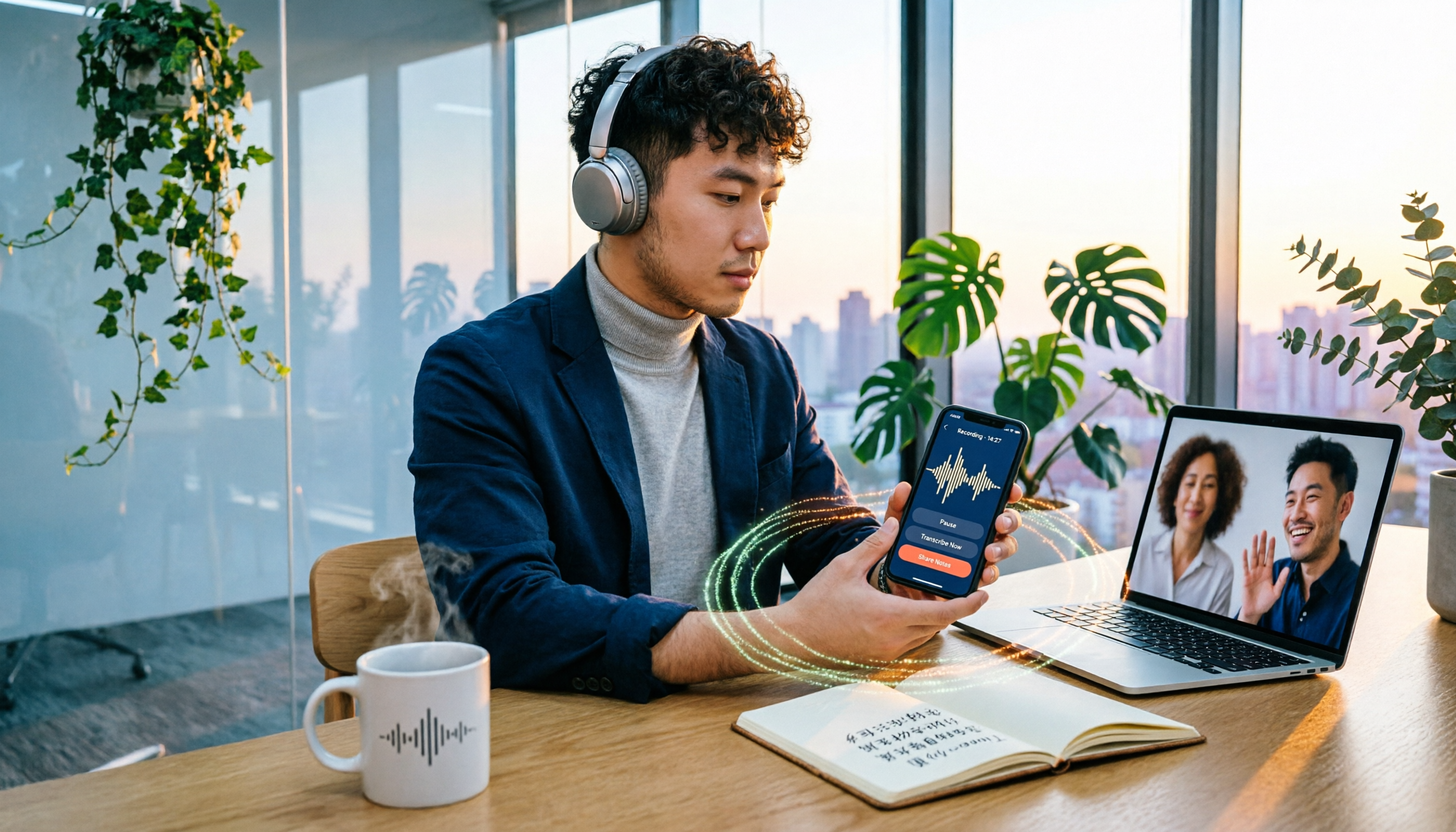
Recording online meetings on iPhone with just the built-in Voice Memos often isn't enough. This article compares Tinrec and PLAUD Note across five dimensions: online meeting recording methods, Chinese transcription, post-meeting AI organization, device cost, and team collaboration, to help you decide which one better fits your recording scenario.

Tinrec AI Meeting Notes 2026: Record Zoom Without Bots + Chinese Transcripts
Done with your Zoom meeting but still typing up notes? This article compares Tinrec and Zoom's built-in AI Companion across 4 dimensions to see which suits cross-platform, Chinese/Cantonese meetings, and which is best for pure Zoom teams needing quick summaries.