

Turn recordings into transcripts and summaries in minutes
Upload audio or video for multilingual transcription, AI notes, and action items
Why You Need to Understand Zoom Free Meeting Time Limits
When you use Zoom's free plan, the most common issue isn't video quality — it's running out of time. Group meetings with three or more people are capped at 40 minutes, after which the session is interrupted and everyone must reconnect. One-on-one video calls have no time limit. The free plan supports up to 100 participants at once. This article breaks down Zoom's free plan time rules and lists six options that can fill the gap for post-meeting organization, transcription, and team knowledge retention.
Option 1 | Tinrec — The Most Complete AI Meeting Notes Assistant
Tinrec is an AI meeting notes and collaboration tool for individuals and teams. Its focus isn't replacing Zoom, but turning meeting content into searchable, queryable, and exportable data.
Key highlights:
- The desktop app captures system audio directly, handling online meetings on Zoom, Google Meet, Microsoft Teams, Webex, and more — no meeting bot required to join.
- Real-time transcription automatically generates summaries, chapters, key points, and action items, plus AI Q&A around meeting content.
- Supports real-time translation, original/translated/bilingual views, and exports to Notion, Google Docs, OneNote, Dropbox, and other tools.
- The team plan offers team spaces, member and seat management, usage analytics, audit logs, and an audio recycle bin.
Free/Paid: The personal plan includes a free tier, weekly pass, Pro monthly, and annual plans. The team plan offers a 7-day trial for first-time eligible users, 1 free seat, and 300 minutes of shared team import quota. Team monthly is USD 29.80 per paid seat per month; annual is USD 199 per paid seat per year. Paid seats include 2,000 minutes of shared team import quota per month. Best for: those who need Chinese meeting notes, bot-free recording, post-meeting organization, and team knowledge retention.
Option 2 | Zoom Free — The Baseline for 40-Minute Group Meetings
Zoom's free plan supports up to 100 participants at once. Group meetings (three or more people) are capped at 40 minutes; exceeding the limit forces a disconnect and all participants must reconnect. One-on-one video calls have no time limit. Actual automatic end times may be affected by idle time, account type, and participant count — refer to Zoom's official documentation. Best for: zero budget, short meetings, one-on-one communication, or users who just want to get familiar with Zoom.
Option 3 | Otter.ai — A Mature Choice for English Business Meetings
Otter is a mature AI meeting assistant covering Zoom, Microsoft Teams, Google Meet, real-time transcription, speaker identification, AI Chat, and team management. The Basic free tier includes 300 minutes per month; Pro annual billing works out to USD 8.49 per user per month, including 1,200 minutes of in-app recording and 10 file imports per month. Best for: teams focused on English business meetings that need a mature meeting bot ecosystem.
Stop organizing recordings by hand
Upload audio or video and automatically get a transcript, summary, and action items
Option 4 | Notta — Multilingual Transcription and Team Plans
Notta covers multi-platform transcription, meeting notes, file imports, translation, and team plans. Free includes 120 minutes per month, with a maximum of 3 minutes per single item; Pro annual billing works out to USD 8.17 per month with 1,800 minutes per month; Business annual billing works out to USD 16.67 per seat per month, offering unlimited transcription, role permissions, and usage reports. Best for: organizations that need multilingual transcription and are willing to compare team plans.
Option 5 | Granola — Bot-Free Meeting Notes
Granola is a bot-free AI meeting notes tool that transcribes in real time via desktop system audio and microphone, combining that with the user's handwritten notes to generate content. Basic is free; Business is USD 14 per user per month; Enterprise is USD 35 per user per month. It supports real-time transcript viewing, copying, and searching, but does not support uploading pre-recorded audio files and does not save meeting audio files. Best for: individuals who like to take notes during meetings and don't need to keep recordings.
Option 6 | TurboScribe — Cost-Effective Long-Form Transcription
TurboScribe focuses on long files, batch uploads, subtitles, and translation. Free allows 3 files per day, up to 30 minutes per file; Unlimited annual billing is USD 120, which works out to USD 10 per month. The paid version supports files up to 10 hours or 5 GB, and up to 50 files per upload. Best for: those who already have a large backlog of recordings or long audio files and need batch transcription rather than real-time meeting collaboration.
With So Many Options, How Should You Choose?
- Want to turn Zoom free 40-minute meetings into transcripts, summaries, action items, and queryable data → Tinrec (bot-free recording, Chinese experience, team spaces).
- Need Chinese, mixed Chinese-English, or multilingual meeting notes → Tinrec or Notta.
- Zero budget and only need basic online meetings → Zoom free, but keep group meetings under 40 minutes.
- Mostly English business meetings and value a mature meeting assistant ecosystem → Otter.ai.
- Have many long audio files to batch transcribe → TurboScribe.
- Like to handwrite notes during meetings and don't need to keep audio → Granola.
4 Things to Know Before Using Zoom Free and Meeting Tools
- Zoom's free 40-minute limit mainly applies to group meetings with three or more people; one-on-one calls have no time limit, but actual duration may still be affected by idle time and account type.
- Get participant consent before recording and transcribing, and follow local laws and company policies.
- AI transcription can reduce manual organization costs, but don't promise 100% accuracy; important decisions should be verified against transcript timestamps and recording playback.
- When using as a team, clarify roles, seats, and member relationships. Members without a seat can usually view data but cannot upload, edit, or import/export.
Summary
Zoom free is good for getting started and short meetings, but group meetings with three or more people get cut off at 40 minutes. If what you really need is searchable, queryable, collaborative post-meeting data, Tinrec is the most complete first stop on this list. If you only need English meetings or long-form transcription, choose Otter, Notta, or TurboScribe based on budget. We recommend starting with a free plan or team trial and validating the workflow with a real meeting.
References
- Free account meeting duration changes - support.Zoom.US
- Understanding time limits for Zoom Meetings
- Free Video Conferencing: Reliable & Easy To Use | Zoom
- What are the participant and time limits for Zoom's free plan? | AIGC - Mlytics AI
- What is the time limit for group meetings on Zoom free? | AIGC - Mlytics AI
Turn every recording into actionable outcomes
Get 60 free transcription minutes when you sign in. No credit card required.
Related Reading
You might also like
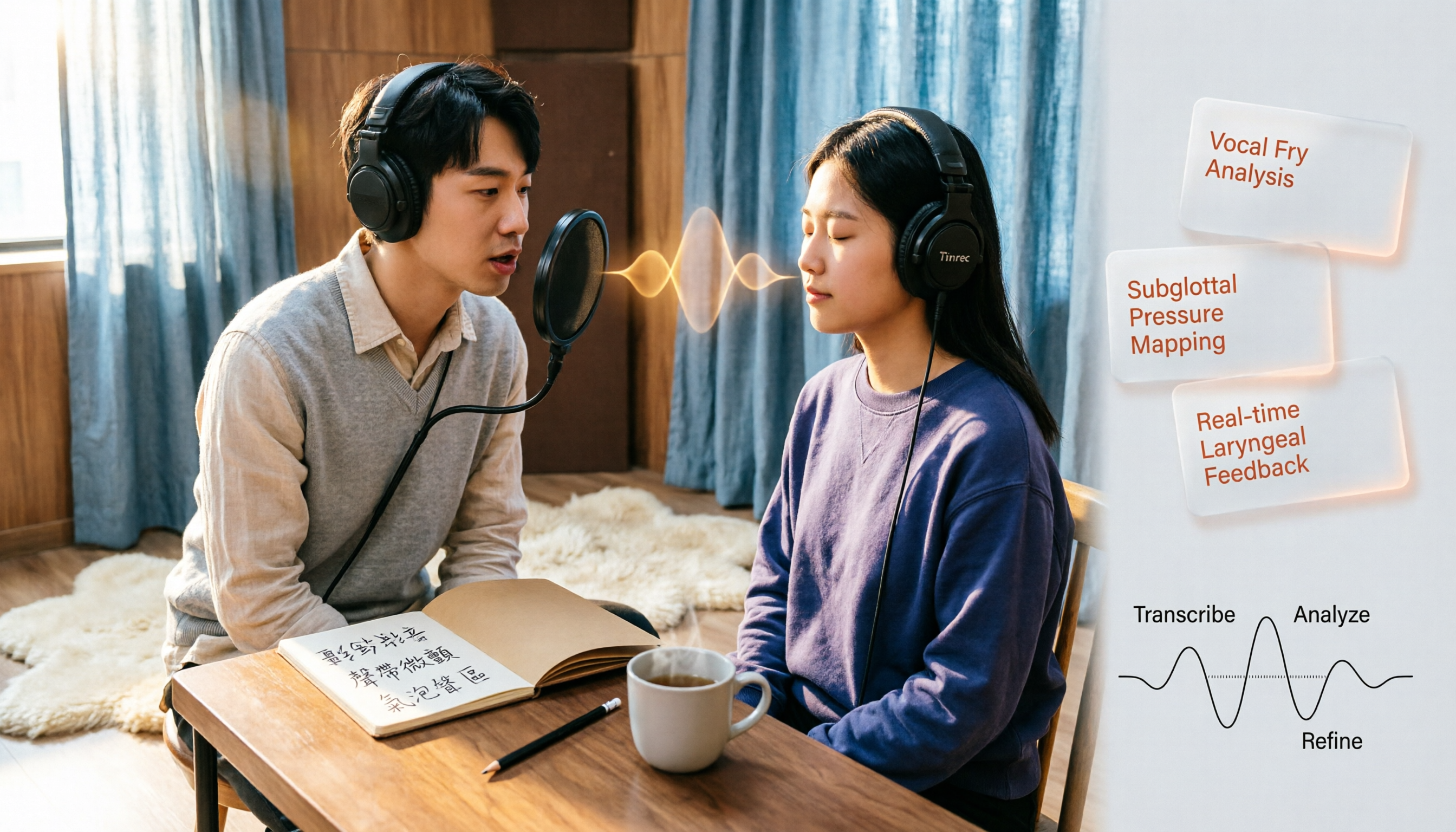
Vocal Fry in Chinese: 3 Translations Compared — Which Is Most Accurate?
The most common Chinese translation of vocal fry is "氣泡音" (qìpàoyīn), while some also call it "聲帶微顫" or "氣泡音聲區." This article compares common definitions from Cambridge Dictionary, Wikipedia, and singing tutorials, and explains the vocal mechanism, common misconceptions, and safe practice tips.

2026 Zoom Meeting Notes Tools Compared: Which AI Summarizer Works Best Without a Meeting Bot?
The pain starts after the Zoom call ends—notes are incomplete, you don't want to rewatch the recording, and records are scattered everywhere. This article tests three approaches: Tinrec, Zoom's built-in AI, and Otter.ai, comparing bot-free recording, Chinese recognition, post-meeting summaries, and team data ownership. It also highlights three common pitfalls to avoid before buying.

How to Use Microsoft Teams Meetings: 3 Meeting Note Methods Tested in 2026 — The One Without a Bot Is Easiest
Stuck in the lobby after clicking a Teams meeting invite? Can't find the meeting ID? This article first explains the 4 basic actions for using Teams meetings (joining a meeting, instant vs. scheduled meetings, in-meeting controls, cross-device access), then from the real needs of mid-level managers, tests and compares 3 meeting note methods, explaining why Tinrec — which doesn't use a meeting bot — is best suited for Chinese Teams meetings and team knowledge retention.

How to Use Zoom Meetings in 2026: 2 Recording Methods Compared — Which One Auto-Generates Meeting Notes?
Starting from the actual process of joining a Zoom meeting, this comparison examines Zoom's built-in transcription versus Tinrec across 5 dimensions: starting a recording, post-meeting organization, Chinese language experience, cross-platform data retention, and team collaboration — helping you decide which method to use for meeting records.

4 Teams Meeting Recorder Tools Tested in 2026: Where's the Meeting ID and How to Organize After Recording?
First, learn how to find your Teams meeting ID from the meeting invite, Outlook scheduling, and the Teams join screen. Then, we test and compare four meeting recorder tools—Tinrec, Otter.ai, Notta, and Granola—to see which is best for Chinese meetings, bot-free recording, and team data retention.

2026 Vocol.ai Review: How to Choose the Right AI Meeting Notes Tool in 5 Steps
How should you evaluate Vocol.ai? This article walks you through 5 steps to decide which AI meeting notes tool to choose. We compare Vocol.ai, Notta, and Tinrec (秒聽錄音) in terms of meeting capture methods, transcript post-processing, Chinese language performance, team governance, and free tiers. We also highlight the 3 most common purchasing mistakes to help you make a decision based on your own meeting scenarios.

4 Teams Meeting Link and Note-Taking Tools Compared: Where to Find Links and How to Organize After Meetings
Where exactly is the Teams meeting link? This article first guides you to find the link and meeting ID in the calendar, chat, and meeting details, then compares four meeting note-taking tools: Tinrec, Otter.ai, Notta, and Granola, explaining how to turn transcripts into searchable, actionable meeting data after the meeting.

2026 AI Recorder Comparison: Plaud Note Review & Tinrec Alternative
Plaud Note reviews often focus on hardware recording, but if you deal with online meetings and post-meeting organization, an AI meeting tool like Tinrec may be a better fit. This article compares Plaud Note and Tinrec based on use cases, core features, buying considerations, and FAQs.

How to Record LINE Calls in 2026: iPhone Built-in + AI Post-Call Processing Tested
LINE calls don't have a built-in recording feature, but there are workarounds. This guide covers practical methods including iPhone's built-in 'Local Capture,' Android's Cube ACR, and AI recording hardware, plus a hands-on test of using Tinrec to turn call recordings into transcripts, summaries, action items, and deliverable documents. Includes pitfalls to avoid and selection advice.