

Turn recordings into transcripts and summaries in minutes
Upload audio or video for multilingual transcription, AI notes, and action items
2026 AI Recorder Comparison: Plaud Note Review & Tinrec Alternative
Friends often ask me: "Is the Plaud Note really any good? Can recording meetings actually save time?" Honestly, if you only record occasionally, a hardware recorder is convenient. But if you're constantly chasing online meetings, the real pain isn't missing the recording—it's that no one helps you organize it afterward. Take Tinrec, for example: it focuses on post-meeting transcripts, summaries, action items, and team knowledge retention. That's why I wanted to test it for readers first.
What Can an AI Recorder Do for You?
Scenario 1: Get meeting highlights within 5 minutes after an online meeting. In the past, after a Zoom, Google Meet, or Teams call, you'd have to replay the recording and type notes manually. Now, with Tinrec, the desktop app can capture your computer's system audio directly—no meeting bot needed—and generate a transcript while the meeting is happening. Afterward, it automatically organizes summaries, chapters, and action items.
Scenario 2: Interviews or client calls—never miss a commitment. Salespeople, journalists, and researchers often need to note client needs, objections, and next steps. Tinrec can turn recordings into transcripts and then use AI Q&A to ask, "What budget constraints did the client mention?" or "Who is responsible for sending the contract?" It's much faster than manually scrubbing through audio.
Scenario 3: Classes, lectures, and in-person meetings—capture on the go. Both mobile and desktop versions can record, and Tinrec turns long content into searchable text. When you need to write a report, make a presentation, or review decisions later, you won't have to listen to the entire audio from the beginning.
What Are Tinrec's Core Capabilities?
Bot-free online meeting recording: Tinrec's desktop version records online meetings via system audio, without an extra bot account joining the meeting. This is practical for those who don't want participants to see an additional account. Note: currently, the user must initiate recording manually; it doesn't automatically join all calendar meetings.
Real-time transcription and translation: You can see text as you record, and for cross-language meetings, you can switch between original, translated, or bilingual views. For mixed Chinese-English meetings, it's easier to follow the discussion than post-meeting transcription.
AI summaries, chapters, and action items: Tinrec doesn't just provide a transcript; it also organizes meeting topics, conclusions, action items, and owners. For those who have more than three meetings a week, the time saved on organization is significant.
AI Q&A and Agent post-processing: You can ask Tinrec directly, "What were the decisions in this meeting?" or "What are the risks?" You can also generate reports, tables, or meeting minutes from the content—ideal for reporting and archiving.
Export and team workspace: Tinrec can export results to common formats and third-party tools. The team version keeps meeting data centralized in a team workspace, with separate management of members, roles, seats, usage, and audit logs.
Practical Use Cases
Meeting notes: Project weekly meetings and cross-departmental meetings often generate many action items. Tinrec puts transcripts, summaries, and TODOs together, so you can assign owners right after the meeting.
Client interviews: Sales and customer success teams need to record requirements, objections, and commitments. After recording with Tinrec, you can quickly compile a client summary and follow-up actions.
Stop organizing recordings by hand
Upload audio or video and automatically get a transcript, summary, and action items
Classes and lectures: Students or training units can turn long recordings into searchable notes. When reviewing, just search for keywords instead of replaying two hours of audio.
Cross-language meetings: If meetings mix English and Chinese, Tinrec's real-time translation and bilingual view can reduce misunderstandings.
5 Things to Consider When Buying an AI Recorder
Do you need extra hardware? AI recorders like Plaud are portable and record independently, but you have to carry an extra device and manage battery and subscription quotas. Tinrec requires no extra hardware and works on web, desktop, and mobile.
How does it record online meetings? Some tools rely on a meeting bot, while others capture system audio via desktop. Tinrec takes the bot-free approach, which is less disruptive for meetings on Zoom, Meet, Teams, Webex, etc.
Is post-meeting organization sufficient? Tools that only provide transcripts still require manual reading. Tinrec directly generates summaries, chapters, action items, and Q&A, moving from "recording" to "using."
Chinese and multilingual support: If your meetings are mainly in Chinese or mixed Chinese-English, test Chinese recognition and technical terms. Tinrec supports Chinese, Traditional Chinese, and multilingual scenarios, and you can maintain custom terms via team hotwords.
Team collaboration and governance: Personal recordings get scattered over time. Tinrec's team version offers a team workspace, member roles, seat management, usage analytics, and audit logs. When a member leaves, data can be transferred and won't disappear with their personal account.
Frequently Asked Questions
Q1: Is the Plaud Note any good? How is it different from Tinrec? Plaud is a hardware recording device, strong for portable recording, phone calls, and standalone operation. Tinrec is a software-based AI meeting notes tool that requires no extra hardware and focuses more on online meetings, transcripts, summaries, action items, and a team knowledge base.
Q2: Is Tinrec's free version enough? The free version offers basic quota, suitable for trying out recording, importing, summarizing, and transcription workflows. If you have meetings every week, consider Pro or the team version for more practicality.
Q3: Which online meetings does Tinrec support? The desktop version can handle audio from Zoom, Google Meet, Microsoft Teams, Webex, and other meetings played on your computer. It's not a calendar bot; you need to initiate recording manually.
Q4: Are recordings and transcripts retained? Tinrec supports retaining recordings, and the team version has an audio recycle bin to restore accidentally deleted files before permanent cleanup. For important content, it's still recommended to cross-check with transcript timestamps.
Q5: What's the difference between the team and personal versions? In the personal version, data belongs to the individual account; the team version has a separate team workspace where data belongs to the team, plus member, role, seat, shared quota, usage analytics, and audit capabilities.
Q6: Can Tinrec guarantee accuracy? We don't recommend promising a fixed accuracy rate. Actual performance depends on recording quality, noise, accents, overlapping speakers, and technical terms. Tinrec can reduce manual organization costs, but for important information, review the original text.
Conclusion
Plaud Note reviews mostly focus on the convenience of hardware recording; but if your real struggle is meeting notes, transcripts, action items, and scattered team data, an AI meeting notes tool like Tinrec is closer to the post-meeting workflow. Overall, start with the free version to experience how AI can organize your meetings, then decide whether to upgrade—that's a safer choice.
References
- Plaud Note Pro Unboxing Review | Portable AI Smart Recording Evolves Again! Is It Good? Who Should Buy It? - Mr. Mad
- Plaud Note │ The Smartest AI Voice Recorder Card Ever
- PLAUD NOTE | AI Smart Voice Recorder Card | Includes 300 Free Transcription Minutes per Month - Esentra
- PLAUD [Official Flagship] NOTE AI Smart Voice Recorder Card | Other Brands | Yahoo Shopping Center
- Plaud Note Pro Unboxing Review | Portable AI Smart Recording Evolves Again! Is It Good? Who Should Buy It?
Turn every recording into actionable outcomes
Get 60 free transcription minutes when you sign in. No credit card required.
Related Reading
You might also like
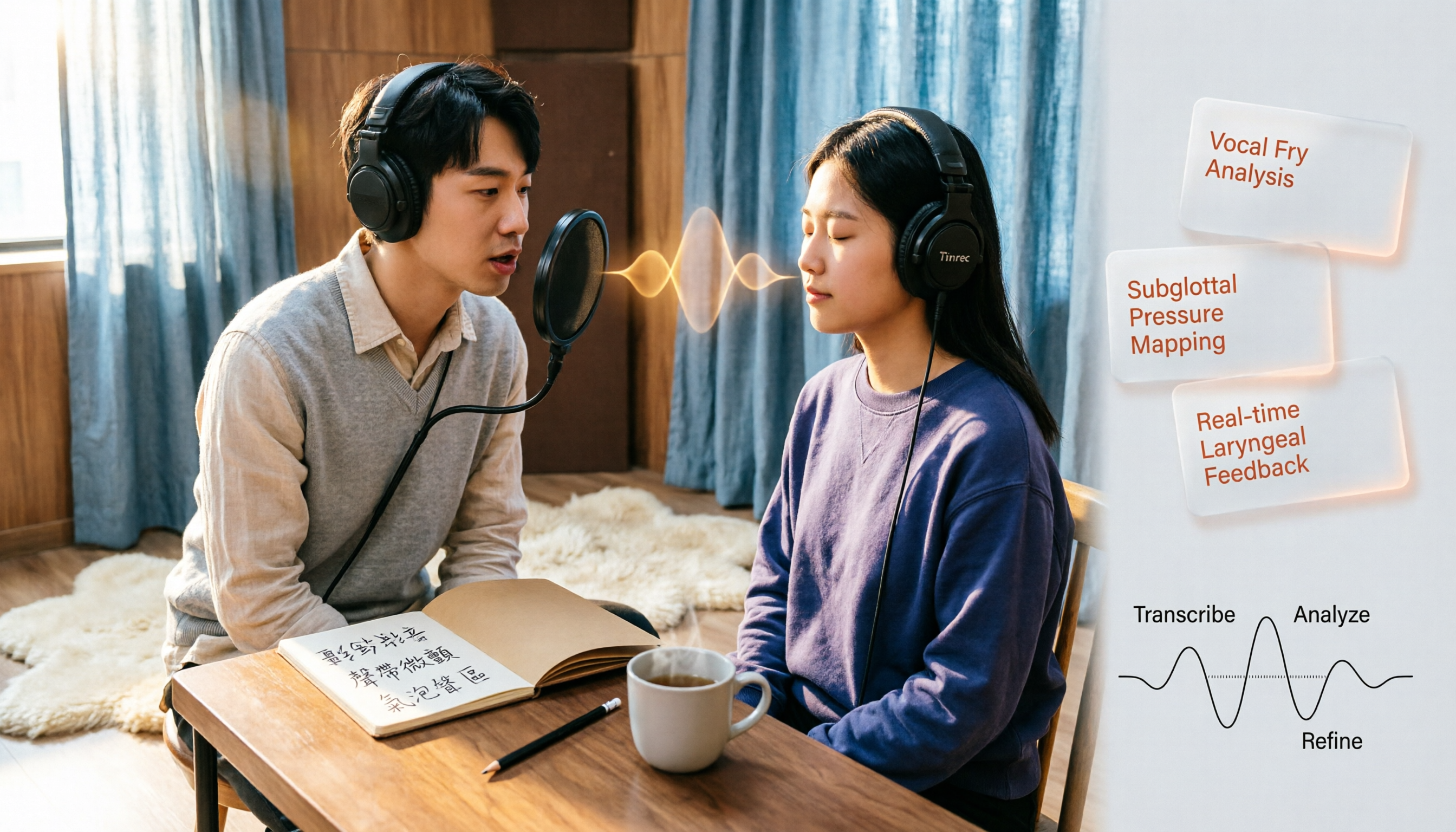
Vocal Fry in Chinese: 3 Translations Compared — Which Is Most Accurate?
The most common Chinese translation of vocal fry is "氣泡音" (qìpàoyīn), while some also call it "聲帶微顫" or "氣泡音聲區." This article compares common definitions from Cambridge Dictionary, Wikipedia, and singing tutorials, and explains the vocal mechanism, common misconceptions, and safe practice tips.

2026 Zoom Meeting Notes Tools Compared: Which AI Summarizer Works Best Without a Meeting Bot?
The pain starts after the Zoom call ends—notes are incomplete, you don't want to rewatch the recording, and records are scattered everywhere. This article tests three approaches: Tinrec, Zoom's built-in AI, and Otter.ai, comparing bot-free recording, Chinese recognition, post-meeting summaries, and team data ownership. It also highlights three common pitfalls to avoid before buying.
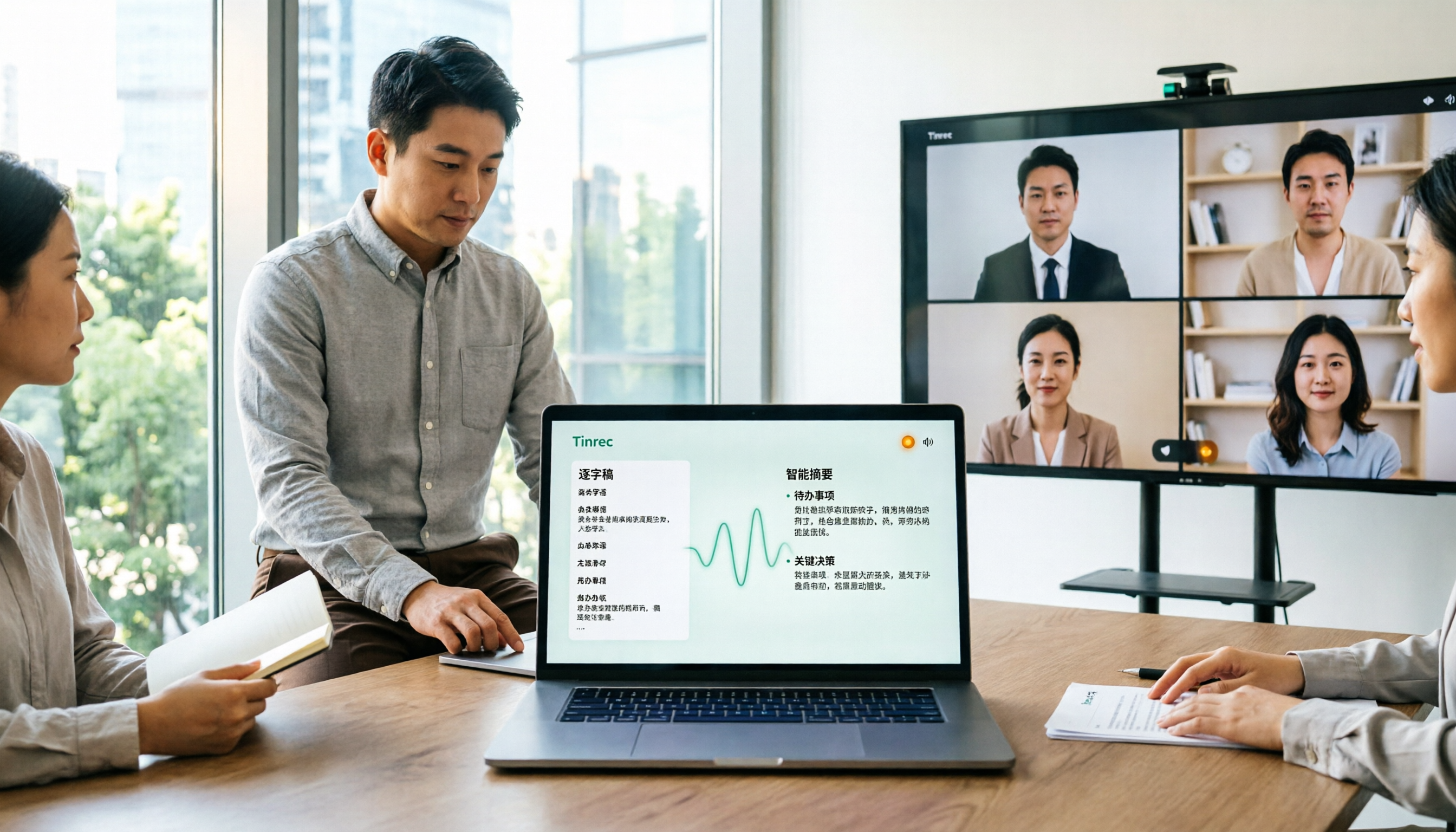
How to Use Microsoft Teams Meetings: 3 Meeting Note Methods Tested in 2026 — The One Without a Bot Is Easiest
Stuck in the lobby after clicking a Teams meeting invite? Can't find the meeting ID? This article first explains the 4 basic actions for using Teams meetings (joining a meeting, instant vs. scheduled meetings, in-meeting controls, cross-device access), then from the real needs of mid-level managers, tests and compares 3 meeting note methods, explaining why Tinrec — which doesn't use a meeting bot — is best suited for Chinese Teams meetings and team knowledge retention.

How to Use Zoom Meetings in 2026: 2 Recording Methods Compared — Which One Auto-Generates Meeting Notes?
Starting from the actual process of joining a Zoom meeting, this comparison examines Zoom's built-in transcription versus Tinrec across 5 dimensions: starting a recording, post-meeting organization, Chinese language experience, cross-platform data retention, and team collaboration — helping you decide which method to use for meeting records.

4 Teams Meeting Recorder Tools Tested in 2026: Where's the Meeting ID and How to Organize After Recording?
First, learn how to find your Teams meeting ID from the meeting invite, Outlook scheduling, and the Teams join screen. Then, we test and compare four meeting recorder tools—Tinrec, Otter.ai, Notta, and Granola—to see which is best for Chinese meetings, bot-free recording, and team data retention.

2026 Vocol.ai Review: How to Choose the Right AI Meeting Notes Tool in 5 Steps
How should you evaluate Vocol.ai? This article walks you through 5 steps to decide which AI meeting notes tool to choose. We compare Vocol.ai, Notta, and Tinrec (秒聽錄音) in terms of meeting capture methods, transcript post-processing, Chinese language performance, team governance, and free tiers. We also highlight the 3 most common purchasing mistakes to help you make a decision based on your own meeting scenarios.

4 Teams Meeting Link and Note-Taking Tools Compared: Where to Find Links and How to Organize After Meetings
Where exactly is the Teams meeting link? This article first guides you to find the link and meeting ID in the calendar, chat, and meeting details, then compares four meeting note-taking tools: Tinrec, Otter.ai, Notta, and Granola, explaining how to turn transcripts into searchable, actionable meeting data after the meeting.

Zoom Free Meeting Time Limits in 2026: 6 Plans Tested and Compared — How to Choose Between the 40-Minute Cap and Alternatives
A breakdown of Zoom free meeting time limits: group meetings with 3+ people cap at 40 minutes, one-on-one calls have no time limit, and up to 100 participants can join. We compare six options — Tinrec, Zoom, Otter, Notta, Granola, and TurboScribe — to help you choose based on budget and post-meeting organization needs.

How to Record LINE Calls in 2026: iPhone Built-in + AI Post-Call Processing Tested
LINE calls don't have a built-in recording feature, but there are workarounds. This guide covers practical methods including iPhone's built-in 'Local Capture,' Android's Cube ACR, and AI recording hardware, plus a hands-on test of using Tinrec to turn call recordings into transcripts, summaries, action items, and deliverable documents. Includes pitfalls to avoid and selection advice.